

Table of Contents
At Squaredtech.co, we closely track large scale platform failures because they show how dependent users have become on automated systems. On January 24, 2026, a Gmail glitch disrupted one of the service’s most trusted features. Gmail inbox filters failed across multiple regions and sent promotional and update emails directly into primary inboxes.
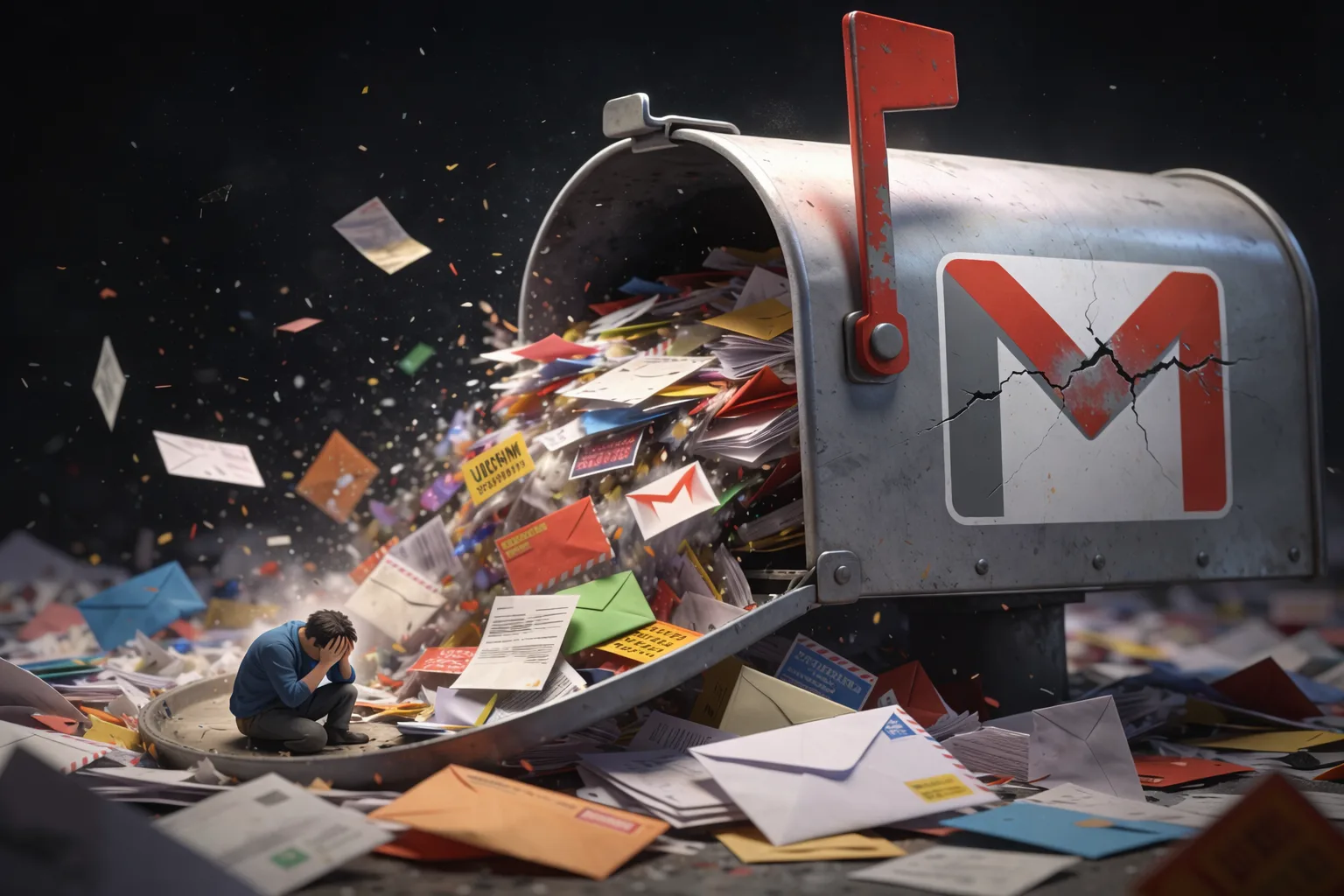
Millions of users woke up to inboxes filled with marketing messages, shipping updates, and automated notifications. These emails usually remain sorted under Promotions or Updates tabs. The Gmail glitch removed that separation and pushed everything into the main inbox without warning.
Gmail Glitch Sends Unfiltered Emails Into Primary Inboxes Worldwide
The Gmail tab system has remained stable for over a decade. Google introduced it in 2013 to help users manage rising email volume. For many users, the sudden failure felt like a step back to a time when inboxes lacked structure. Users described inbox overload within minutes of opening Gmail.
Reports first appeared on Reddit, Google forums, and social media. Users shared screenshots showing empty Promotions tabs and overflowing Primary inboxes. The Gmail glitch did not affect a single region or account type. Reports came from personal Gmail users and Workspace customers at the same time.
The failure appeared server side rather than user driven. Users confirmed they had not changed inbox settings or filters before the incident.
Gmail Glitch Triggers Security Warnings and Delays Important Emails
The Gmail glitch extended beyond inbox organization. Several users reported that Gmail stopped scanning incoming messages for spam and malware during the outage. Instead of filtering risky content, Gmail displayed a warning banner on many emails.
The banner warned users that Gmail had not scanned the message for spam, harmful software, or untrusted senders. This alert appeared even on messages from familiar brands and services. The sudden change raised concern among users who rely on Gmail’s automated protection. We see this as the most serious part of the Gmail glitch. Inbox clutter frustrates users, but security uncertainty creates risk. Gmail usually blocks dangerous content before users ever see it. During this incident, that safety layer failed.
Some users also reported delayed email delivery. These delays caused problems for people waiting for one time passwords and verification links. Two factor authentication messages arrived late or were buried under promotional emails. This made account access difficult for users attempting secure logins. Google did not immediately confirm the issue. Early responses from official support accounts directed users to generic help pages. As reports increased, it became clear the Gmail glitch affected a large number of accounts at once.
Google later acknowledged the failure on its Workspace Status Dashboard. The company confirmed that Gmail experienced an issue beginning at 5:02 AM US Pacific time. Google warned users to remain cautious because spam scanning was temporarily unavailable. This confirmation validated what users had already experienced firsthand. The Gmail glitch disrupted both inbox management and automated protection at the same time.
As frustration grew, Google engineers worked to resolve the Gmail glitch. The company posted regular updates on the status dashboard while investigating the issue. Google confirmed that email classification and scanning systems were impacted during the outage.
Google Responds and Restores Gmail Filters After Hours of Disruption
We observed that the outage lasted just under five hours. At 9:55 AM US Pacific time, Google announced that Gmail inbox classification had returned to normal. Promotional emails once again moved out of primary inboxes. Google stated that it would publish a full incident analysis after completing its internal review. The company thanked users for their patience and confirmed that systems had stabilized.
During the outage, Google recommended basic safety steps. Users were encouraged to avoid interacting with unknown senders and to remain cautious when opening unexpected messages. These instructions appeared in statements shared with technology publications.For users seeking temporary relief, Google suggested a manual workaround. Users could drag misplaced emails into the correct tab and train Gmail to classify future messages correctly. This process helped restore some order but required manual effort.
The Gmail glitch occurred just hours after news of a separate password breach warning involving millions of login credentials. While Google stated the two incidents were unrelated, the timing amplified user concern. Security warnings combined with inbox disorder created anxiety among users.From a broader view, this Gmail glitch highlighted how much users depend on invisible automation. Gmail filters operate silently in the background. When they fail, the impact becomes immediately visible.
We see this incident as a reminder that even widely trusted platforms can experience sudden breakdowns. Gmail remains one of the most reliable email services, but this event showed how fragile digital convenience can be. Google’s promised incident report may explain what caused the Gmail glitch. Until then, users have returned to normal inbox behavior but with increased awareness. Many users now pay closer attention to filters and security banners.
The Gmail tab system remains a key part of email management. Saturday’s disruption proved its importance by showing how chaotic inboxes become without it. For a few hours, users experienced email overload at a scale most had forgotten. As systems stabilized, inboxes returned to order. The Gmail glitch faded from headlines, but its impact remains a useful case study. Automated systems save time and reduce stress, but they require constant oversight.
At Squaredtech.co, we will continue tracking platform reliability issues like this one. They reveal how digital services shape daily routines and how quickly that balance can break when systems fail.
Stay Updated: Tech News

