

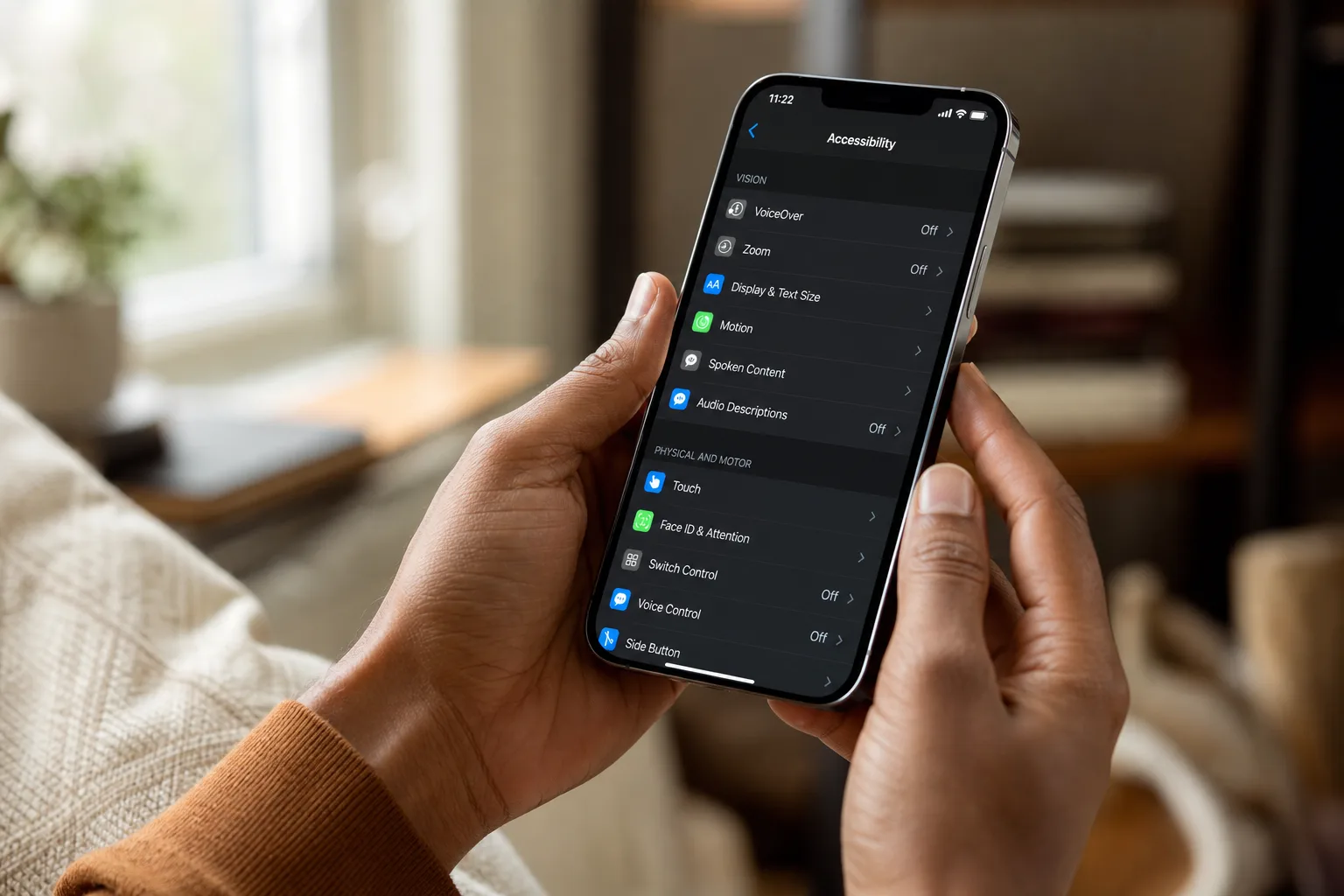
- Apple accessibility features are getting Apple Intelligence upgrades across VoiceOver, Magnifier, Voice Control, and Accessibility Reader later this year.
- New Apple accessibility features include auto-generated subtitles for uncaptioned video across iPhone, iPad, Mac, Apple TV, and Vision Pro.
- Apple Vision Pro will let users control compatible power wheelchairs using eye-tracking, launching first with Tolt and LUCI drive systems.
- All processing happens on-device, keeping user data private — a deliberate design choice Apple is leaning into hard.
Table of Contents
Apple Accessibility Features Enter the AI Era
Apple’s annual Global Accessibility Awareness Day announcement has become something of a tradition, but this year’s slate of Apple accessibility features feels different. Rather than incremental tweaks to existing tools, the company is threading Apple Intelligence — its on-device AI platform — through nearly every major accessibility system it ships. VoiceOver, Magnifier, Voice Control, Accessibility Reader, and more are all getting meaningful upgrades, and two entirely new capabilities — on-device generated subtitles and eye-tracking wheelchair control via Vision Pro — round out what’s arguably Apple’s most ambitious accessibility push in years.
The updates are coming later in 2026. Nothing ships today, with the exception of a cosmetic one: the Hikawa Grip & Stand for iPhone, an adaptive MagSafe accessory built with accessibility in mind, is now available in three new colors on Apple’s online store. It’s a small detail, but it signals that Apple’s accessibility work spans hardware and software alike.
VoiceOver and Magnifier Get Smarter Descriptions
For the hundreds of millions of people globally who are blind or have low vision, VoiceOver and Magnifier are essential daily tools. With these updates, both apps get a significant intelligence boost. A new Image Explorer inside VoiceOver uses Apple Intelligence to generate detailed descriptions of images encountered anywhere on the system — photographs, scanned bills, medical records, even screenshots. That’s a broader scope than what most third-party screen readers currently offer.
The update to Live Recognition is particularly interesting. Users can press the Action button on iPhone to point the camera at their surroundings and ask a specific question — not just get a generic description, but ask follow-up queries in natural language. Think: “What does the sign say?” or “Is there a seat available at that table?” It’s the kind of contextual, conversational interaction that makes AI genuinely useful rather than just impressive in a demo.
Magnifier gets the same treatment, with Apple Intelligence powering visual descriptions through a high-contrast interface tailored for low-vision users. Voice commands like “zoom in” or “turn on flashlight” now work directly inside Magnifier, reducing the need to navigate menus when your hands are occupied or your vision is limited.
Voice Control Drops the Script
One of the more quietly significant updates in this package is what’s happening to Voice Control. Today, using Voice Control to navigate an app often requires knowing the exact label of a button or remembering a number overlay. That works when apps are properly built for accessibility — and fails spectacularly when they’re not.
Apple’s solution is natural language input. Instead of saying “tap button 3,

