

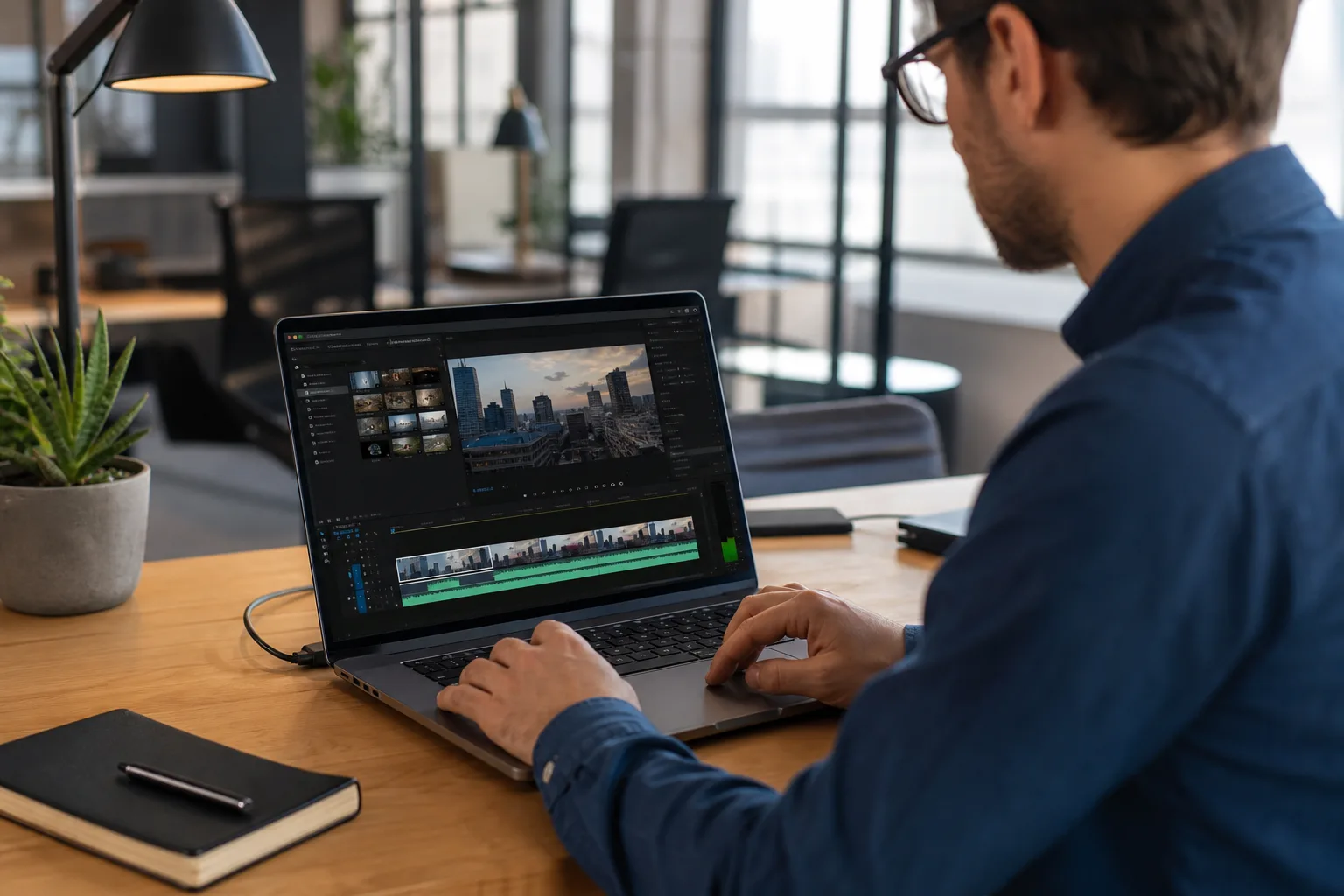
- Google Vids now uses Gemini Omni to generate and alter video scenes through conversational prompts instead of timeline-based edits.
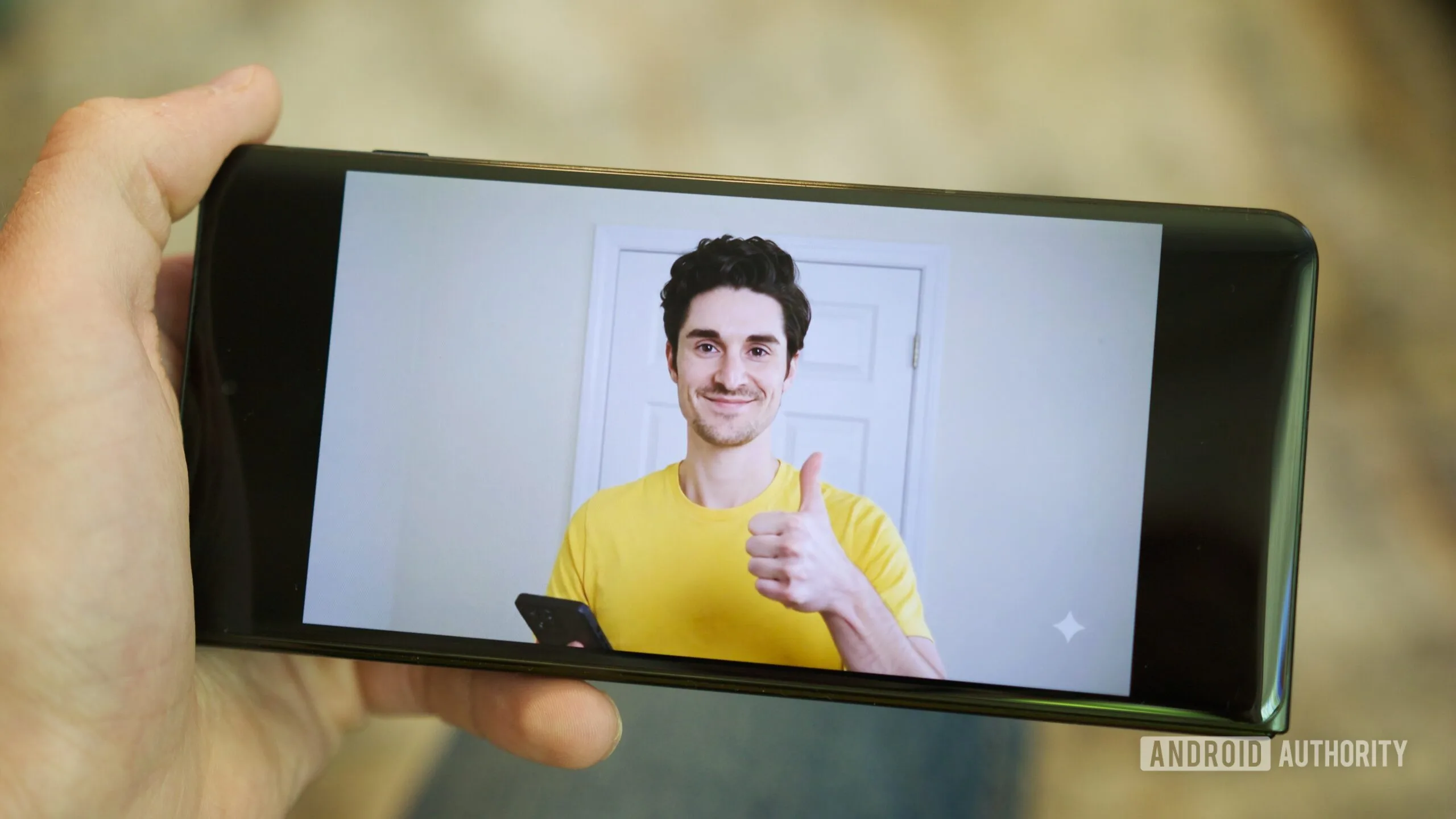
- Google Vids personal avatars can turn one selfie and a brief voice sample into a scripted digital presenter.
- Google limits avatar creation to an account holder’s own likeness and applies invisible SynthID provenance markers to generated clips.
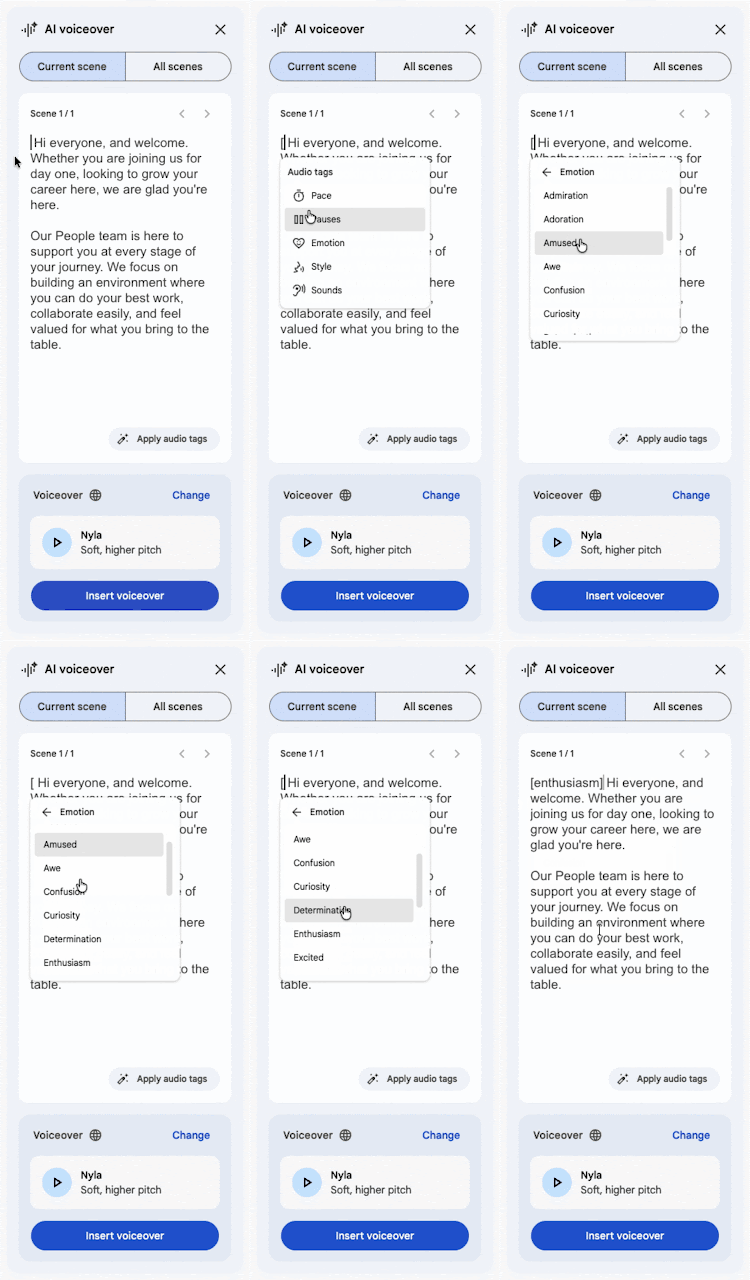
- New audio tags let creators control an AI narrator’s mood, pacing, delivery, and sound effects directly from a script.
Table of Contents
Google Vids wants to remove the tedious parts of video production
Most workplace videos are not held back by a lack of ideas. They die somewhere between the blank timeline, the awkward retake, and the realization that the presenter recorded the whole thing against a messy background. Google Vids is taking a serious swing at that problem with Gemini Omni, Google’s multimodal video model, which promises to make creation and editing feel more like giving instructions than operating a miniature version of Adobe Premiere.
The pitch is straightforward: describe the video you want, or tell the system what needs changing in an existing clip. Google says users can ask for a new background, better lighting, visual effects, or a revised scene in plain language. If it works reliably, that matters far more than another menu of AI templates. The person making an internal training video or a sales update usually doesn’t want to become a video editor. They want the video finished before the meeting starts.
According to Google’s announcement, Gemini Omni can work from text and images when starting a project, while also handling edits to existing footage. That puts Google Vids closer to the emerging crop of prompt-driven video tools from OpenAI, Adobe, Runway, and Canva. The difference, at least on paper, is where Google is aiming it: inside the familiar Workspace orbit, where presentations, documents, and corporate communications already live.
That positioning could be Google’s advantage. Video generation has produced plenty of striking demos, but a striking demo is not the same as a useful Tuesday-morning tool. The real test for Google Vids will be whether it can preserve a company’s intended message while making practical edits without quietly mangling logos, product screenshots, charts, or the presenter’s face. Anyone who has watched an AI image tool turn a hand into a small bundle of spare fingers knows why skepticism remains healthy.
Gemini Omni turns the timeline into a conversation
The Gemini Omni update is built around a deceptively appealing idea: stop asking users to locate the correct control and let them state the desired outcome. Rather than adjusting color settings or masking a background manually, a creator could ask Google Vids to make a scene brighter, swap the setting, or add an effect. That’s the direction much of creative software is heading, though the timeline itself is unlikely to disappear soon. Professionals need frame-level control; everyone else needs to avoid it whenever possible.
Google first showed Gemini Omni at I/O 2026, and its arrival in Vids gives the model a much more concrete job than a stage presentation. The important distinction is simple: generating a glossy eight-second clip from a prompt is one thing. Editing an existing business video while maintaining continuity, accurate speech, and a usable visual identity is considerably harder.
My read is that Google is smart to frame this as an editing tool as much as a generator. Pure generative video still carries an uncanny, occasionally slippery quality. But fixing a background after the fact, cleaning up poor lighting, or assembling a narrated explainer from approved assets? Those are mundane tasks, and mundane tasks are where software earns its keep.
Personal avatars are useful, and also where the stakes rise
The more attention-grabbing addition is personal avatars. A user can upload a selfie and provide a short voice recording, then have a digital version of themselves deliver a typed script. Google Vids could spare a manager from recording the same onboarding introduction six times, or help a distributed team update a product walkthrough without setting up lights and a camera.
There is an obvious downside, too. A convincing avatar collapses the old visual shorthand that a person appeared on camera and said those words. Google’s stated safeguards are sensible, if limited: avatars are restricted to the account holder’s own image and account, available to adults over 18 in supported regions, and generated clips receive an invisible SynthID watermark. Google describes SynthID as an invisible watermark that can be used to verify a clip’s source. Google Workspace Updates
Those protections address the most blatant impersonation scenario, but they don’t solve every awkward real-world question. What happens when an employee leaves a company but their avatar remains in old training material? Can a team tell when a polished executive message was actually recorded, rather than generated from a script? And will invisible provenance help viewers who never have access to a verification tool? The watermark is better than pretending provenance does not matter. It is not a universal trust machine.
AI voices are becoming directable performers
Google is also adding finer control over synthetic narration. Users can insert bracketed directions such as [excitedly] into a script to alter an avatar’s delivery, pacing, emotional tone, or trigger sound effects. When someone types an opening bracket, Vids will suggest available controls. There is also an Apply audio tags option that can add cues automatically.
This may sound like a small feature beside Gemini Omni, but it gets at the quality gap that makes generated corporate video feel painfully synthetic. Flat narration has been the tell for years. Giving users a simple way to shape delivery could make Google Vids output less like a GPS reciting a quarterly report. It could also make it easier to overdo things. Nobody needs an AI avatar announcing an expense-policy update with blockbuster-trailer intensity.
Google says these voice controls are rolling out to Rapid Release and Scheduled Release domains, with support spanning Workspace Business and Enterprise, Education Plus, nonprofit customers, individual users, and personal Google accounts including Google AI Pro and Ultra subscribers. Administrators do not need to switch the feature on, according to the company.
That reach matters. Google is not treating Google Vids as a niche experiment for design teams; it is placing generative video in reach of ordinary account holders. We have seen this movie before with presentation software, photo editing, and AI writing tools: the first wave creates a lot of mediocre output, then the baseline expectation shifts. If Gemini Omni makes video editing genuinely dependable rather than merely impressive in a demo, the next PowerPoint may have a much harder time staying a slide deck.

