

Table of Contents
Pixel 8A: Familiar Design, More Considered Execution
Google’s Pixel 8A arrives as the latest addition to the company’s smartphone lineup, and it follows the formula that has made the A-series important to Google’s wider phone strategy: bring much of the Pixel experience to a more accessible price point without turning the device into an obvious compromise. The Google Pixel 8A is not trying to reinvent the Pixel. It is trying to make the parts people already associate with the brand—Google software, a capable camera, and a clean design—feel attainable in a crowded mid-range market.
That makes the details matter. Buyers in this category are often choosing between phones that look increasingly similar on a spec sheet. A slightly better screen, more useful software, or a camera that behaves reliably when the light is poor can carry more weight than a long list of features few people will use. The Pixel 8A’s appeal rests on whether its refinements add up to a better everyday phone, rather than on any one dramatic upgrade.
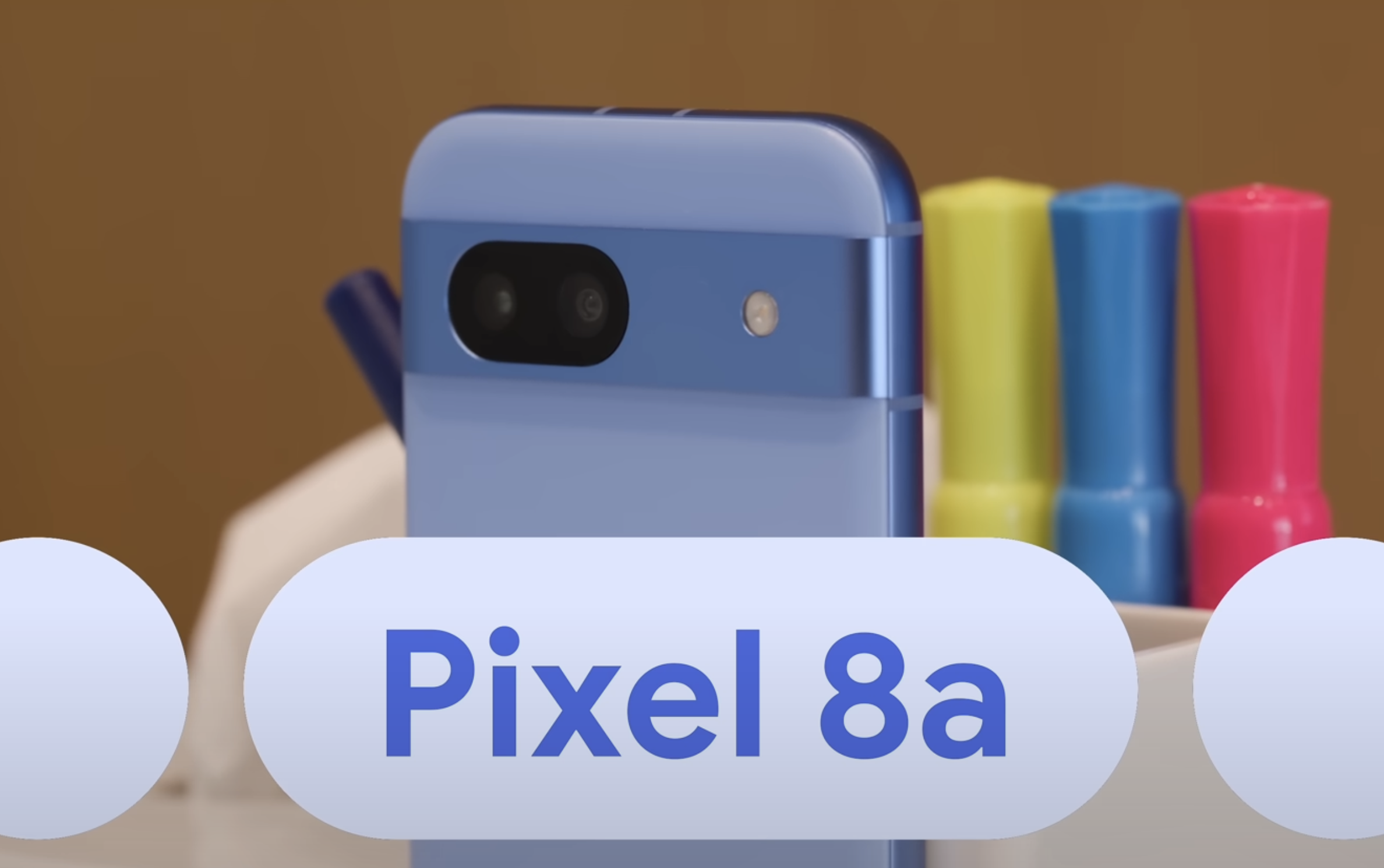
At first glance, the Pixel 8A maintains the distinctive design language synonymous with the Pixel brand. The camera bar remains, as do the aluminum rails that give the phone a more substantial feel than an all-plastic design might. Google has also retained IP67 water and dust resistance, an important practical feature for a device expected to survive daily use rather than live in a case on a desk.
The changes are subtle but meaningful. Rounded edges, new colors, and a matte texture soften the design and give it a more current look without abandoning what makes a Pixel immediately recognizable. That familiarity can be an advantage. Google has built a visual identity around the camera bar, and there is value in a phone that does not look like a generic slab simply because it sits below a flagship range.
Tensor G3 and a Display That Addresses Everyday Friction
Under the exterior, the Pixel 8A is powered by the new Tensor G3 chip. The practical promise is improved performance and responsiveness, particularly in the mundane tasks that define most smartphone use: moving between apps, multitasking, navigating an interface, and handling Google’s software features. Raw chip branding matters less to most buyers than whether a device remains pleasant to use over time, and this is where the upgraded internals are intended to earn their place.
Storage is also less restrictive than it can be on affordable phones. The Pixel 8A includes 128GB as standard, with a 256GB variant available for people who keep large photo libraries, videos, and apps locally. That choice is especially relevant on a phone positioned around camera use. A capable camera is only part of the experience if users are constantly forced to manage their storage.
The display may be the more immediately noticeable upgrade. The Pixel 8A keeps the same 6.1-inch size and middle hole-punch cutout for the selfie camera, but now uses an Actua display with peak brightness that is 40% higher than its predecessor. Higher brightness is not just a retail-display specification; it affects whether maps, messages, photographs, and camera controls remain easy to see outdoors.
The move to a pOLED panel with a refresh rate of up to 120Hz also changes the texture of ordinary interaction. Scrolling, animations, and touch response can feel more fluid at higher refresh rates, even when a user could not name the feature responsible. For a Pixel A-series phone, that matters because it narrows the day-to-day perceptual gap between mid-range and more expensive devices.
Google’s Software Advantage Is Also Its Most Complicated Story
As with previous Pixel models, the Pixel 8A leans heavily on software features powered by Google’s advanced AI technology. Call Assist, Pixel VPN, and Magic Eraser Audio are not interchangeable check-box features. They point to Google’s larger pitch: a Pixel should help manage communication, security, and media tasks in ways that feel integrated with the rest of a person’s digital life.
That approach is most convincing when the tools solve small, recurring annoyances. Call Assist can make phone calls less laborious; Pixel VPN speaks to the growing expectation that privacy tools should be accessible rather than reserved for technical users; Magic Eraser Audio addresses the familiar problem of unwanted noise undermining an otherwise useful recording. None of these features changes the basic purpose of a smartphone, but together they can make it feel more attentive to the realities of modern use.
Speech-to-text remains a particular Pixel strength. The device’s transcription speed and accuracy are described as unmatched in the smartphone industry, enabling users to dictate emails, texts, and notes with remarkable precision. For people who regularly capture thoughts while walking, commuting, or working between meetings, reliable dictation is not a novelty. It can alter how often the phone becomes a tool for creating rather than merely consuming.
There is a tension here, however. The introduction of Gemini Nano raises questions about Google’s approach to voice assistants. Google’s software ambition is clear, but users should not have to decode which assistant, AI feature, or service is responsible for a given task. The need is not necessarily for more names or more layers. It is for consolidation and streamlining so the useful parts of Google’s software feel easier to understand and trust.
A Camera Built on Proven Pixel Strengths
The Pixel 8A’s camera proposition is reassuringly direct. It uses the same main camera sensor as the Pixel 7A, alongside an ultra-wide lens. That may sound less exciting than a wholesale hardware change, but the Pixel line has long depended on the combination of camera hardware and Google’s image processing rather than a simple race for bigger specifications.
The result, according to the device’s positioning, is detailed images and videos across various lighting conditions, with vibrant colors and minimal noise. Camera quality is often where lower-priced phones reveal their limits, especially when scenes are dim or have difficult contrast. A phone that can produce dependable images without requiring the user to think much about settings has a real advantage over one that produces occasional spectacular results and frequent disappointments.
The Pixel 8A’s performance in blind smartphone camera tests supports its reputation as a reliable option for photography enthusiasts. “Reliable” is the key word. Most people are not taking laboratory shots; they are photographing people, pets, meals, trips, documents, and moments that cannot be recreated. Consistency is often more valuable than an occasional headline-grabbing image.
The visual material accompanying the camera discussion is credited to Google, while the pricing material is credited to MKBHD.
The $500 Question
The strongest argument against the Pixel 8A is not that it lacks useful features. It is that its $500 price puts it in uncomfortable proximity to Google’s own Pixel 8. The Pixel 8 offers superior features at a slightly higher price point, which makes the A-series value calculation less straightforward than it should be. A mid-range phone succeeds most clearly when its compromises are obvious, sensible, and rewarded by a meaningful saving.
That does not make the Pixel 8A a poor choice. It remains a solid mid-range option with a sleek design, improved performance, an upgraded display, and advanced software features. But prospective buyers should look beyond the label and consider the surrounding Pixel lineup. If the price difference to the Pixel 8 is small enough, the more capable model may be the better long-term purchase. If $500 is the budget ceiling, the Pixel 8A still offers a notably complete version of the Pixel experience.
Google has made the Pixel 8A more polished in the areas that affect everyday use: screen visibility, smoother interactions, storage choice, practical AI tools, and camera consistency. The remaining weakness is strategic rather than technical. Google needs to make the software experience less confusing and the distance between its A-series and higher-end models easier to understand.
For readers following the broader Pixel software story, see Google’s Pixel 8 Pro & Watch Software Magic on SquaredTech. You can also find more news related to mobiles.

