

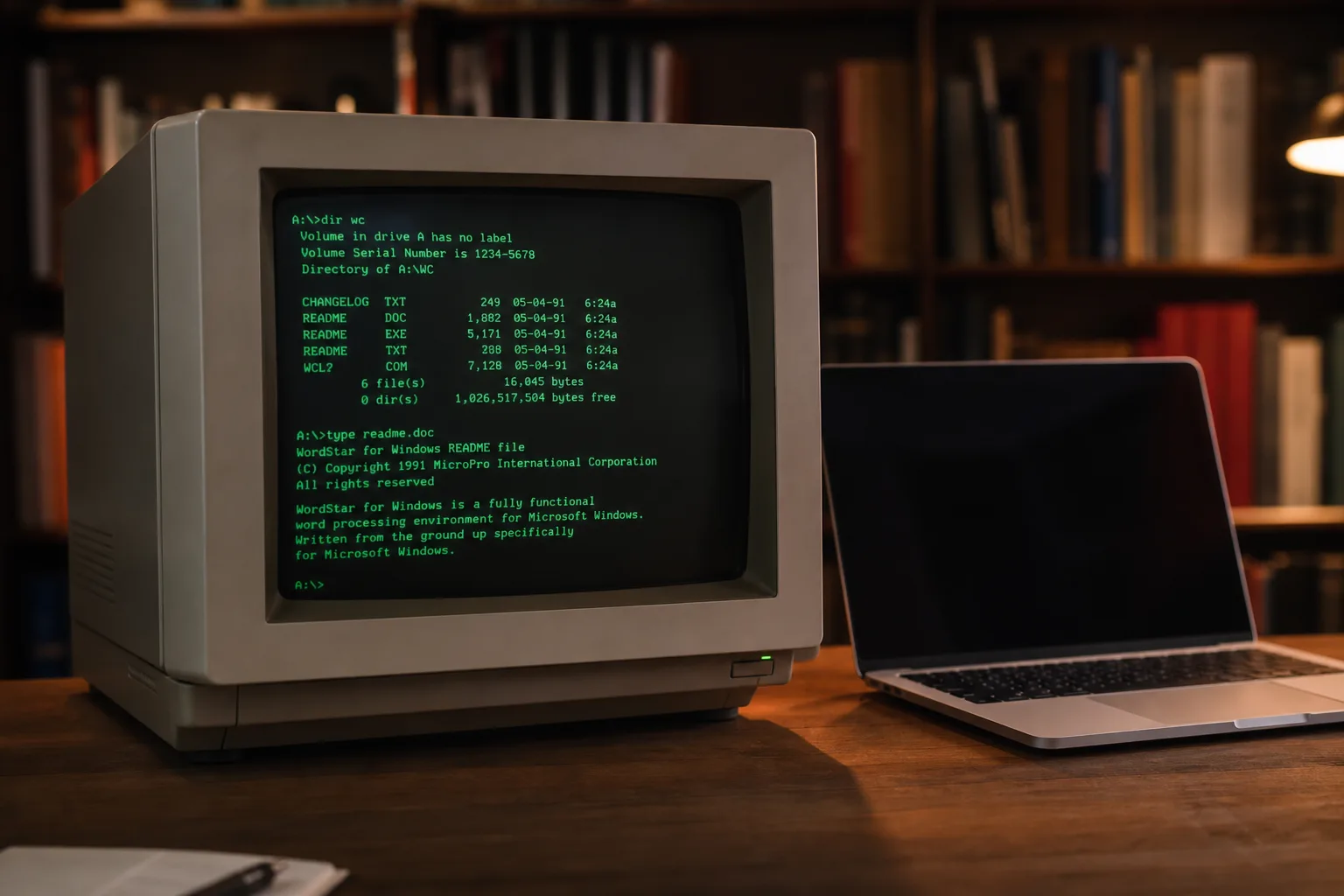
- The virtual OS museum lets you run hundreds of historical operating systems on any modern Windows, macOS, or Linux machine.
- This virtual OS museum spans the entire history of stored-program computing, starting with the Manchester Baby of 1948.
- All emulators and OS images come pre-configured, so no technical setup is required to start exploring.
- The project addresses a real gap in software preservation — making rare and obscure systems genuinely accessible, not just archived.
One Project, Decades of Computing History
A developer has quietly built what may be the most ambitious virtual OS museum ever assembled — a single downloadable VM that lets you boot and interact with hundreds of operating systems spanning the entire history of computing. We’re talking everything from the Manchester Baby of 1948, widely regarded as the first stored-program computer, right through to early Android and iOS builds, all running on a modern laptop without you having to touch a single config file.
The project, hosted at virtualosmuseum.org, runs as a Linux VM inside QEMU, VirtualBox, or UTM. A custom launcher handles everything — picking the OS, loading snapshots, reverting broken installs. It’s genuinely plug-and-play in a space that has historically required hours of frustrating emulator wrangling just to get a 40-year-old system to POST.
What’s Actually Inside the Virtual OS Museum
The catalogue is staggering. On the mainframe end, you can run CTSS — the Compatible Time-Sharing System developed at MIT in the early 1960s, often described as the direct ancestor of every modern operating system — alongside IBM’s MVS, Multics, TOPS-10/20, and ITS. These aren’t just boot screens. They’re working environments you can actually poke around in.
Move into the workstation era and the virtual OS museum covers NeXTSTEP, SunOS, IRIX, OSF/1, A/UX (Apple’s short-lived Unix for the Macintosh), and Plan 9 from Bell Labs. That last one — Plan 9 — never got the mainstream traction its designers hoped for, but its ideas about networked filesystems and per-process namespaces quietly shaped a lot of what Linux and macOS do today. Being able to actually run it and see those ideas in their original context is genuinely useful.
The home computer section covers CP/M variants, the Apple II, Commodore 8-bit machines, ZX Spectrum, BBC Micro, Atari 8-bit, MSX, and more. For a generation of developers, these platforms were the entry point into computing. For everyone younger, they’re often just names in a Wikipedia article. The difference between reading about the BBC Micro’s MOS operating system and actually sitting in front of a working shell is hard to overstate.
On the personal computing side, you get DOS variants, OS/2, BeOS, every version of Windows from 1.0 through early Longhorn betas, and classic Mac OS through Mac OS X 10.5 on PowerPC. BeOS in particular is worth highlighting — Be Inc. built something genuinely ahead of its time in the late 1990s, with symmetric multiprocessing and a media-focused architecture that felt almost alien compared to Windows 98. It died commercially. Seeing it run is a reminder of how many roads weren’t taken.
The mobile and embedded section includes PalmOS, EPOC/Symbian, Windows CE, Newton OS, and early Android and iOS builds where emulation permits. The Newton OS inclusion is especially interesting — Apple’s ill-fated PDA platform from the early 1990s pioneered handwriting recognition and a kind of object-based data model that the company wouldn’t revisit until decades later.
Why Getting Old Software Running Is Harder Than It Sounds
The developer behind this project started collecting emulator images back in 2003, at a time when software preservation was still a fairly niche concern. The landscape has improved dramatically since then — the Internet Archive has built one of the most important collections of historical software anywhere, and dedicated communities have produced emulators for even very obscure platforms. But having the software archived and having it actually running are two different things.
As the creator explains, many historical OSes have complicated install procedures, depend on specific device configurations within particular emulator versions, or simply break when an emulator is updated. The institutional knowledge required to navigate all of that is scattered across forum posts, readme files, and the memories of a shrinking group of people who were actually there. This virtual OS museum packages all of that knowledge into something anyone can download and run.
The solution is a custom launcher that abstracts away the underlying emulator — whether that’s QEMU, VirtualBox, or UTM. More importantly, it includes a snapshot feature that lets you revert any broken installation back to a known-good state instantly. That’s a small detail that makes an enormous practical difference. Anyone who’s spent an afternoon trying to resurrect a corrupted IRIX install inside SGI Irix IRIX on a modern QEMU build will understand immediately why this matters.
Virtual OS Museum Downloads: Full vs. Lite
Two versions are available. The full version ships with every disk and tape image pre-downloaded and works entirely offline — useful if you want the complete experience without relying on a connection, though the download size will clearly be substantial. The lite version downloads guest images on first run, keeping the initial package smaller. Both support automatic and manual updates, so new OS additions roll in without requiring a full re-download of the entire VM.
Hypervisor installers and shortcuts are included for Windows, macOS, and Linux hosts, which means the barrier to entry is genuinely low. If you can install VirtualBox, you can run this.
Software Preservation Has a Usability Problem — This Helps
There’s a broader point worth making here. Software preservation is often framed as a library problem: keep the bits, maintain the archives, ensure nothing disappears. Projects like the Computer History Museum, the Internet Archive’s software collection, and various emulation communities have done extraordinary work on that front. But access is a separate problem from preservation, and it’s one the field has been slower to solve.
A disk image sitting in an archive is preserved. An operating system that a curious student, historian, or developer can actually boot in fifteen minutes is accessible. That distinction matters if the goal isn’t just to keep computing history from disappearing but to keep it alive as something people can learn from and engage with.
The virtual OS museum leans hard into accessibility. The Xerox Star Pilot and ViewPoint are in there — the first commercial systems to ship a desktop metaphor GUI, years before the Macintosh. CTSS is in there. Multics, the system that Unix was explicitly designed in reaction to, is in there. These aren’t footnotes. They’re the decisions that shaped every piece of software running on every device you own. Being able to sit inside them changes how you understand that history.
The project is clearly a labour of love, and it’s hard to imagine the institutional appetite at any major tech company or university to fund something quite like this. That it exists at all — built and maintained by one person starting from a personal archive habit in 2003 — says something about what individual obsession can produce when the tooling finally catches up with the ambition. Whether the project finds a way to formalize its preservation mission or stays a community-maintained VM, it fills a gap that nothing else in the ecosystem currently does.

