

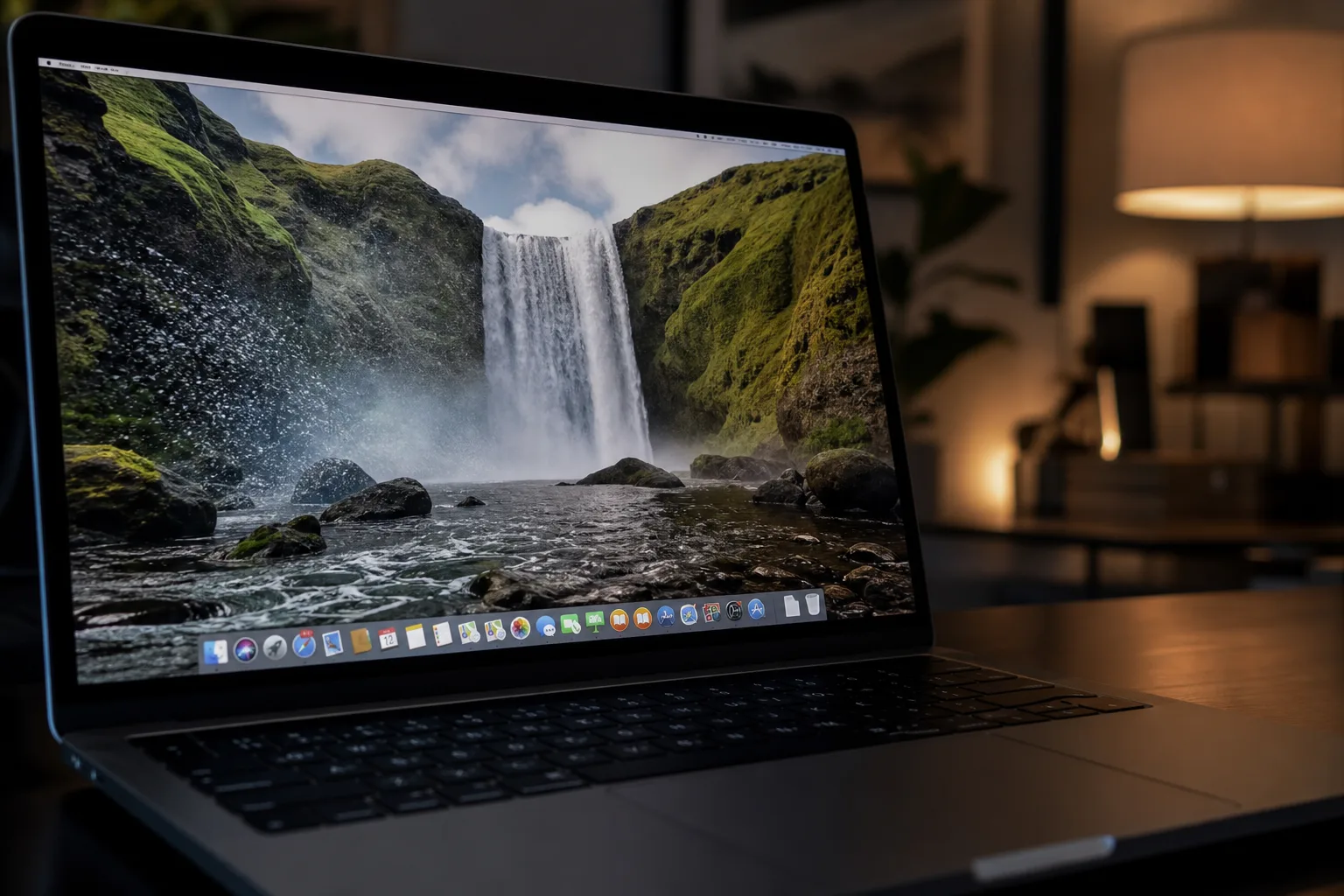
- Phosphene is a free, open-source app that brings macOS video wallpapers to any MP4 or MOV file you own.
- The app reverse-engineered Apple’s private WallpaperExtensionKit to make macOS video wallpapers appear natively in System Settings.
- Developer kageroumado originally built Phosphene commercially before open-sourcing it after finding the market too crowded.
- Phosphene requires macOS Tahoe (26.0+) and Apple Silicon, making it future-facing but narrowly available right now.
Someone Finally Cracked macOS Video Wallpapers Wide Open
macOS video wallpapers have existed in Apple’s ecosystem for years — quietly powering those gorgeous Aerials scenes of Earth from space, drifting clouds, and slow-motion cityscapes. But Apple has never let users bring their own footage to that party. Until now. A developer going by kageroumado on GitHub has built Phosphene, a free, open-source app that plugs directly into the same private framework Apple uses for its own Aerials, letting you set any MP4 or MOV file as your desktop and lock-screen wallpaper on macOS Tahoe.
This isn’t a hack in the crude sense — there are no system file replacements, no LaunchAgent tricks rendering video behind your desktop with a transparent window. Phosphene operates inside the actual macOS wallpaper architecture, using a private framework called WallpaperExtensionKit that Apple’s own team uses and has never documented publicly. The result is that your custom video shows up right inside System Settings → Wallpaper, sitting alongside Apple’s built-in Aerials as if it belongs there. Because, technically, it now does.
How Phosphene Reverse-Engineered Apple’s Private Framework
Getting macOS video wallpapers to work this way required some serious detective work. WallpaperExtensionKit isn’t in any public SDK header — Apple has kept it entirely internal. Kageroumado’s approach was to load the framework at runtime using dlopen and then use Swift’s Mirror API to perform runtime introspection on its XPC types. That means reading Apple’s internal request objects like WallpaperCreationRequestXPC by reflecting on their fields at runtime, rather than importing a known interface. Apple’s XPC framework underpins this kind of inter-process communication throughout macOS, which is part of why hooking into it requires such careful reverse engineering.
It’s a genuinely clever workaround, and it comes with an honest caveat baked right into the project’s README: Apple could rename those internal fields at any major OS release and cause what kageroumado calls “surgical breakage” — meaning things break quietly in specific spots rather than catastrophically all at once. The project explicitly tracks macOS 26 (Tahoe), and there’s no promise it survives beyond that.
There’s another wrinkle worth understanding. The system’s snapshot encoder — used to generate the static preview image shown on the lock screen during transitions — checks whether the coder is exactly NSXPCCoder. In practice, the real coder Apple passes is a subclass, which causes the check to fail silently. Phosphene works around this with a runtime swizzle. Without it, you’d get a grey lock screen every time you unlocked your Mac. It’s the kind of edge case that only surfaces when you’re building on top of undocumented internals, and it says a lot about the depth of engineering that went into making this feel polished.
The Technical Architecture Behind Smooth Playback
Playing back macOS video wallpapers smoothly is harder than it sounds. The obvious approach — dropping an AVPlayerLayer into the rendering pipeline — silently fails inside a remote CAContext, which is where wallpaper extensions actually run. Phosphene instead drives AVSampleBufferDisplayLayer manually, using two AVAssetReader instances: one decoding the current loop, one preloaded for the next. The PTS (presentation timestamp) offset grows monotonically across loop boundaries, which eliminates the flush-and-stutter problem that plagues most video looping implementations. The result is genuinely gapless playback.
Because the extension runs inside Apple’s WallpaperAgent process — not inside Phosphene itself — playback survives quitting the app entirely. The OS manages the lifecycle. This is the same architectural advantage Apple’s Aerials enjoy, and it’s why Phosphene feels like a first-class feature rather than a third-party bolt-on.
Power management gets serious attention too. A component called PlaybackPolicy monitors thermal state, battery level, whether the Mac is on AC or battery, Game Mode status, and whether the display is active, locked, or idle. These inputs collapse into one of four states: full, reduced, minimal, or paused. The renderer adjusts at every state change. You can also pre-render lower-resolution or lower-framerate variants of a video; the system automatically swaps to the least expensive variant that still meets the current policy, switching at loop boundaries to avoid visible transitions. On a MacBook running on battery during a presentation, Phosphene quietly steps down. Plug in, and it steps back up.
Multi-Display and Lock Screen Polish
Multi-display support works the way you’d hope: different macOS video wallpapers per display, per Space, all persisted by macOS itself. When the “Only on Lock Screen” mode is enabled, the wallpaper eases in and out using a cubic curve that matches Apple’s own Aerials transition behavior. These details matter. They’re the difference between something that works and something that feels intentional.
Phosphene also detects when every display is fully covered by windows and pauses rendering entirely until the desktop becomes visible again — a sensible optimization that most commercial video wallpaper apps don’t bother with.
Why macOS Video Wallpapers Became a Crowded Market
Kageroumado is refreshingly candid about Phosphene’s origins. It started as a commercial project. The decision to open-source it came after discovering, in the developer’s own words, that

