


Google has been steadily layering more capability behind its subscription tiers, and the Gemini app upgrades available to AI Plus and AI Pro members now cover a surprisingly wide range of the product — from how much text the model can process at once, to whether you can automate your morning briefing. If you’re trying to decide whether $4.99 or $19.99 a month is worth it, the answer depends heavily on how you actually use the assistant.
- Gemini app upgrades with AI Pro push the context window to 1 million tokens — enough for 1,500 pages of text or 30,000 lines of code.
- Gemini app upgrades across Plus and Pro tiers include Daily Brief, scheduled actions, and advanced image and video generation tools.
- Google AI Plus costs $4.99 per month and gives 2x higher than standard usage limits, while AI Pro at $19.99 quadruples them.
- Scheduled actions — one of the most practical Gemini app upgrades — let subscribers automate daily digests, market reports, and language quizzes.
Table of Contents
How Google Structures Its Usage Limits
Google quietly overhauled how it meters Gemini access back in May, switching from a simpler model-based cap to compute-based usage limits. The idea is that a short, simple prompt costs you far less than asking Gemini to analyse a hundred-page document with deep reasoning. Your allowance refreshes every five hours, though there’s also a weekly ceiling — hit that, and you’re out until the week resets. Understanding these limits is the first step to evaluating which Gemini app upgrades actually make sense for your workload.
Free users sit at what Google calls ‘Standard limits,’ which you can monitor at gemini.google.com/usage. AI Plus at $4.99 per month gives 2x higher than standard limits. AI Pro at $19.99 per month quadruples it. Neither Google nor any third party has published the exact compute units behind ‘standard limits,’ which is a frustrating lack of transparency — but the multipliers at least give you a relative sense of headroom.
The Context Window Gap Is Enormous
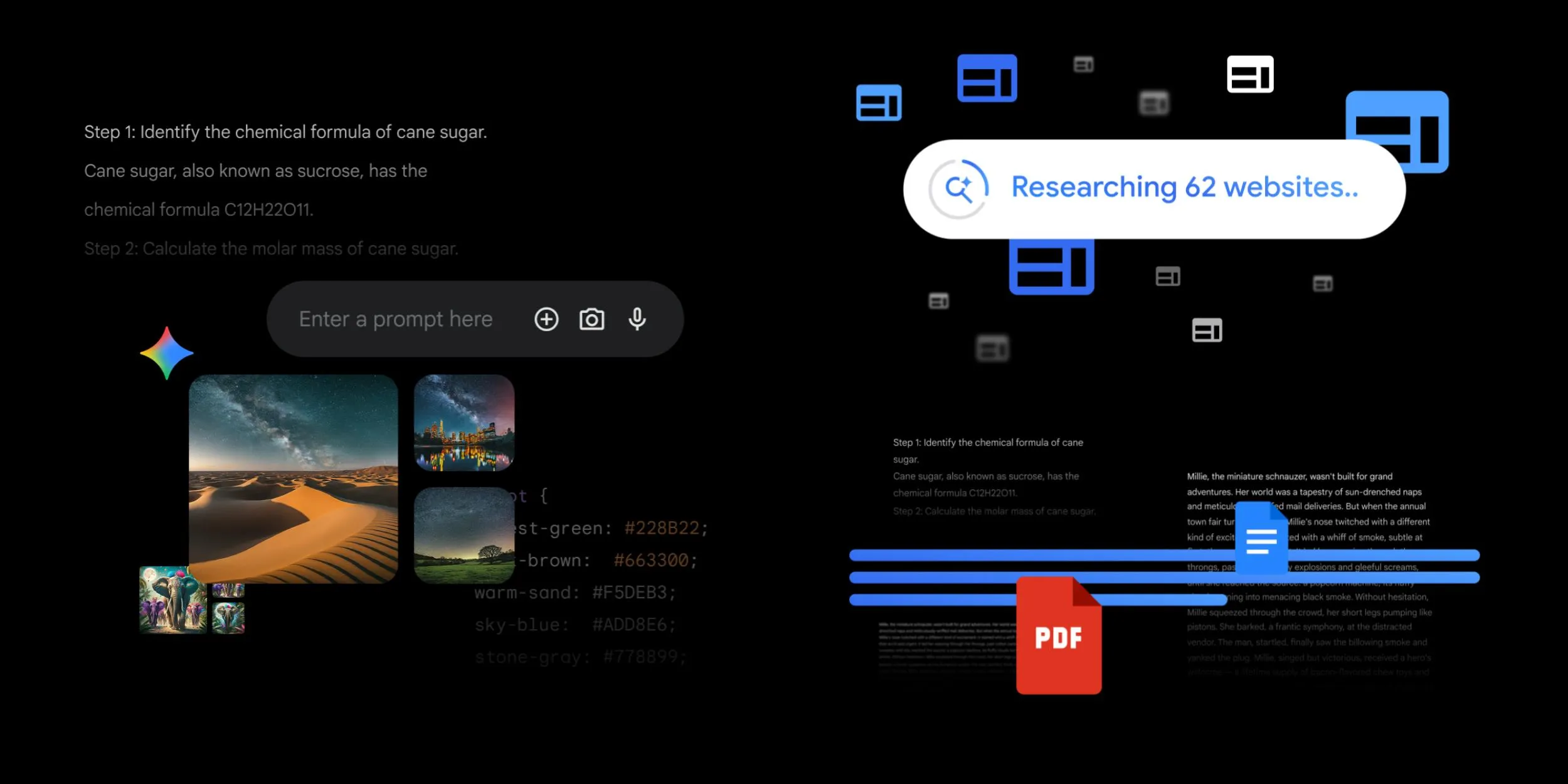
Of all the Gemini app upgrades separated by tier, the context window difference is arguably the most consequential for power users. Think of the context window as Gemini’s working memory — the larger it is, the more information it can hold and reason across simultaneously.
Free accounts are capped at 32,000 tokens, which Google equates to roughly 50 pages of text. That’s adequate for most conversational use and light document work. AI Plus jumps that to 128,000 tokens — a meaningful increase. AI Pro, though, goes to 1 million tokens, or the equivalent of 1,500 pages of text and 30,000 lines of code. That’s the same context length Google has advertised in Gemini 1.5 Pro for enterprise use cases, so it’s a genuine professional-grade capability, not just a marketing number.
The practical knock-on effect shows up in file uploads. Free users can upload videos up to five minutes long; AI Pro subscribers can go up to an hour. Audio goes from 10 minutes on the free tier to three hours on Pro. Code uploads are restricted to subscribers entirely, which will frustrate developers who were hoping to use Gemini as a free coding assistant at scale. These file-handling expansions are among the most immediately noticeable Gemini app upgrades for anyone doing document-heavy work.
Gemini App Upgrades for Organisation: Notebooks and NotebookLM
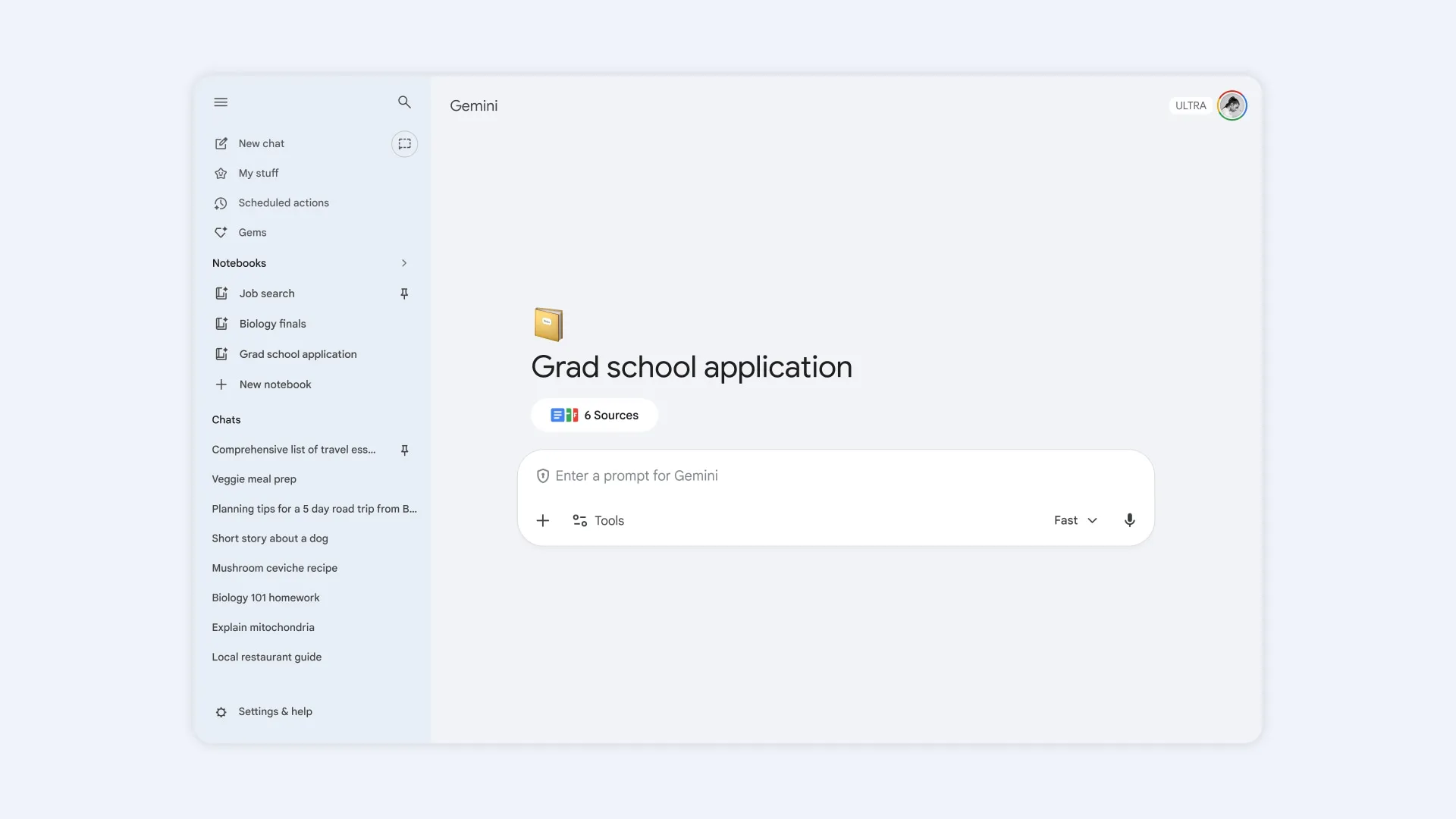
Notebooks are one of Gemini’s more underappreciated features — they let you organise projects, research threads, and chat histories into structured workspaces with direct integration into NotebookLM, Google’s research assistant product. The tier differences here are significant if you’re using Gemini for anything beyond casual queries.
Free users get 100 notebooks, each holding up to 50 sources. AI Plus doubles both figures to 200 notebooks and 100 sources each. AI Pro takes it to 500 notebooks and 300 sources per notebook. For journalists, researchers, lawyers, or students managing multiple complex projects simultaneously, these Gemini app upgrades to notebook capacity are genuinely useful rather than artificially inflated.
Personal Intelligence and the Daily Brief
One of the more interesting moves Google has made this year is bringing Memory — its personal context system — to all Gemini users for free. Memory lets the assistant remember facts about you across sessions, which in theory makes every interaction more relevant over time. That’s now a baseline feature, not a perk.
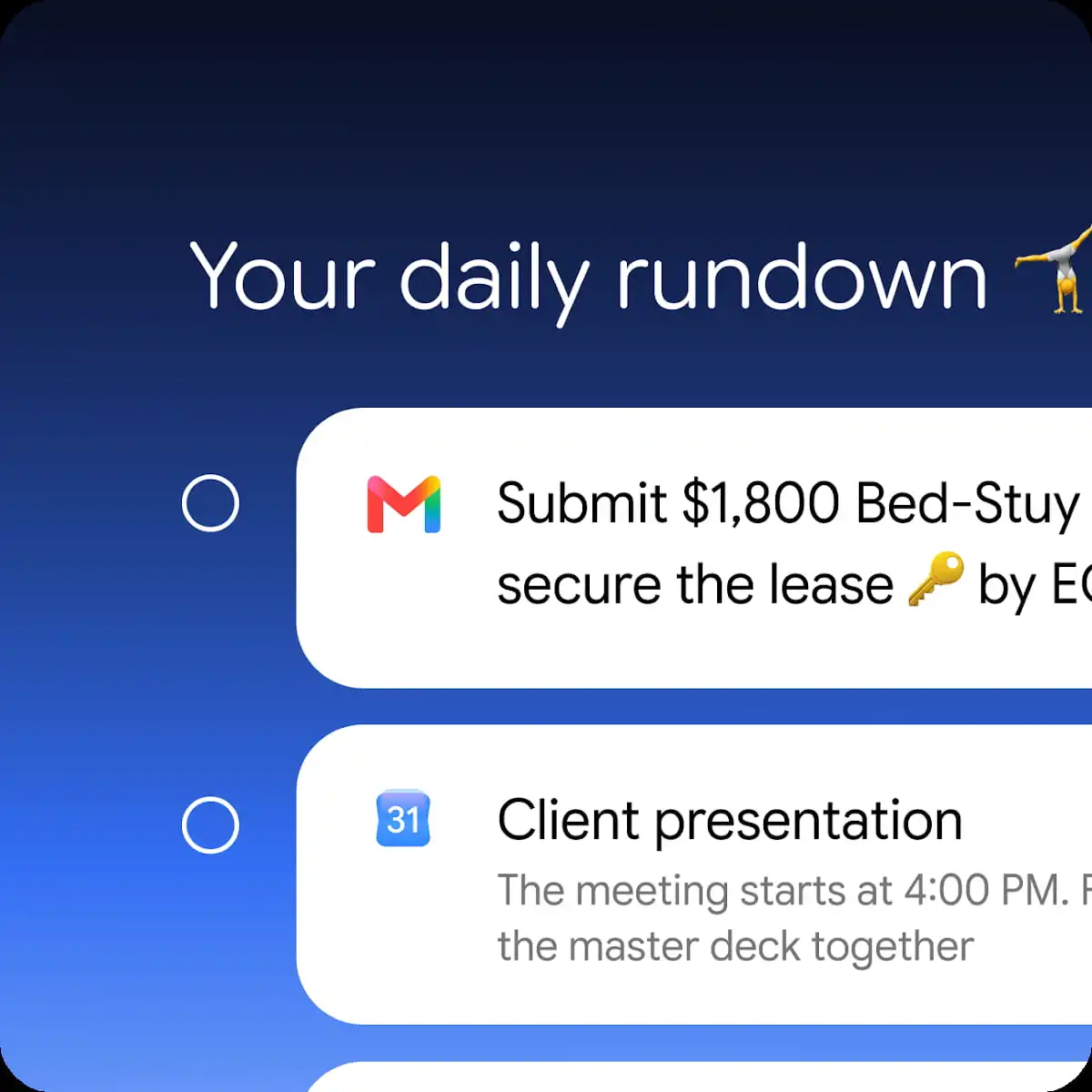
What remains subscriber-only is Daily Brief, announced in May and gated behind AI Plus and above. Daily Brief is one of the standout Gemini app upgrades this year — a personalised morning update generated from your Gmail, Calendar, and previous Gemini conversations. It’s split into two sections: ‘Top of Mind,’ which surfaces timely, actionable items you might need to address today, and ‘Looking Ahead,’ which focuses on your longer-term goals and suggests next steps based on your Personal Intelligence data.
The concept isn’t new — Microsoft’s Copilot has been pushing similar morning briefing features, and Apple Intelligence has been promising contextual awareness across apps for over a year. What makes Google’s version worth watching is the depth of its data access. Gmail and Calendar together represent a vast personal dataset, and if Gemini’s reasoning is sharp enough to surface genuinely useful signals rather than noise, Daily Brief could become a legitimately sticky daily habit for subscribers.
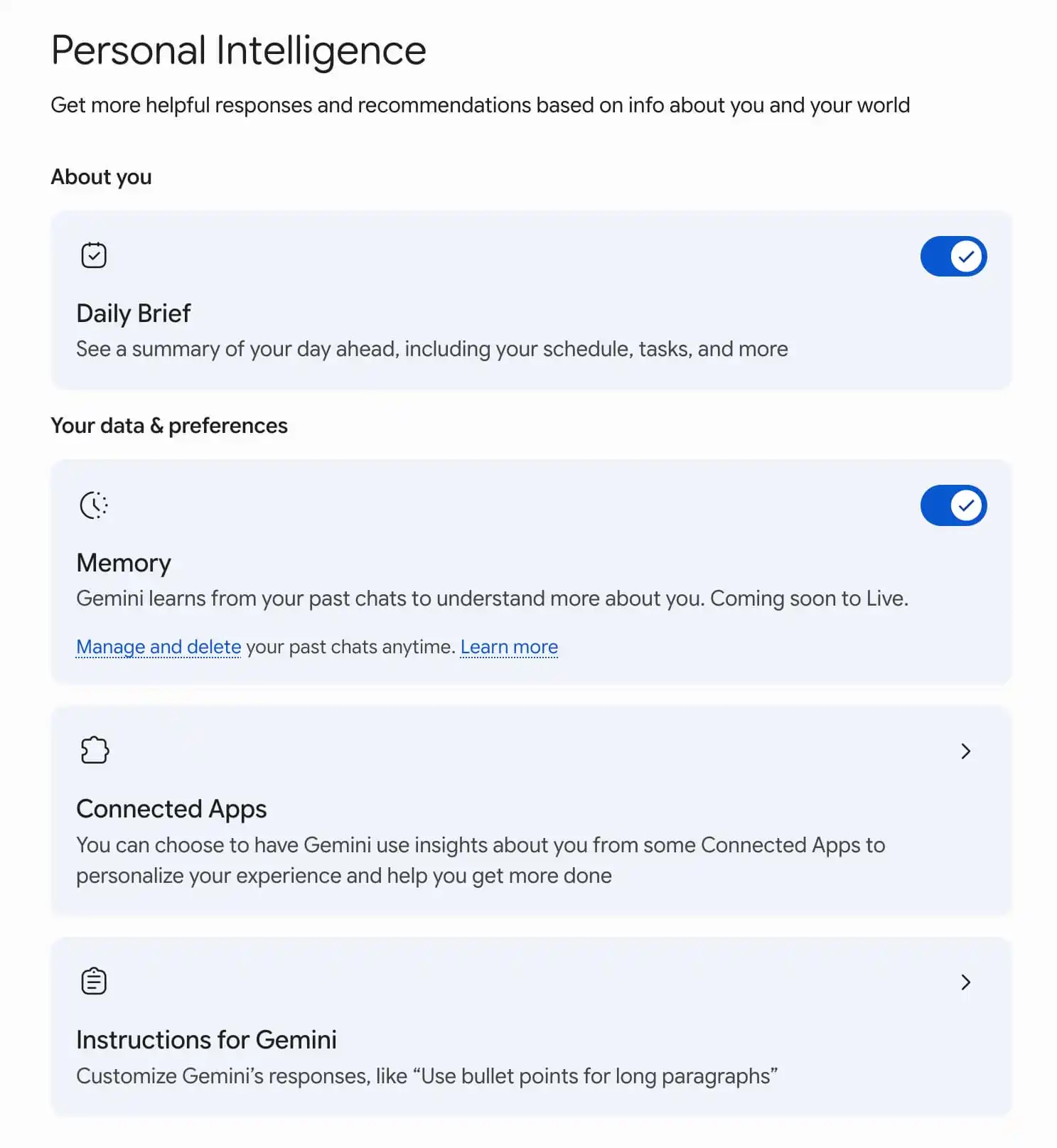
Image and Video Generation by Tier
Free Gemini users can generate images, but they’re working with Nano Banana 2, which corresponds to Gemini 3.1 Flash Image — a faster, lighter model. Subscribers unlock Nano Banana Pro (Gemini 3 Pro Image), which can be used to ‘redo’ a generation with the more capable model after the fact. It’s a sensible UX approach: generate quickly, then upgrade if the result isn’t good enough.
Video generation is subscriber-only across the board. The Gemini app upgrades to video tooling include Google’s Gemini Omni conversational editing feature — which lets you refine video through back-and-forth prompting — and requires at minimum AI Plus. Given that tools like Runway and Pika charge significantly more for comparable AI video generation, this is one of the stronger value arguments for the Plus tier in particular.
Scheduled Actions: The Most Overlooked Gemini App Upgrade
Scheduled actions might be the most practical of all the Gemini app upgrades, and they’ve received surprisingly little attention. The feature lets subscribers create up to 10 automated prompts that run at a set time or under specific conditions — essentially giving Gemini a cron-job-style automation layer without requiring any coding knowledge.
The range of what you can automate is genuinely broad. Google’s own examples include daily calendar digests, stock portfolio and crypto price reports, weather forecasts paired with outfit suggestions drawn from your personal wardrobe list, language practice quizzes, creative writing prompts, weekly music artist updates, and local restaurant roundups. Most of these aren’t novel ideas — apps like Notion AI, Reclaim.ai, and various IFTTT workflows have offered scheduling automation for years. But having it natively inside Gemini, connected to your Gmail and Calendar and Personal Intelligence, reduces the integration friction considerably.
The 10-action cap is limiting if you’re the type who wants to automate aggressively, and it’s worth flagging that Google has not confirmed whether that ceiling will increase or remains consistent across paid tiers. For most users, though, 10 well-chosen automations would already represent a meaningful daily productivity boost — and scheduling automation alone may justify exploring these Gemini app upgrades for time-strapped professionals.
Is the Subscription Worth It?
At $4.99 a month, AI Plus is priced to remove friction rather than be a serious revenue driver — it’s closer to a ‘tip jar’ tier than a professional subscription. The 2x higher usage limit, 128k context window, Daily Brief, and video generation access are all genuinely useful, and the price undercuts most comparable AI assistant subscriptions on the market.
AI Pro at $19.99 is a harder sell unless you’re regularly hitting the limits of the lower tiers. The 1-million-token context window and 500-notebook capacity are legitimately enterprise-grade, but most casual users won’t exhaust what Plus offers. The more interesting question is whether Google will continue stacking features into Pro aggressively enough to justify the cost relative to ChatGPT Plus at $20 or Anthropic’s Claude Pro at the same price point.
Google’s pricing strategy here looks deliberate: keep the free tier useful enough that Gemini stays relevant as a default assistant, use AI Plus to convert casual users into paying customers, and reserve AI Pro for the power users and professionals who have both the need and the budget. Whether these Gemini app upgrades continue to differentiate Google’s offering as competitors sharpen their own free tiers will be the real test over the next 12 months.
Frequently Asked Questions
What are the most valuable Gemini app upgrades in the AI Pro tier?
The standout Gemini app upgrades in AI Pro include a 1-million-token context window, video uploads up to one hour, three-hour audio uploads, access to 500 notebooks with 300 sources each, and usage limits four times higher than the free tier. Scheduled actions are also exclusive to subscribers, while Daily Brief requires at least Google AI Plus.
How does the Gemini context window affect file uploads?
The context window determines how much content Gemini can process at once. Free users are capped at 32,000 tokens and five-minute video uploads. AI Pro expands this to 1 million tokens, unlocking one-hour video and three-hour audio uploads, making it far more practical for research-heavy or creative workflows.
What is the Gemini Daily Brief feature?
Daily Brief is a proactive morning update announced in May that requires Google AI Plus. It surfaces timely, actionable items primarily from Gmail, Calendar, and Gemini chats, as well as longer-term goal suggestions, giving users a personalised AI-generated briefing at the start of each day.
Are scheduled actions available on the Gemini free tier?
No. Scheduled actions are a subscriber-only feature, available to both AI Plus and AI Pro users. They allow up to 10 automated prompts to run at set times or conditions, covering everything from daily calendar digests to weekly restaurant roundups and stock market reports.

