

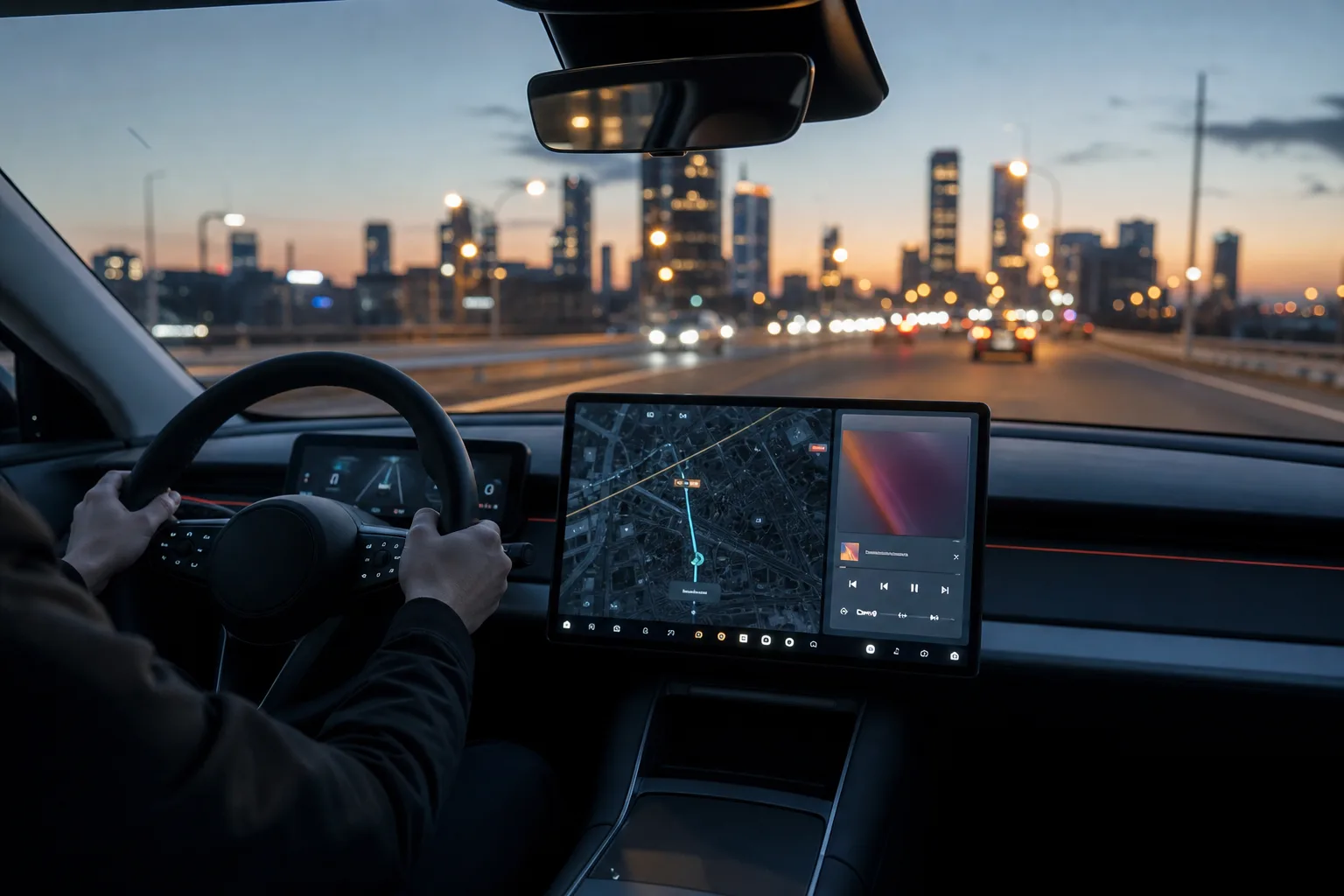
- Android Auto vs CarPlay largely splits drivers between Google’s flexible dashboard and Apple’s more tightly managed, consistent interface.
- In Android Auto vs CarPlay, Google currently gives users more control over the layout, a wider range of apps and a more capable conversational voice assistant.
- Apple’s CarPlay remains the simpler choice for iPhone owners who want predictable controls and close integration with Apple services.
- CarPlay Ultra could change the balance, but its slow rollout means most drivers will stick with conventional phone projection for years.
Table of Contents
Android Auto vs CarPlay starts with a philosophy split
Your car’s central display has become the place where two very different software cultures meet. Android Auto vs CarPlay is less a fight over whether Maps or Spotify will appear on the dashboard; both handle those basics well. For many buyers, Android Auto vs CarPlay is really a question of how much control a driver should have over that screen, and whether a car interface ought to feel like a tightly managed appliance or a configurable computer.
Apple’s answer has long been clear. CarPlay should be calm, familiar and hard to break. Its visual language mirrors the iPhone: a grid of large app icons, a restrained colour palette, straightforward menus and a limited set of approved app categories. For plenty of people, especially those who want to plug in an iPhone and get moving, that discipline is a feature rather than a compromise.
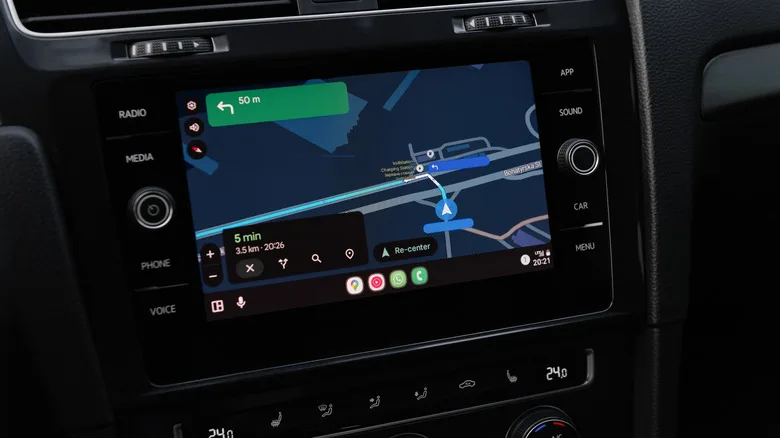
Google takes the more Android-like route. Android Auto has evolved into a dashboard that can show navigation, media and contextual information together, rather than treating every app as a full-screen destination. On a wide display, that makes a real difference. A driver can glance at an upcoming turn while seeing the current podcast and a compact communications panel, instead of bouncing between screens at every red light.
My read is that this is the most meaningful day-to-day difference in Android Auto vs CarPlay. Apple has added a split-screen Dashboard view and lets users rearrange applications, but Google gives the driver more latitude in how the information is arranged. Neither system should become a Christmas tree of widgets while the car is moving, obviously. Still, a good layout can reduce tapping, and fewer taps is the whole point.
Customization matters more than the spec sheet suggests
Customization is another practical dividing line in Android Auto vs CarPlay. Android Auto lets users select a wallpaper, choose which apps appear in its launcher and adjust the screen arrangement to suit the car’s display. Those sound like modest touches until you have used a vehicle with a large landscape screen for several months. A map taking two-thirds of the panel may make sense in one cabin; on another, a balanced split view is far more useful.
CarPlay has improved, but it retains Apple’s familiar guardrails. You can reorder apps from the iPhone, toggle notification settings and pick from Apple’s supplied wallpapers. What you cannot really do is make CarPlay look or behave radically differently. Frankly, that will be reassuring to anyone tired of carmakers burying basic climate controls in experimental-looking menus. It is less appealing if you are the person who spends a Saturday tuning a home-screen layout.
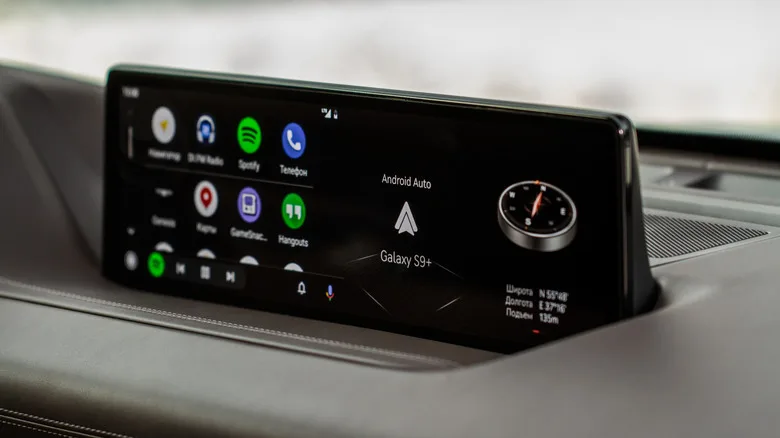
There is also a practical wrinkle: the vehicle maker still controls the physical screen, aspect ratio, touch response and integration. A sharp Android Auto layout cannot rescue a laggy infotainment unit, and CarPlay will not fix a steering-wheel voice button that takes three seconds to wake up. Phone projection is an improvement on many factory systems, not magic dust.
Apps and tinkering give Google the edge — with caveats
The app question in Android Auto vs CarPlay follows the same pattern. Apple has strict rules for CarPlay-compatible software, concentrating the platform on navigation, audio, messaging, parking, charging and a few related categories. That policy can feel restrictive, but it reflects a sensible premise: a dashboard is not a tablet, and developers should not treat it like one.
Google also limits what appears through the Play Store, but Android’s broader ecosystem provides more escape hatches. Advanced users can access Android Auto developer settings, change display-related options and, in some cases, allow apps from outside the usual approved channel. That is how people end up installing tools capable of putting web video on a car display.
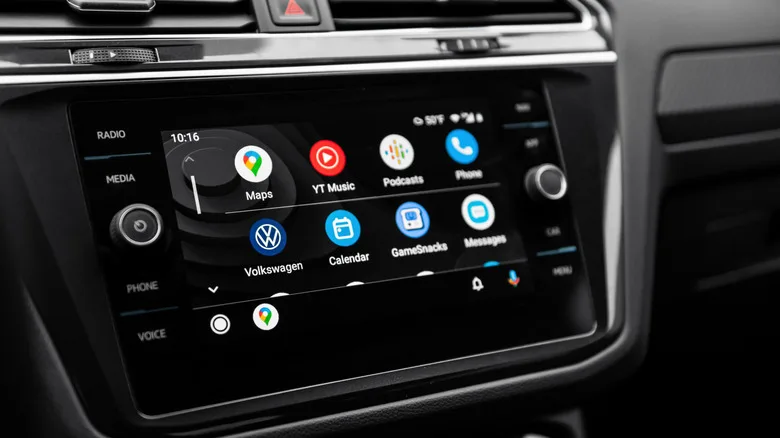
Let us be blunt about that last bit. A video app is fine for a parked car or for passengers in the right circumstances; it is a terrible idea for the driver. The fact that Android can be bent into doing more does not mean every modification is wise, safe or legal. Google’s openness remains attractive, but it comes with the same responsibility that has always accompanied Android.
For regular users, the gap is smaller than the enthusiast forums suggest. Both systems support the major audio services, messaging options, navigation apps and electric-vehicle charging tools people actually use. The winning platform may simply be the one attached to the phone in your pocket.
Voice assistance is the next real battleground
Voice is where Android Auto vs CarPlay could become much less evenly matched. Google is bringing Gemini’s conversational approach into its automotive experience, and the promise is compelling: ask for a specific kind of stop, revise the request mid-sentence, or get help finding something along the route without memorising stiff command phrases.
That matters because voice control only improves safety when it works on the first try. Anyone who has watched a voice assistant mishear a destination twice knows the feeling: you surrender, pick up the phone at the next stop and wonder why the feature exists. Google discusses Gemini’s advantages in Android Auto, though real-world performance will depend on connectivity, language support and how quickly the feature reaches individual drivers.
Apple is trying to make Siri more useful through Apple Intelligence, but Siri’s long-standing weakness has been handling follow-up questions and loosely phrased requests. It seems fair to say Google has the momentum here. Yet Apple has surprised rivals before by arriving later with a better-integrated version of an idea, and its privacy posture still resonates with iPhone buyers.
CarPlay Ultra is ambitious, but it is not the everyday answer yet
Apple’s larger play is CarPlay Ultra, which reaches beyond the centre screen into instrument displays and deeper vehicle functions. Aston Martin is testing CarPlay Ultra. This is a much bigger swing than the familiar CarPlay app grid.
But there is a catch the size of a parking garage: adoption. CarPlay Ultra needs automakers to cooperate deeply, and car companies have increasingly been protective of their dashboard software, data and subscription ambitions. General Motors, for example, has moved away from supporting phone projection in newer EVs. This industry does not turn on a dime.
So today’s verdict in Android Auto vs CarPlay is fairly straightforward. Android Auto is the better fit for drivers who want to shape the dashboard, experiment with settings and benefit from Google’s fast-moving AI work. CarPlay is the cleaner, more dependable choice for iPhone users who prefer a system that stays in its lane. The bigger question is whether carmakers will keep handing this valuable screen real estate to Apple and Google at all.
Frequently Asked Questions
Can Android Auto vs CarPlay work wirelessly?
Yes, both platforms can run wirelessly when the car’s infotainment system supports wireless phone projection. Compatibility varies by vehicle trim and model year, and a wired USB connection can still be more reliable when pairing problems or battery drain become an issue.
Do Android Auto and Apple CarPlay require a subscription?
Neither Android Auto nor Apple CarPlay generally requires a separate subscription from Google or Apple. Drivers may still need a compatible phone, a supported vehicle or stereo, mobile data for live services, and subscriptions for individual music or navigation apps.
Can passengers watch video through Android Auto?
Google’s standard Android Auto app selection is designed around driving safety and does not broadly permit video playback while moving. Some enthusiasts use sideloaded software and developer settings, but that creates safety concerns and may conflict with local laws or vehicle rules.

