

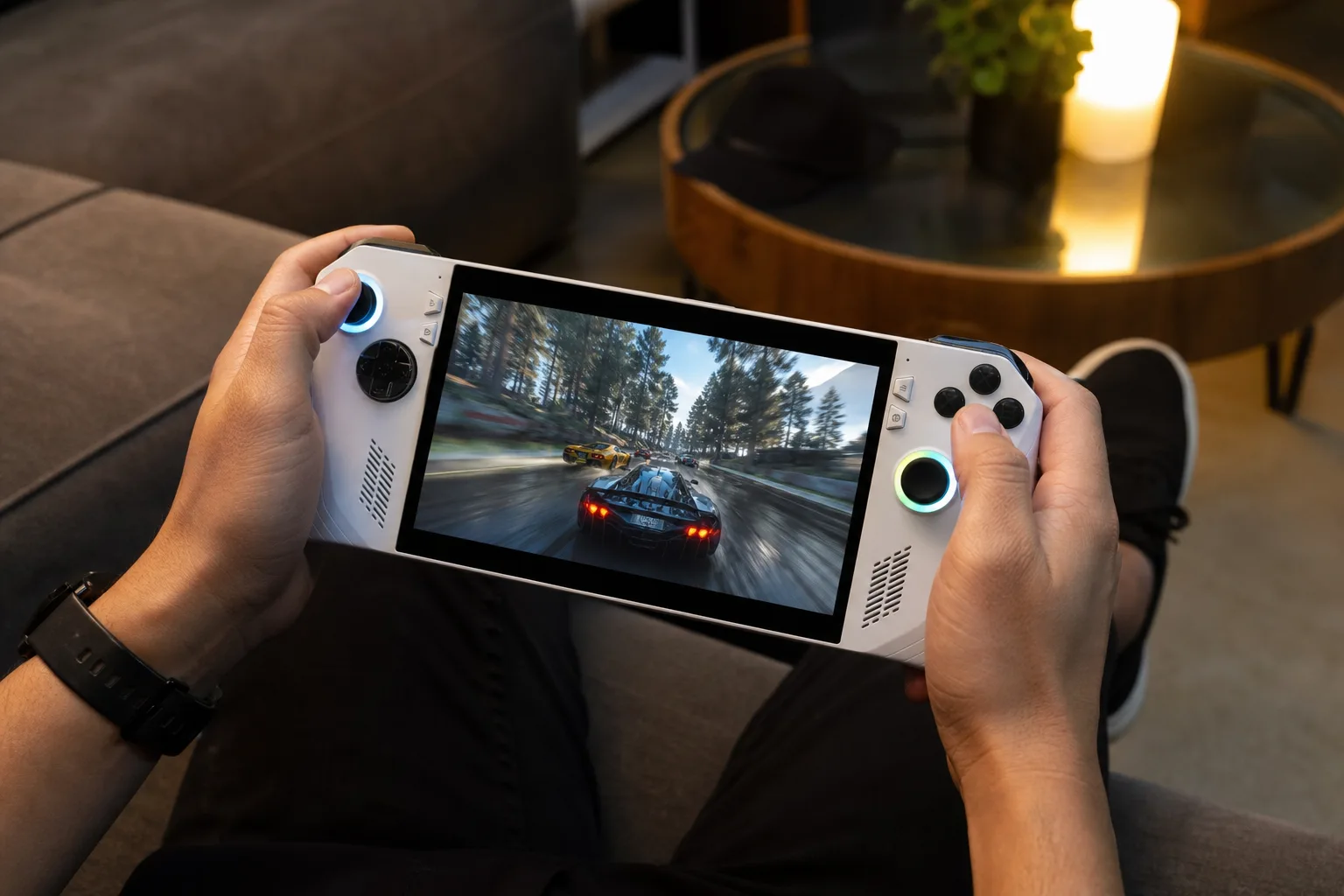
- Automatic Super Resolution now works on the Xbox Ally X while undocked, removing a notable limitation from its earlier test release.
- Microsoft says Automatic Super Resolution supports 1080p handheld play, though performance may trail lower-resolution configurations on battery power.
- A new Performance mode raises the technology’s target frame-rate ceiling from roughly 75fps to as high as 120fps.
- Auto HDR support could make Microsoft’s upscaling effort more useful for older PC games with uneven handheld performance.
Table of Contents
Automatic Super Resolution finally leaves the dock
Microsoft’s Automatic Super Resolution is now available on the Xbox Ally X in the way handheld owners actually need it: while the machine is in their hands, running on its battery. That sounds obvious, but Microsoft’s April preview restricted the feature to docked play. For a device sold on the appeal of portable Windows gaming, that was a pretty awkward caveat.
The rollout covers the Xbox Ally X, the Xbox Ally X20, and selected Copilot Plus PCs. The important change is support for games running at 1080p in handheld mode, alongside a new Performance mode aimed at pushing supported titles toward 120 frames per second. Microsoft is also adding Auto HDR compatibility through Windows updates.
On paper, this is Microsoft joining a race Nvidia has dominated for years with DLSS: using machine-learning-assisted upscaling to render a game at a lower internal resolution, then reconstruct an image that looks closer to a higher-resolution one. The payoff is straightforward. Render fewer pixels, free up GPU resources, and hopefully get a smoother game without turning the screen into a fuzzy mess.
That last word matters. Upscaling has improved dramatically, but it remains a compromise, not a magic coupon for free performance. Anyone who has toggled these modes in a demanding PC game has seen both outcomes: a welcome frame-rate bump in one scene, then smeared motion, halos around foliage, or ugly UI artifacts in the next.
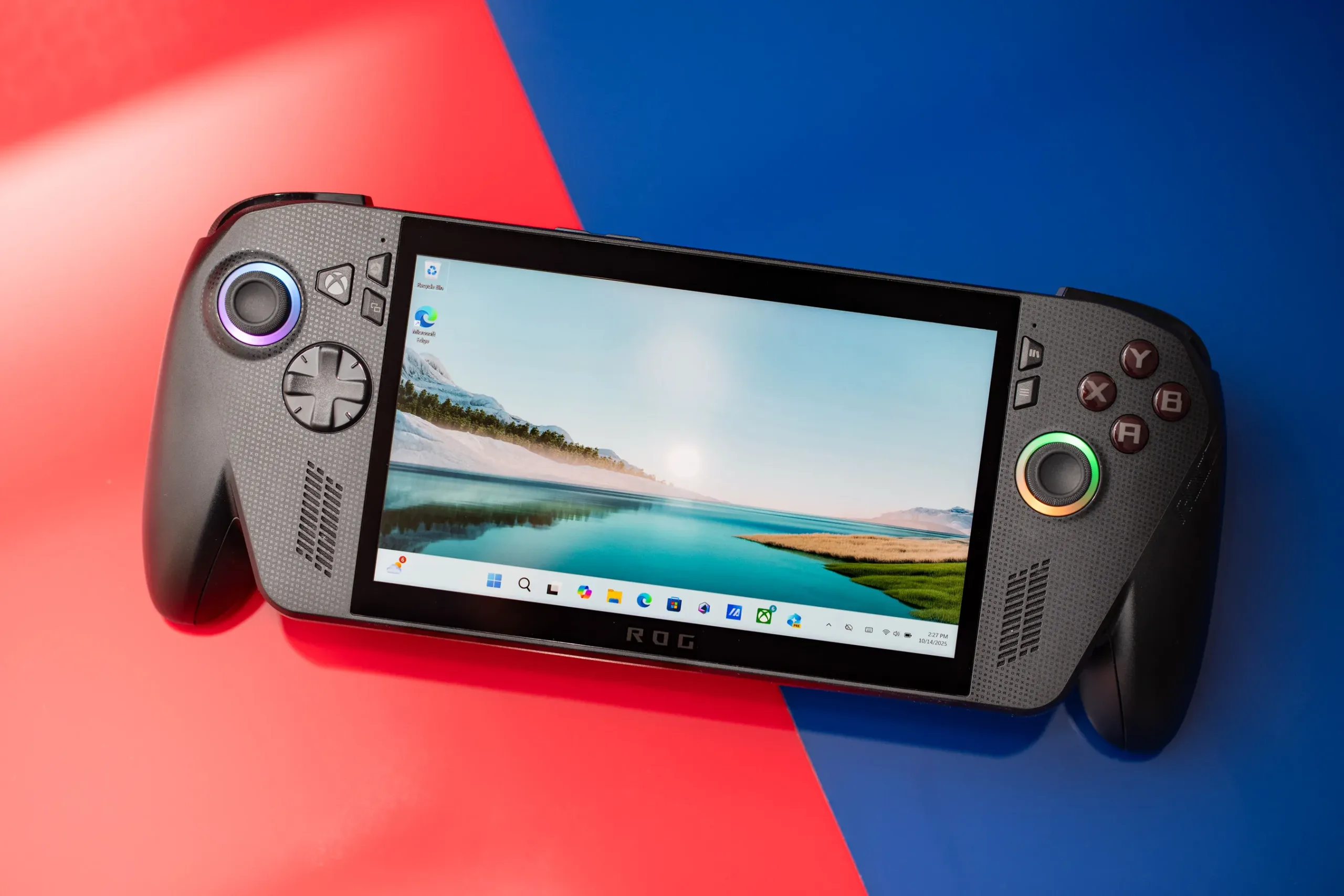
1080p is useful, but it comes with a battery-powered asterisk
Microsoft says Automatic Super Resolution can improve visuals particularly in older games, which is a sensible place to start. Older PC titles often lack their own modern upscaling options, yet they can still behave strangely on Windows handhelds because of driver quirks, CPU demands, or an engine built when nobody expected a full PC to be running at 15 watts on a train.
There is a catch, and Microsoft has been unusually candid about it. The company warns that 1080p handheld gaming may deliver performance that may not be as optimal as other configurations. Translation: if a game already struggles, rendering at 1080p and asking the system to reconstruct the result will not necessarily save it. Lowering the base resolution may still be the smarter move.
That is not a failure of Automatic Super Resolution; it is basic physics. The Ally X’s display may tempt players to select 1080p every time, but battery-powered handheld hardware lives inside a strict thermal and power envelope. A desktop GPU can brute-force plenty of bad decisions. A handheld cannot. The better goal is consistency: a clean 45fps or 60fps usually feels better than frame-rate swings caused by chasing a resolution number.
For users, the value is convenience. Windows PC gaming has traditionally required too much fiddling: game-specific settings, AMD FSR switches, Intel XeSS toggles, driver panels, and community guides that begin with three warnings. Microsoft’s pitch is that its own software can recognize a compatible game and help improve it at the operating-system level. If it works reliably, that’s exactly the kind of invisible help Windows handhelds need.

Automatic Super Resolution has a tougher job than DLSS
Calling Automatic Super Resolution a DLSS rival is fair, but the comparison needs some care. Nvidia’s DLSS is deeply integrated into many games, with motion-vector data and per-title implementation work that can produce excellent results. Microsoft’s approach is closer to a system-wide safety net. That makes it potentially useful in more games, including aging titles, but it also means it may have less information to work with than an upscaler built directly into a game engine.
AMD’s FSR and Intel’s XeSS sit somewhere between those worlds. Both can be integrated by developers, and both matter enormously because the handheld PC market is built largely on AMD silicon. Valve’s Steam Deck, Asus’s original ROG Ally, Lenovo’s Legion Go, and a growing pile of competitors have made one fact painfully clear: Windows needs better default tools if it wants to feel as coherent as SteamOS.
Microsoft has spent years treating PC gaming as a collection of adjacent products rather than a single experience. Game Pass is one app, the Xbox app is another layer, Windows has its own behavior, and individual launchers still do their own thing. The Xbox-branded Ally line is an attempt to stitch some of that together. Automatic Super Resolution is not the whole answer, but it is a practical piece of the puzzle.
Windows gaming and device features may be useful, though a support page matters less than practical compatibility. Players will want to know which games work, whether the setting is obvious, and whether its image quality holds up during fast camera motion rather than in a carefully chosen screenshot.
The 120fps promise needs the right kind of game
Previously, the feature was associated with frame rates around 60fps to 75fps. The new Performance mode expands that ceiling to 120fps, according to Microsoft. That will appeal to anyone playing competitive shooters, racing games, or less demanding indies where the panel and hardware have room to stretch their legs.
But don’t read “up to 120fps” as a promise that a handheld suddenly turns every modern blockbuster into a high-refresh showcase. Automatic Super Resolution can help create headroom; it cannot manufacture CPU performance, repair a poorly optimized port, or erase the cost of ray tracing. Games such as Cyberpunk 2077 and Alan Wake 2 are still going to demand sensible settings, no matter how clever the reconstruction is.
The more interesting pairing may be Auto HDR. If Automatic Super Resolution can make an older game run more smoothly while Auto HDR gives it a better-looking tonal range on compatible hardware, Microsoft could make a sizable back catalog feel less dated. That is a better pitch than obsessing over benchmark charts. People buy handhelds to play their libraries, including the weird old favorites that never received a modern remaster.
A small update with a larger Windows handheld message
My read is that Microsoft is trying to solve the least glamorous problem in handheld gaming: friction. The Xbox Ally X does not need another checkbox that only enthusiasts understand. It needs settings that deliver a credible result without a 20-minute YouTube tutorial and three restarts.
Automatic Super Resolution now has a real chance to prove itself because it is available in the conditions that define the device: undocked, mobile, and constrained by battery life. If Microsoft can broaden compatibility and keep the image quality from falling apart in motion, Windows handhelds may finally start feeling less like miniature gaming PCs and more like finished consumer devices. That is the bar. We will see whether Auto SR clears it.