

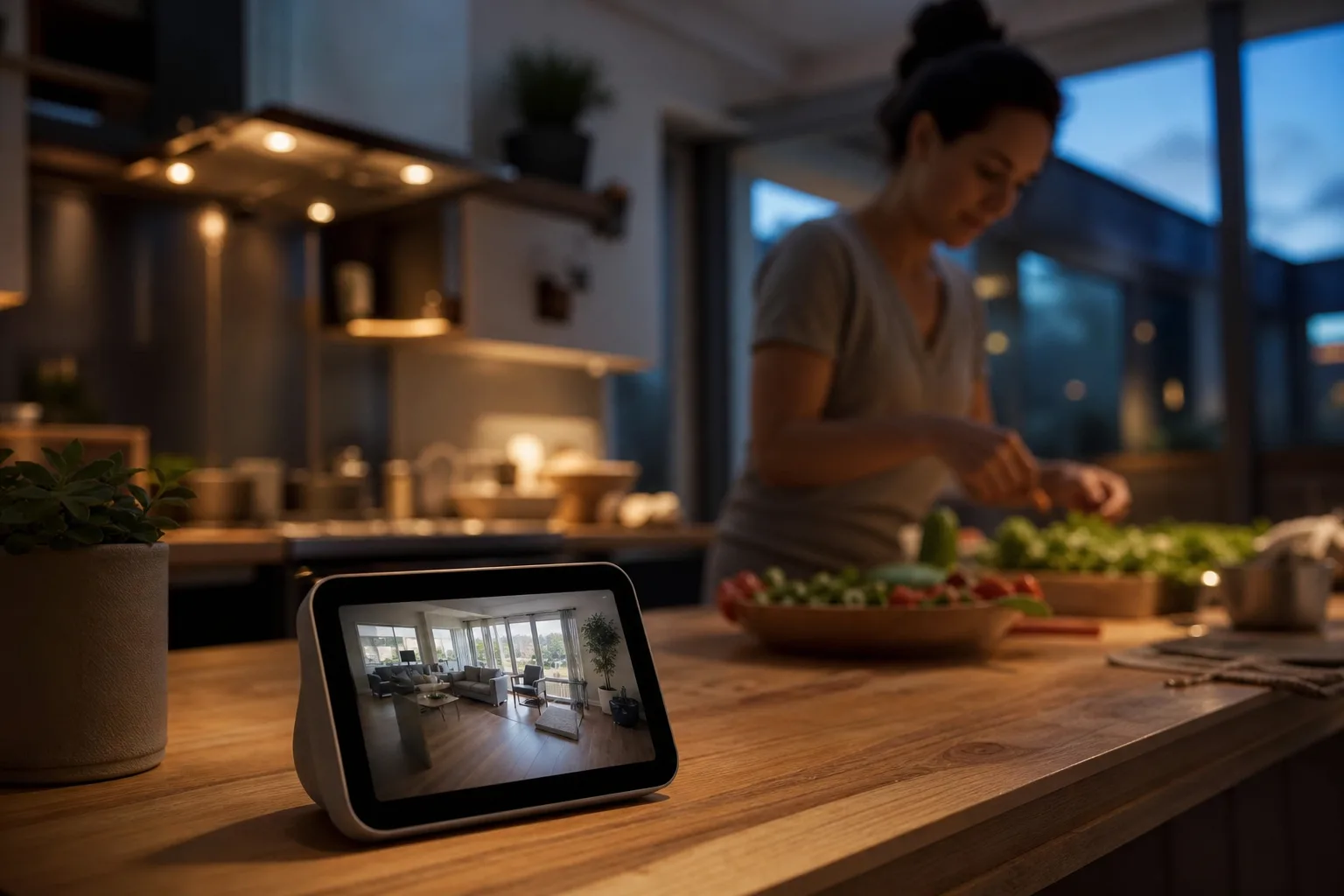
- Code references suggest an Apple HomeView camera could stream, detect motion, and save recordings through HomeKit Secure Video.
- The Apple HomeView camera may use lights, sounds, and household alerts to make it obvious when video recording is active, something rival devices don’t always handle well.
- Apple’s biggest advantage could be combining a display, Siri controller, intercom, and security feed in one familiar household device.
- The feature remains unannounced, so specifications, launch timing, and recording requirements could still change before release.
Table of Contents
Apple HomeView camera clues point to a more watchful smart display
The smart display sitting on your kitchen counter may soon be looking back. References found in Apple software bundles indicate an Apple HomeView camera could function as an indoor security camera through HomeKit Secure Video, adding another job to a product that already appears intended to be the center of Apple’s long-delayed smart-home push.
That needs one large caveat: Apple hasn’t announced the feature, or fully detailed HomeView itself. The evidence comes from settings strings reportedly uncovered by Reddit user pdfu, not a keynote slide or an Apple press release. Software clues can reveal a lot about a company’s plans, but they also sometimes describe features that arrive late, change shape, or never make it out of Cupertino.
Still, the reported settings are specific enough to be interesting. They describe options for streaming video, recording clips, motion detection, and privacy notifications—exactly the sort of plumbing Apple would need if it wants its screen-equipped home hub to double as a camera. My read is that this is a logical, potentially important feature rather than a throwaway experiment.
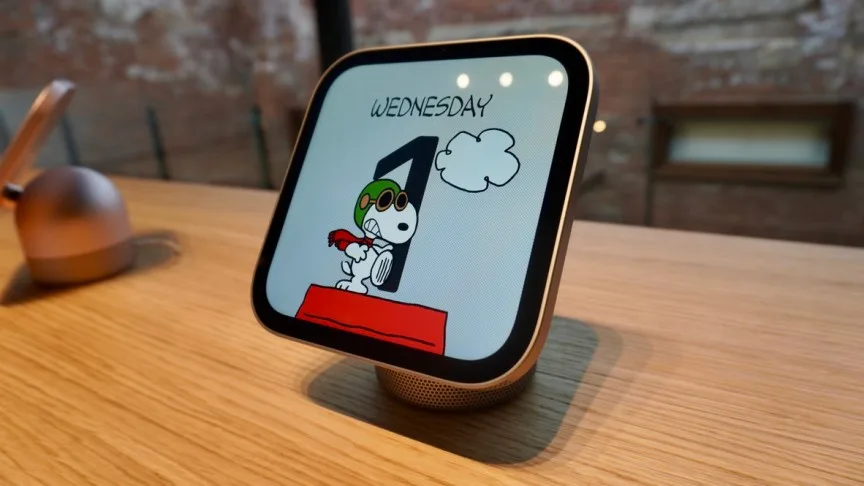
What the Apple HomeView camera settings reportedly reveal
The apparent setup offers four levels of access: Off, Detect Activity, Stream, and Stream & Allow Recordings. In practical terms, that would let a household decide whether its HomeView is a plain smart display, a motion notifier, a live-view camera, or a proper recording security camera.
That distinction matters. Motion alerts without saved clips are useful for knowing that a child came home or the dog jumped on the sofa again, but they aren’t much help after the fact. Live streaming is better for checking a room in real time. Recording is what turns a camera into security equipment, and it is also where the privacy stakes rise sharply.
The reported Apple HomeView camera controls seem built for real household routines, not one all-or-nothing switch. Owners may be able to permit motion detection, live video, or recordings only while household members are away, at home, or asleep. Apple could determine those states using the location of iPhones and other devices associated with the home.
That approach is familiar to anyone who has configured Ring, Nest, or Wyze cameras. It’s also where smart-home products routinely become annoying. Geofencing can be flaky, particularly in homes where people share cars, carry multiple devices, or leave a phone behind. Apple has a stronger starting position than most because it already knows a great deal about its users’ devices and household permissions. Whether that translates into fewer false alerts is another question.
Privacy measures in the reported code are more reassuring. A green indicator light and an audible chime would alert people when HomeView starts recording or someone begins a live stream. All members of a shared Home app household would also receive notifications when video settings change. That is a sensible guardrail: cameras are uniquely prone to becoming invisible furniture, right up until somebody realizes one was active.

Apple’s privacy pitch has to work in a shared home
An Apple HomeView camera would only be compelling if Apple gets the social side right, not merely the technical side. A kitchen display is in a different category from a camera discreetly mounted above a doorway. Guests, cleaners, roommates, and teenagers may all be in view. The physical status light and chime are therefore not decorative touches; they are the minimum standard Apple should meet.
Apple’s HomeKit Secure Video documentation helps explain Apple’s privacy-first pitch in the surveillance-camera business, where subscription plans and cloud retention have become as central as the hardware itself.
But there are limits to that advantage. HomeKit Secure Video requires an iCloud+ plan, and storage allowances depend on the subscription tier. Apple will need to spell out precisely what an Apple HomeView camera records, where it is processed, how long clips remain available, and whether every member of a shared home can see them. Those questions aren’t edge cases. They are the product.
Frankly, Apple should go further than its rivals by making camera state unmissable on screen and simple to pause. The company has spent years selling privacy as a feature. A household camera that feels vague or difficult to control would puncture that story fast.
A single device versus a shelf full of smart-home gear
The more intriguing part of this leak is not that Apple might sell another indoor camera. Plenty of companies already do that, often cheaply. Ring, Google Nest, and Wyze have filled homes with inexpensive lenses, subscription prompts, and separate apps. The appeal of an Apple HomeView camera is consolidation.
One device could show a doorbell feed, control compatible locks and lights, run Siri requests, place intercom calls, display calendars, and check on a living room. For people already deep in Apple’s ecosystem, that is a much easier purchase to justify than a dedicated camera that requires another account, another app, and another QR code taped to a wall. Anyone who has reconnected a smart-home gadget after changing Wi-Fi knows the particular kind of misery I mean.
There is a downside to the Swiss Army knife strategy: failure becomes more consequential. A dedicated camera can live quietly in a corner for years. A countertop hub gets moved, unplugged, used by guests, and potentially pointed at places that make less sense for monitoring. Apple will need thoughtful mounting and placement guidance rather than pretending one camera angle works for every home.
There is also an uncomfortable competitive reality. Amazon’s newer Echo hardware is pushing visual Alexa features, while Google continues to connect its speakers, displays, and Nest cameras more tightly. Apple is late to the party—again—but it may be arriving with a clearer thesis. Rather than build a house full of individually smart objects, it appears to want one trusted control point that happens to see and hear what is going on.
The real test is whether Apple makes HomeView feel useful, not creepy
If these settings become a shipping product, the Apple HomeView camera could be Apple’s most practical smart-home move in years. It would make the rumored hub more defensible against Echo Show and Nest Hub devices, while giving existing HomeKit users a camera that fits the platform without asking them to compromise on account sprawl.
Yet Apple cannot coast on its reputation here. A camera in the room needs impeccable disclosure, reliable household permissions, and controls that work when family life gets messy. The industry has trained consumers to accept tiny black lenses everywhere. Apple has a chance to challenge that complacency—or simply sell a nicer version of the same compromise. Which version arrives will matter far more than the screen size.