

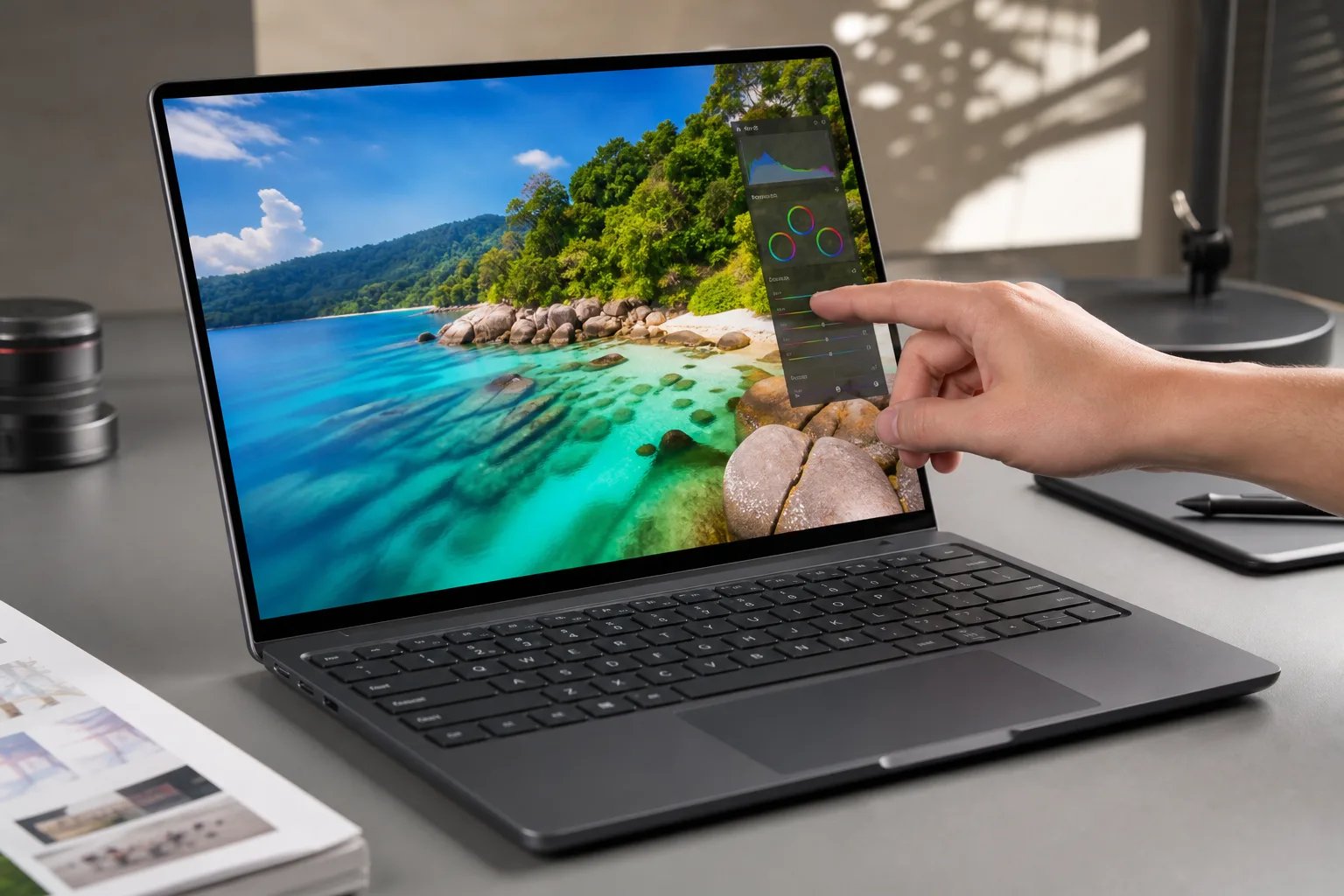
- The touchscreen MacBook Pro adds direct touch controls without attempting to replace the keyboard, trackpad, or established macOS workflow.
- Apple’s touchscreen MacBook Pro pairs its overdue touch panel with OLED, a lighter chassis, and an updated display cutout.
- Early demonstrations suggest touch is useful for quick actions, but professional users still rely mainly on familiar desktop controls.
- Apple’s restrained approach may make touch laptops feel normal, while leaving Pencil support and convertible hardware for another day.
Table of Contents
The touchscreen MacBook Pro arrives without a grand theory
The touchscreen MacBook Pro has finally crossed from years of Apple denials into physical hardware, and its most revealing quality may be its lack of drama. You can tap a button, scroll a page, pinch through an image and move on with your work. After more than a decade of executives arguing that laptop touchscreens were a bad ergonomic idea, Apple has delivered the most ordinary version of the concept imaginable.
That restraint is almost funny. Apple spent years watching Windows PC makers build touch laptops that fold, flip and occasionally contort like a camping chair with too many hinges. Microsoft reshaped Windows 8 around touch, then learned the hard way that forcing tablet conventions onto desktop users was not a recipe for universal affection. Apple waited for that whole experiment to settle down.
Its answer is not a new species of computer. The touchscreen MacBook Pro remains a laptop first: a keyboard below, a large trackpad in front, and macOS running as macOS has always run. Touch is a supplementary control method for the moments when reaching toward the display feels quicker than steering a cursor. Frankly, that may be the sensible place to land.
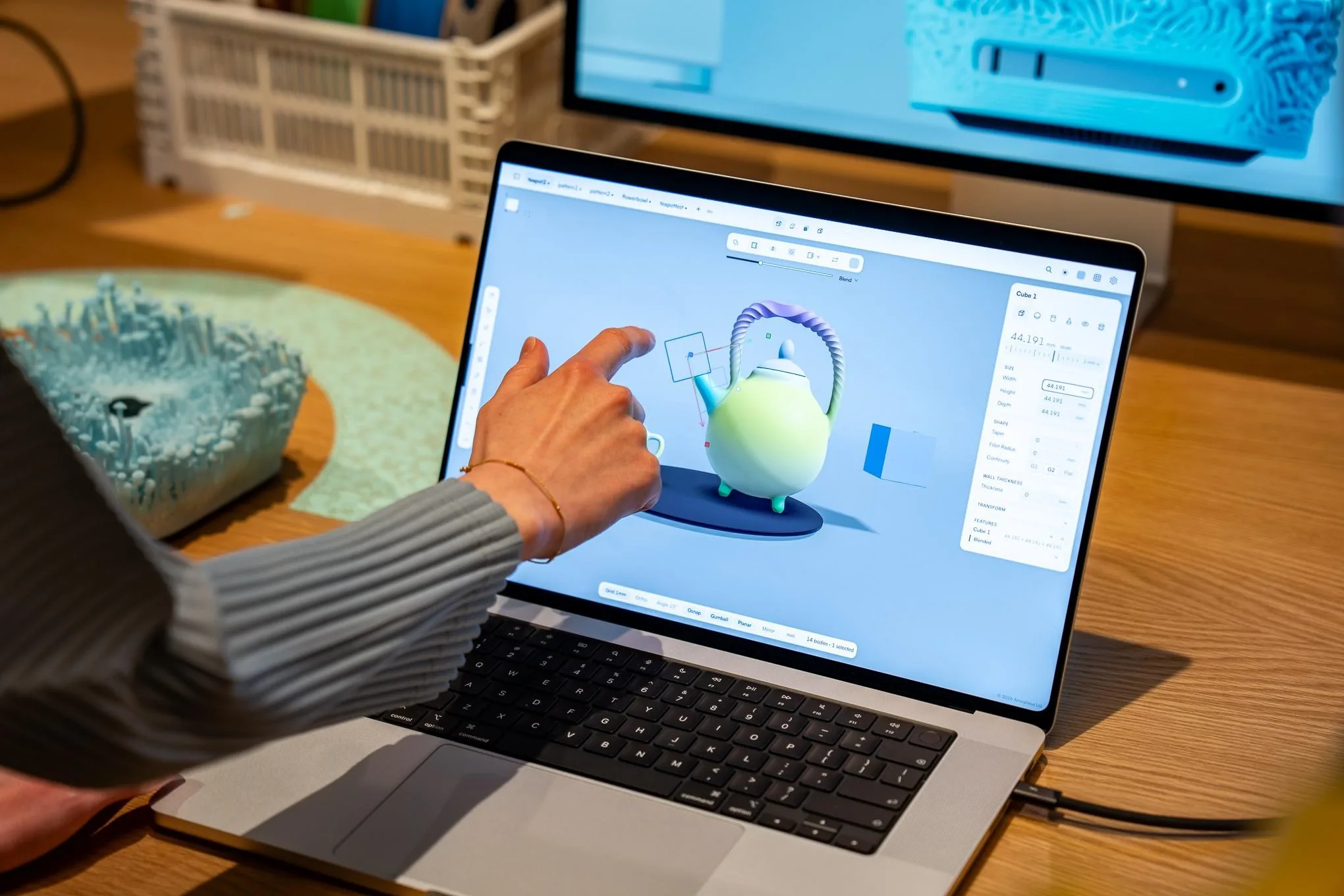
The bigger visual story is the machine around the panel. Apple is moving the Pro line to OLED with what it calls a PROLED XDR display, a name that sounds as if a marketing committee was paid by the syllable. Still, the underlying hardware matters. OLED brings pixel-level black levels, high contrast and saturated color that can make the current Mini LED MacBook Pro screens look slightly less dimensional beside it.
Apple describes the panel as reference-caliber and says it supports Apple CMF 2026 color modes. For video editors, photographers and colorists, those claims will need independent testing before they mean much. But Apple has long treated the MacBook Pro display as a serious professional tool rather than a spec-sheet decoration, and OLED is a credible upgrade for people who live in Lightroom, Final Cut Pro or DaVinci Resolve.
If you want to follow the specification trail, compare Apple’s existing MacBook Pro lineup and its display claims with the new model’s eventual technical documentation. The screen may be doing as much to sell this laptop as the touch layer itself.
Why the touchscreen MacBook Pro feels familiar
Apple’s interface changes sound modest. In macOS 27 Golden Gate, certain controls enlarge or respond visually when tapped, making it clearer that the display has recognized your finger. That is useful feedback, not a rethinking of the desktop. Most gestures correspond to actions users already perform on the trackpad: scrolling, swiping among spaces, zooming and selecting.
And that is the central tension of the touchscreen MacBook Pro. Apple has added the hardware people asked for, but not an entirely new interaction model to justify its late arrival. Demo users working in creative fields reportedly continued to default to the keyboard and trackpad. That tracks with how most of us actually use laptops. A trackpad is better for long sessions, precise selection and keeping your arms from hovering in the air like you are conducting an orchestra.
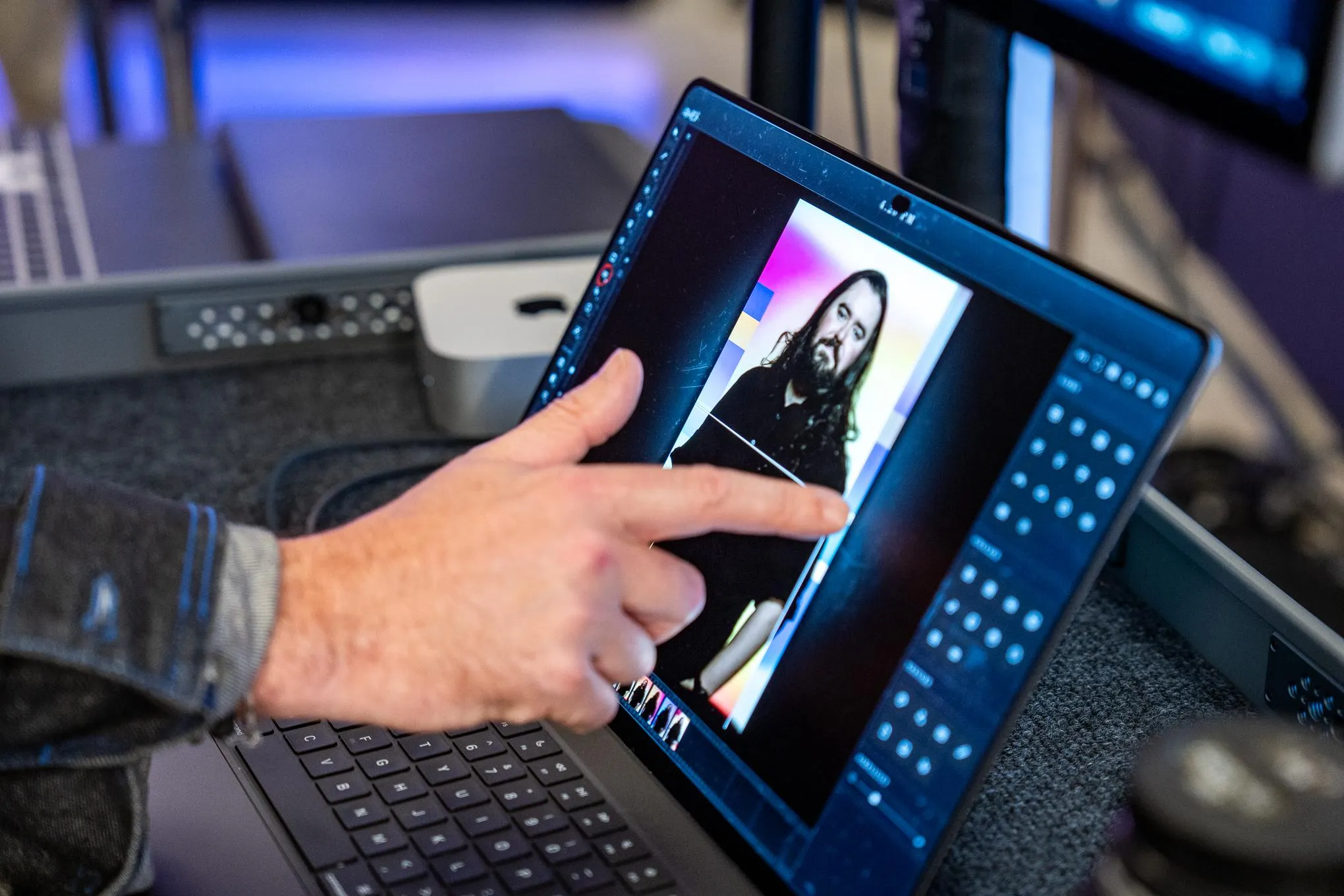
Touch does have obvious moments of convenience. You might tap a playback control while reviewing a clip, scrub through photos, dismiss a dialog box, move through a presentation or quickly select an item in a crowded app interface. Anyone who has instinctively poked a MacBook screen after using an iPad will recognize the appeal. Apple is accommodating behavior that has become natural across phones and tablets, rather than insisting users are wrong for wanting it.
My read is that this is a better outcome than another attempt to turn macOS into a tablet operating system. Windows laptops have offered touch for years, and the category survived, but it never became the default way people interact with traditional notebook software. The winning design was not a grand reinvention. It was choice.
OLED and a lighter body carry more of the upgrade
The touchscreen MacBook Pro is also thinner and lighter, according to Apple, and those changes may register more immediately than touch after a week of ownership. A lighter professional laptop changes the everyday calculation: you carry it to a meeting, pack it for a flight and use it on the couch without feeling as though you have hauled a small appliance with you.
There are smaller flourishes, too. Apple has replaced the familiar display notch with a Dynamic Island-style cutout, borrowing a visual language from the iPhone. The illuminated Apple logo has returned to the lid, a detail that prompted an outsized reaction during Apple’s presentation. That makes sense. It is visible from across a room; tapping a screen is not. Sometimes the emotional feature is the little glowing thing everyone sees at the coffee shop.
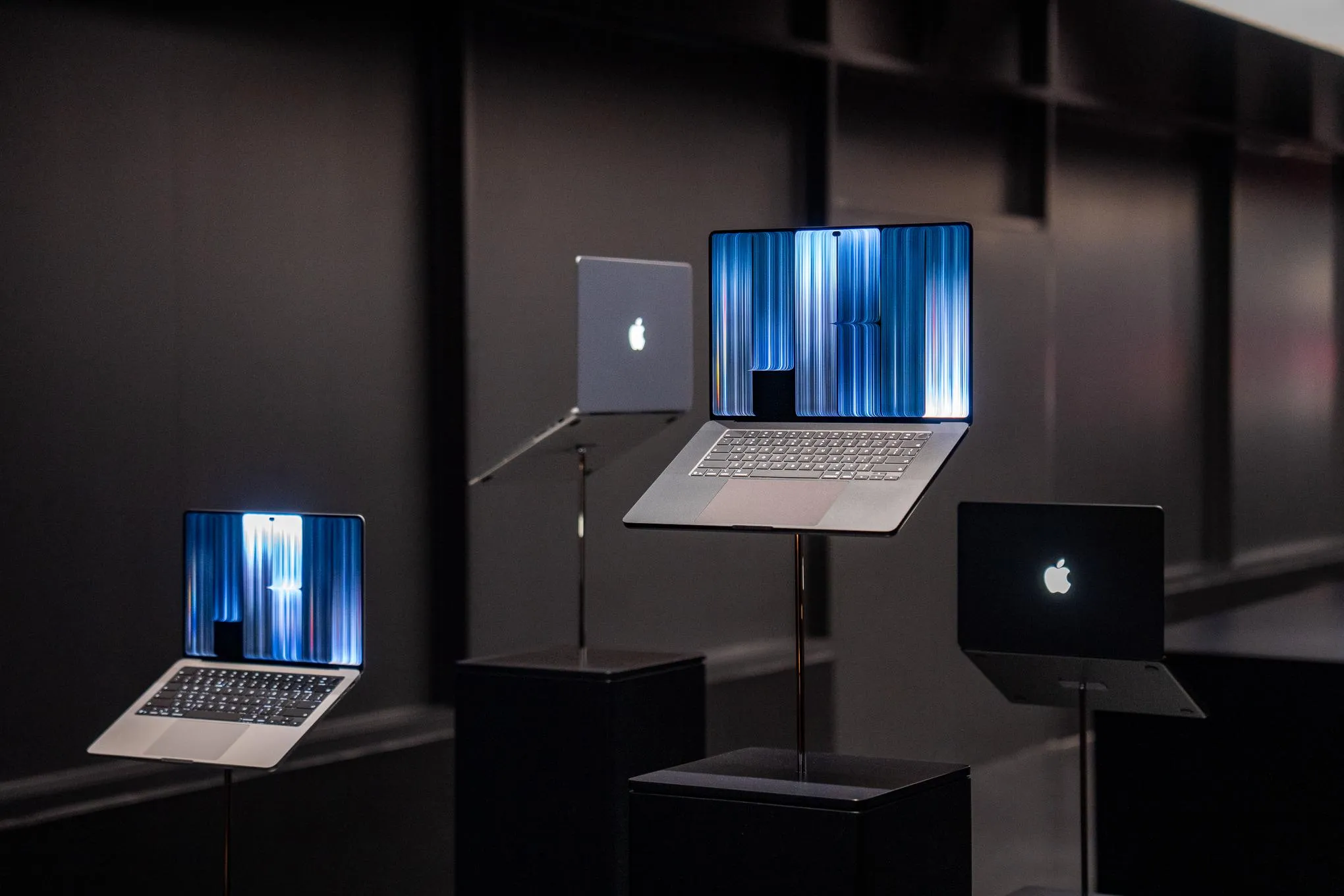
What Apple has not offered is just as telling. There is no 360-degree hinge, no tablet mode and no Apple Pencil support. Creative professionals will immediately ask about the Pencil, particularly because a high-end OLED touch display appears tailor-made for drawing, retouching and annotation. Yet Apple has spent years keeping the iPad and Mac in adjacent lanes. Bringing stylus input to a Mac would blur that boundary more aggressively than a finger-friendly display does.
Apple’s slow conversion could change the rest of the Mac
By making the touchscreen MacBook Pro conventional, Apple may be preparing a broader shift. The Pro line is where Apple can test a feature with customers willing to pay for premium hardware; if the implementation proves dependable, a future MacBook Air or lower-cost MacBook model becomes the obvious destination. That is how Apple often operates: introduce a costly component at the top, refine it, then spread it downward once the economics work.
There is a case for calling the move late. There is also a case for calling it disciplined. Apple did not need to prove that touch could replace a trackpad, because it cannot for many desktop tasks. It only needed to recognize that a laptop screen can be touchable without becoming a compromised tablet.
The real question now is whether Apple treats this first model as the finish line or as permission to rethink Mac apps around direct manipulation. If developers build genuinely useful touch interactions, the touchscreen MacBook Pro could become more than a nice extra. For now, Apple has done something less glamorous but perhaps more effective: it has made an old debate disappear.

