

Table of Contents
Gemini file generation turns chat into a work surface
Google’s latest Gemini update is trying to solve a problem that has quietly defined the AI boom: getting useful work out of a chatbot usually involves too much copying, pasting, downloading and reopening. Gemini file generation now lets users create and revise documents, slide decks, spreadsheets and PDFs within the conversation itself, before sending the finished result to Google Workspace or downloading it in a conventional format.
That sounds like a modest interface tweak. I’d argue it matters more than the new visual polish rolling out alongside it. AI assistants have become very good at producing a first draft; the awkward part is turning that draft into something you can actually use. A project tracker needs columns. A presentation needs a layout you can inspect. A policy document needs edits without the familiar chatbot ritual of saying, ‘Make it shorter,’ then hunting for the changed sentence in a fresh wall of text.
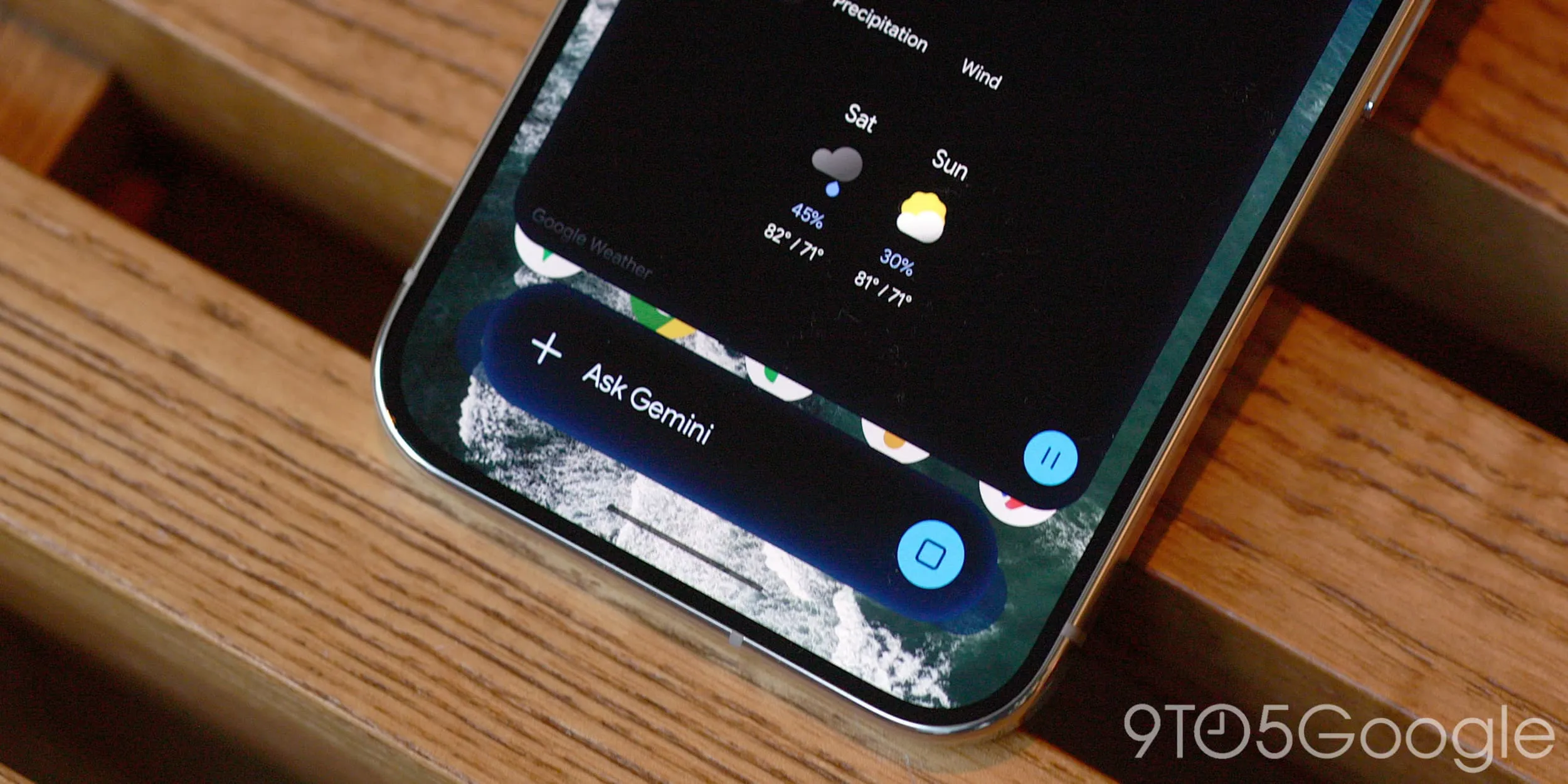
With this release, Gemini can generate a text document, presentation or spreadsheet from a prompt, show the file inline and let the user make manual changes or ask for targeted revisions. Google says slide decks can be opened in Google Slides or exported as PPTX and PDF files. Spreadsheets can go directly into Google Sheets, while documents can be saved to Drive. The company also lists PDFs, Google Docs, LaTeX, Markdown and TXT among the supported file types.
What matters here is the link between the file and the conversation. Gemini file generation keeps the draft in view while you work: highlight a section, ask a question about it, revise the tone, adjust the structure, then carry on. That’s closer to working with a junior collaborator than using a search box with a typewriter bolted on.
Gemini file generation still has a platform split
There is a catch, and it is a familiar Google one. The feature set is not identical everywhere. PDF previewing and editing are available through gemini.google.com and Gemini’s mobile apps. But Google Docs, Sheets, Slides, Markdown, TXT and code editing are currently web-only. So a phone can help you review a PDF on the train, but the fuller creation-and-editing workflow still points you toward a browser.
That limitation is sensible from a screen-size perspective, yet it also reveals where the product is in its evolution. Editing a spreadsheet or rearranging a slide deck on a six-inch display is nobody’s idea of a relaxing afternoon. Still, if Google wants Gemini to become the assistant people reach for between meetings, mobile parity will eventually matter. The whole point of Gemini file generation is reducing friction, and telling a user to move to a laptop halfway through the job puts some of that friction right back.
Google says the capability is live for users in every language where the Gemini app is available. The company’s Gemini web app remains the clearest place to see the broadest set of file tools, particularly for Workspace-adjacent work. That makes Gemini file generation especially appealing for people already working in Google’s productivity ecosystem. Availability is one thing, though; the practical quality of the output is another. A generated budget tracker can save ten minutes of setup, but it can also make a very confident mistake in a formula. Treat AI-made spreadsheets like an intern’s first pass: promising, potentially useful, and absolutely worth checking before anyone makes decisions from it.
A prettier Android overlay, with familiar Google rollout quirks
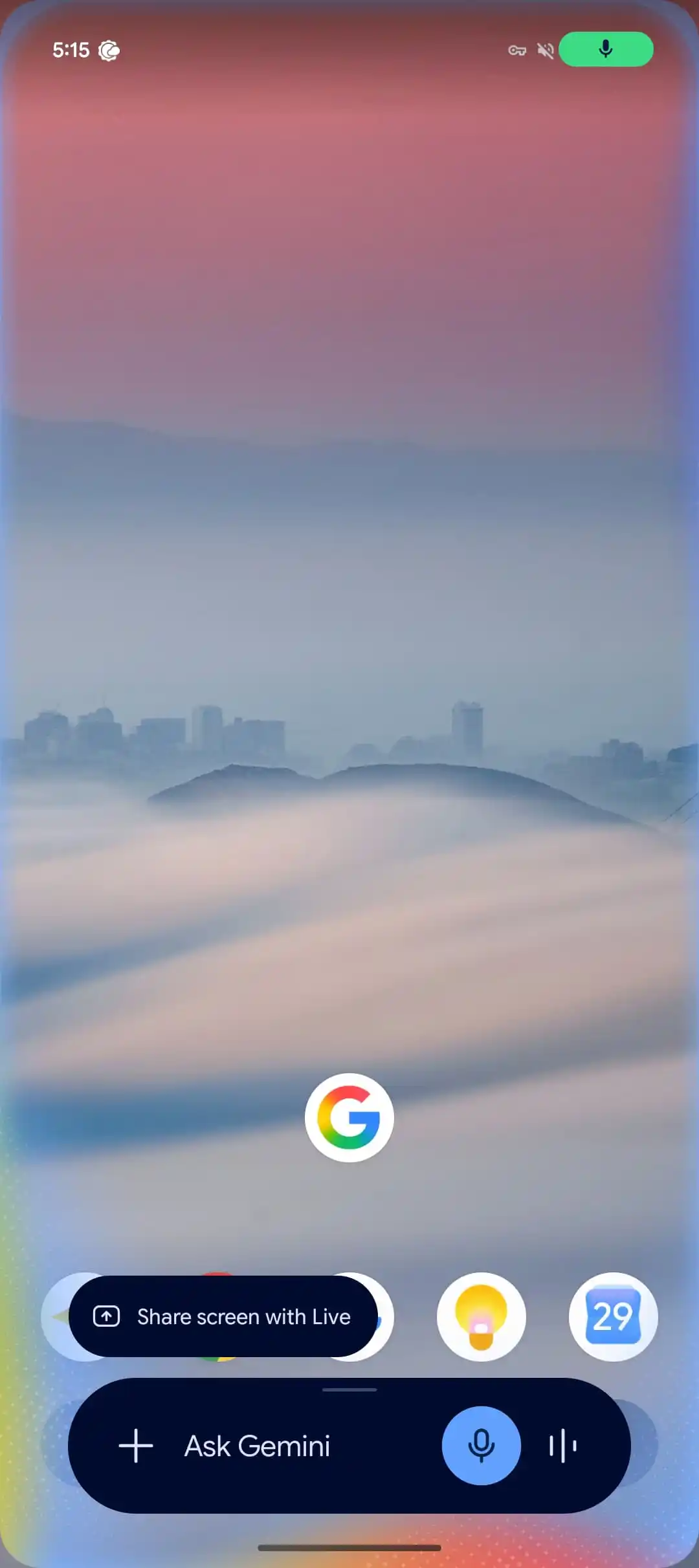
The same update also spreads Gemini’s latest Android overlay design beyond Google’s newest hardware. The look debuted on Pixel 11 phones with Gemini Intelligence and is now appearing on other Android devices. The refreshed overlay uses a stronger blur, more color flecks and a translucent edge around the pill-shaped command bar. It is less of a solid widget and more of a hazy layer floating over whatever app you were using.
Frankly, this is an aesthetic improvement, though not a reason to rearrange your day. The older overlay could feel like a separate Google component abruptly parked on top of the screen. The new one appears more integrated with Android’s current fondness for glassy, blurred surfaces. Whether that makes Gemini easier to use is debatable. It does make it feel less like an afterthought.
As with nearly every server-side Google rollout, patience may be required. Users who do not see the redesign can try force-stopping the Google app, but that does not guarantee immediate access. Google has spent years making its software distribution feel like a raffle, and no amount of attractive blur has fixed that.
Google is chasing the work people actually do
The larger strategy behind Gemini file generation is hard to miss. OpenAI has pushed ChatGPT from chat toward documents, data analysis and canvas-style editing. Microsoft has threaded Copilot into Word, Excel and PowerPoint, with mixed results but enormous distribution. Google, meanwhile, owns the cloud office suite where a huge share of knowledge work already happens. It would be bizarre if Gemini remained primarily a place to ask for restaurant ideas and summarize emails.
Google’s advantage is the destination. A Gemini-created table can land in Sheets; slides can move to Slides; a draft can live in Drive. That handoff has more potential than another marginal improvement to chatbot prose. If Gemini file generation reliably preserves formatting, handles revisions well and respects the intent behind edits, it could turn Gemini into a useful on-ramp to Workspace rather than a novelty sitting beside it.
Google describes the new workflow as a way to ‘generate, preview, and edit files right within’ Gemini chats.
But the word doing a lot of work there is ‘edit.’ Generating a document is easy. Editing it well requires the model to understand which parts are fixed, which parts are negotiable, and when a user’s requested change will break the rest of the file. Anyone who has watched an AI revise a clean paragraph into a slightly worse paragraph knows the risk.
My read is that Gemini file generation will be most valuable for disposable-but-real work: meeting agendas, draft proposals, lightweight trackers, research outlines and first-pass presentations. The real promise of Gemini file generation is not the first draft, but avoiding the need to rebuild that draft from scratch. The test now is whether Google can make the review step feel trustworthy enough that people stop treating AI output as something they must rebuild from scratch.

