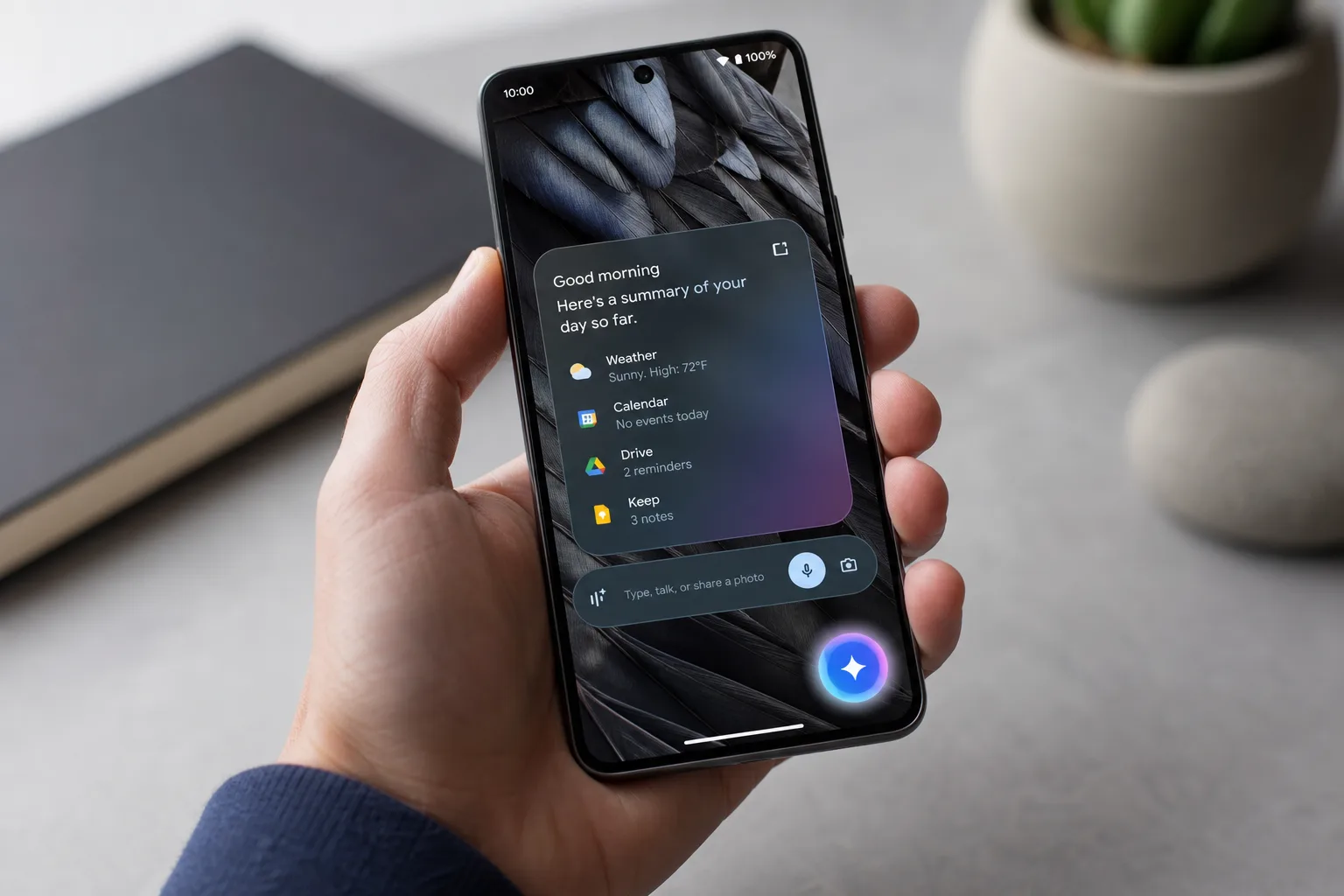
Google has been quietly refining one of the more practical corners of Android’s AI experience. The Gemini overlay bubble — a floating shortcut that keeps your AI conversation alive while you use other apps — is picking up a polished gradient design and wider testing coverage, signalling that Google is getting serious about making Gemini a genuinely persistent presence on your phone rather than a disposable pop-up.
- Google’s Gemini overlay bubble now shrinks into a persistent float instead of dismissing your conversation entirely when tapped away.
- The new Gemini overlay bubble features a gradient design matching Gemini’s visual identity, plus a dedicated Minimize Gemini button.
- Testing is currently limited to Android 17 QPR 1 Beta builds and is not yet available on stable Android 17 releases.
- A standard Gemini app bubble already exists, but this new implementation gives the overlay its own independent persistent chat bubble.
Table of Contents
The Problem the Gemini Overlay Bubble Actually Solves
Right now, using Gemini’s overlay on Android works well enough — until you leave it. Tap anywhere outside the panel and your conversation disappears entirely. The next time you pull Gemini back up, you’re starting fresh with no record of what you were discussing. It’s a minor frustration, but it quietly undermines the whole point of having an AI assistant woven into your OS. If you can’t keep a thread going while you switch to another app, you’re forced to either stay locked inside Gemini or accept losing your context.
That’s the gap this update fills. With the new Gemini overlay bubble behaviour, tapping out of the overlay no longer kills the conversation — it shrinks it into a small floating icon marked with Gemini’s spark symbol. One tap on that bubble and your chat is exactly where you left it. No digging through history, no re-explaining your context to the AI.
What’s New in the Latest Build
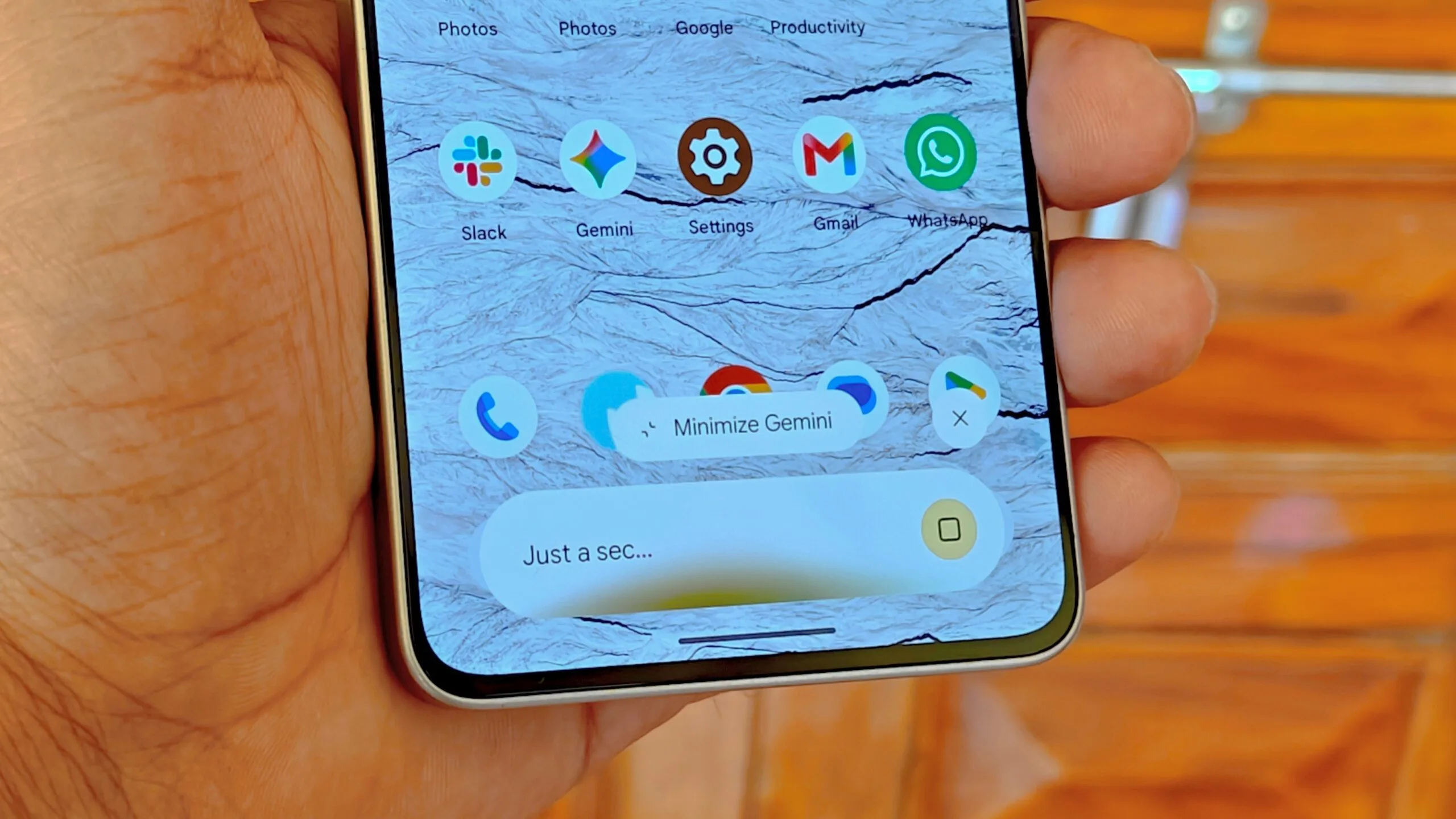
The implementation Google appears to be testing goes a step further than the initial version reported back in December. The Gemini overlay bubble now carries a gradient visual treatment that matches the look of the Gemini overlay itself — a small but deliberate design choice that keeps the floating bubble visually connected to the interface it represents. Google has also tweaked the animations inside the overlay, giving them a slightly darker tone that some early testers have noted feels more focused.
There are now two ways to trigger the bubble. Tapping outside the overlay is still the passive route — the panel simply collapses into the float automatically. But Google has also added a dedicated ‘Minimize Gemini’ button inside the overlay, giving users an explicit, intentional control. That’s an important distinction. It means the bubble behaviour isn’t something that happens to you; it’s something you can choose, which is how good multitasking design should work.
Where It’s Available — and Where It Isn’t
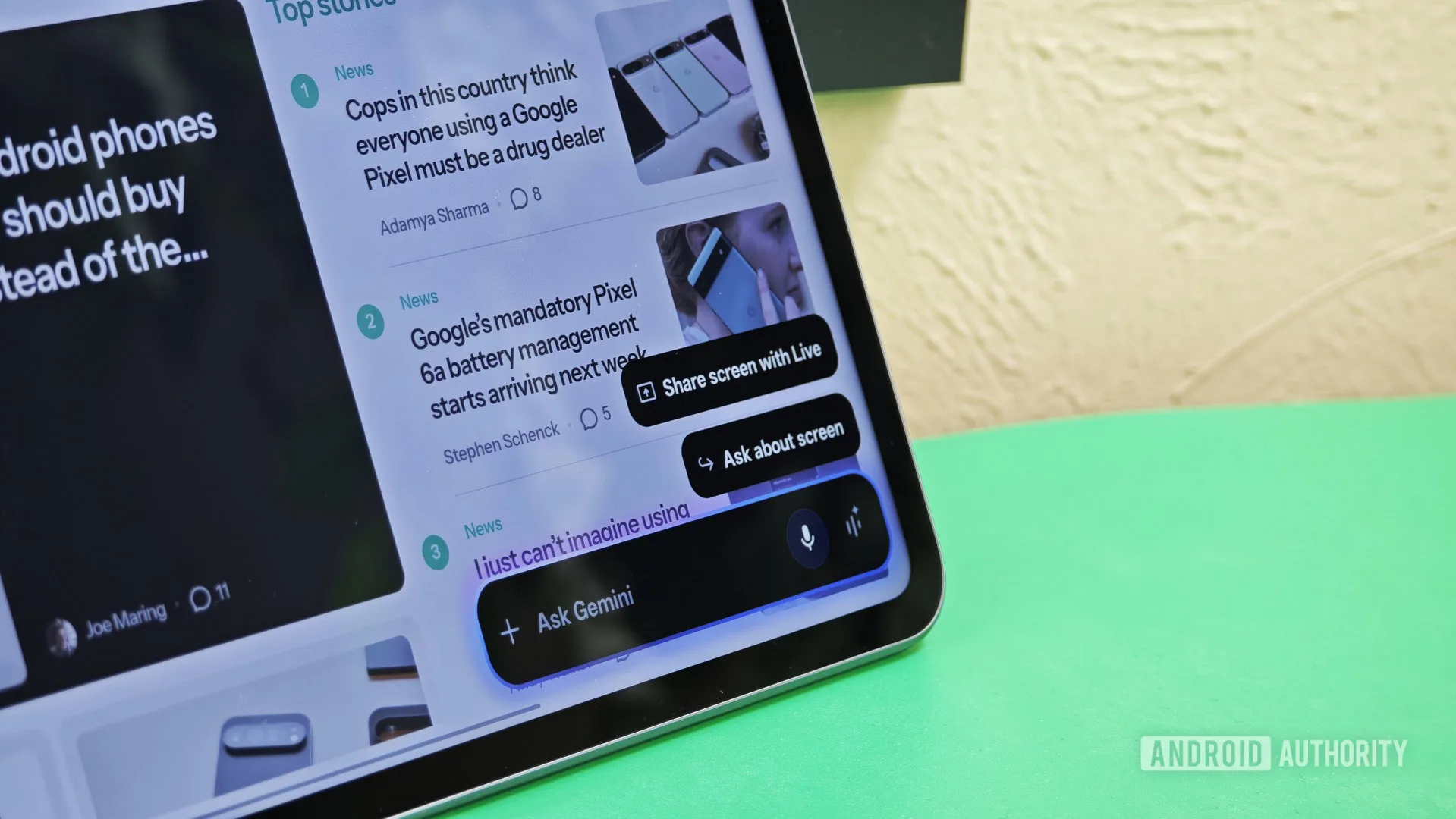
If you’re on a stable Android 17 build, you won’t see any of this yet. According to a report flagged by 9to5Google, the functionality has been spotted working on Android 17 QPR 1 Beta, which places it firmly in the testing tier rather than general availability. Google hasn’t made a formal announcement, and the rollout pattern suggests this is still a feature being validated rather than one ready for primetime.
It’s also worth separating this from the standard Gemini app bubble that already exists on Android. Technically, you can already pin the Gemini app itself as a floating bubble on your screen. But that’s the full app — not the overlay. The overlay is a distinct, lightweight interface designed to sit on top of whatever you’re doing, and until now it had no mechanism for persistence. These are two different tools solving slightly different problems, and conflating them misses what makes the Gemini overlay bubble genuinely useful.
Why This Fits Android 17’s Broader Multitasking Push
App bubbles in Android 17 represent one of the more meaningful multitasking improvements Google has shipped in recent years. The system-level bubble framework lets any compatible app float persistently on screen regardless of what else is happening — think of how Facebook Messenger’s chat heads worked, but built into the OS and available to any developer. Google is now applying that same philosophy directly to Gemini, which makes sense given how central the assistant is supposed to be to the Android experience.
The broader ambition here is clear. Google wants Gemini to feel like an ambient layer over Android rather than a separate destination app you visit and leave. Persistent context is a prerequisite for that. An AI assistant that forgets your conversation the moment you minimise it isn’t ambient — it’s just a chatbot with good PR. The Gemini overlay bubble is a small technical mechanism, but it represents a real architectural commitment to keeping AI in the flow of how people actually use their phones.
Compare this to how Apple has approached Apple Intelligence on iOS 18. Apple’s system-level AI features tend to be woven into specific apps and system actions rather than surfaced through a persistent overlay — a different philosophy, but one that equally recognises the importance of context. Google’s floating bubble approach is more visible and arguably more flexible, letting users decide exactly when and how to engage without losing their thread.
What to Watch For Next
Google has a pattern of testing features in QPR betas for one to two quarters before graduating them to stable builds. If the Gemini overlay bubble continues expanding through the beta programme without major issues, a stable release in the second half of 2025 seems plausible. The visual polish in the latest build — the gradient design, the refined animations, the dedicated minimize button — suggests this is approaching something Google considers shippable rather than exploratory.
The real question is whether the persistent bubble experience will extend to more of Gemini’s capabilities over time. Right now it preserves a conversation. But as Gemini becomes capable of longer agentic tasks — running multi-step actions in the background on your behalf — the ability to check in on an active session without losing it becomes far more critical than it is for a simple text exchange. Building the bubble infrastructure now could be Google laying the groundwork for that more complex future.