

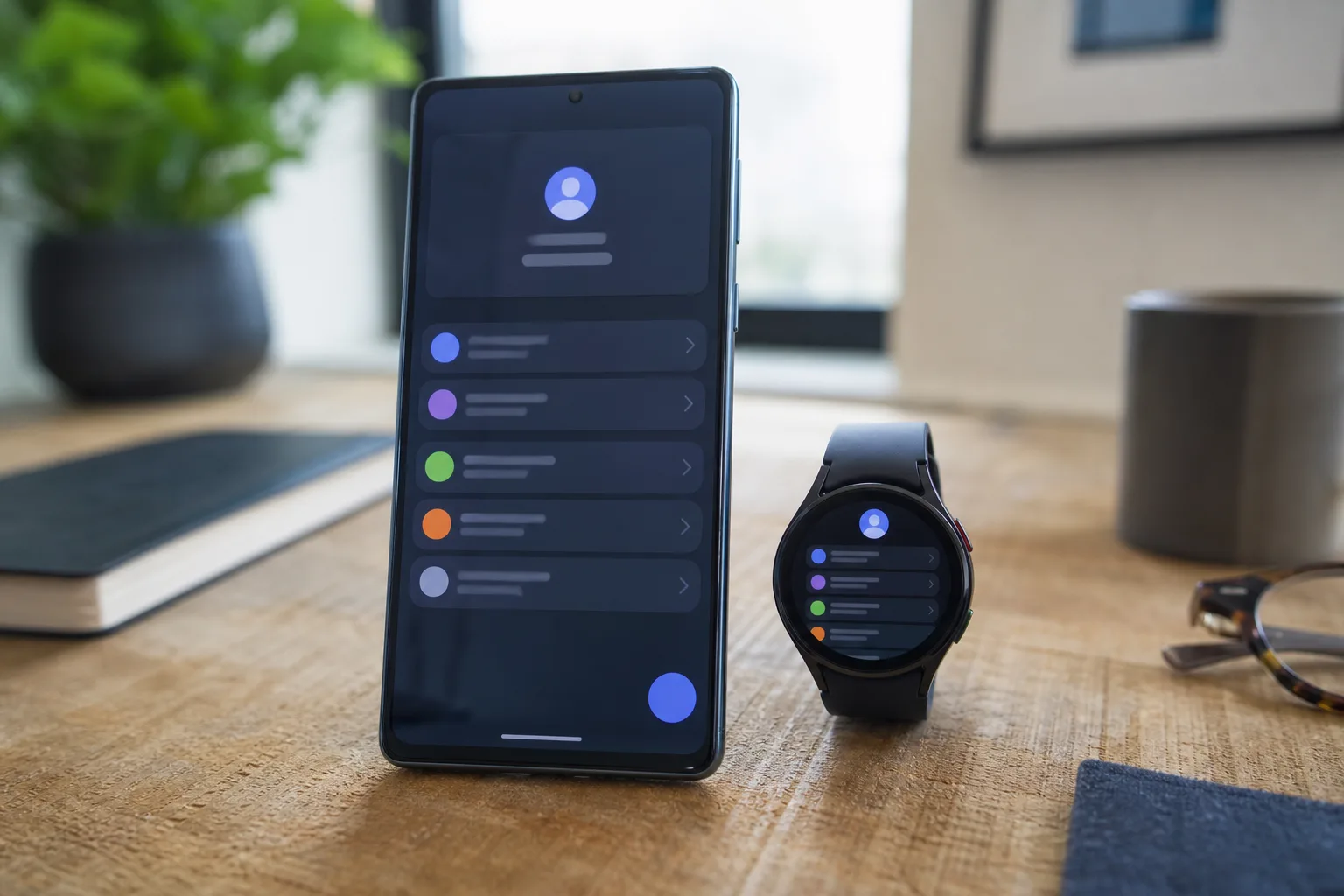
- Google System Updates for July add work-profile account transfers from Android phones to compatible Wear OS watches.
- The latest Google System Updates also introduce AI-generated image labels for European Play Store users, with clear limitations.
- Google is tightening the Play Store’s large-screen layout as Android tablets and foldables receive more attention.
- Several listed changes are developer-facing, and Google’s release notes do not guarantee immediate availability on every device.
Table of Contents
Google System Updates put work accounts on your wrist
The July batch of Google System Updates contains one change that will matter a lot to people whose employer has turned their phone into a carefully managed work device: Google now says users can transfer a work-profile account to a Wear OS watch. On paper, that sounds minor. In practice, it matters to anyone who has spent years juggling separate work and personal notification streams.
This Google System Updates feature arrives through Google Play services version 26.26, dated July 6, and applies to phones and Wear OS. In practice, the move should make a managed account available on a paired watch without treating the watch as an entirely separate IT project. That could mean work calendar alerts, approved apps, or account-linked services become easier to use from the wrist, subject to an employer’s device-management rules.
Google hasn’t spelled out every policy detail, and that caveat matters. Corporate Android deployments tend to be full of exceptions: one company permits calendar access, another blocks it; one supports personally owned devices, another requires company hardware. The broader direction is clear. Android’s work profile is becoming less of a phone-only container and more of a personal-device identity that follows you across screens.
It’s also a sensible bit of catch-up. Apple has long benefited from the assumption that an iPhone, Apple Watch, and enterprise management platform fit together naturally. Android has had strong work-profile tools for years, but the experience can feel like a filing cabinet: useful, secure, and not especially inviting. Bringing that identity to Wear OS is the kind of plumbing users only notice when it’s missing.
Google System Updates add AI labels to the Play Store
The other consumer-facing change in these Google System Updates lands in Google Play Store version 52.3: users in the European Union can identify AI-generated images through an AI label. Google says the label will not cover every image, because certain file formats and older images may not support it. That limitation is not fine print; it is the entire challenge of provenance on the modern internet.
An AI label is helpful when it appears, but it cannot serve as a universal truth machine. Metadata can be absent, stripped out, or never attached in the first place. Creators can also edit a synthetic image enough that its origins become less obvious. Google’s approach appears tied to the broader industry push around content credentials, where image files carry information about how they were created or altered.
Putting the signal inside the Play Store is meaningful. App listings are sales pitches, and visual deception has become cheap. If an app developer uses photorealistic images to imply features that do not exist, a visible AI marker gives customers one more reason to pause before tapping install. The policy won’t stop misleading marketing on its own, frankly, but it may make the most casual forms of it less effective.
The EU focus is unsurprising. European regulators have been pushing platforms toward clearer disclosure around synthetic media, while companies including Google are trying to avoid a patchwork of labels that differs across every product and region. Whether this expands beyond Europe is the more interesting question. If the implementation proves workable, leaving the rest of the world without the same context would be difficult to defend.
Large Android screens get another practical polish pass
The July Google System Updates also point to an improved, higher-density content layout for large screens in the Play Store. This is the least flashy item in the July Google System Updates, but it may be the one users encounter most often. A Play Store layout built around enormous cards and oceans of blank space is a poor use of a tablet display, and foldables have made that weakness harder to ignore.
Google has been steadily repairing Android’s large-screen experience since the Pixel Tablet era, encouraging developers to support responsive interfaces while updating its own first-party apps. The company still has work to do. Android tablets can be excellent hardware, but software polish has too often depended on whether a third-party developer cared enough to redesign an old phone interface.
This particular change will not solve that broader app-quality gap. It does show Google is willing to treat its storefront as a tablet product rather than a stretched phone app. That sounds like a low bar, because it is. Yet a more information-rich browsing view makes a real difference when you are comparing apps, filtering search results, or hunting for something useful on a 12-inch screen.
The release notes reveal Google’s quiet operating-system strategy
These Google System Updates are not the same thing as a full Android version upgrade. They are Google’s modular distribution system: pieces of Android and its services can change through Play services, the Play Store, and Play system updates without waiting for Samsung, Motorola, a carrier, or a manufacturer to deliver a traditional over-the-air release.
That arrangement has obvious benefits. Security services, account experiences, store features, and device connectivity tools can improve on a much quicker schedule than annual Android launches allow. The tradeoff is that the word ‘update’ has become frustratingly slippery. A feature listed on a July changelog may arrive on one device quickly, show up months later on another, or remain unavailable because its hardware, region, account type, or administrator policy does not qualify.
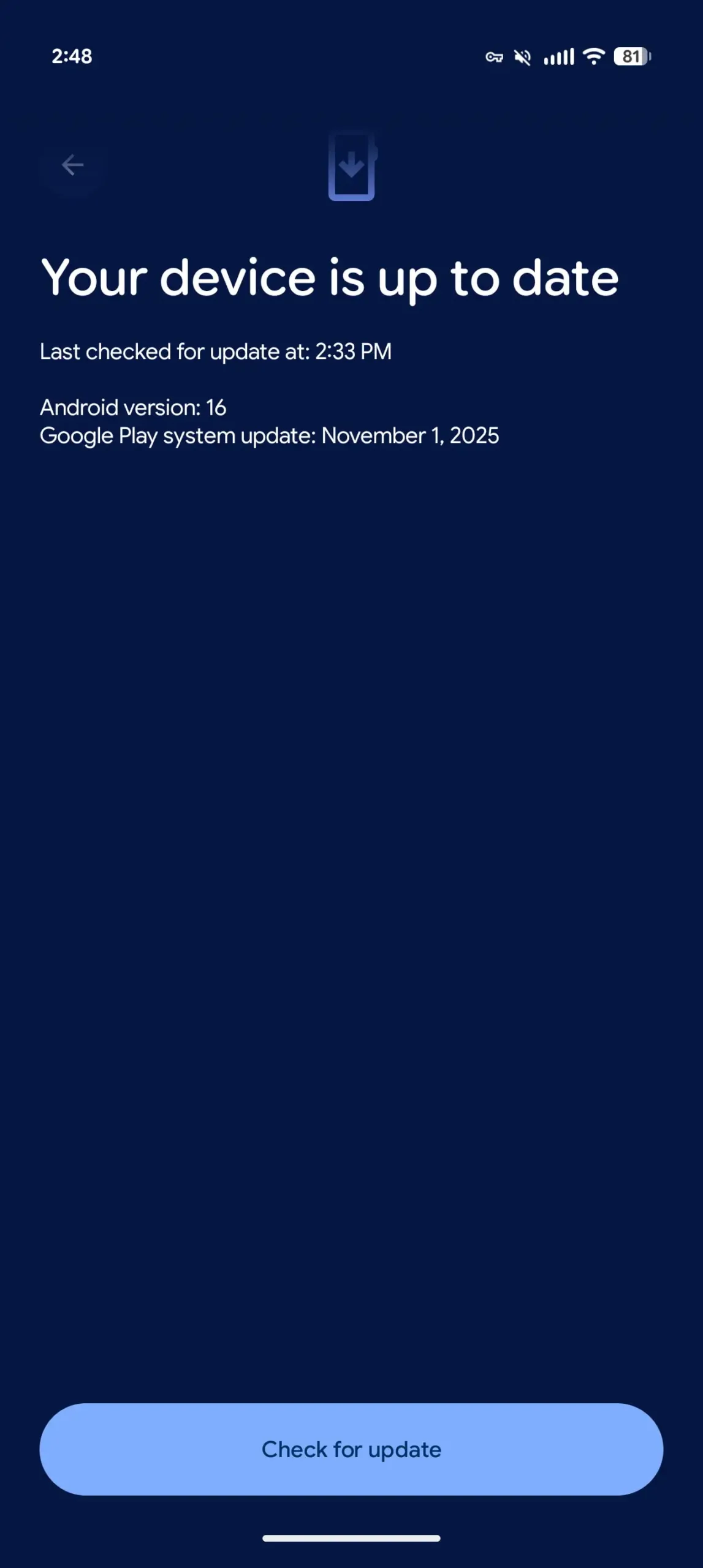
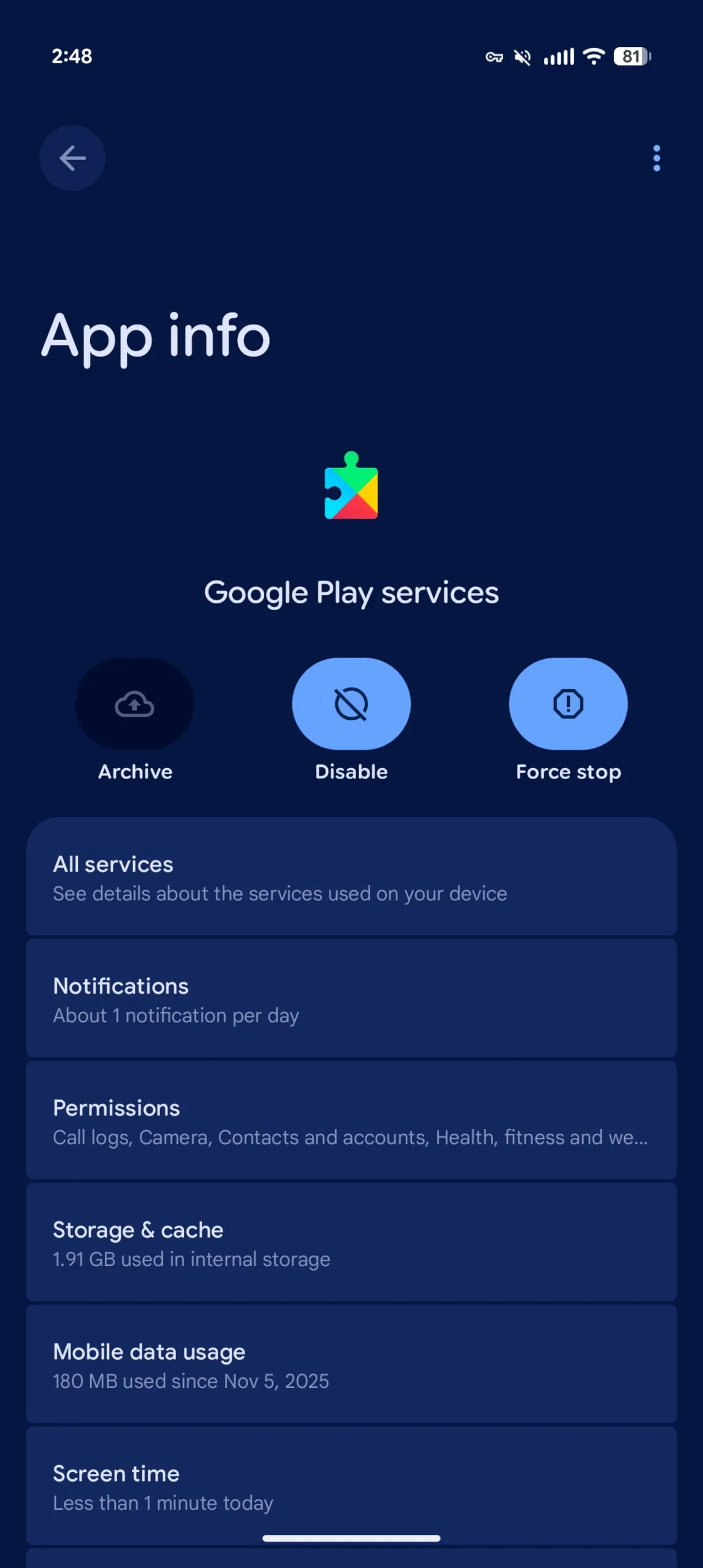
Google itself cautions that inclusion in release notes does not mean a capability is broadly live. Readers can check the version of individual system apps from Android’s app information pages, while the Play system update status sits under Settings, then About phone, then Android version. Google also outlines the process in its official Android update support guide.
There are a few less visible additions, too. Google Play services gains an API meant to improve work-profile setup reliability, new developer support around Maps-related processes, and location-sharing management for supported PC device types. The Wear details page in the Play Store is also moving from a legacy fragment setup to Google’s newer ‘Univision’ architecture. That last item is pure under-the-hood work, but migrations like it are how an aging app avoids becoming brittle.
My read is that July’s package is a good example of where Android is heading: fewer giant announcements, more gradual convergence between phone, watch, tablet, TV, car, and PC. The work-watch link is the headline because it changes what employees can actually do. But the AI-label experiment may have the longer tail. Once people get used to seeing provenance information beside an image, they may start asking why it is absent everywhere else.

