

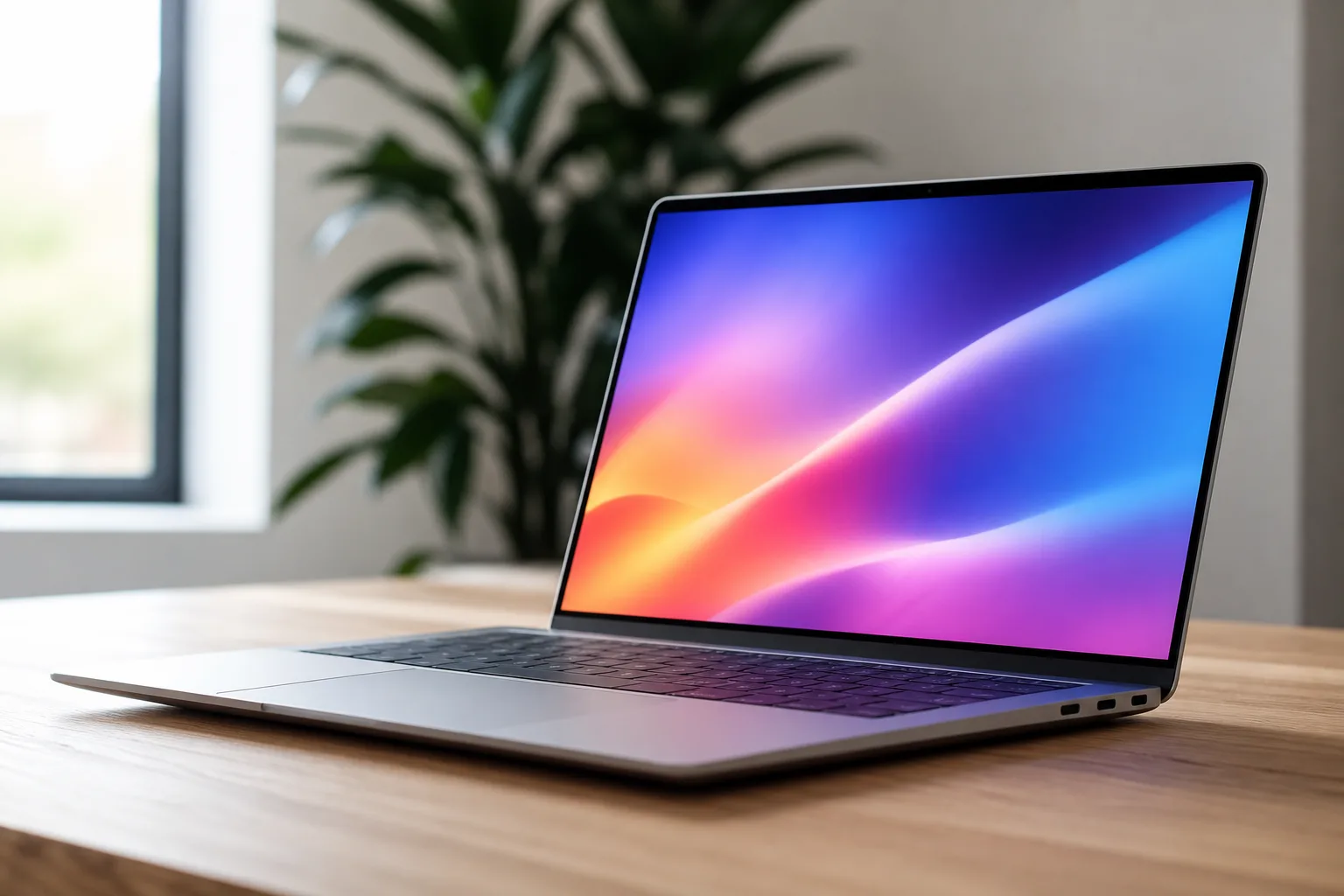
The HP OmniBook Ultra 14 might be the most important laptop HP has shipped in half a decade. After years of consolidating its consumer lineup — quietly retiring beloved brands like Spectre and Envy into the unified OmniBook family — HP needed a genuine flagship to prove the rebrand wasn’t just a marketing exercise. The OmniBook Ultra is that machine. It’s fast, thin, durable, and equipped with a display that embarrasses machines costing just as much. Whether it fully justifies its price tag depends heavily on which configuration you’re looking at, but the bones here are difficult to argue with.
- The HP OmniBook Ultra 14 is HP’s most capable ultraportable in years, finally offering a credible answer to Dell XPS and Apple MacBook.
- The HP OmniBook Ultra 14 lasted over 19 hours in PCMark 10 testing, one of the longest battery results recorded from any laptop this year.
- A forged stamped aluminum chassis keeps the machine at just 2.8 pounds and 0.42 inches thin while passing MIL-STD 810H durability tests.
- Pricing starts high — fully loaded configurations hit $4,000 — but a more practical $2,600 build keeps the Core Ultra X9 chip and 32GB of RAM.
Table of Contents
HP OmniBook Ultra 14 Design: Slim, Sturdy, and Distinctly Its Own
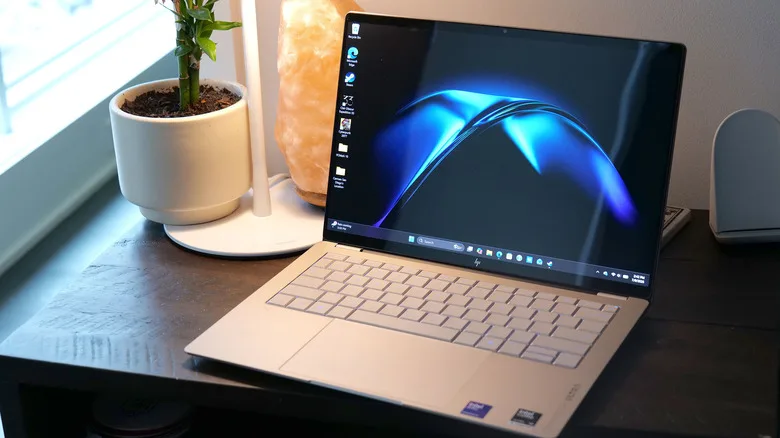
The laptop market at the premium end is crowded with silver and grey slabs that blur together after a while. HP’s answer is a forged stamped aluminum construction that it says improves structural rigidity and keeps weight low — and it genuinely works. At 2.8 pounds and just 0.42 inches thick, the HP OmniBook Ultra 14 is meaningfully slimmer and lighter than a comparable 14-inch MacBook Pro, which comes in at 3.4 pounds and 0.6 inches. That’s not a trivial margin when you’re carrying this thing through an airport or a full day of meetings.
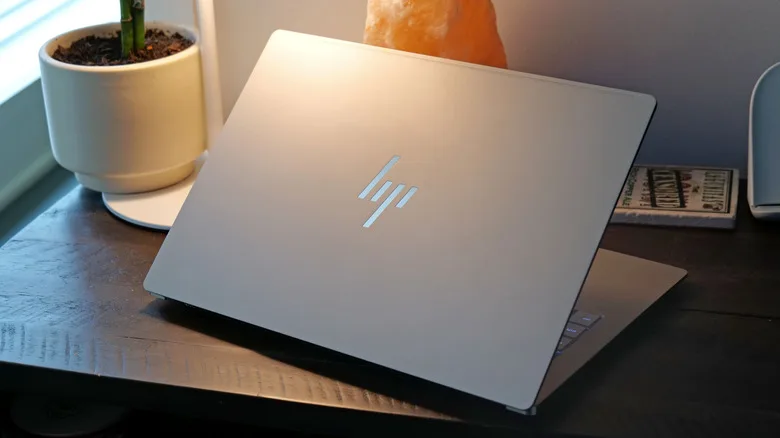
HP offers two colour options — eclipse gray and silk sand — and the latter especially gives the machine a character that stands apart from the typical anonymous ultrabook aesthetic. Beyond looks, HP has put the HP OmniBook Ultra 14 chassis through MIL-STD 810H testing, covering shock resistance, humidity, and extreme temperature exposure. The company is even marketing it as ‘the world’s most durably slim consumer notebook,’ which, sure, is marketing language — but the underlying engineering claim is legitimate. Accessing the internals requires removing just four corner screws, which is a refreshingly pragmatic gesture toward repairability in an era when most thin laptops are essentially sealed units.
One caveat worth flagging: that matte finish, while elegant, can pick up fine scratches when thrown into a bag alongside metal objects. It’s a trade-off that comes with almost every premium ultraportable, but it’s worth keeping in mind if you’re not the protective-sleeve type.
Port selection is minimal, which is par for the course at this thickness. You get three USB-C ports with Thunderbolt 4, DisplayPort 2.1, and USB Power Delivery 3.1 support, plus a 3.5mm headphone jack. Wi-Fi 7 and Bluetooth 6 round things out wirelessly. There’s no HDMI port and no SD card reader — a real limitation if you’re a photographer or video editor who’d rather not carry a hub everywhere. The keyboard is comfortable, with satisfying key travel and a good balance between stiffness and responsiveness, even if the trapezoidal keycap shape isn’t to everyone’s taste. The haptic trackpad is large and precise.
Display Quality: 3K OLED That Earns Its Place
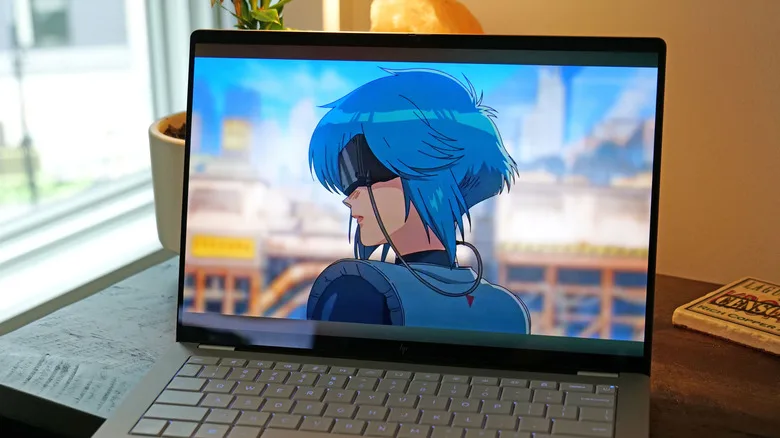
The HP OmniBook Ultra 14 ships with a 14-inch 3K OLED touchscreen as standard on Intel models, running at a 120Hz refresh rate. It’s genuinely excellent. Peak brightness hits 1,100 nits in HDR mode and a comfortable 500 nits for standard use, which is enough to stay usable in bright environments. Colour coverage lands at 100 percent of DCI-P3, making this a serious option for colour-sensitive work — even if the lack of an SD card slot complicates the workflow a bit.
The 5-megapixel webcam with IR for Windows Hello facial recognition is a solid inclusion. HP also added a physical shutter, a small but genuinely useful privacy feature that more laptop makers should adopt as standard. Image quality during video calls is good, if not outstanding — there’s a slight tendency toward blown-out highlights when you’re backlit, which is a common limitation in laptop webcams at this price. It’s not a dealbreaker, but if you’re presenting on camera professionally every day, you’ll notice it.
Performance: Fast Enough to Surprise You
The review unit HP sent over was loaded: Intel Core Ultra X9 388H processor, 64GB of RAM, and a 2TB SSD — configuration that pushes the price to $4,000. That’s a lot of money, even by premium laptop standards. Most people won’t need that spec. But there’s a more sensible entry point at around $2,600 that retains the Core Ultra X9 silicon and 32GB of RAM, which is where the HP OmniBook Ultra 14 starts to make genuine sense as a power-user purchase.
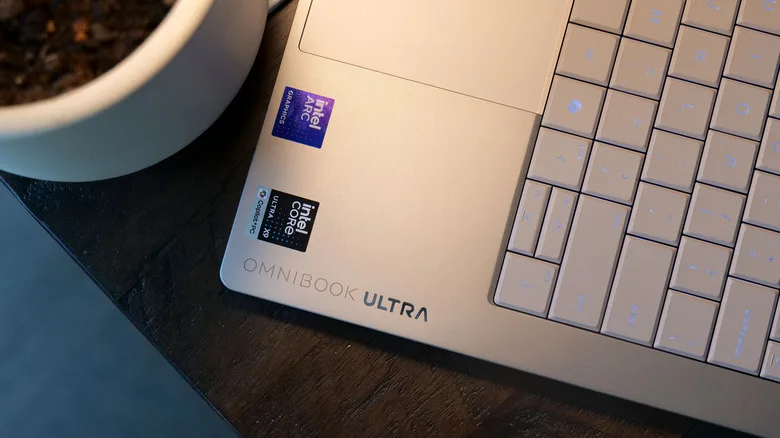
Why does the chip matter specifically? Because the Core Ultra X9 388H comes paired with Intel’s Arc B390 GPU rather than the slower integrated graphics you get on cheaper Intel configurations. In day-to-day use — document work, video calls, running multiple browser tabs and apps simultaneously — the HP OmniBook Ultra 14 is fast without qualification. But it’s the GPU that produces the more interesting result: the machine managed around 56 fps in Cyberpunk 2077 at 1080p on medium settings with XeSS set to performance mode. For context, the ASUS ROG Xbox Ally X — a $1,000 dedicated PC gaming handheld — produced about 62 fps in the same test. That a slim 2.8-pound laptop is within striking distance of dedicated gaming hardware says something meaningful about how far Intel’s integrated Arc graphics have come.
HP has also equipped the HP OmniBook Ultra 14 with a compact vapour chamber for cooling — the first OmniBook to include one. That’s a meaningful engineering detail. Vapour chamber cooling dissipates heat more evenly across the chassis than traditional heat pipes, which means the chip can sustain higher performance for longer under demanding workloads without thermal throttling as aggressively.
For those considering Qualcomm variants: the Snapdragon X2 Plus and X2 Elite options offer a different trade-off. Arm-based chips typically deliver stronger NPU performance for AI-accelerated tasks and better power efficiency, but x86 software compatibility remains broader on Intel. Neither is strictly the right answer — it depends on your workload and whether you’re running niche Windows applications that haven’t yet shipped native Arm builds.
Battery Life: One of the Longest Results This Year
This is where the HP OmniBook Ultra 14 genuinely impresses, even for an Intel-based machine. In PCMark 10’s Modern Office battery rundown test, it logged 19 hours and 14 minutes — a result that raises eyebrows. For comparison, Dell’s XPS 14 managed 10 hours and 21 minutes in the same test. That’s such a significant gap that it’s reasonable to wonder whether HP has tuned its power management specifically for benchmark conditions, as some manufacturers have been caught doing in the past.
The ASUS ZenBook Duo in single-screen mode came closer at 18 hours and 33 minutes, which suggests HP’s number isn’t completely implausible. And real-world use during extended writing and general productivity sessions does confirm this machine comfortably outlasts a working day. The Snapdragon variant of the HP OmniBook Ultra 14 is expected to push those numbers even further, which is worth factoring in if battery life is your primary concern.
Who’s the HP OmniBook Ultra 14 Actually For?
The honest answer is: professionals who need a thin, light Windows machine that doesn’t compromise on performance or longevity, and who don’t want a MacBook. The HP OmniBook Ultra 14 competes directly with Dell’s XPS 14 and, at a stretch, the MacBook Pro 14. It beats the XPS 14 on battery life and arguably on build character. Against Apple’s machine, it’s lighter and thinner but gives up the depth of the macOS ecosystem and Apple Silicon’s efficiency at the very top end.
The fully loaded $4,000 configuration is hard to recommend to almost anyone — 64GB of RAM in an ultraportable is overkill unless you have a very specific use case. But the $2,600 build with Core Ultra X9 and 32GB of RAM is a more defensible proposition, especially for users who want genuinely good discrete-class GPU performance in a chassis this portable.
HP’s OmniBook consolidation strategy was always going to live or die on whether it could produce a laptop that justified leaving behind the Spectre name. The HP OmniBook Ultra 14 suggests it can. The brand reset looks less like a retreat now and more like a platform — one HP can build upward from with some credibility restored.
Frequently Asked Questions
How long does the HP OmniBook Ultra 14 battery last?
In PCMark 10’s Modern Office rundown test, the HP OmniBook Ultra 14 lasted 19 hours and 14 minutes, which is among the longest results recorded from any laptop in 2024. The Snapdragon-equipped variant is rated to deliver even better runtimes.
What display does the HP OmniBook Ultra 14 use?
The Intel-based HP OmniBook Ultra 14 ships with a 14-inch 3K OLED touchscreen running at 120Hz. It hits 500 nits of sustained brightness — up to 1,100 nits in HDR — and covers 100 percent of the DCI-P3 color gamut.
Can the HP OmniBook Ultra 14 handle gaming?
It can, to a degree. Equipped with Intel’s Arc B390 GPU, the machine delivered around 56 fps in Cyberpunk 2077 at 1080p and medium settings with XeSS on performance mode — figures competitive with dedicated PC gaming handhelds.
Does the HP OmniBook Ultra 14 support Qualcomm Snapdragon processors?
Yes. Beyond Intel Core Ultra 9 options, the OmniBook Ultra 14 can be configured with Qualcomm Snapdragon X2 Plus or X2 Elite chips, which offer stronger AI processing and slightly better battery life at the cost of some x86 software compatibility.

