

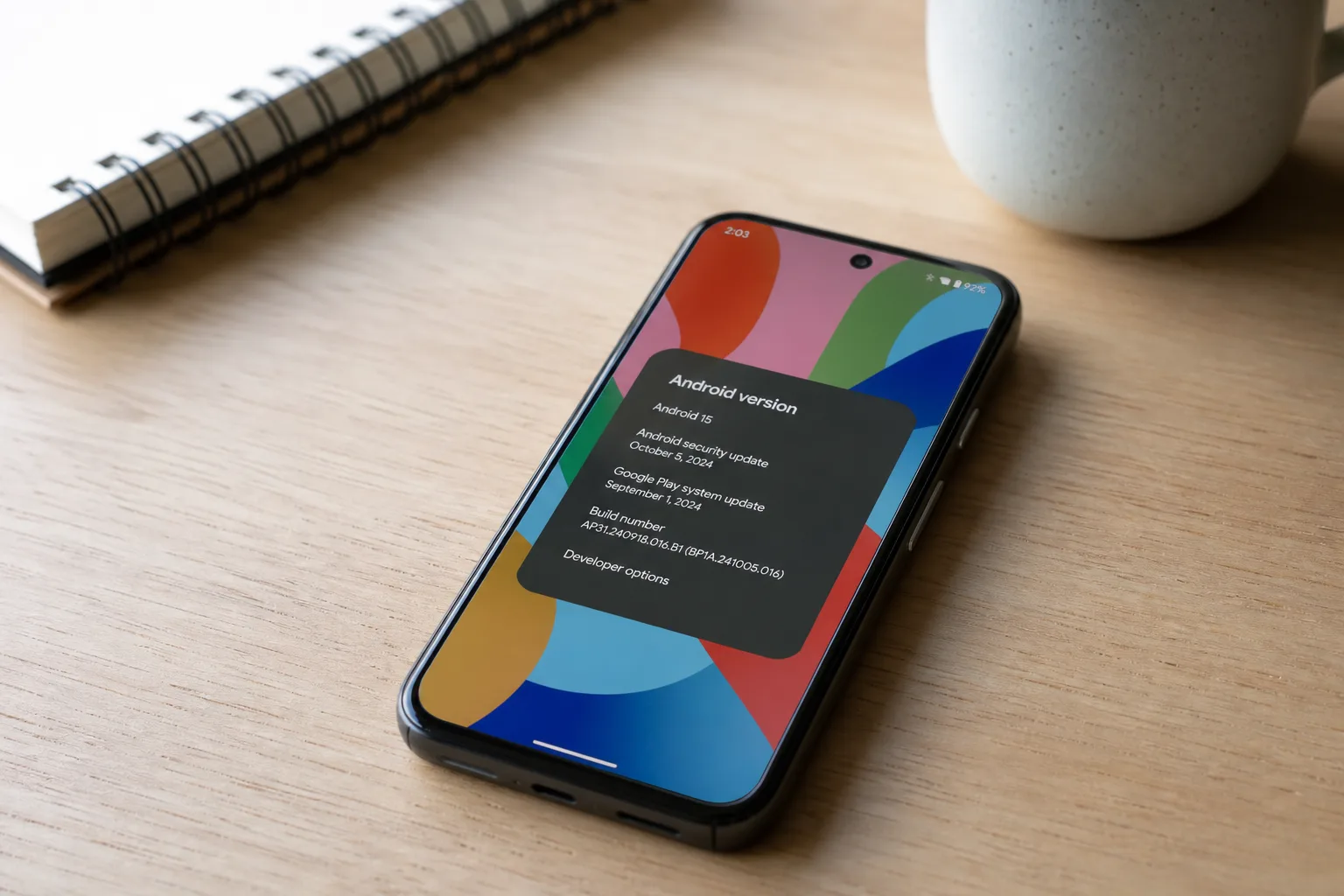
Google’s most experimental Android channel keeps ticking along. Android Canary 2607 quietly made its debut this week, arriving just over a month after the 2606 build dropped in early June — and true to Canary tradition, it snuck out with barely a whisper from Google itself.
- Android Canary 2607 is now available for Pixel 6 and newer devices, arriving quietly in early July 2026.
- Google hasn’t officially highlighted changes in Android Canary 2607, but users have already spotted a few UI tweaks.
- The new build carries the identifier ZP11.260618.005 and supports Pixel tablets and foldable models too.
- Installing Android Canary 2607 wipes your device, so backing up data before using the Android Flash Tool is essential.
Table of Contents
What Is Android Canary 2607?
If you’re not already deep in the Android enthusiast rabbit hole, here’s the quick primer. The Android Canary channel sits at the very bleeding edge of Google’s development pipeline — further out than the QPR (Quarterly Platform Release) betas and miles ahead of stable monthly patches. Think of it as the place where Google’s engineers are pushing changes before they’ve been fully validated, stress-tested, or even properly documented. That’s exactly why Google announces Android Canary 2607 over on Reddit’s r/AndroidCanary community rather than through a polished press release: the audience here self-selects for people who know what they’re signing up for.
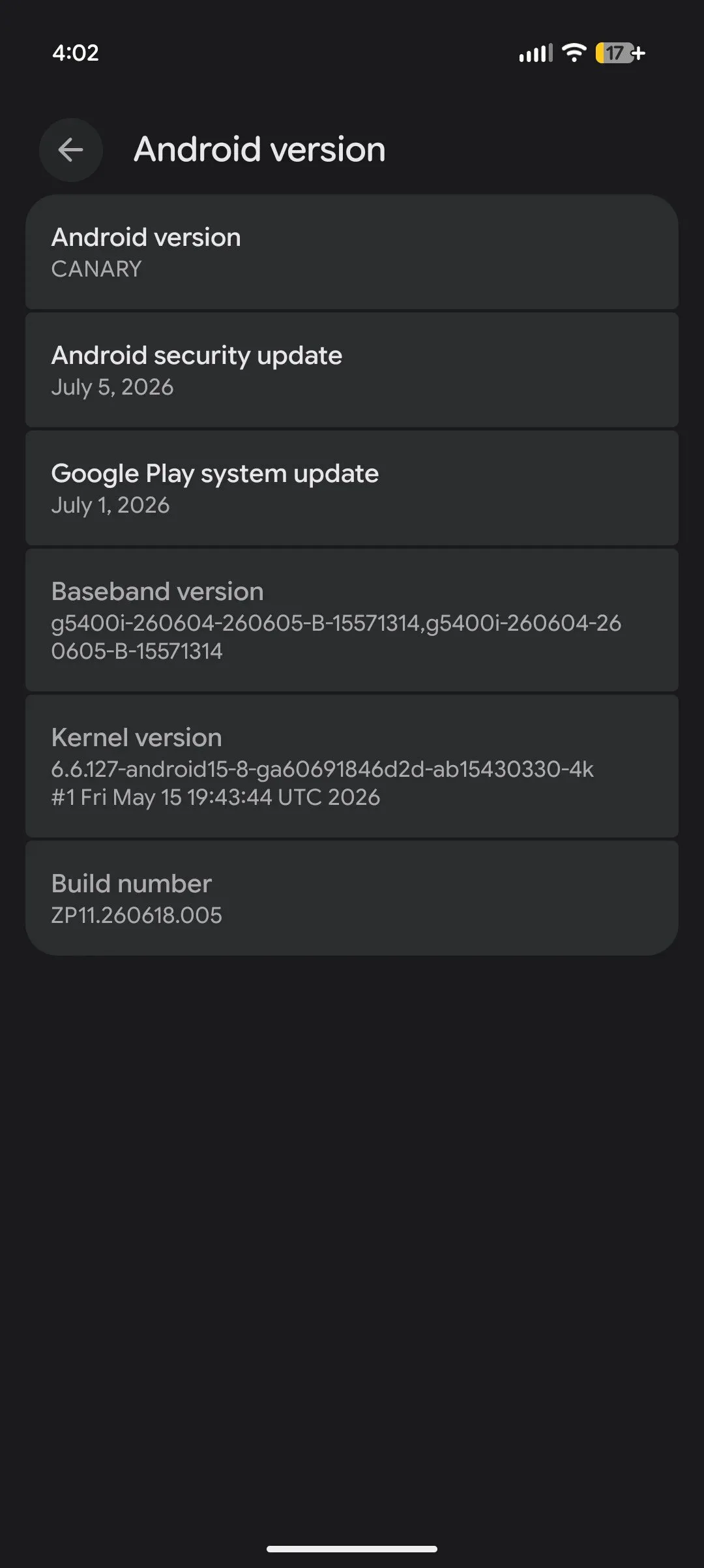
The new build carries the identifier ZP11.260618.005 and is available for Pixel 6 and every newer Pixel device, including the Pixel Tablet and the full range of foldable hardware. Every supported device gets the same build number, which keeps things clean for testers comparing notes across different form factors.
How to Get Android Canary 2607 on Your Pixel
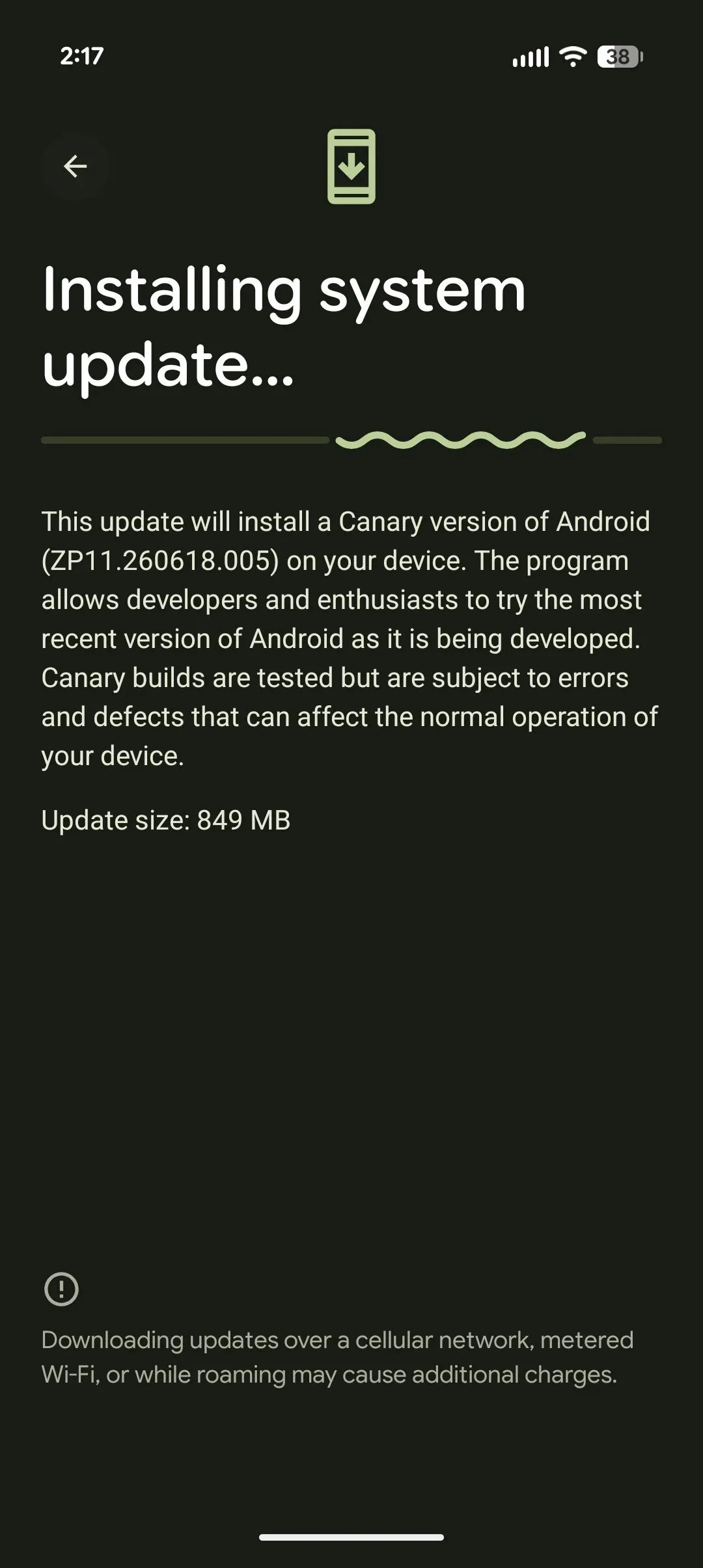
If you’re already running a previous Canary build, you don’t need to do anything dramatic — just wait for the OTA update to roll in. Google’s delivery can be a little slow to propagate, so if it hasn’t appeared yet, sit tight. For everyone else, getting on board requires a trip to the Android Flash Tool, Google’s browser-based flashing utility that makes sideloading system images far less intimidating than it used to be.
There’s a critical caveat here, and it’s worth spelling out plainly: flashing a Canary image wipes your device completely. Every app, every photo, every saved password — gone. Back up religiously before you start. And if this is your primary phone, ask yourself honestly whether chasing the latest Android Canary 2607 changes is worth the disruption. A spare device is the smarter play for most people.
Beyond the data wipe, the instability factor is real. Canary builds aren’t polished. Bugs that would never survive QPR Beta testing can and do make it into these builds, which is precisely why the channel exists — to catch them before they spread downstream.
Android Canary 2607: What’s Actually Changed?
Here’s where things get genuinely interesting, and also a little frustrating. Google hasn’t published a changelog for Android Canary 2607. That’s pretty standard for this channel — the expectation is that the enthusiast community will do the heavy lifting of discovery, documenting changes organically through Reddit threads, teardowns, and side-by-side comparisons.
So far, two changes have risen to the surface. The first is a UI refresh for the long-press home screen experience — specifically the panel you interact with when setting wallpapers or managing widgets. It’s not a dramatic overhaul, but home screen customisation is something Android users interact with constantly, so any friction reduction here matters. The second spotted change is support for opening multiple Linux Terminal windows simultaneously. This one’s more niche, but it signals continued investment in Android’s desktop-adjacent capabilities — a thread Google has been pulling on steadily as the line between mobile and PC blurs.
Beyond those two, the picture is still fuzzy. Canary builds often contain changes buried in system components, accessibility services, or framework internals that take days or weeks for the community to surface. The full shape of Android Canary 2607 will become clearer as more testers poke around.
Where Android Canary Fits in Google’s Bigger Release Strategy
It’s easy to lose track of just how many parallel Android release tracks Google is running at any given moment. Right now, the company is actively managing: the stable monthly security patches that every Pixel owner receives, QPR1 Beta releases building toward the next platform milestone, the Android 17 development branch that’s been generating most of the headlines, and the Canary channel sitting above all of them. That’s a genuinely complex logistics operation, and it reflects how seriously Google is taking the cadence of Android development after years of criticism that the platform moved too slowly.
The Canary channel itself is a relatively understated part of that machinery. Unlike Android 17’s developer previews, which come with detailed release notes and feature announcements, Canary drops tend to be quiet affairs — a Reddit post, a build number, and then the community gets to work. That low-key approach has a logic to it: these builds aren’t meant to generate excitement, they’re meant to surface bugs and gather signal from the small subset of users willing to run potentially unstable software on real hardware.
What’s notable about the July 2026 timing is how it fits into the broader calendar. Android 17 is expected to follow Google’s now-established pattern of a summer release, which means the Canary channel is likely carrying early exploratory work for features that might not ship until well into 2027 or beyond. Some of what lands in Android Canary 2607 could be the first glimpse of capabilities that take another 12–18 months to reach stable users.
Should You Install Android Canary 2607?
The honest answer depends entirely on what you want from it. If you’re a developer building apps and you want to catch compatibility issues before they hit your users, running Canary on a dedicated test device is genuinely valuable. If you’re an enthusiast who follows Android development for sport and has a spare Pixel lying around, go for it — just accept that things will break. If you’re a regular user who just wants their phone to work reliably, there’s no compelling reason to touch this build right now.
The two confirmed changes in this release — a tweaked wallpaper and widget UI, and multi-window Linux Terminal support — aren’t significant enough to justify the stability trade-off for most people. That calculus could shift quickly if the community uncovers something more substantial buried in the build. Android’s development community is thorough, and the teardown culture around Pixel software means that interesting finds rarely stay hidden for long.
As Google continues compressing its release timelines and juggling more parallel tracks than ever before, the Canary channel gives us a useful, if imperfect, window into where Android is heading next. Whether Android Canary 2607 is carrying anything truly significant under the hood, we’ll likely know within days.

