


- Siri AI pairs a chatbot-style history with iPhone search, so users can ask questions and complete tasks from nearly anywhere.
- After indexing, Siri AI can draw on messages, calendars, photos, and app activity, with per-app controls for that access.
- Apple’s redesigned assistant is most convincing as an operating-system layer, rather than a direct replacement for ChatGPT or Claude.
- The iOS 27 public beta requires a separate Siri waitlist, and early users should expect unfinished features and occasional rough edges.
Table of Contents
Siri AI is finally trying to earn its place on the iPhone
For years, Siri has been the button you pressed by mistake. You’d invoke it from your pocket, ask it something simple, then watch it misunderstand the request with almost theatrical confidence. Siri AI, arriving to public beta testers with iOS 27, is Apple’s most serious attempt yet to turn that old punchline into useful infrastructure.
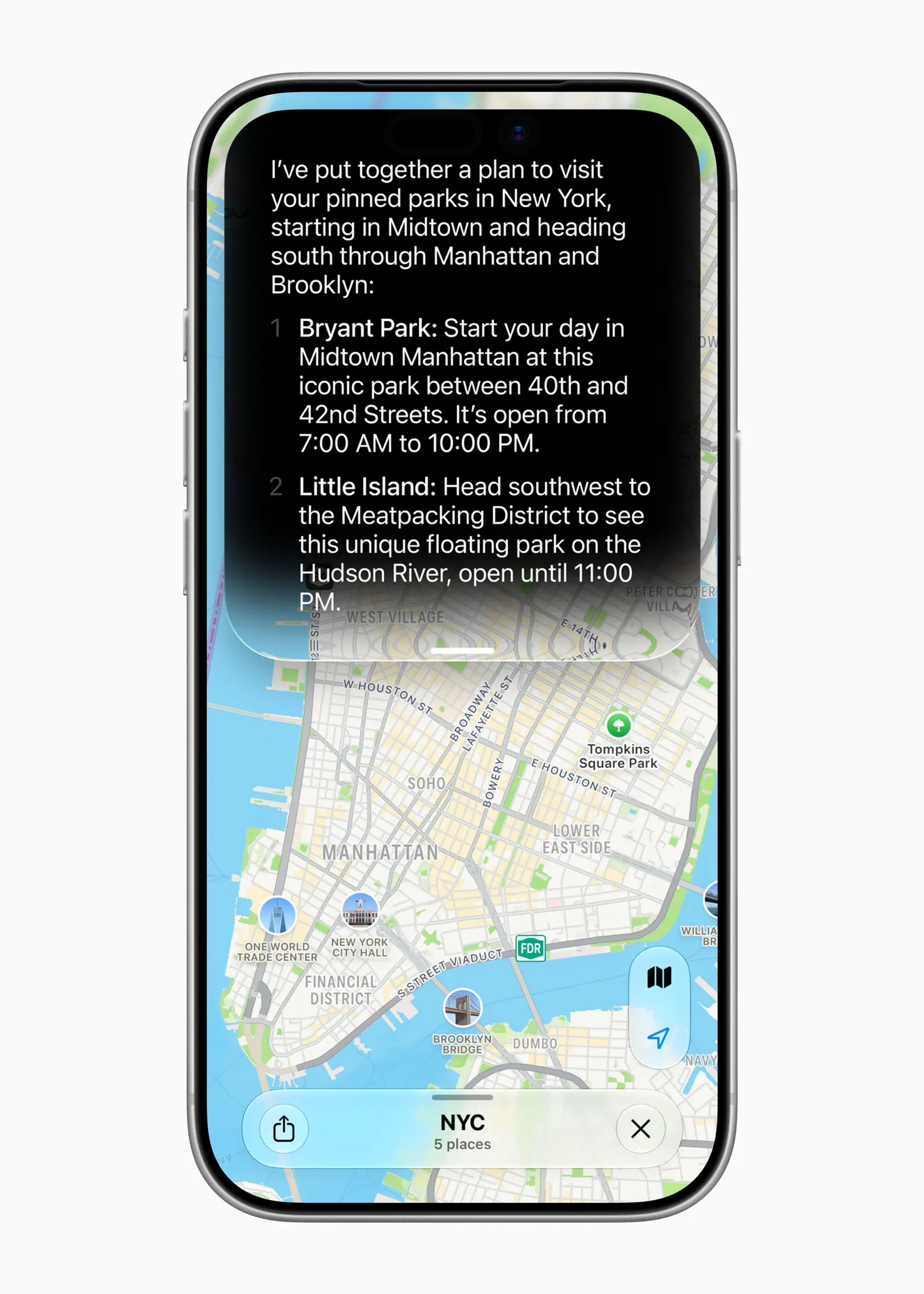
The change goes well beyond a prettier voice assistant. Apple has put Siri AI into the iPhone’s search flow, added a chatbot-like conversation app, and given it the ability to pull relevant details from across a user’s device. Ask about the week ahead and it may inspect messages and calendar entries. Search for an old trip and it can dig through photos. Type a route request and it can hand off directly to Maps.
That sounds obvious, perhaps, until you remember how oddly fragmented smartphones have become. Your plans live in Messages, the tickets are buried in email, the reservation is in a third-party app, and your calendar has the one event you remembered to enter. Apple’s bet is that Siri AI can act as the receptionist sitting in front of all those filing cabinets.
It’s a compelling idea. It is also the exact point where Apple’s familiar promise of convenience runs headlong into the privacy questions that have followed every personal AI assistant since the ChatGPT boom began.
How Siri AI changes the way iPhone search works
The most consequential design decision may be the least flashy one: Apple has merged Siri AI with ordinary iPhone search. Swipe down from the Home Screen and the familiar search interface now doubles as a place to ask a question. Users can type or speak, then either let Siri interpret the request or choose traditional search results.
That matters because voice was always Siri’s bottleneck. Talking to your phone in public still feels faintly ridiculous for many people, and plenty of requests are faster to type anyway. By making Siri AI available through the keyboard, Apple is acknowledging how people actually use phones rather than insisting they perform a little voice-command ritual.
In testing described by Wired, a typed request for a driving route to Sacramento opened Maps with a route ready to go. That’s not advanced reasoning. Frankly, it doesn’t need to be. The useful AI product isn’t always the one composing a five-paragraph answer; sometimes it’s the one that saves you three taps while you’re late for dinner.
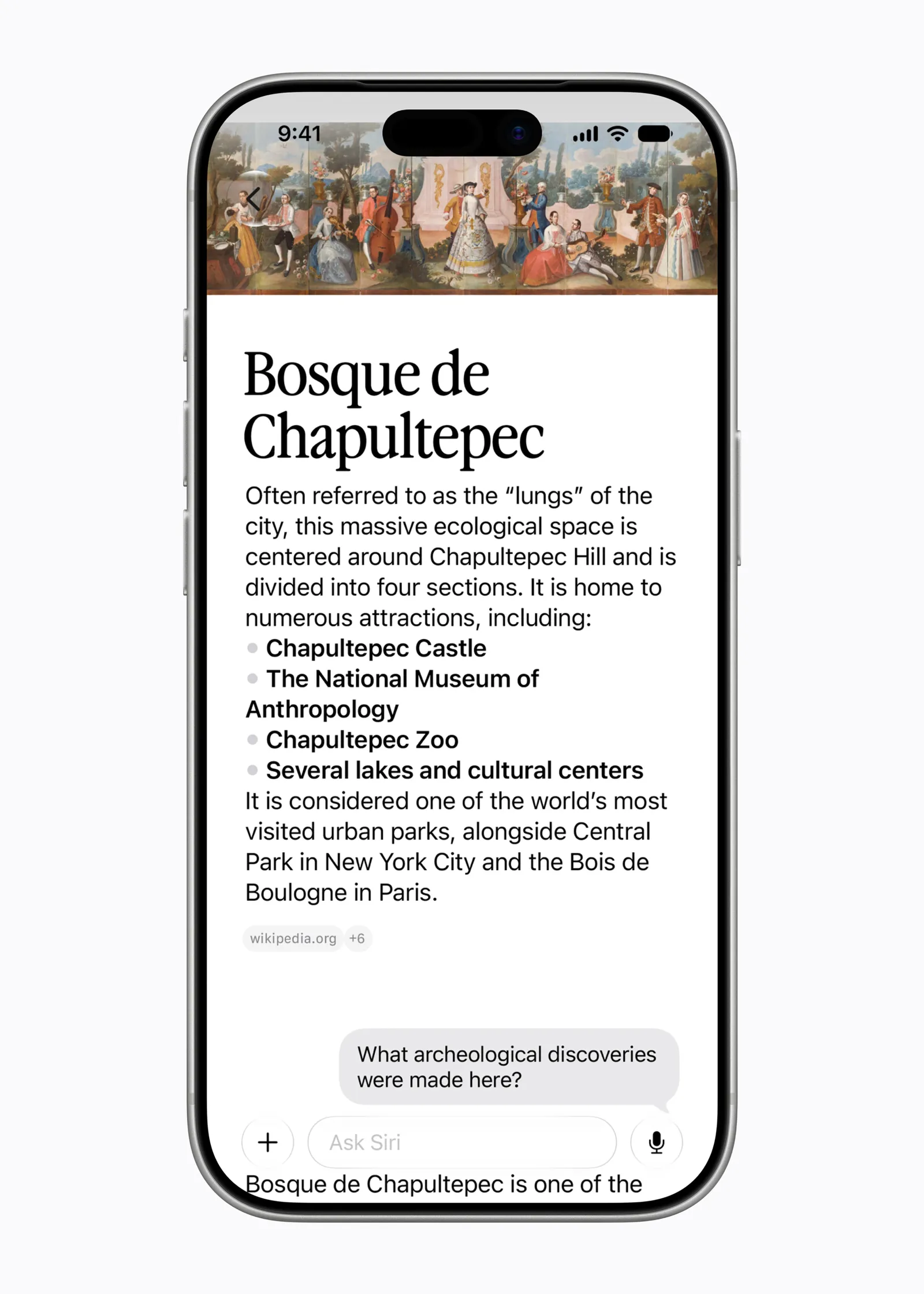
Apple has also added a dedicated app that functions largely as a conversation record. It gives Siri AI a familiar chat interface for people accustomed to ChatGPT, Claude, or Google’s Gemini, with prior threads available to reopen. Conversation retention can be set to 30 days, one year, or indefinitely. That’s a sensible control, although the lack of persistent user memory is notable: tell Siri you’re vegan today and it may not retain that preference tomorrow.
That limitation reveals Apple’s current position rather neatly. The company wants the utility and conversational polish of an AI chatbot, but it remains cautious about making the assistant feel too much like a long-running dossier on its owner. Given Apple’s brand, that caution is understandable. It may also become annoying fast if users must repeat basic preferences every time.
The personal-context promise comes with real controls
The headline feature of Siri AI is personal context. Before it can do much with a user’s information, an iPhone has to index local data in a process now labeled ‘Optimizing Search and Siri.’ In Wired’s testing, that took more than a week. Your mileage will depend on the device, available storage, and how much digital debris you’ve accumulated over the years. Most of us have more than we think.
Once that work is complete, Siri can connect dots that were previously stranded in separate apps. In one example, it surfaced an upcoming TikTok Shop delivery mentioned in messages, flagged movie tickets discussed in a group chat, and paired those details with calendar events. Josh Clark, principal at Big Medium and coauthor of Sentient Design: Crafting Intelligent Interfaces with AI, described the advantage succinctly: ‘Siri AI has access to the kind of context that things like ChatGPT and Claude can’t easily have, because Siri is cooked into the operating system.’
That is Apple’s strongest hand. ChatGPT may be better at drafting an essay or explaining quantum mechanics, but it doesn’t naturally know which friend suggested a movie last Thursday, where your boarding pass ended up, or whether your package is arriving before the weekend. A phone-level assistant can, at least in theory.
Apple does provide a way to limit that reach. In Settings, users can go to Siri AI, open App Access, choose an app, and turn off ‘Learn from this App.’ Those switches are enabled by default when the assistant is active. I’d argue that deserves more attention than it will get in beta-release excitement. Defaults shape behavior, and most people will never open this screen.
Still, per-app controls are better than an all-or-nothing privacy bargain. They give users a practical middle ground: let Siri inspect Calendar and Photos, perhaps, while keeping social, shopping, or work apps outside its view. Apple also says people can turn Siri off entirely, and anyone testing beta software should make a backup before installing it. The company’s Apple Beta Software Program is the official starting point, but public beta doesn’t mean production-ready. Remember the early Apple Maps years? Software can be polished and still get lost.
Apple is building an assistant, not chasing a chatbot leaderboard
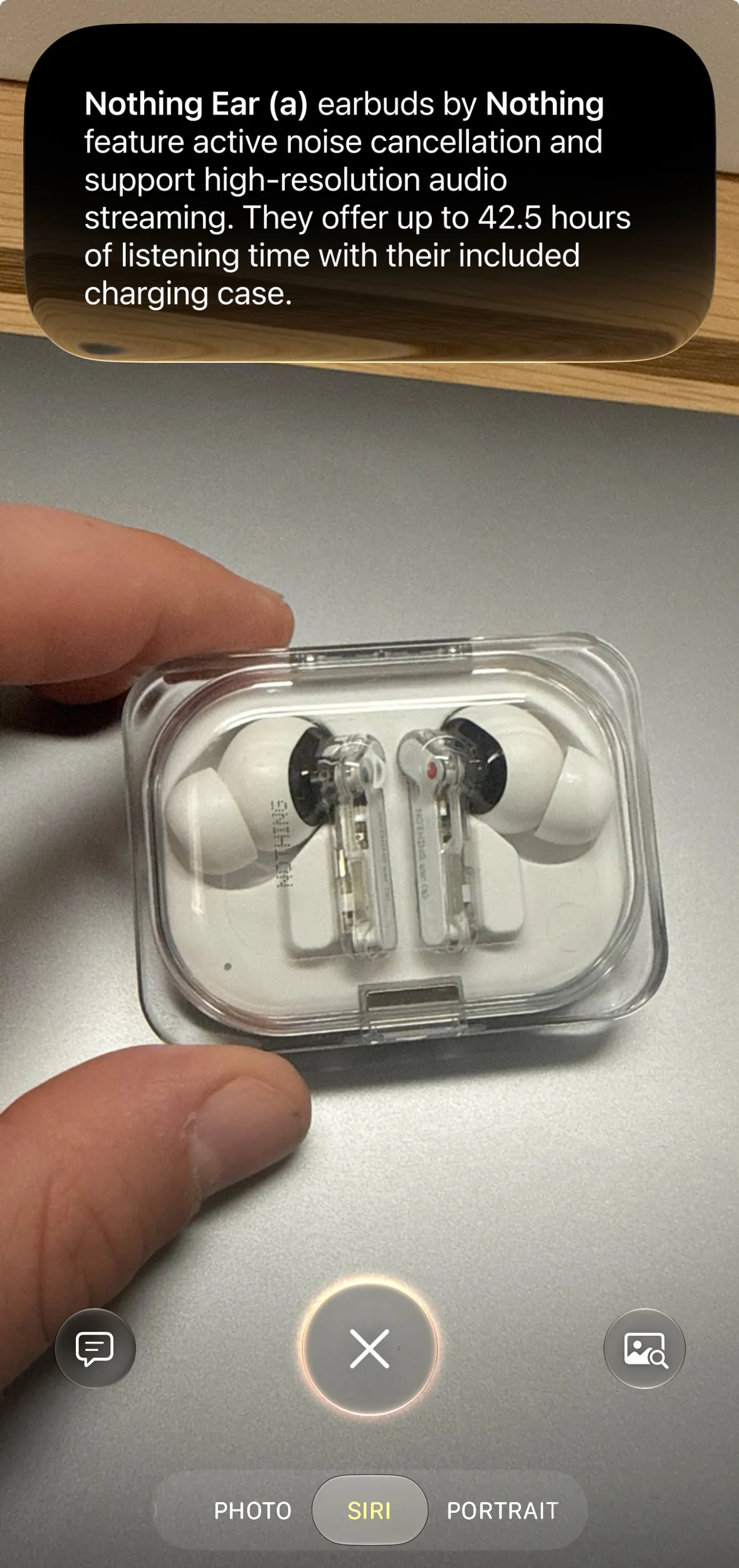
Nabila Popal, a senior research director at IDC, told Wired that Apple’s integration work was ‘really well done,’ pointing to the fact that users can access Siri AI by voice, through the app, and across the operating system. My read is that integration is the whole story. Apple doesn’t need to win every benchmark against OpenAI, Anthropic, or Google. It needs to make the iPhone less tedious.
That’s harder than it sounds. A system assistant needs to be dependable in a way a web chatbot can sometimes avoid. If ChatGPT gives you a mediocre restaurant recommendation, you shrug. If Siri sends a message to the wrong person, misreads a meeting time, or fetches the wrong travel detail, trust evaporates. Apple has spent years learning this lesson the painful way.
There are early rough edges, too. Access requires joining a separate waitlist after installing the iOS 27 beta, indexing can take days, and the assistant remains imperfect. For now, this feels less like a completed reboot than the opening act of a much longer project.
But Siri AI has the right ambition. The next phase of consumer AI probably won’t be won by whichever chatbot writes the most fluent haiku. It will be won by the assistant that can responsibly understand your messy digital life and make the right thing happen with minimal fuss. Apple finally seems to understand that Siri’s job is not to talk more. It is to get out of the way.
Frequently Asked Questions
What is Siri AI on iPhone?
Siri AI is Apple’s redesigned assistant in the iOS 27 beta. It combines voice and typed requests with a chatbot-style conversation history, deeper system search, and access to selected personal information such as messages, calendars, photos, and supported app activity.
How does Siri AI use personal context?
After an iPhone completes its indexing process, Siri AI can search information across the device to answer requests. It may identify plans from group chats, calendar entries, recent orders, or photos. Users can disable learning from individual apps through Siri AI settings.
Can Siri AI replace ChatGPT or Claude?
Not entirely. Siri AI is integrated with the iPhone operating system and can use on-device context, but its current app lacks a feature for remembering details such as dietary preferences across chats.

