

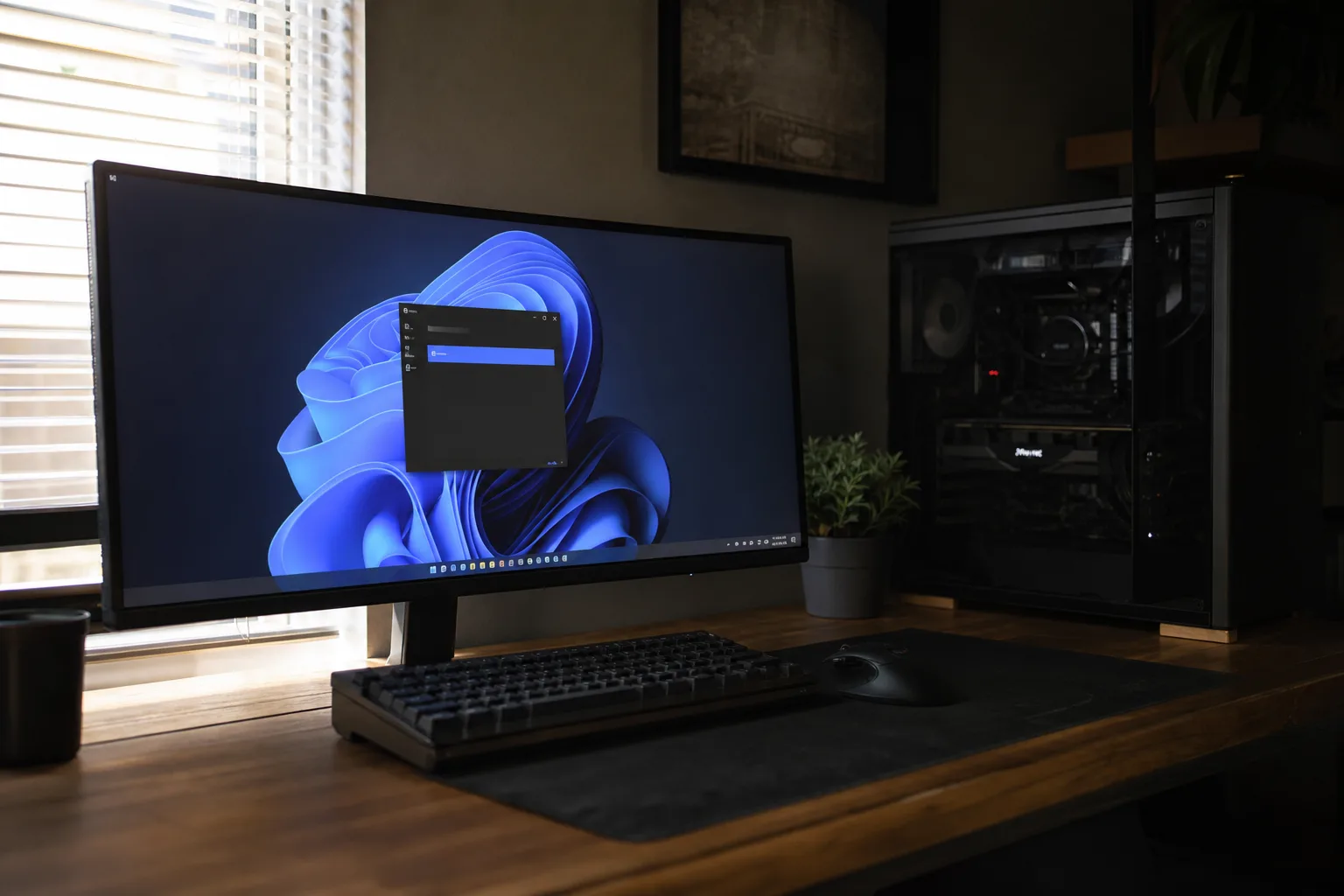
- LG monitor software reportedly installs through Windows Update without a visible approval step when some compatible displays are connected.
- Testing found LG monitor software showed McAfee subscription promotions on 31 of 32 consecutive Windows system boots.
- Reports include an older UltraFine display, suggesting the behavior may reach products long after their original purchase.
- Windows users can block device-linked app downloads, though that setting may also stop useful peripheral utilities from installing automatically.
Table of Contents
LG monitor software has crossed a line users can see
A monitor should be the boring part of a PC setup. You plug it in, set the refresh rate, maybe tweak the brightness, and get on with your day. That’s why reports of LG monitor software arriving through Windows Update and then pitching a McAfee trial feel so irritating. An app showing up is annoying enough. What really rankles is that the installation path appears to skip the moment where a person gets to say no.
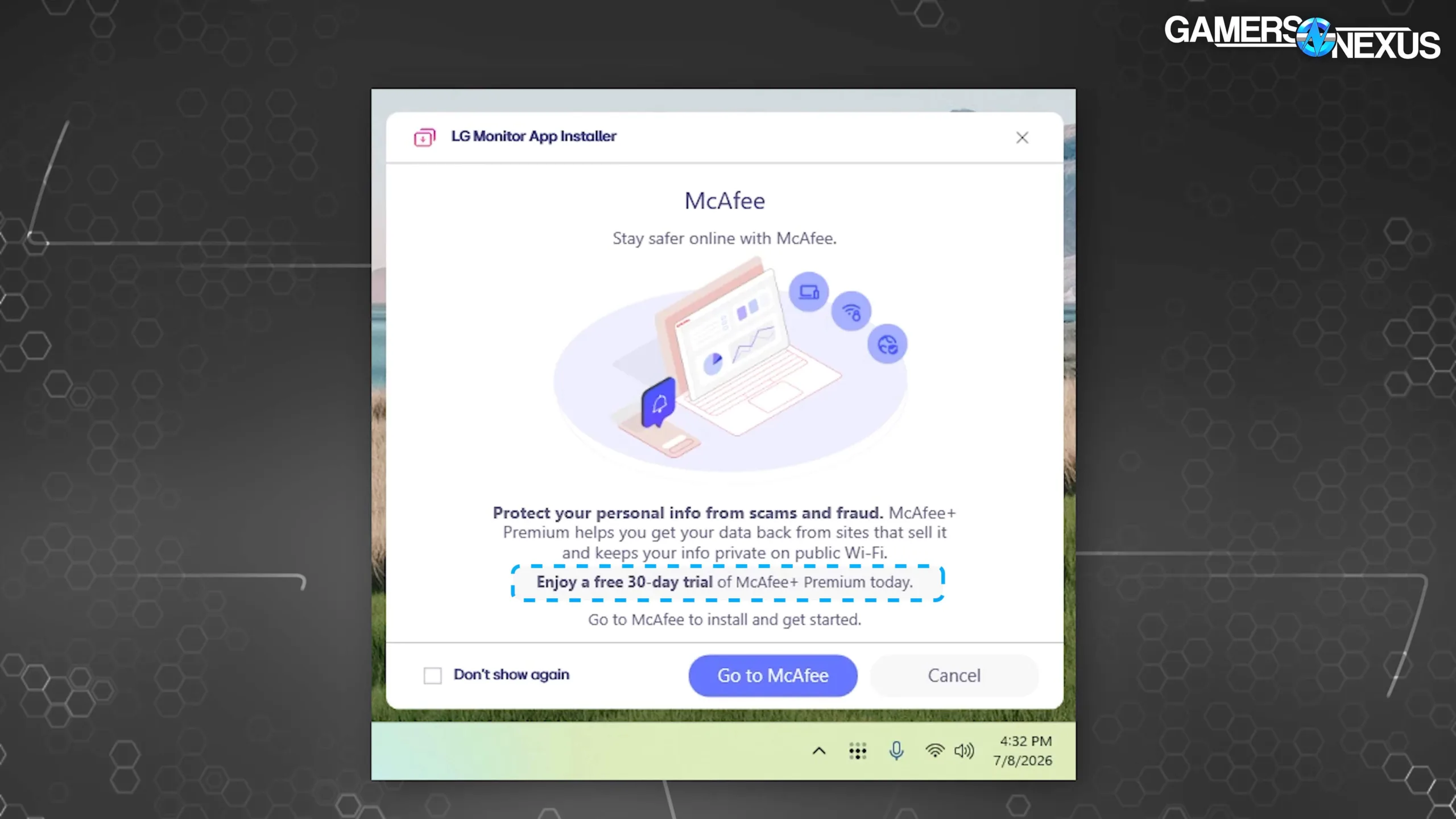
Gamers Nexus reproduced the behavior after viewers raised alarms about LG displays. In its testing with an LG UltraGear 34GX900A-B, Windows Update installed LG extension and software-component packages after the monitor was connected. Windows Reliability Monitor then recorded the appearance of LG Monitor App Installer roughly a minute later. No conventional installer dialog. No clear permission request. Just software on the machine.
That sequence matters because Windows users generally understand driver updates as part of the deal. A display driver or color profile is one thing; a vendor app with recurring promotional popups is another. For many owners, LG monitor software should be an optional utility rather than an automatic addition. The distinction may sound fussy to manufacturers, but it’s the difference between a mechanic replacing a necessary part and a mechanic slipping marketing flyers into your glove box.
Why the McAfee promotion makes this worse
The most frustrating detail is what happened after installation. Gamers Nexus said the app promoted a 30-day McAfee trial on 31 of 32 consecutive boots. On the one remaining startup, it pushed one of LG’s own monitor utilities instead. The McAfee offer would convert into a paid subscription after the trial period, which takes this from mildly intrusive bundleware into a direct monetization attempt.
Frankly, PC makers have spent years teaching customers to distrust this stuff. Preinstalled antivirus trials were a classic annoyance of the Windows laptop era, alongside desktop shortcuts and toolbars nobody requested. The industry got somewhat better as Microsoft tightened its own Windows experience and buyers became less tolerant. Yet the incentives never vanished. A referral arrangement, even a small one, can look tempting when hardware margins are thin.
LG monitor software delivered through a trusted operating-system channel gives that old practice a new coat of paint. That makes LG monitor software feel less like a hardware companion and more like a vehicle for advertising. The fact that it arrives after a hardware connection is especially awkward. A customer may reasonably believe Windows Update is handling compatibility work, not opening a side door for subscription advertising.
LG’s Microsoft Store listing for the installer indicates access to the internet and all system resources. Those permissions do not prove wrongdoing; a hardware-management app may need network access for updates and system access to detect connected screens. But broad permissions plus an automatic install plus a paid-security-software promotion is a combination that deserves more scrutiny than it has received.
This may not be limited to a new UltraGear monitor
The reports aren’t confined to a freshly released display. Gamers Nexus also received the prompt on an LG UltraFine 32UN880-B that had been purchased around three years earlier. Complaints about LG Monitor App Installer appear to stretch back to at least 2024, while the recent burst of attention suggests more systems or models may now be encountering it.
The age of that UltraFine is what makes this especially irritating. When you buy a monitor, you don’t expect its software behavior to change years later in a way that adds advertising to your startup routine. Firmware updates can improve stability. Driver updates can repair bugs. But retrofitting a marketing funnel into an old accessory changes the bargain after the sale. The possibility that LG monitor software can change that experience long after purchase is hard to defend.
LG is not alone in using Windows’ hardware-linked application plumbing. Dell can trigger installation of Alienware Command Center when Windows detects compatible Alienware equipment, including displays and peripherals. That app has a clearer practical purpose than an antivirus offer: it can manage lighting, performance profiles, and hardware settings. Still, the same underlying mechanism leaves users with less control than they might assume.
My read is that the broader problem sits with both vendors and Microsoft. Vendors should not treat an attached device as blanket consent to install promotional software. Microsoft, meanwhile, has made Windows Update such a trusted utility that it needs sharper boundaries around what hardware partners can place behind it. If the company wants this to remain an opt-out system, it should label the download plainly before it happens.
How to block device-linked app downloads
Users who want to stop this behavior can change a Windows Group Policy setting: under Computer Configuration, Administrative Templates, System, and Device Installation, enable “Prevent automatic download of applications associated with device metadata.”
There’s a catch, because of course there is. Blocking this category may also prevent useful applications from automatically arriving for a printer, headset, gaming mouse, or monitor. You can still install the software you actually want by visiting the manufacturer’s site or the Microsoft Store, but you’ll need to do it deliberately. That is, I’d argue, exactly how it should work.
- Open the Local Group Policy Editor on supported Windows editions.
- Go to Computer Configuration, then Administrative Templates, System, and Device Installation.
- Enable ‘Prevent automatic download of applications associated with device metadata.’
- Download any desired monitor-control utility directly from the vendor afterward.
Windows Home users may not have the Local Group Policy Editor available by default, so this particular route is less convenient there. That’s another reason Microsoft should offer a simple, visible Settings toggle for device-associated app downloads. A control this consequential shouldn’t be hidden behind an administrative tool most consumers have never opened.
The real test is whether LG and Microsoft change course
Useful LG monitor software has a legitimate place: it can help people adjust settings, apply color modes, or update firmware. Plenty of owners want those tools. The problem begins when the app arrives uninvited and treats every reboot as an opportunity to sell security software.
LG could fix the immediate mess by removing third-party subscription promotions, making the installer opt-in, and explaining exactly which models receive it. Microsoft could go further by requiring a clear pre-install notification for nonessential vendor applications delivered through Windows Update. Remember when Google killed Stadia and people were rightly reminded that connected products can change after purchase? This is smaller, but the principle is similar: ownership feels flimsy when a company can alter the experience from afar.
For now, connecting a monitor should not mean checking Reliability Monitor to discover what else came along for the ride. If Windows Update is going to act as a software delivery channel for peripheral makers, users deserve the one feature that matters most: an honest choice before the install button is effectively pressed for them. LG monitor software should only arrive when the owner has actively chosen to install it.
Frequently Asked Questions
How can I stop LG monitor software from installing automatically?
Windows includes a Group Policy setting called ‘Prevent automatic download of applications associated with device metadata.’ Enabling it can block software tied to connected devices from downloading automatically. The trade-off is that useful monitor or peripheral software may need to be installed manually.
Does Windows Update install apps for connected hardware?
It can. Windows Update may download vendor-associated applications or utilities when compatible hardware is connected. This can mean that connecting a monitor or peripheral triggers software installation automatically.
Is the McAfee offer included with every LG monitor?
There is no evidence that every LG display receives it. Gamers Nexus reproduced the behavior on an UltraGear 34GX900A-B and reported a similar popup on an older UltraFine 32UN880-B.

