

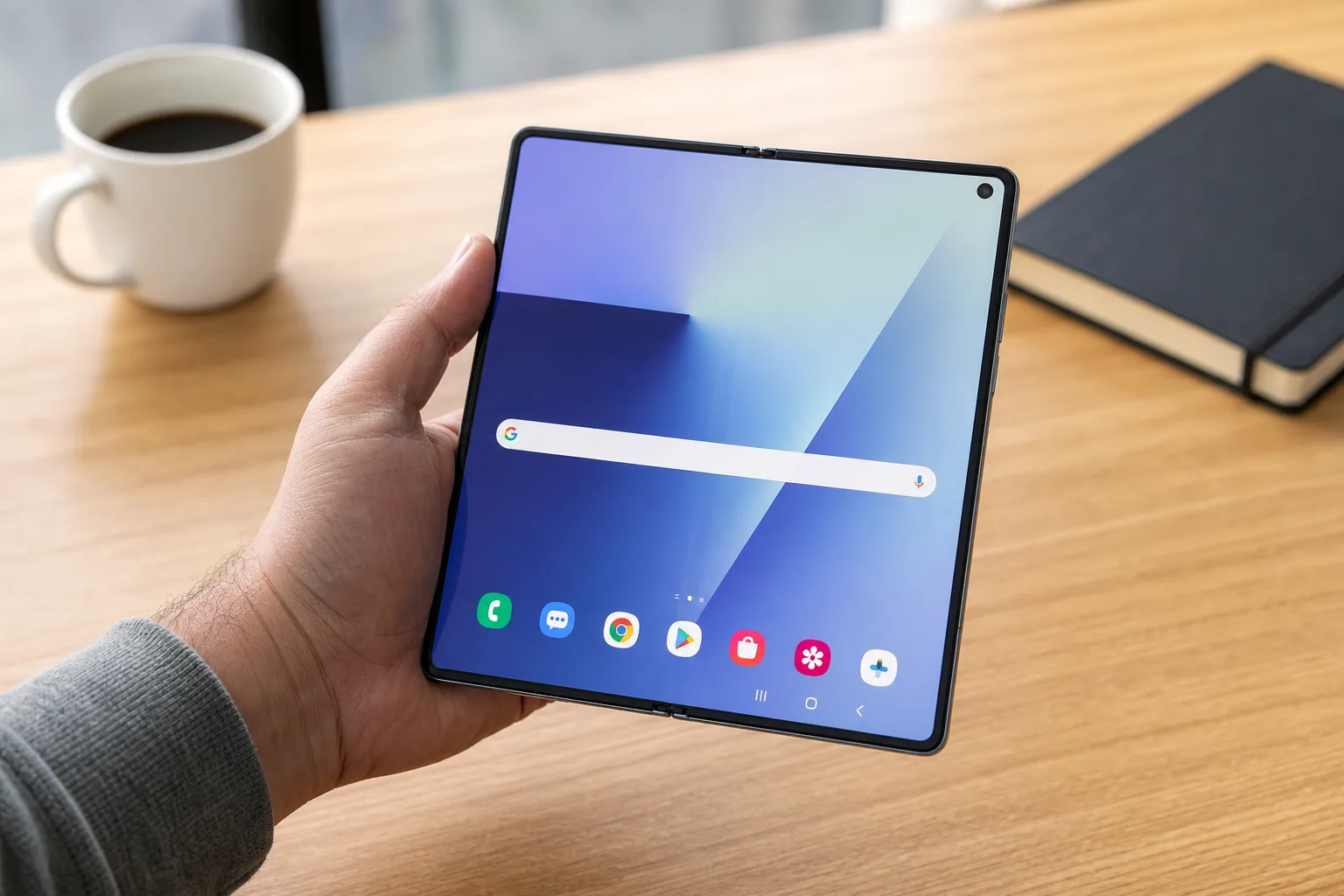
- One UI 9 search gives Galaxy owners separate home-screen controls for Google Search and Samsung’s Finder tool.
- The One UI 9 search setting arrives first on Samsung’s Galaxy Z Fold 8 and other new Z8 foldables.
- Users can keep Google, Finder, both search options, or remove both bars from the home screen entirely.
- The change is small, but it signals Samsung is taking home-screen choice more seriously than before.
Table of Contents
A search bar should not be a loyalty test
One UI 9 search is a tiny feature with an outsized lesson for Samsung: people should be able to decide how their phone starts a search. On the company’s new Galaxy Z8 foldables, including the wide-screen Galaxy Z Fold 8, Samsung now lets users put Google Search, its own Finder search tool, both, or neither on the home screen.
That may sound like the sort of release-note item most people scroll past. Frankly, it is exactly the kind of practical decision that determines whether an Android skin feels welcoming or faintly irritating after six months. Samsung has spent years building a software identity distinct from Google’s Pixel approach. Sometimes that produces useful ideas. Other times it creates two competing doors to the same room.
With One UI 9 now launching on the new foldables alongside Android 17, the company appears to be making the sensible call: leave the door choice to the person holding the phone.
The new option was spotted in development ahead of the stable rollout, but it is now visible in the Home screen settings on Samsung’s latest hardware. The timing matters. Foldable owners are often the people most likely to fuss over layouts, widgets, and shortcuts because they have an unusually large canvas to work with. For them, One UI 9 search can make better use of that extra room. A search field that takes up a row on a normal phone can feel like furniture on a Fold 8.
One UI 9 search puts Google and Finder on equal footing
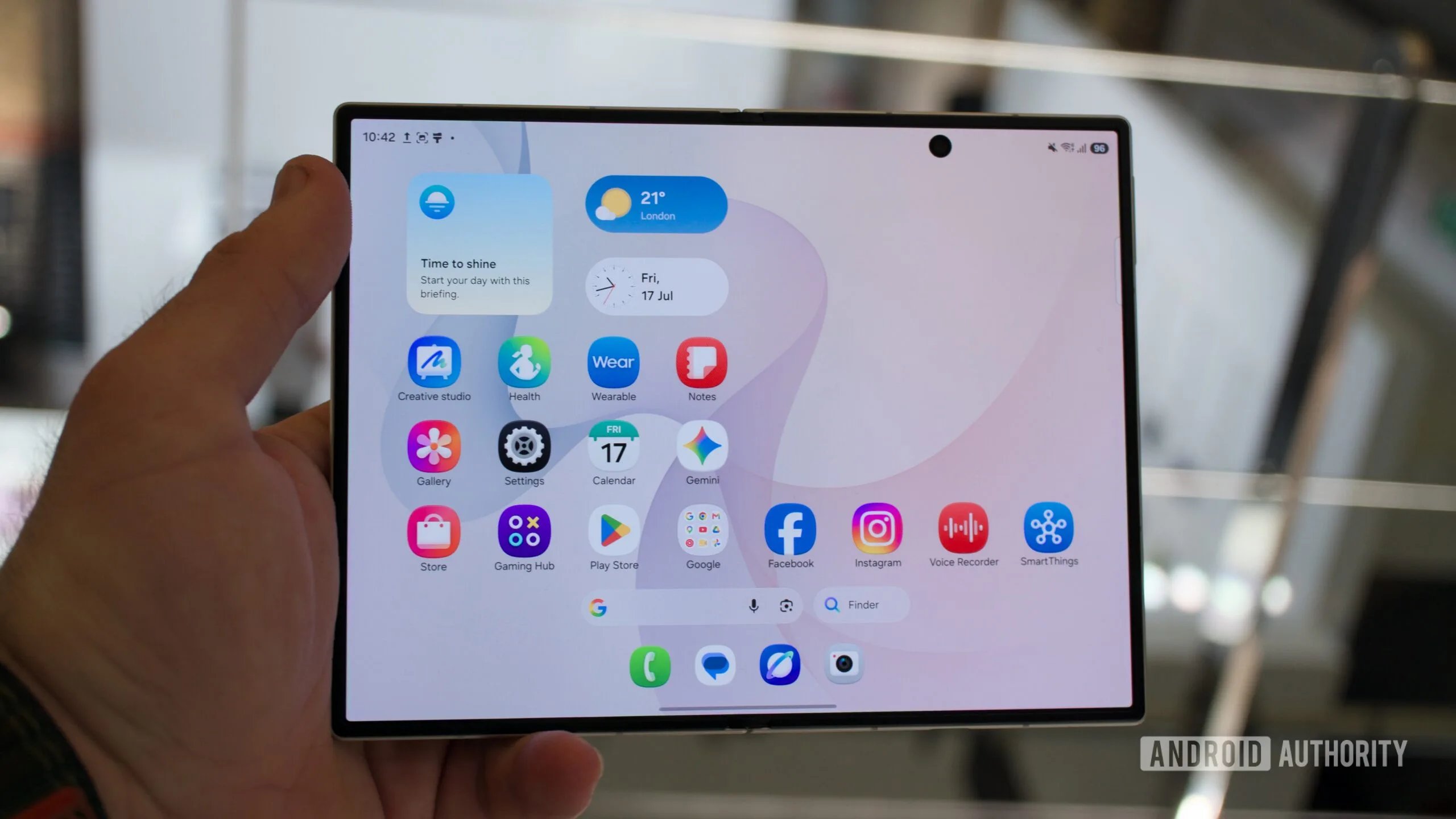
The new controls are refreshingly direct. In the home-screen settings, Galaxy owners can toggle Google Search and Finder independently. Turn on one, turn on both, or turn them both off. No launcher replacement required, no buried ADB command, no awkward workaround involving a widget that never quite matches the rest of the interface.
One UI 9 search is less about adding another search box than clearing up an old bit of Samsung ambiguity. Finder is Samsung’s device-oriented search experience, built to help surface apps, settings, files, contacts, and other things living on the phone. Google Search, by contrast, is where many people begin when they want the web, a quick fact, a sports score, or a half-remembered actor’s name.
Those are different jobs. Treating them as mutually exclusive never made much sense, which is why One UI 9 search feels like such a practical correction.
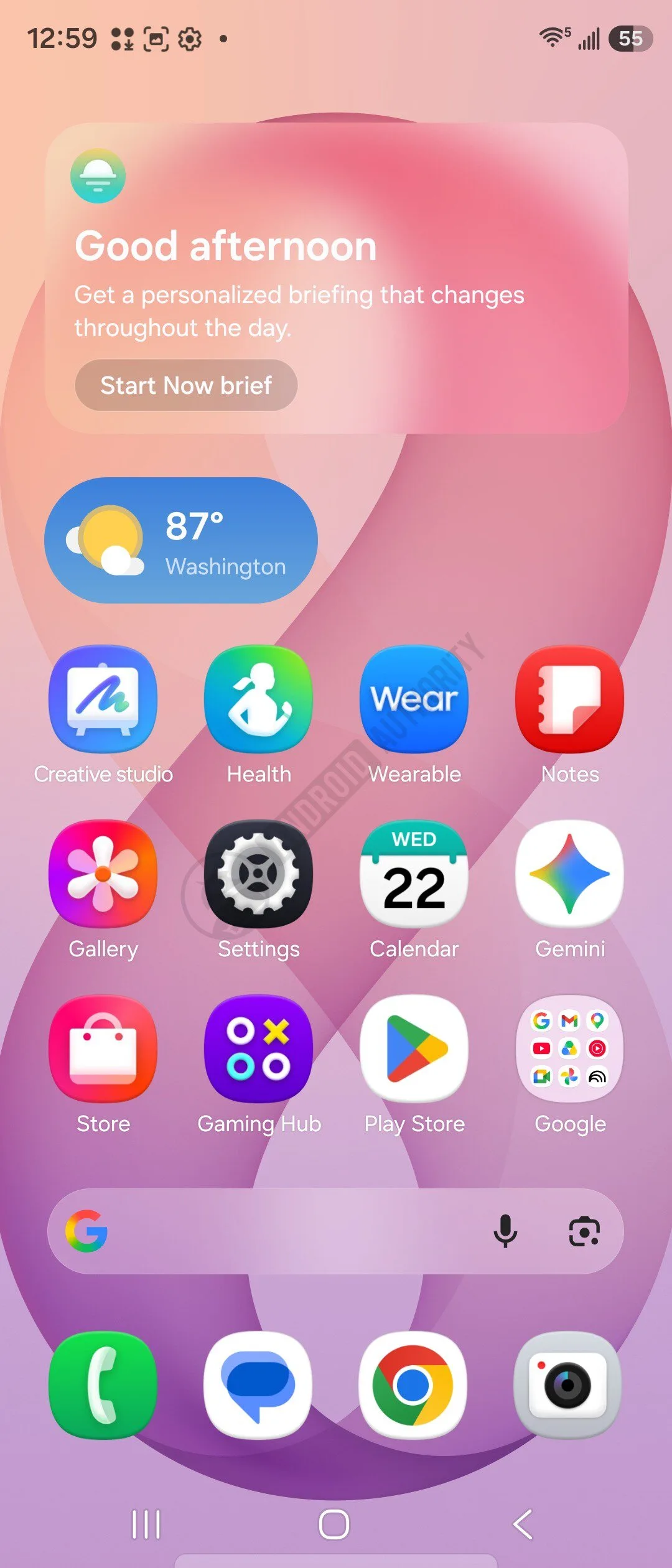
Samsung had already made the Google Search widget available in One UI 8.5, so this is not a sudden conversion to the Pixel playbook. The difference is that the option now feels native to the launcher rather than tacked on as a widget choice. That may sound pedantic, but Android users notice this stuff. A built-in setting is easier to find, easier to manage, and less likely to vanish when someone reorganizes a home screen at 1 a.m.
Why this small change matters more on a Samsung phone
Samsung’s software has always walked a tricky line. It sells more Android phones than any other manufacturer, yet Google controls Android’s core direction and operates many of the services Galaxy buyers use every day. The result is a familiar Samsung experience: Google Messages and Samsung Messages, Chrome and Samsung Internet, Google Wallet and Samsung Wallet, Google Photos and Gallery. Some of those parallel options are genuinely useful. Some are baggage.
My read is that One UI 9 search lands on the good side of that divide because it does not demand that users pick a corporate team. Want Finder because you regularly hunt through downloaded PDFs, app settings, and local files? Keep it. Prefer Google because the search field on a Pixel has become muscle memory? That is there too. Want both on a Fold’s roomy home screen? Samsung will let you do it.
And for the people who hate permanent search bars altogether, there is a fourth answer: remove them. That is arguably the best part. Home screens are personal workspaces, not billboards that manufacturers should lock into a preset arrangement.
Google has made the Pixel’s persistent search field one of its clearest visual signatures. It is useful, but it has also been stubbornly fixed in place for years. Samsung has often offered more customization, albeit with enough menus and first-party duplicates to make the whole experience feel like a kitchen drawer full of adapters. This update threads a better path: a default exists, but it is not compulsory.
The Fold 8 is a fitting place to debut it
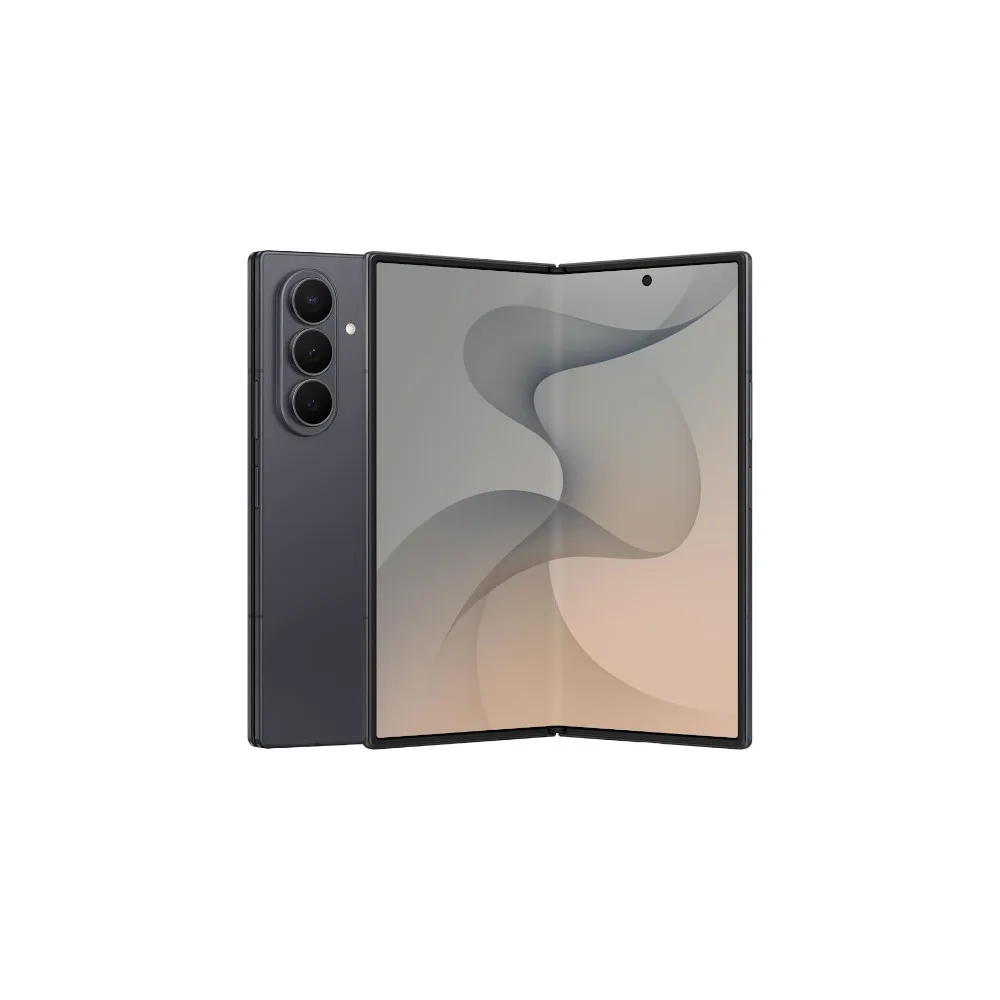
The Galaxy Z Fold 8 is an obvious showcase for One UI 9 search. On a conventional slab phone, two search bars could look excessive. On a large unfolded display, though, a user might reasonably want Google on one portion of the layout and Finder within easy reach elsewhere. It is the smartphone equivalent of keeping a web browser and a filing cabinet beside the same desk.
The catch is that the appeal should not be limited to buyers of Samsung’s most expensive foldable. The bigger question is how quickly One UI 9 moves to existing Galaxy models. Samsung’s recent update policy has improved substantially, but the gap between a software launch on shiny new devices and broad availability can still test people’s patience. Anyone on an older Galaxy should wait for Samsung’s official update notices rather than assume every feature will arrive on every model at once. The company maintains a general One UI information page, though regional rollout details are usually where the real story emerges.
One UI 9 also reportedly includes a smoother Smart Switch setup path for people moving from iPhone. That feature may have more impact on sales than a search-bar toggle ever will. Still, One UI 9 search tells us something about Samsung’s current software instincts: it is trying to reduce friction without pretending every Galaxy owner uses a phone the same way.
Samsung should keep following this instinct
There is a temptation to dismiss One UI 9 search as cosmetic. After all, Google Search was already available as a widget, and Finder is not new. But good software is often the accumulated effect of dozens of small decisions that save a tap, avoid a nuisance, or prevent a user from having to install a different launcher just to make a phone feel right.
Samsung does not need to become Pixel-like across the board. In fact, that would erase much of the reason people buy Galaxy phones in the first place. What it should do is keep identifying places where its own services and Google’s overlap, then offer a clean choice rather than forcing a winner. The home-screen search setting is a modest start. If Samsung applies the same logic to the rest of One UI, its next software battle may be won in the settings menu, not on a spec sheet.

