

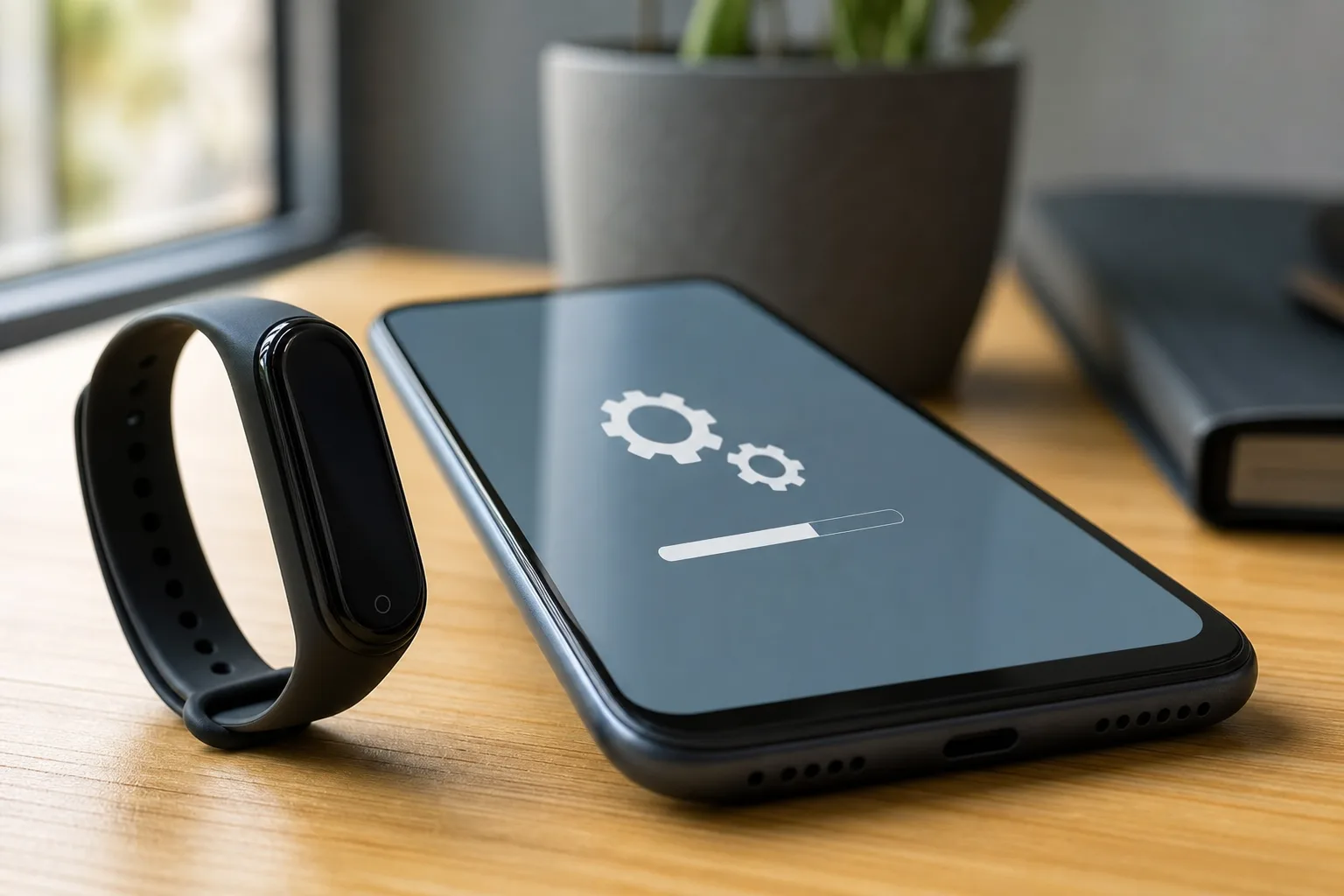
- The Fitbit Air update to firmware 253.2 is rolling out with unspecified minor bug fixes and no announced new features.
- Google says Fitbit Air update installations require current app software, Bluetooth connectivity, and at least 50% battery or charger power.
- Updating near midnight can temporarily affect the day’s displayed step total, so Google recommends running the process earlier.
- A quiet maintenance release may disappoint feature hunters, but stability matters more for a device collecting health and activity data.
Table of Contents
Fitbit Air update 253.2 is about reliability, not reinvention
The latest Fitbit Air update is the kind of release most people will barely notice — and that is largely the point. Google has started sending firmware version 253.2 to Fitbit Air owners, describing the release simply as containing “minor bug fixes.” There is no new workout mode, no redesigned health dashboard, no battery-life claim, and no feature list to pore over.
That may sound underwhelming, particularly for anyone who bought into a new wearable expecting a steady drip of headline-grabbing additions. But a tracker lives or dies on the boring stuff. If it misses a sync, produces a weird reading, freezes during an update, or loses a day of movement data, it stops feeling like useful health technology and starts feeling like another tiny computer demanding attention.
Google has not identified the specific problems addressed in firmware 253.2. That lack of detail is frustrating, frankly. Consumers cannot tell whether the Fitbit Air update fixes a rare edge case or something that has been quietly irritating thousands of people. Still, shipping a second update relatively soon after the device’s first software release suggests Google is paying attention to how the hardware behaves outside the lab.
For the moment, this is maintenance. Maintenance is not glamorous, but it is what separates a wearable people trust from one that ends up in a drawer beside the abandoned charging cables.
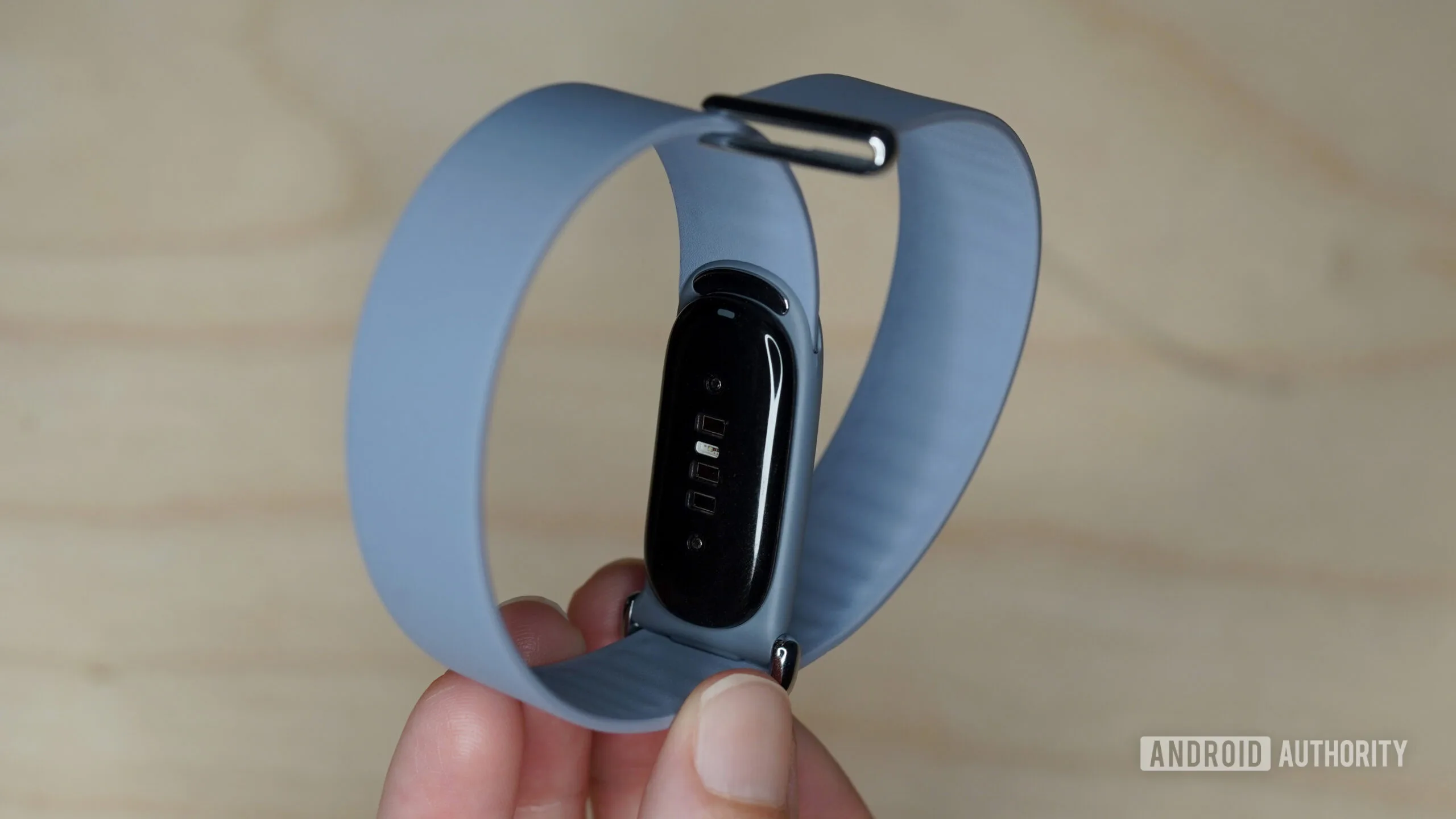
How to install the Fitbit Air update without creating a headache
Google’s setup guidance is familiar to anyone who has updated a smartwatch or tracker, but it is worth following because the Fitbit Air update depends on the phone connection rather than arriving magically in the background. Owners should make sure the Fitbit Air has at least 50% battery remaining, or leave it connected to its charger before beginning.
The tracker also needs to stay paired over Bluetooth with a phone or tablet, and the Google Health app must be on its latest version. Once the update begins, Google says the app will show a progress bar and the process should take about 10 minutes. My advice: do it when you have ten minutes to spare, not while you are walking out the door for a run or trying to get to bed.
There is one oddly specific warning worth taking seriously. Google recommends installing the software during the day or evening, rather than around midnight. An update started close to the date rollover can temporarily make that day’s step count look wrong. The tracker is not necessarily losing your activity forever; it is more likely dealing with timing and syncing as it restarts. But if you are chasing a streak, competing with friends, or simply like your numbers tidy, pick a less awkward hour.
Owners looking for the company’s broader support guidance can find it through Google’s Fitbit Help Center. That is not exciting reading, admittedly, but it is usually the first place a small pairing annoyance gets resolved.
Why small wearable fixes are more meaningful than they sound
Wearable companies have trained us to expect updates to arrive with colorful new watch faces, trendy AI summaries, or another metric that claims to reveal something profound about our bodies. Those features get the marketing banners. Yet the real value of a device such as Fitbit Air rests on consistency: does it record activity reliably, sync when it should, and avoid turning normal use into a troubleshooting exercise?
That is why an uneventful Fitbit Air update can be a healthy sign. Google is now operating in a category where Apple, Samsung, Garmin, Oura, and a long tail of lower-cost brands all compete for a place on a user’s wrist — and increasingly for access to sensitive health data. Nobody wins that fight with a single feature announcement. They win by making the core product dependable week after week.
There is also a trust issue. Health trackers routinely produce estimates rather than clinical measurements, and users should treat them accordingly. But people still make decisions around sleep habits, training load, and daily movement based on what these gadgets show. A software glitch that disrupts data collection can therefore matter more than a new animated interface. The less visible work is often the work that earns the right to add more ambitious features later.
Google needs to explain more than “minor bug fixes”
I would argue that Google should be more transparent with future Fitbit Air release notes. “Minor bug fixes” is a standard industry phrase, but it has become almost useless. Did the company improve Bluetooth stability? Correct step-count calculations? Address charging behavior? Tighten security? Even a short, plain-language list would help owners understand whether the Fitbit Air update affects a problem they have encountered.
Apple is hardly perfect here, but its operating-system release notes often at least name categories of fixes. Garmin, meanwhile, has built a reputation among serious fitness users for publishing detailed changelogs for many products. That kind of candor does not merely satisfy gadget obsessives; it tells customers the manufacturer is accountable for what happens after checkout.
For now, Fitbit Air owners should install version 253.2 when it reaches their device, preferably well before midnight and with the charger nearby. Do not expect a transformed tracker when it finishes. Expect, if these fixes hold, a tracker that is a little less likely to get in its own way. In wearables, that may be the most useful update of all.

