

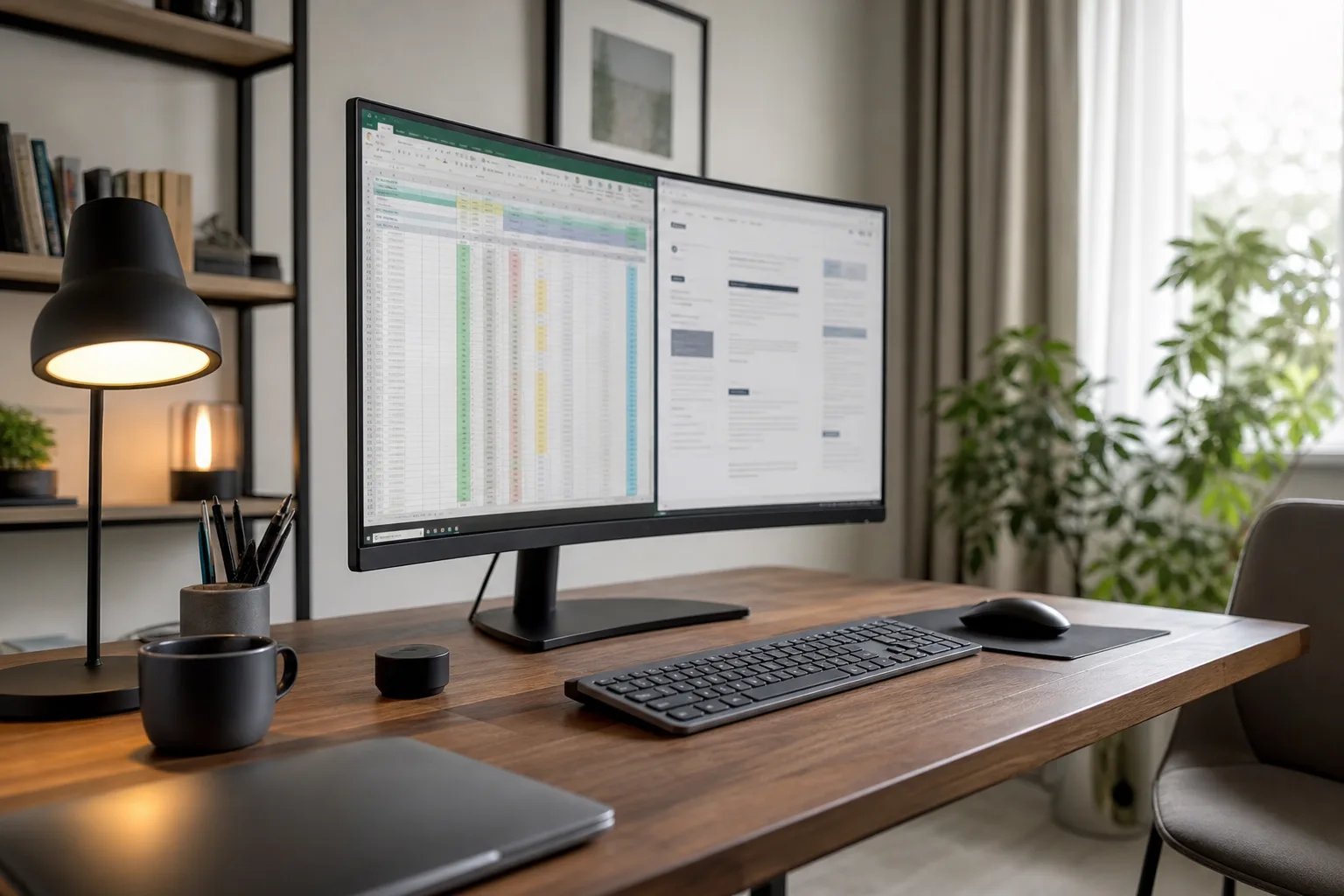
- The Samsung S3 monitor has fallen by $32, making its basic specifications more compelling.
- Samsung S3 monitor buyers get a 27-inch 1800R curved screen, 100Hz refresh rate, and Samsung’s Eye Saver Mode.
- The deal suits office work, streaming, and casual play, but shoppers should not mistake it for a high-end gaming display.
- A low monitor price matters most when buyers check ports, resolution, ergonomics, and return terms before committing.
Table of Contents
Samsung S3 monitor price drop puts the basics in focus
A monitor deal doesn’t need a stack of RGB lighting and a 240Hz badge to be useful. The Samsung S3 monitor, a 27-inch curved display in Samsung’s Essential line, has dropped by $32. For people building a modest desk setup or replacing an aging office screen, that matters more than another spec-sheet arms race.
The discount applies to Samsung’s 27-inch Essential S3 curved model, which pairs an 1800R curve with a 100Hz refresh rate and Eye Saver Mode. Those are sensible features at the lower end of the monitor market, where manufacturers often force buyers to choose between a large panel and anything beyond the most basic 60Hz experience.
The key word, though, is basic. The Samsung S3 monitor appears aimed at everyday computing rather than competitive gaming, color-critical creative work, or the sort of multi-monitor command center that makes a home office look like a small airport tower. That’s not a criticism so much as a buying cue: choose the display that fits the job, not the one with the loudest product page.
What the Samsung S3 monitor actually offers
The headline hardware is straightforward: a 27-inch screen, a relatively gentle 1800R curve, and a 100Hz refresh rate. The curve is designed to bring the edges of the display a little closer to a viewer’s natural field of view. On a single 27-inch screen, that’s more about personal preference than a major functional advantage, but plenty of people prefer it for long stretches of documents, browser windows, and video.
At 100Hz, the screen moves well beyond the 60Hz panels that still populate cheap office-monitor listings. Moving a pointer, scrolling a spreadsheet, dragging windows, and watching motion on screen can look smoother at a higher refresh rate. It also gives casual games more breathing room, provided a computer can deliver frames at that pace.
Don’t overstate it, either. A 100Hz display doesn’t turn an entry-level PC into a gaming machine, and it doesn’t address the other ingredients that matter to serious players: response-time behavior, adaptive-sync support, resolution, panel type, input options, and whether the stand can be adjusted beyond a basic tilt. The Samsung S3 monitor is likely a better fit for someone who wants their workday screen to feel less dated than for someone chasing every millisecond in a shooter.
Samsung also lists Eye Saver Mode among the display’s features. Such modes generally reduce blue-light output and can alter the screen’s color temperature for more comfortable evening viewing. That may be useful for some people, but it’s not a substitute for sensible brightness settings, regular breaks, or a properly arranged workspace. No monitor setting can rescue eight uninterrupted hours of staring at email.
A useful middle ground for ordinary desks
The bargain-monitor market has become oddly fragmented. At one end are very cheap 24-inch 60Hz screens, often perfectly adequate but rarely enjoyable to use all day. At the other are aggressively marketed gaming displays with refresh rates most office workers won’t exploit. A 27-inch, 100Hz curved option like the Samsung S3 monitor lands in the space between them.
That positioning makes sense in 2026. More people now split their computer time between work, streaming, light editing, and games than they did when a standard 60Hz panel was the unquestioned default. A display doesn’t need flagship credentials to benefit from a little extra smoothness. And 27 inches remains a practical size for a single-screen desk, especially for those who want room for two documents side by side without committing to an ultrawide.
There’s also value in Samsung being a known quantity in a sea of obscure display brands. That alone should not settle a purchase decision; brand recognition can’t tell you whether a particular unit has the ports or stand you need. Still, shoppers dealing with a modest discount on the Samsung S3 monitor may reasonably put more weight on accessible documentation and support than they would with a random marketplace label.
For a broader view of Samsung’s current display lineup, the company maintains its monitor catalog on its official US monitors page. Buyers should verify the exact model number before ordering, because monitor families regularly contain nearly identical variants with inconveniently different connections or panel specifications.
Check the boring details before buying
Frankly, the unglamorous details decide whether a display deal is really a deal. Before jumping on the Samsung S3 monitor, check its native resolution. A 27-inch screen can be comfortable at Full HD for basic tasks, but text and fine interface elements will generally look less crisp than they do on a 1440p panel of the same size. That trade-off may be entirely acceptable at the right price, especially if the screen will mainly handle web browsing, video, and office documents.
Then check connectivity. Does the model support the port your laptop or desktop actually has? Will you need an adapter? Does it include the cable you need? These questions sound tedious because they are tedious, but discovering them after a delivery is how a $32 saving becomes a weekend of dongle shopping.
Ergonomics deserve the same attention. If the stand only tilts, a monitor arm or riser may be necessary to place the screen at a comfortable height. VESA mount compatibility, if available, can matter more over several years of use than a modest curvature rating. And anyone planning console gaming should confirm supported refresh rates and resolutions for their specific console rather than assuming a 100Hz specification automatically maps cleanly to that setup.
The real value depends on price discipline
A reduced-price label is useful information, not a command to buy. The Samsung S3 monitor looks most persuasive for a shopper who has already decided they want a large, uncomplicated screen and can get it at this reduced price. If the discount disappears, competing 27-inch models with sharper resolutions, better stands, or USB-C connectivity may be worth the extra money.
This deal also makes a useful point: not every desktop upgrade needs to be extravagant. A 100Hz refresh rate, a roomy 27-inch panel, and a modest curve can make an ordinary computer setup more pleasant without dragging buyers into premium-display territory. The bigger question is whether budget monitor makers will keep treating those features as upgrades, or whether 100Hz finally becomes the boring baseline it ought to be.