

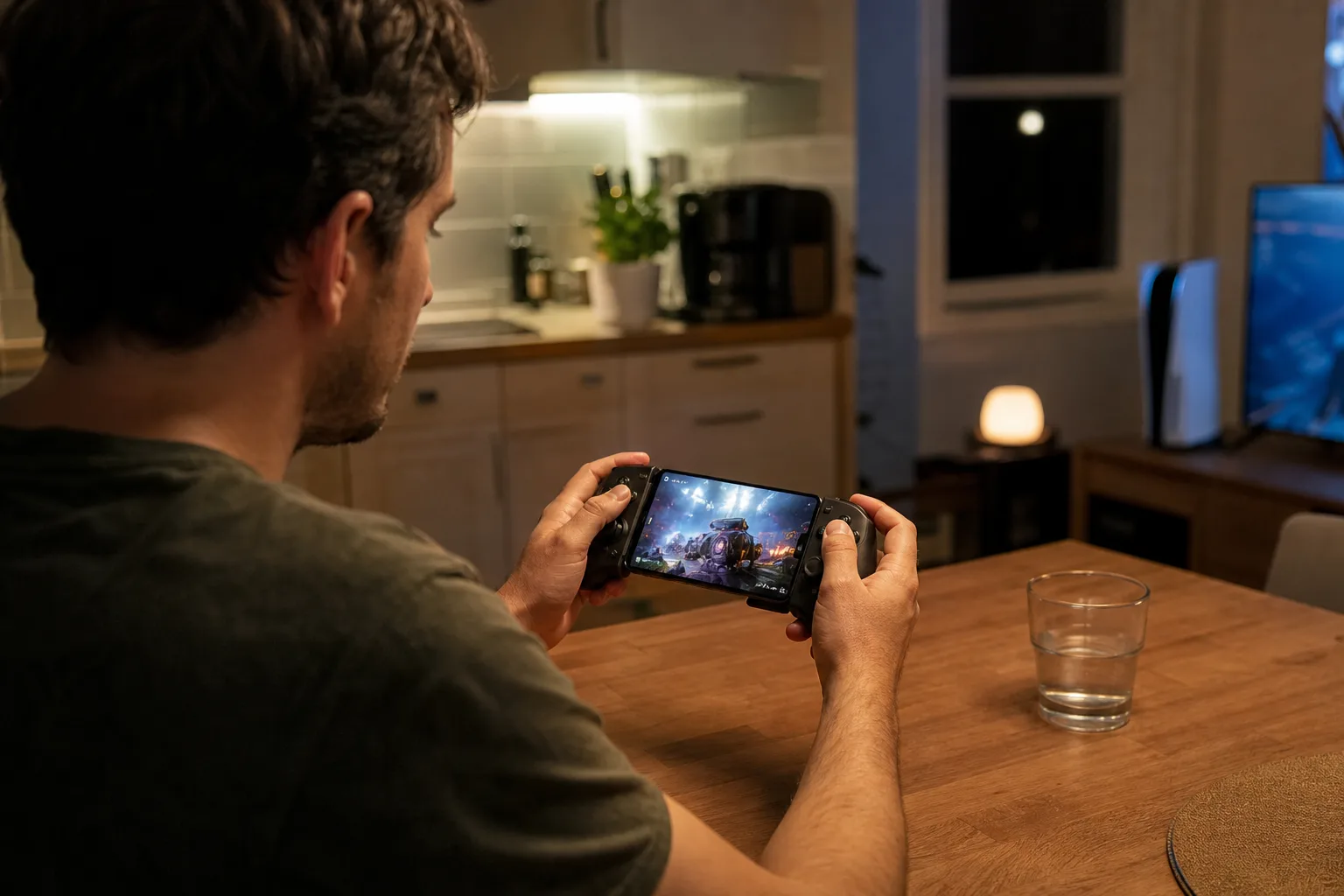
- GTA 6 remote play streams a PS5 or Xbox Series console to an iPhone, iPad, Mac, PC or Android device.
- Reliable GTA 6 remote play depends more on stable home upload speeds and local Wi-Fi quality than raw broadband headline numbers.
- Sony uses its Remote Play app, while Xbox routes console streaming through its web-based remote-play experience.
- A paired physical controller is the practical choice for Vice City’s driving, shooting and dense on-screen interface.
Table of Contents
GTA 6 remote play turns your console into the screen you already carry
Grand Theft Auto 6 is the sort of game designed to eat weekends, which makes GTA 6 remote play unusually appealing. Your television may be occupied, you may be travelling, or you may simply want to check in on Leonida from a laptop rather than abandon a session altogether. As Engadget reported, both Sony and Microsoft have the plumbing in place to stream the console version to phones, tablets and computers.
This is no secret PC port. The PS5 or Xbox Series X/S still runs GTA 6 in your home; it compresses the picture and audio, ships them across the internet, then receives your controller inputs in return. Think of it as a very long HDMI cable with a temperamental relationship to Wi-Fi. When it works, the arrangement can rescue an evening. When it does not, every turn in a getaway car becomes an argument with physics.
That distinction matters because remote play has different limits from cloud streaming. You must own the current-generation console and have GTA 6 downloaded there. But you do not need to pay for a cloud server merely to access your own hardware. For a game this large, that is a more sensible proposition than pretending every screen needs its own console.
Set up the console before you leave the house
The unglamorous part of GTA 6 remote play is preparation. On a PS5, go to Settings, then System, then Remote Play, and enable the feature. Sony also requires a pair of Rest Mode settings if you want to wake the console remotely: under Settings, Power Saving and Features Available in Rest Mode, enable internet connectivity and network wake-up. Without those switches, remote access can become a rather expensive way to stare at an unavailable-console message.
On Xbox Series X/S, open Profile & system, Settings, Devices & connections and Remote features. Enable remote features, then select Sleep in the power options. Sleep is the key choice here: a fully shut-down box cannot answer a remote request. Check the Remote Play support guide if your console fails its remote-play test.
There is a security angle, too. Remote wake-up and account access are conveniences, but only if your PlayStation Network or Microsoft account is protected with a strong password and two-factor authentication. GTA 6 may be the reason people set this up, yet an unattended console account is also tied to purchases, saved data and social features. Basic account hygiene is boring until it is not.
How GTA 6 remote play works on Apple devices
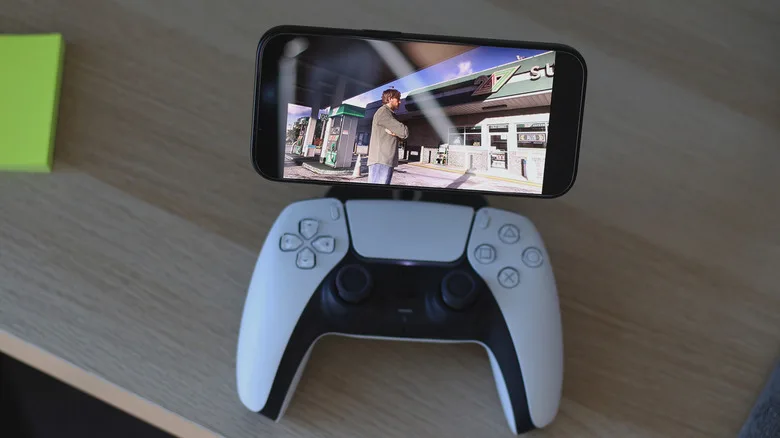
For PS5 owners, GTA 6 remote play on an iPhone, iPad or Mac starts with Sony’s PS Remote Play app. Install it, sign in with the same PlayStation account used on the console, select the PS5 and allow the connection to complete. Once the console dashboard appears, launch GTA 6 from the library as you would in the living room.
A DualSense controller can be paired over Bluetooth by holding the PS button and Create button until its light bar flashes, then choosing ‘DualSense Wireless Controller’ in the Apple device’s Bluetooth settings. A wired connection to a Mac is another option. Engadget said its reporting found the basic streaming experience worked well on phones on the same network, while some DualSense features were not available in every mobile scenario. That caveat is easy to miss: video streaming and the controller’s haptics are separate technical problems.
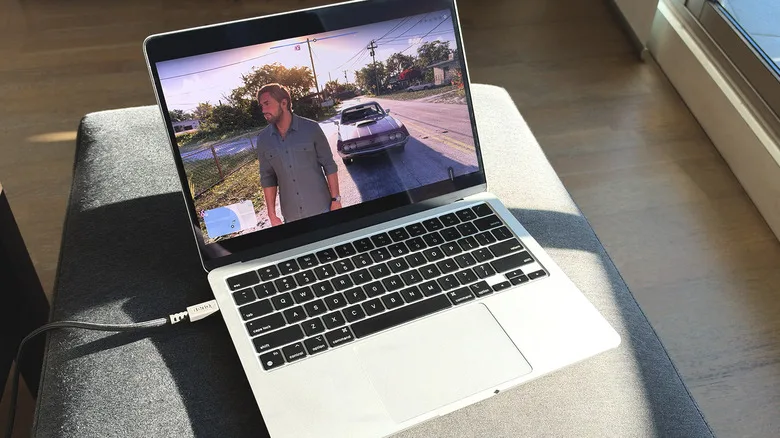
Xbox takes a less app-centric route. Open a supported browser on the iPhone, iPad, Mac or PC, visit Microsoft’s Xbox remote-play page, sign in, choose the console and select ‘Remote play on this device.’ Pairing an Xbox controller is straightforward: hold its Pair button for around three seconds, then add it through Bluetooth settings. Touch controls may appear on some devices, but GTA’s combination of driving, aiming, weapon selection and map management makes a real controller the only credible answer.
The network is the real make-or-break factor
The quality of GTA 6 remote play is determined by two connections, not one. You need decent internet at the console’s location and decent connectivity where you are playing. Sony recommends 15 Mbps for Remote Play, while Microsoft recommends 5GHz Wi-Fi and roughly 7 to 10 Mbps. Those numbers are useful floorboards, not a guarantee of a smooth experience.
Upload speed at home is often the overlooked piece. Cable and fiber plans can advertise enormous download figures while offering a far less impressive upstream connection; remote play sends the game video outward from your console. Ethernet between the console and router is the single least glamorous and most effective improvement available. If wiring is impossible, place the console on a strong 5GHz or Wi-Fi 6 connection rather than an overcrowded 2.4GHz band.
Latency is the other villain. A turn-based game can forgive a little delay. GTA 6 cannot always do so, particularly during driving, firefights or the kind of police pursuit where a half-second mistake turns an expensive car into public infrastructure. Hotel Wi-Fi and mobile data can be fine for slower exploration, but neither should be mistaken for a guaranteed escape route.
Remote play is useful, but it should not become the default
There is one more wrinkle for Xbox owners. Xbox One cannot run GTA 6 natively, but Xbox Cloud Gaming may offer an alternative route for people still on the older hardware, assuming they own a digital copy and have access to enough cloud-play time. That is a different service from GTA 6 remote play, with its own subscription and availability constraints. Microsoft’s Game Pass packaging has changed repeatedly, so readers should verify the current tier terms before treating cloud access as a permanent workaround.
Remote play works best as a pressure valve, not a replacement for a proper television session. It is ideal for side missions, long drives, character management and the dangerous promise of “just 20 more minutes.” The bigger question is whether publishers will keep treating a console copy as a single-room experience when players increasingly expect their games to follow them between screens. Rockstar’s world may be fictional, but that expectation is very real.
Frequently Asked Questions
What do I need for GTA 6 remote play?
You need a PS5 or Xbox Series X/S, a purchased and installed copy of Grand Theft Auto 6, an internet-connected companion device and a stable connection at both locations. A compatible controller is strongly preferable to on-screen controls.
Can I stream GTA 6 to an iPhone away from home?
Yes. You do not need to be connected to the same network, provided the console is configured for remote play and both ends have a fast, stable internet connection. A stable connection helps minimize input lag and connectivity issues.
Does GTA 6 remote play require a cloud gaming subscription?
No. Remote play uses your own PS5 or Xbox Series X/S as the machine running the game, then sends its video feed to another device. That differs from cloud gaming, where a provider runs the game on remote servers and may require a subscription.