

Table of Contents
Android XR Smart Glasses
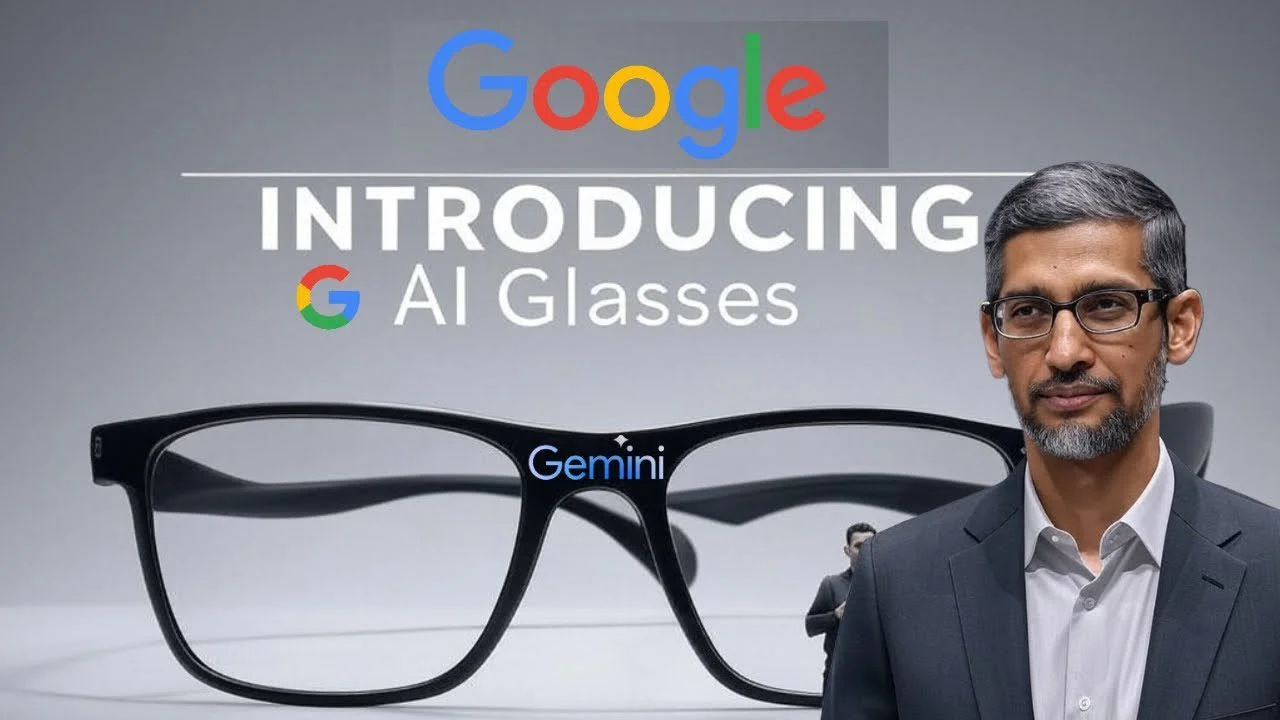
At the TED 2025 conference, Google unveiled Android XR smart glasses integrated with Gemini AI, giving the audience a live demonstration of what the company thinks wearable computing should look like when it moves beyond notifications and voice commands. The pitch was not simply that glasses can show information. Google presented a device meant to understand what a wearer is seeing, hearing and asking for, then respond in the moment.
That distinction matters. Smart glasses have long promised a more natural alternative to reaching for a phone, yet the category has often struggled to explain why people should wear a camera and display on their face every day. Google’s Android XR approach is built around real-time assistance, visual memory and multilingual support: tasks that are useful precisely because they occur while a person is moving through the world rather than sitting in front of a screen.
Read More About Our Article of Meta’s Bold Move: The End of Smartphones and the Rise of META Smart Glasses Published on March 20, 2025 SquaredTech
What Google demonstrated at TED 2025
The live demo was designed to make Gemini feel less like a chatbot and more like a persistent assistant that can work from the wearer’s surroundings. Gemini AI responded to voice prompts with haikus, object identifications and other answers, but the more consequential part of the presentation was its ability to connect spoken requests with visual context.
That is the ambition behind Android XR smart glasses. A phone can already translate text, identify objects and provide directions, but it requires a user to stop, unlock a device, open an app and point the camera or type a query. Glasses have the potential to remove some of that friction. Whether that feels helpful rather than intrusive will depend on how reliably the system works and how much control users have over what it sees and remembers.
Real-time translations could be the clearest use case
The glasses can translate spoken language instantly. During the demonstration, a conversation in Korean was translated into English in real time, allowing communication across the language barrier without the speaker or listener having to repeatedly consult a handset.
Translation is a familiar smart-device feature, but placing it in a wearable display changes the interaction. The point is not merely speed; it is preserving eye contact and the rhythm of a conversation. In practice, this is the kind of feature that has to earn trust through accuracy. A translation that arrives late or misses context can be more distracting than useful. Still, it is easy to see why Google has put this capability at the centre of its demonstration: it makes the case for glasses in a way that a conventional screen does not.
Visual memory is useful, but it raises the stakes
Gemini AI also enables the glasses to remember visual information. In one instance, the system helped locate a misplaced hotel key card by recalling its last seen location. It is a small example, but a revealing one. Losing everyday objects is exactly the sort of low-level frustration people would welcome technology handling for them.
Visual memory could make a wearable assistant feel genuinely personal because it is tied to a person’s own recent experience rather than a general web search. At the same time, it is among the most sensitive ideas in consumer AI. A device that can help find a key card necessarily needs some understanding of what has been in view. Google’s challenge is not only technical. It is to make the boundaries of that memory clear enough that people feel they are using a helpful tool, not carrying an always-on record of their day.
Navigation without looking down
The glasses provide heads-up navigation with 3D map overlays, displaying directions directly in the user’s field of view. The intended benefit is straightforward: users can stay oriented without having to look down at a phone.
Navigation has always been one of the strongest arguments for augmented reality because it depends on spatial awareness. A map on a phone asks users to translate a flat display into the street around them. An overlay in the wearer’s line of sight could reduce that mental work, particularly when walking through unfamiliar places. But the design has to be restrained. Directions are useful; a field of view crowded with prompts is not. The best version of this feature will likely be one that appears at the needed moment and recedes when it does not.
From object recognition to action
The glasses can also provide information about objects a user sees. Google’s example was an album cover: a wearer can look at it, ask Gemini to play a song from it, and initiate playback through YouTube Music.
That interaction captures the broader value of contextual computing. Recognition on its own can feel like a novelty. Recognition connected to an action is more compelling. The glasses are not just naming an album cover; they are turning what is in front of the user into a route into an app and a service. That helps explain why Android XR matters as a platform, rather than as a single piece of hardware.
Hardware that has to disappear into daily life
Google says the smart glasses are lightweight and resemble regular eyewear. They include a miniaturized camera, microphones, speakers and a high-resolution color display embedded in the lens. The device supports prescription lenses and connects to smartphones to leverage processing power and access apps.
Those details point to the practical balancing act behind the product. Glasses are worn on the face, where weight, comfort and appearance are not secondary concerns. Supporting prescription lenses is especially important if Google wants the device to fit into ordinary routines rather than remain a specialist gadget. Connecting to smartphones also suggests that the glasses are intended to complement the Android device people already carry, not immediately replace it.
Android XR gives the glasses a larger role
Android XR is a new operating system developed by Google in collaboration with Samsung and Qualcomm. It extends Android’s capabilities to headsets and smart glasses, supporting immersive experiences with familiar apps including YouTube, Google Photos and Google Maps. Users can interact with apps through hand gestures, voice commands and visual cues.
This is where Google’s strategy looks broader than a single TED demo. A wearable platform needs useful services from the start, and Android’s existing app ecosystem gives Android XR a foundation that earlier smart-glasses efforts often lacked. The platform also gives developers a reason to think beyond the phone screen, though that will require thoughtful interfaces rather than simply placing familiar apps in front of a user’s eyes.
Google plans to begin real-world testing of the prototype glasses with a small group of users. The company aims to create a range of stylish, comfortable glasses that work with other Android devices and provide helpful information such as directions, translations or message summaries within the user’s line of sight.
Real-world testing is the right next step because this category cannot be judged in a controlled demonstration alone. Glasses must work in busy streets, conversations, travel and the unremarkable moments between them. They also need to be socially acceptable to wear. Google’s TED 2025 presentation showed the promise: a device that can translate, remember, navigate and respond without constantly pulling attention toward a phone. Turning that promise into an everyday product is the harder part.
Google is not entering an empty field. Samsung’s rival XR glasses, codenamed Haean, are quietly preparing to launch next. That competition should make the coming phase more interesting, because the contest will not be decided by a single impressive AI response. It will be decided by which company can make XR glasses useful often enough, comfortable enough and unobtrusive enough that people choose to keep them on.
Stay Updated: Gadgets

