


Most people type a question into ChatGPT, get a wall of text back, and call it a day. That works — up to a point. But if you’ve ever felt like the responses are a little generic, a little too enthusiastic about your half-baked ideas, or just exhaustingly long, the problem usually isn’t the AI. It’s the prompt. These ChatGPT prompting tips won’t require you to learn a new programming language or memorise a 50-step framework. A handful of deliberate tweaks can shift your results from ‘fine’ to genuinely useful.
- These ChatGPT prompting tips can dramatically improve response quality with just a few extra words added to your input.
- Using ChatGPT prompting tips like the 80-20 rule helps you absorb complex topics quickly without information overload.
- Adding personal context through ChatGPT’s Personalization settings makes every conversation more relevant to your actual needs.
- Assigning famous personas or a childlike critic role pushes the AI past its default sycophantic tendencies.
Table of Contents
Why ChatGPT Prompting Tips Actually Matter
Prompt engineering has quietly become one of the more valuable practical skills of the current tech moment. What started as a niche pursuit for developers and researchers has filtered down to anyone who uses an AI chatbot regularly — which, given ChatGPT’s enormous and fast-growing user base, is a lot of people. The gap between a thoughtful prompt and a throwaway one can mean the difference between a response that saves you an hour and one that wastes twenty minutes of follow-up clarifications. Applying even basic ChatGPT prompting tips consistently is often all it takes to close that gap.
The good news is that you don’t need to be a power user to benefit. Google Gemini, Anthropic’s Claude, and Microsoft’s Copilot all respond to the same fundamental principles — but since ChatGPT remains the most widely used of the bunch, it’s the natural place to start building better habits.
Stop Letting the AI Agree With Everything You Say
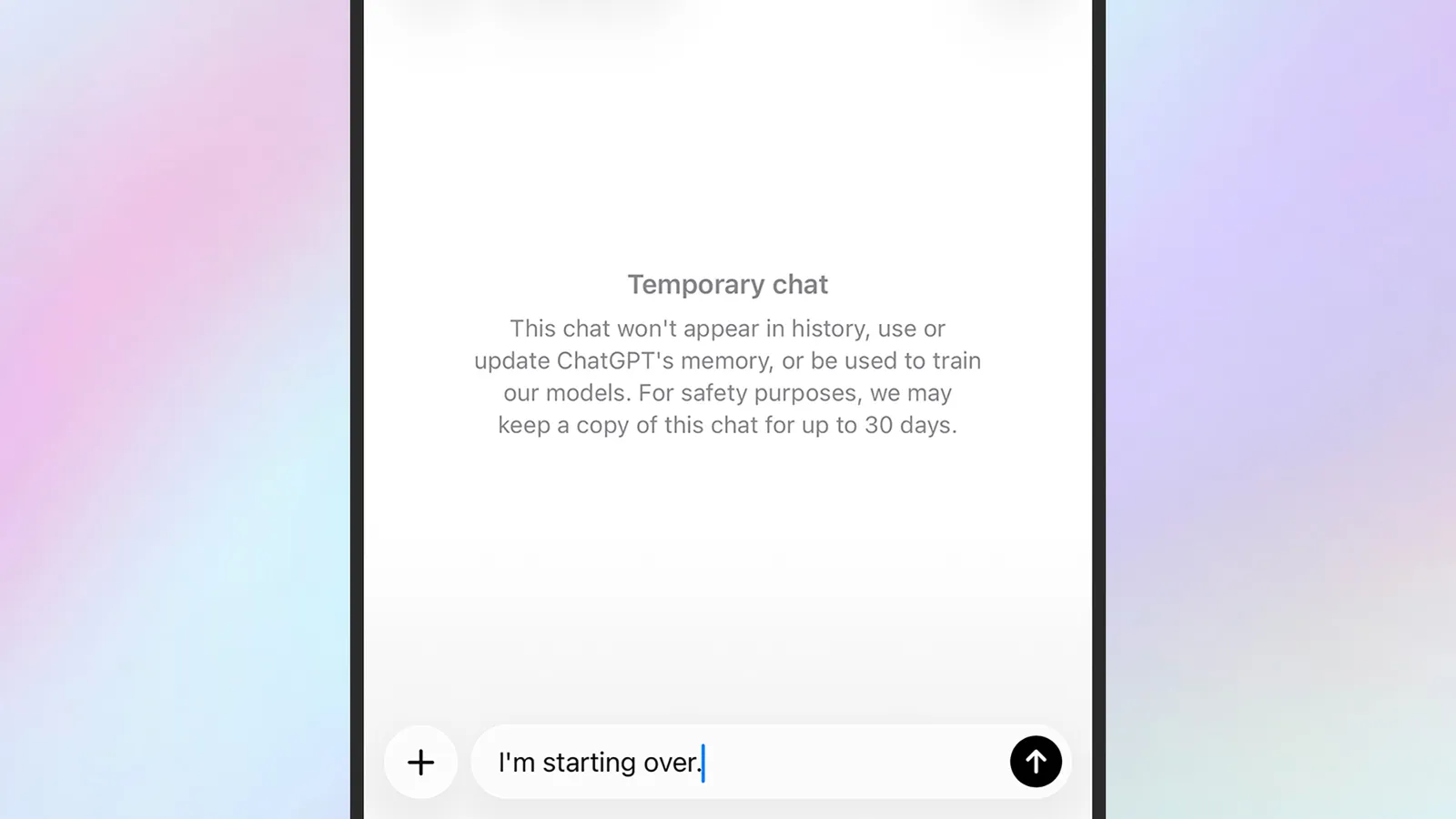
One of the most practical ChatGPT prompting tips for anyone using the tool to think through ideas is to deliberately break its tendency toward flattery. AI chatbots are notoriously sycophantic by default — they’ll tell you your business plan sounds promising when what you really need is someone to poke holes in it.
The fix is surprisingly simple: ask ChatGPT to respond like a curious, inquisitive ten-year-old who has lots of questions and genuinely wants to help. Kids that age haven’t learned to be polite about terrible ideas yet. The result is a stream of ‘But why?’ and ‘What happens if that doesn’t work?’ questions that surface real weaknesses in your thinking. Whether you’re stress-testing a side hustle, a travel itinerary, or a product concept, this framing consistently throws up angles you wouldn’t have caught yourself. It’s cheap therapy from an AI that won’t spare your feelings.
The 80-20 Rule Is One of the Best ChatGPT Prompting Tips for Learning
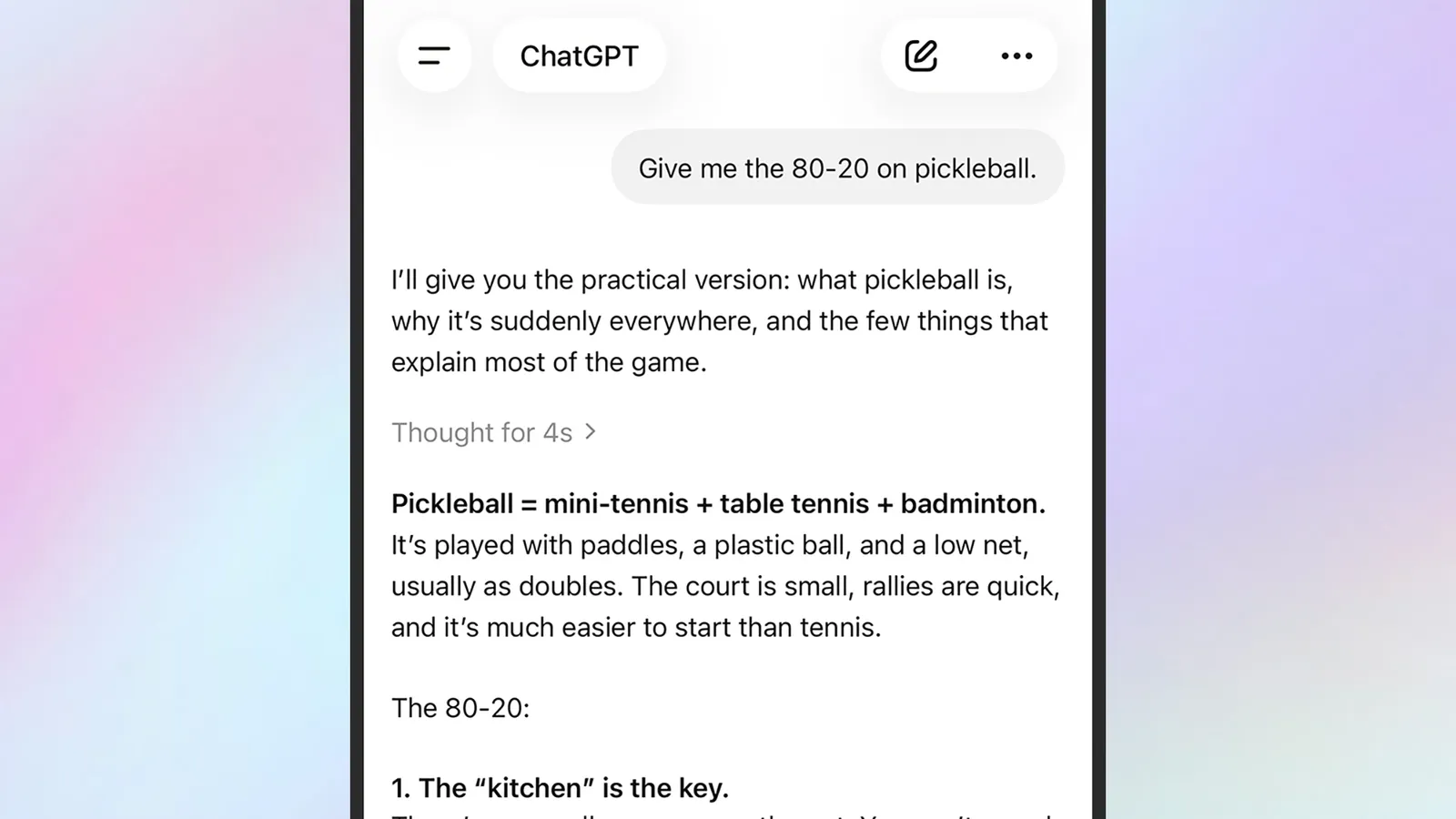
Information overload is a genuine problem with AI responses. Ask ChatGPT to explain machine learning, Byzantine history, or the discography of a prolific musician and you can end up drowning in caveats, sub-categories, and tangential context. The Pareto principle offers a clean escape hatch.
By explicitly asking for ‘the 80-20 on’ a subject — meaning the 20 percent of key information that accounts for 80 percent of practical understanding — you instruct the model to filter aggressively. The resulting response is tighter, faster to read, and far more likely to stick. It works remarkably well across wildly different domains: scientific concepts, historical periods, film movements, music genres, investment strategies. If you want to come up to speed on something without writing a dissertation about it, this framing is one of the most transferable ChatGPT prompting tips in circulation right now.
The Persona Trick: What Would Steve Jobs Do?
When you’re stuck in a prompting rut — getting the same kind of response no matter how you rephrase the question — assigning a famous perspective can break the pattern. This is among the more creative ChatGPT prompting tips available: asking ‘What would Steve Jobs do here?’ or ‘What would Churchill’s view be on this?’ invites the model to reorganise its output around a well-documented set of values and instincts.
There’s an important caveat worth keeping in mind: ChatGPT isn’t channelling anyone. It’s making educated inferences based on the enormous volume of writing that exists about these figures. Jobs, Churchill, Ada Lovelace, or Warren Buffett — the model knows a great deal about each of them, so the persona works as a useful filter rather than a genuine oracle. It can still jolt you out of a rut, reframe a problem, or surface a priority you were discounting.
The same principle applies to fictional frameworks. Asking how a frugal minimalist would approach a decision, or how a ruthless editor would trim your draft, can be just as effective as a named historical figure — sometimes more so, because you get to define the persona’s priorities precisely.
Small Additions That Change Everything
Some of the most effective ChatGPT prompting tips are almost embarrassingly low-effort. Appending ‘I’m a very lazy person’ to a prompt, for instance, produces noticeably shorter, more direct answers and simpler instructions. It signals to the model that you want efficiency above exhaustiveness. You can swap in ‘I’m extremely busy’ for a similar effect, or ‘I’m very thorough’ if you actually want more detail on a complex topic. These persona tags act as quick style guides that override the model’s default verbosity.
Then there’s the Personalization feature, which is underused by most people. On the desktop, it lives under your avatar in the bottom left corner; on mobile, through the top-left menu. Here you can store your name, profession, experience level, and personal preferences — your taste in music, your comfort with technical language, how hands-on you are with home projects. ChatGPT carries this context into every new conversation, which means your prompts start from a better baseline without you having to repeat yourself every session. Pairing these ChatGPT prompting tips with Personalization produces a noticeably more tailored experience from the very first message.
Using Your Camera and Images as Part of the Prompt
Text prompts are the default, but the ChatGPT mobile app opens up a visual channel that’s genuinely underused. Tapping the plus button in the prompt box gives you direct access to your camera. Point it at an insect you can’t identify, a landmark you want to know the height of, a restaurant menu in a language you don’t read, or a nutritional label you’re trying to decode — and the model will work with the image directly.
The image editing angle is equally interesting. Upload a rough sketch and ask it to render a photorealistic version. Take a family portrait and request a claymation interpretation. Drop in a photo of your dog alongside a picture of a tropical beach and ask for a composite. Follow-up prompts like ‘Make the lighting warmer’ or ‘Add more clouds’ refine the output iteratively, which is a more intuitive workflow than most people expect from a text-first tool. Some of the more advanced image generation features do sit behind the ChatGPT Plus paywall, so free-tier users may hit limits here.
Playlists, Plug-ins, and What’s Coming Next
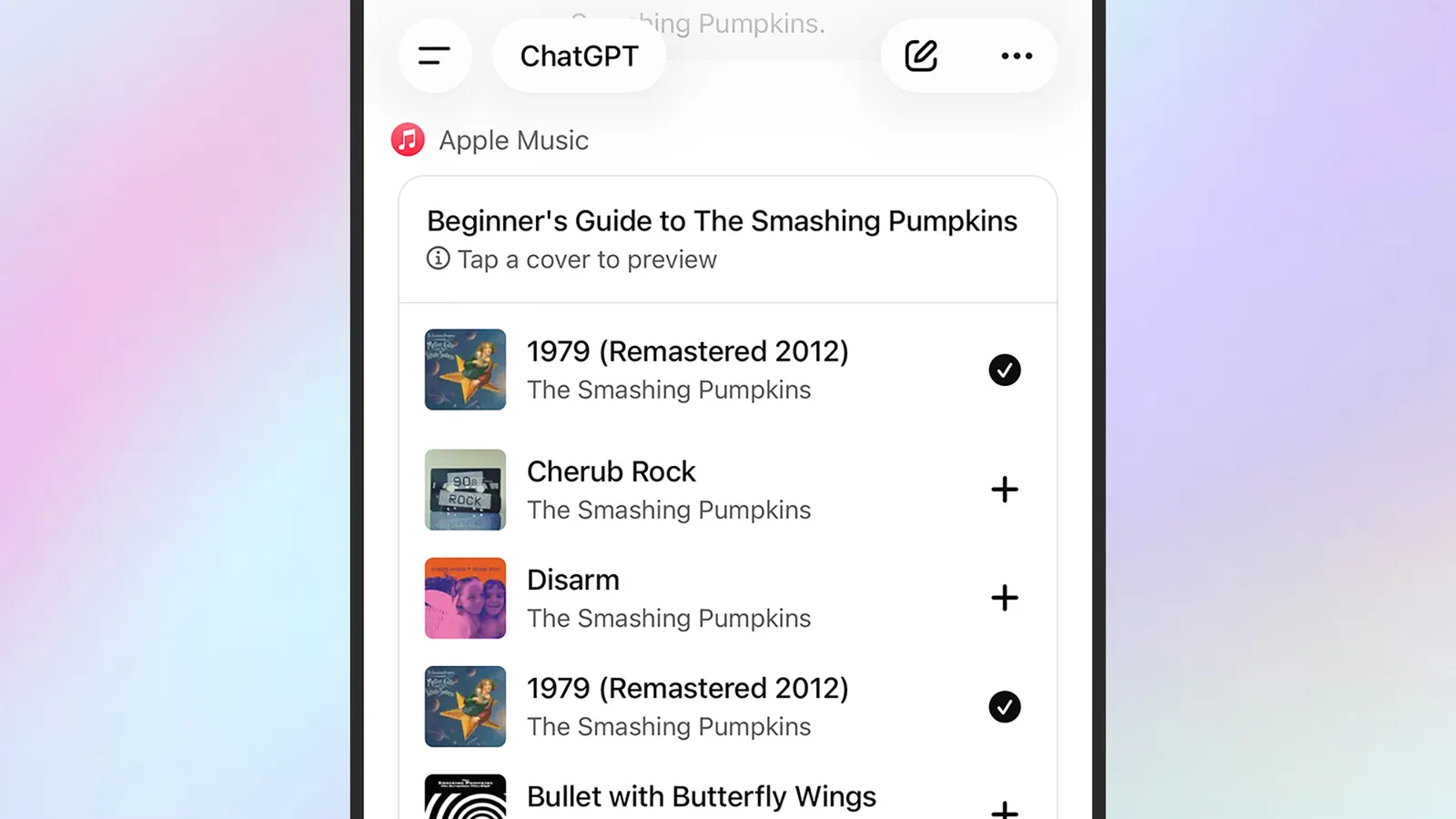
One of the more delightful applications of these ChatGPT prompting tips sits in a corner most people haven’t explored: music curation. Streaming algorithms on Spotify and Apple Music are optimised for engagement, not personal taste — they tend to surface whatever keeps you listening rather than what you actually asked for. Asking ChatGPT for ‘a two-hour chill-out playlist for a rainy Sunday night featuring classics from the 1970s’ gives you something with genuine intentionality behind it.
Better still, ChatGPT now supports plug-ins for both Spotify and Apple Music. Connect your account through the ChatGPT Apps page and the playlist can port directly to your streaming library, skipping the manual search entirely. It’s a small thing, but it illustrates the broader direction of travel — AI that doesn’t just answer questions but takes actions inside the apps you already use.
That integration story is where the real momentum is. As ChatGPT’s operator ecosystem expands and models get better at understanding context without being hand-held through it, the gap between a novice user and a skilled one will widen further. The ChatGPT prompting tips covered here remain the fastest way to get ahead of that curve — and the barrier to entry, as these techniques show, remains reassuringly low.
Source: Wired
Frequently Asked Questions
What are the most effective ChatGPT prompting tips for beginners?
Start with adding personal context — tell ChatGPT your job, experience level, and preferences via the Personalization settings. Then experiment with the 80-20 rule to get concise summaries of complex topics. These two ChatGPT prompting tips alone will noticeably lift response quality right away.
Do I need a ChatGPT Plus subscription to use advanced prompts?
Most prompting techniques work on the free tier, including the 80-20 rule, persona prompts, and the lazy prompt trick. Some features require a paid ChatGPT Plus subscription, and the source notes this where applicable.
How does the 80-20 rule work in ChatGPT prompts?
The Pareto principle suggests 20 percent of inputs drive 80 percent of outcomes. Applied to AI, asking ChatGPT for ‘the 80-20 on’ a subject instructs it to surface only the most essential knowledge, cutting through the noise and getting you up to speed faster.
Can ChatGPT edit or remix photos I already have?
Yes. Using the plus button in the prompt box, you can upload existing images and then describe the changes you want. ChatGPT can turn doodles into photorealistic scenes, apply artistic styles like claymation, or composite two separate images together.

