

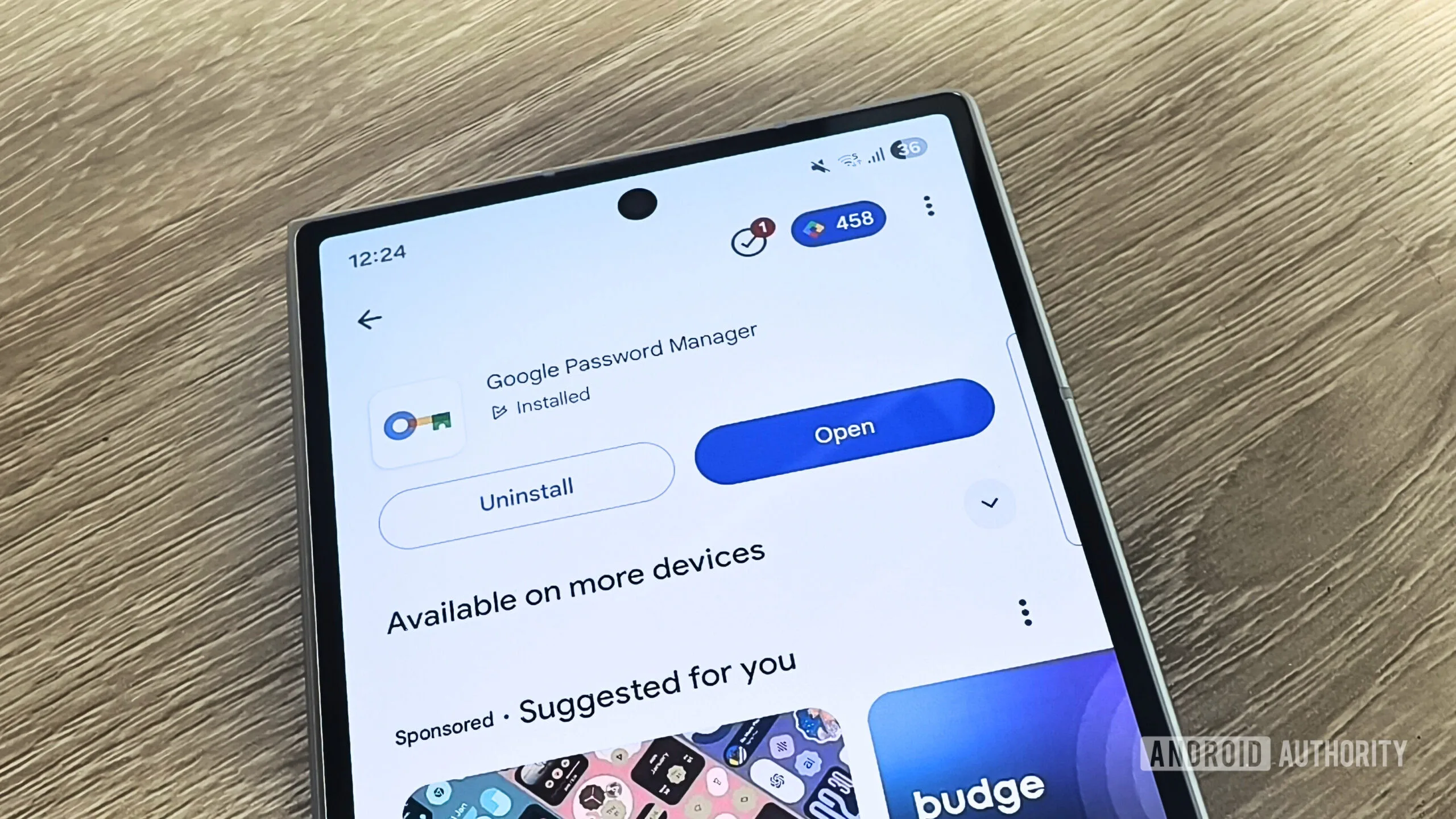
Google Password Manager is fine. There, it’s been said. It works, it’s already on your phone, and it costs nothing. But ‘fine’ isn’t the same as ‘good,’ and when it comes to something as critical as password security, the gap between those two words matters a lot. If you’ve been thinking about switching, these are the Google Password Manager alternatives that are genuinely worth your time — and in most cases, your money too.
- Google Password Manager alternatives like Bitwarden and 1Password offer cross-platform support that Google’s built-in tool simply can’t match.
- The best Google Password Manager alternatives are mostly free or under $50 a year, making switching an easy decision.
- Bitwarden is fully open source and independently audited, giving security-conscious users far more transparency than first-party options.
- KeePassXC lets you store your encrypted vault locally with no cloud dependency, ideal for privacy-first users willing to trade convenience for control.
Table of Contents
Why Google Password Manager Falls Short
Google’s built-in password tool is a textbook example of convenience-first design. It works seamlessly on Android and Chrome, and getting started requires exactly zero effort. But that ease of entry comes with a quiet trade-off: ecosystem lock-in. If you’re not living entirely inside Google’s world — and most of us aren’t, between iPhones, Macs, Windows PCs, and Firefox browsers — things start to get awkward fast.
Exporting your vault is clunky. Vault sharing is essentially nonexistent for regular users. There’s no independent security audit you can point to. And features like secure file storage, built-in two-factor authentication codes, or travel-specific privacy tools? Not on the menu. The broader password manager market has matured significantly over the past five years, and dedicated Google Password Manager alternatives have pulled far ahead on nearly every dimension that matters beyond initial setup.
It’s also worth thinking long-term. Your passwords aren’t just for today — they’re a commitment that follows you across jobs, devices, and operating systems for years. Picking a manager that can grow with you, rather than one that quietly traps you in a single ecosystem, is a decision worth making once and making well. That’s exactly why so many users actively search for Google Password Manager alternatives in the first place.
Bitwarden: The Best Google Password Manager Alternative Overall
Ask almost any security-focused tech community which Google Password Manager alternatives they’d recommend to a friend, and Bitwarden’s name comes up with remarkable consistency. It’s open source, which means the code is publicly available for anyone to inspect — and independent auditors have done exactly that. That level of transparency is genuinely rare in consumer software, and it earns Bitwarden a degree of trust that closed-source competitors simply can’t claim in the same way.
The free tier is genuinely free. Not ‘free with annoying limitations’ free — actually free, with unlimited passwords, unlimited devices, and passkey support included. If you want to add TOTP two-factor authentication code generation or secure file attachments, the premium plan costs just under $20 a year. A family plan is available for a similarly modest fee. For most people reading this, the free tier will cover everything they need indefinitely.
Bitwarden runs on every major platform — Windows, macOS, Linux, iOS, Android, and all the major browsers. That cross-platform reach is precisely what makes it the top pick among Google Password Manager alternatives, where the experience degrades the moment you step outside Chrome or Android.
1Password: The Premium Pick
If Bitwarden is the pragmatic choice, 1Password is the one you buy when you want the experience to feel genuinely polished. As Google Password Manager alternatives go, 1Password stands out for an interface that is clean and well-considered, autofill that works reliably across platforms, and a reputation built over many years for getting the small details right.
Features go well beyond the basics. Watchtower — 1Password’s built-in breach monitoring tool — continuously scans your vault and flags compromised or reused passwords. Travel Mode is a clever addition that lets you temporarily remove sensitive vaults from your device when crossing borders, protecting you from device searches. Family sharing is handled more gracefully here than in most competitors.
Like Bitwarden, 1Password is regularly audited by independent security researchers, and the company publishes those audit reports publicly on its website. It’s not open source, but that level of third-party scrutiny goes a long way. The catch is the price — there’s no free tier, just a 14-day trial, after which the individual plan runs $48 a year. That’s not outrageous for a premium tool, but it does put it at the higher end of the market compared to the other Google Password Manager alternatives here.
Proton Pass: Best for Privacy-First Users
Proton has built one of the strongest privacy brands in consumer tech. Its encrypted email service, ProtonMail, has been a go-to for journalists and activists for years, and the company has expanded that privacy-first ethos across a growing suite of products. Proton Pass is among the more distinctive Google Password Manager alternatives available, and it inherits that reputation credibly.
The free tier is among the most generous available, with no caps on passwords, devices, or passkeys. But the feature that sets Proton Pass apart from almost every other option is email aliasing — available on the $3-a-month Pass Plus plan. Rather than giving every website your real email address, you generate a unique alias that forwards to your inbox. It’s a meaningful privacy layer that most Google Password Manager alternatives don’t offer at all, and it addresses a real problem that complements the core password-management use case.
Dark web monitoring and vault sharing are also unlocked on the paid tier. If you’re already subscribed to Proton Unlimited — which bundles ProtonMail, Proton VPN, and Proton Drive — Pass is included at no extra cost, making it exceptional value in that context. As Proton themselves describe it, the goal is an end-to-end encrypted vault that extends their zero-knowledge architecture across your entire digital identity.
NordPass: Easiest to Get Started
NordPass comes from Nord Security, the team behind NordVPN, and it targets users who find dedicated password managers intimidating. Among Google Password Manager alternatives, NordPass stands out for an interface that is deliberately approachable, and migrating from a browser password manager — including Google’s — is designed to be as painless as possible. If the primary barrier to switching has been inertia or anxiety about the process, NordPass is built to clear both.
The free plan covers the fundamentals but does limit you to one active device at a time, which is a meaningful restriction compared to Bitwarden or Proton Pass. The premium plan starts at around $2 a month for individuals and $3.69 a month for families on an annual subscription — pricing that’s competitive with Bitwarden’s paid tier and significantly cheaper than 1Password. It’s a solid, no-fuss option for users who want something that gets out of the way and just works.
KeePassXC: Total Control, No Compromises
KeePassXC sits at the far end of the spectrum from every other Google Password Manager alternative on this list. It’s fully open source, completely free, and — crucially — your encrypted vault never has to touch the cloud if you don’t want it to. You choose where data is stored, how it syncs, and what it looks like under the hood.
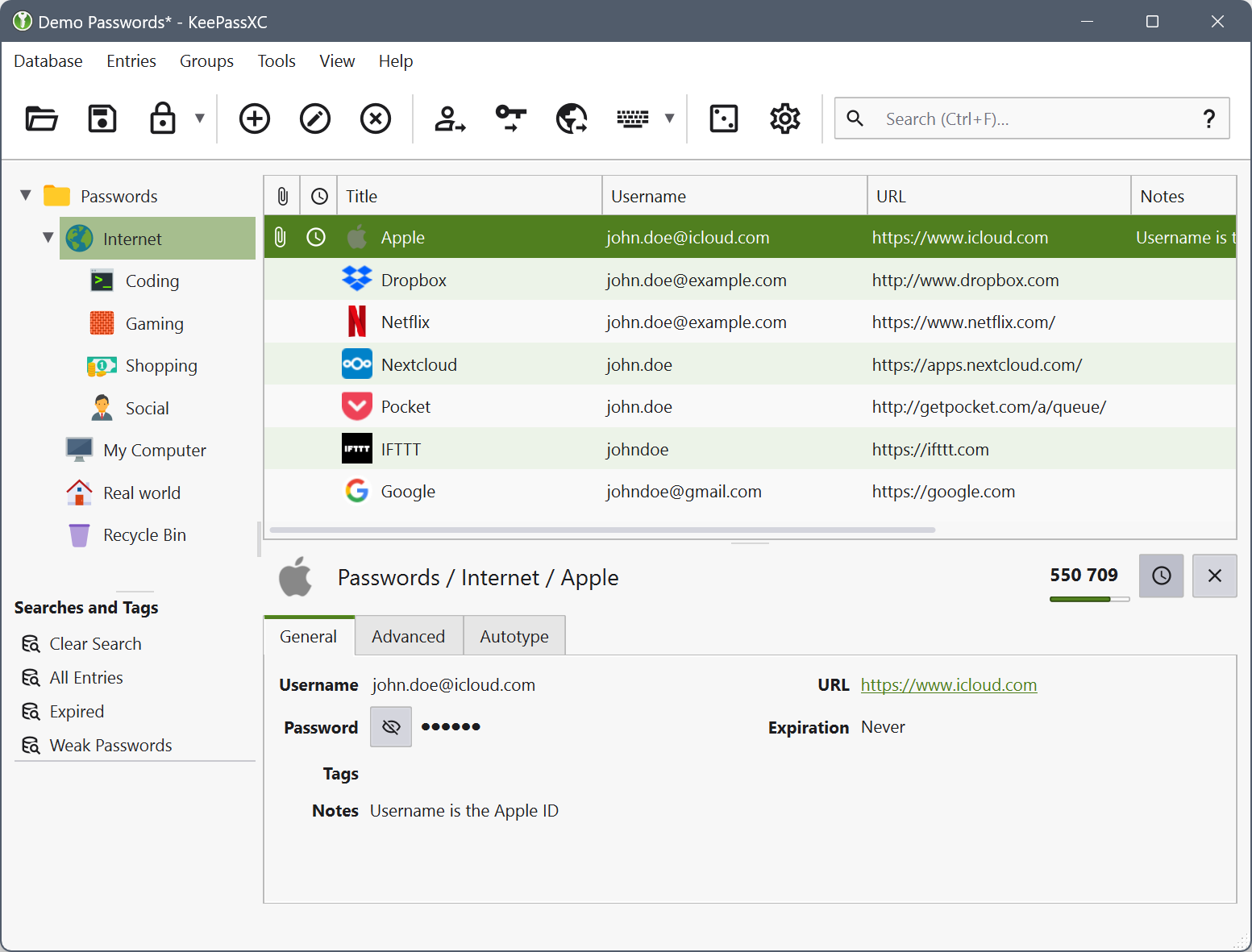
That level of control is genuinely powerful for the right user. Privacy advocates, security researchers, and anyone with serious concerns about data sovereignty will find KeePassXC’s local-first approach compelling. On Android, the widely trusted companion app KeePassDX integrates with the desktop vault cleanly. There’s no subscription to think about, no company holding your data, and no pricing changes to worry about.
The honest caveat is that KeePassXC is designed for enthusiasts. Setting it up properly — particularly syncing across devices using something like Syncthing or a self-hosted cloud — requires effort and comfort with manual configuration. It’s not the right tool for someone who just wants their Netflix password remembered without friction. But for users who treat software control as a feature rather than an inconvenience, it’s hard to beat among all the Google Password Manager alternatives available today.
Which Google Password Manager Alternative Should You Pick?
The honest answer is that the best choice depends on what you actually value. Start with Bitwarden if you want a trustworthy, free, cross-platform solution that covers the vast majority of use cases without asking anything of you. Move to 1Password if you’re willing to pay for a more refined experience. Choose Proton Pass if privacy is your north star, particularly if you’re already in the Proton ecosystem. NordPass is worth a look if you want the most frictionless migration path. And KeePassXC is there if you want total ownership and don’t mind earning it.
What all five Google Password Manager alternatives share is something Google Password Manager fundamentally can’t offer: portability. As our digital lives sprawl across Android phones, iPhones, Windows machines, and Macs, the value of a password manager that works everywhere — and lets you leave whenever you want — only grows. The password manager market is more competitive and capable than it’s ever been, and switching costs have never been lower. There’s genuinely no good reason to stay tethered to a single-ecosystem solution when the Google Password Manager alternatives available today are this strong.
Frequently Asked Questions
Are Google Password Manager alternatives actually more secure?
Dedicated alternatives like Bitwarden and 1Password undergo independent third-party security audits, and some publish those results publicly. Dedicated apps generally offer stronger, verifiable security assurances compared to first-party options like Google Password Manager.
Can I import my passwords from Google Password Manager into another app?
Switching away from Google Password Manager can be trickier than it needs to be, though dedicated third-party managers are generally designed to make cross-platform migration easier. NordPass is specifically noted for making it simple to migrate from a browser’s password manager.
Which password manager is best if I’m on a tight budget?
Bitwarden is the strongest free option, offering unlimited passwords and devices at no cost. KeePassXC is entirely free with no subscription model at all. Proton Pass also has a generous free tier, and NordPass premium starts at around $2 a month.
Does 1Password have a free plan?
No. 1Password doesn’t offer a permanent free tier, but it does provide a 14-day free trial. After that, the individual plan costs $48 a year, which puts it at the premium end of the password manager market.

