

- Meta Horizon+ Game Pass gives eligible Quest subscribers access to more than 50 Xbox titles without a separate Starter subscription.
- The Meta Horizon+ Game Pass bundle includes 10 cloud-streaming hours each month, while PC and console downloads have no stated playtime cap.
- Meta says Quest Touch controllers will soon emulate an Xbox gamepad, removing the immediate need for a paired physical controller.
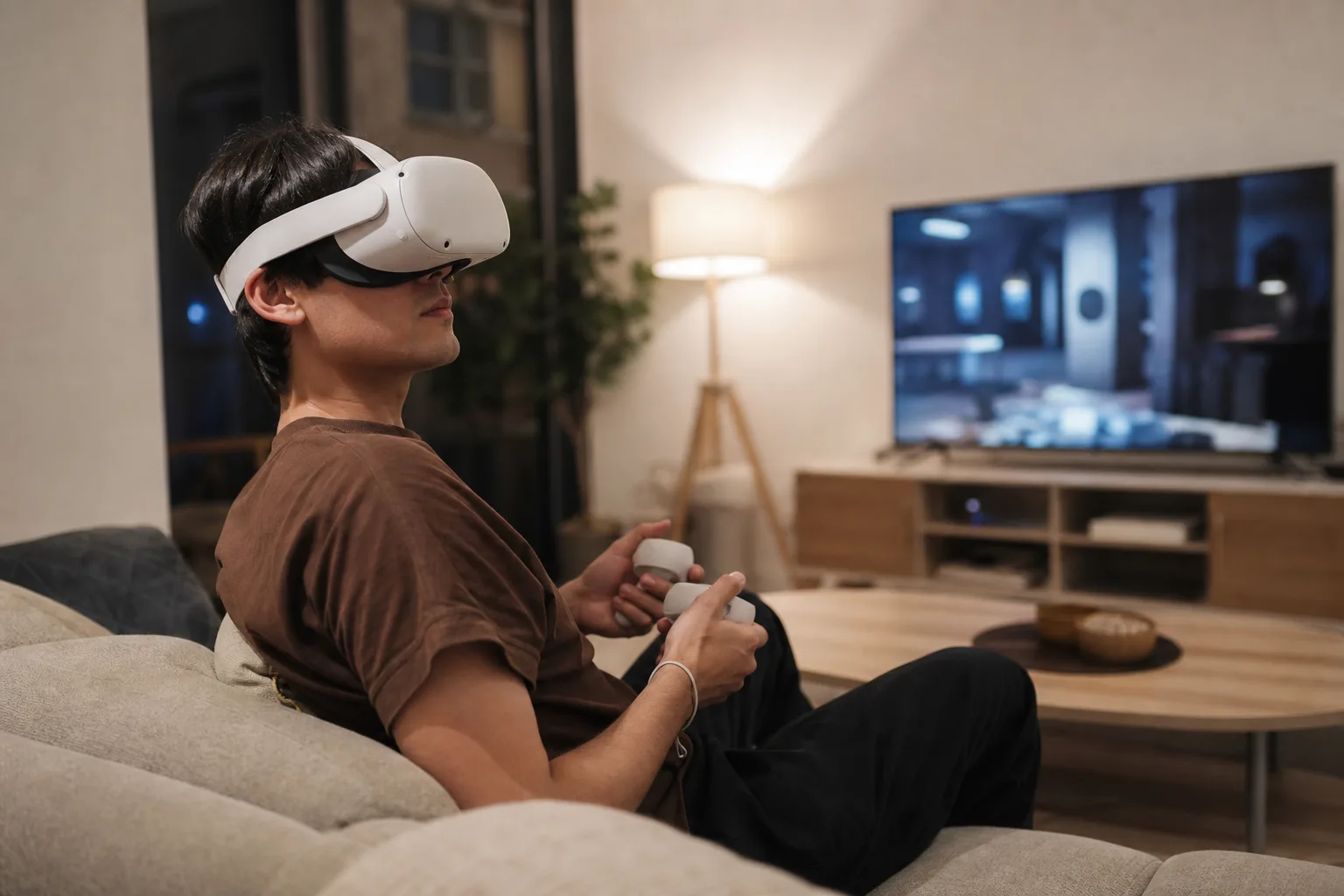
- For Meta, the deal answers the recurring question of what owners should do with a Quest headset between VR releases.
Table of Contents
Meta Horizon+ Game Pass turns Quest into a better Xbox screen
Meta Quest has always had a content problem that no amount of virtual confetti could quite hide. The hardware is capable, but even committed owners can run through the headline VR releases quickly. Meta Horizon+ Game Pass is Meta’s most sensible attempt yet to fill those quiet weeks: Horizon+ subscribers now receive Xbox Game Pass Starter access, including a library of more than 50 games and 10 hours of cloud streaming per month.
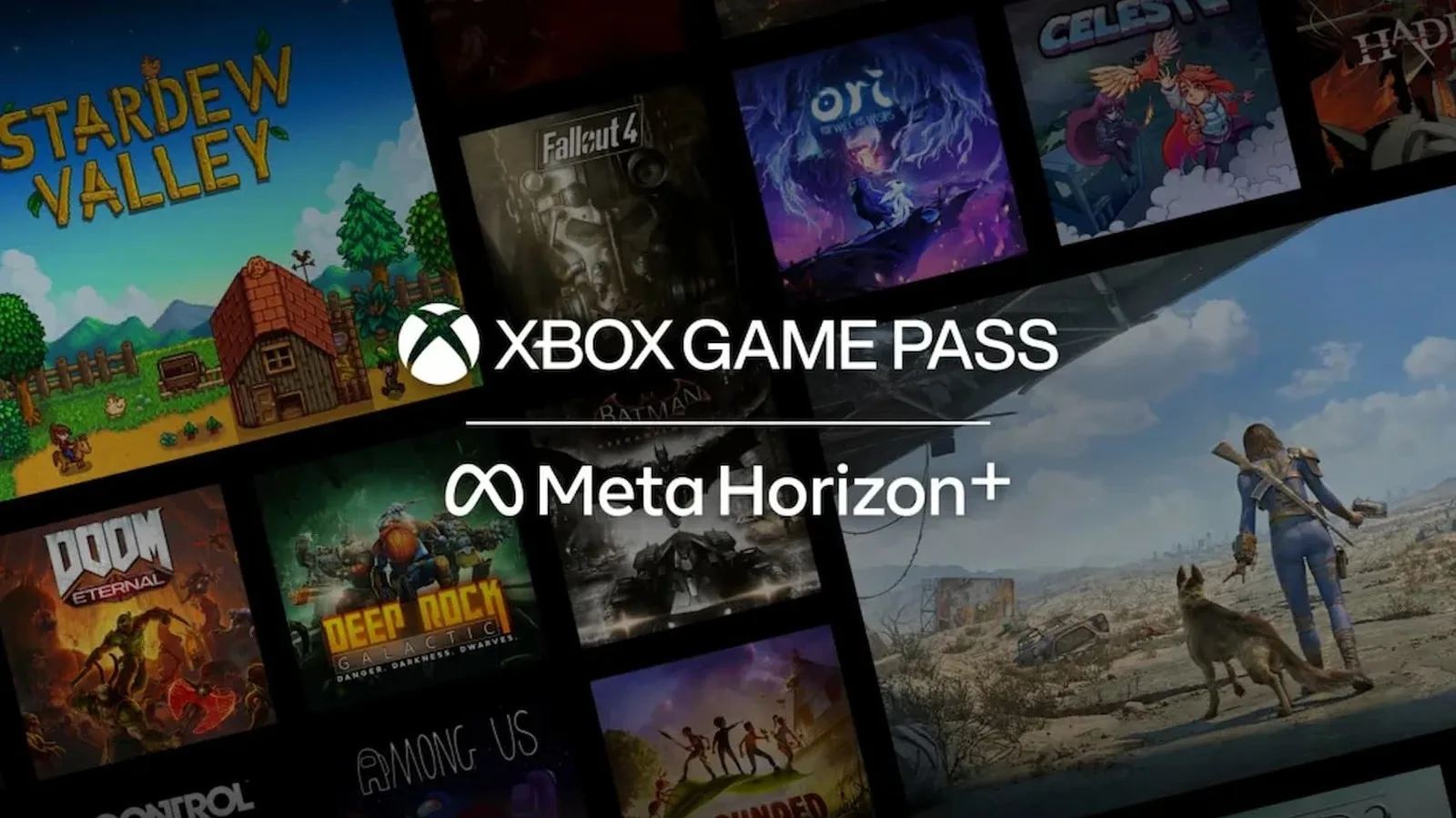
On paper, that looks like a modest bundle. In practice, it gives a Quest headset a second job. Instead of being reserved for Beat Saber, fitness apps and the occasional big-budget VR launch, it can become a very large private display for conventional games such as Fallout 4, Fallout 76, Grounded, Overcooked 2, DayZ, Deep Rock Galactic and SnowRunner.
Meta and Microsoft have been working toward this outcome for a while. Game Pass Ultimate subscribers have been able to stream games through Quest for the last few years, but this newer arrangement moves a lower Game Pass tier directly into Meta’s subscription pitch. For a company still trying to make recurring revenue from VR feel normal, that distinction matters.
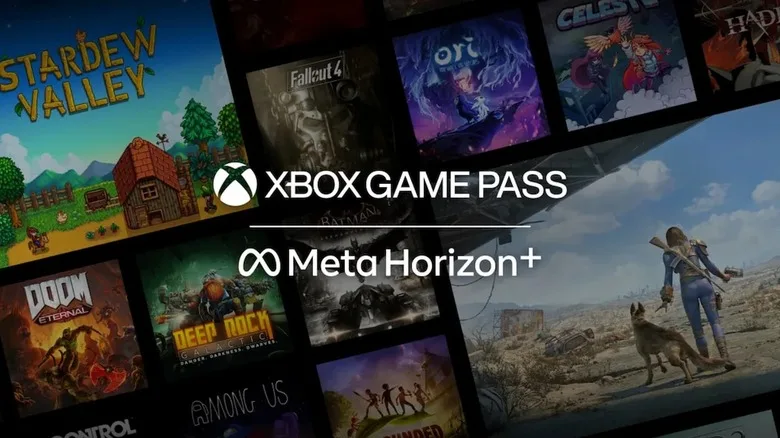
What the subscription actually gets you
The Meta Horizon+ Game Pass offer is built around Game Pass Starter, not the higher-priced Ultimate tier. The key limitation is the 10-hour monthly cloud-gaming allowance. If you use Quest as your main way to play, that can disappear faster than it sounds: a couple of long role-playing sessions, a weekend with friends, and you are done for the month.
But the bundle has a useful wrinkle. Subscribers can download games from the included catalog to a Windows PC or Xbox console and play them without the cloud-hour cap. Cloud saves also travel between supported devices, so a player can stream a few missions on Quest, then pick up the same save on an Xbox or PC later. Online multiplayer is supported on cloud and PC, and players can stream certain titles they already own.
Microsoft reportedly lays out the broader service rules on its official Xbox Game Pass page, though catalog availability and streaming support can change by region and over time. That caveat matters in practice. Subscription libraries are closer to a rotating supermarket shelf than a personal game collection. A title you mean to play later may not be there later.
Still, Meta Horizon+ Game Pass has a clear advantage over a simple free trial. It is attached to a subscription that Quest owners may already see as useful for its rotating VR game catalog. Meta isn’t asking users to manage yet another standalone entertainment bill; it is trying to make its existing one harder to cancel.
The controller fix is more important than it sounds
There is one awkward detail in streaming flat Xbox games into a VR headset: they were designed around a gamepad. Until now, Quest users generally needed to pair a conventional Bluetooth controller. Meta says Quest Touch controllers will soon be able to emulate an Xbox gamepad, a change that sounds mundane but could materially improve how often people use the service.
Anyone who has fished through a drawer for a controller, replaced its batteries, and then waited for Bluetooth to behave knows why. The best entertainment features are the ones with the fewest tiny chores standing between you and the thing you wanted to do. Built-in controller emulation makes the Quest feel less like an experimental accessory and more like a self-contained gaming device.
The trade-off is obvious. Touch controllers were made for hand presence and motion input, not for the muscle memory of a standard Xbox pad. How comfortable they feel for a frantic shooter or a racing game remains an open question. Meta has not made the case that this will replace a proper controller for every game. It does not need to. It only needs to make casual play frictionless enough that owners actually try it.
A 26-foot screen is useful, but the economics matter more
When streaming through Quest, players can choose among several virtual screen sizes, including a display Meta says can stretch to 26 feet. There is also an Xbox-themed immersive environment. That is fun, and it plays directly into the familiar pitch of watching or playing on a cinema-sized screen from a small apartment. But frankly, virtual screen size is no longer the interesting part of this story. Every headset maker knows how to sell the illusion of a giant TV.
The more consequential move is commercial. Meta has spent years subsidizing hardware and chasing a larger installed base, while Microsoft has increasingly treated Game Pass as a service that should appear wherever people have screens. Neither company needs Quest cloud gaming to become a substitute for an Xbox console. They need it to make their respective subscriptions feel more central.
For Microsoft, Meta Horizon+ Game Pass puts Xbox games in front of users who may never have bought an Xbox. For Meta, it answers a nagging purchase objection: what happens after I finish the few VR games I really wanted? A Quest that can also handle a bit of Fallout on a huge virtual display is easier to justify, even if it is not playing native VR software.
Microsoft has used the same distribution instinct elsewhere, recently offering a comparable Game Pass Starter pack to Discord Nitro subscribers. The strategy is hard to miss. Game Pass is being deployed as a retention perk, a customer-acquisition tool and a way to keep Xbox culturally present even when a player is on a PC, phone, television or headset.
Meta Horizon+ Game Pass is a smart bundle, not a VR breakthrough
I would not mistake Meta Horizon+ Game Pass for proof that VR gaming has solved its software drought. Streaming old and current flat-screen games into a headset does not create the kind of native, purpose-built experience that made Half-Life: Alyx memorable. And 10 cloud hours is deliberately conservative. Meta and Microsoft are offering a sample, not an all-you-can-eat cloud arcade.
Yet this is a better strategy than pretending every Quest owner wants to live exclusively inside virtual reality. Most people want a device that earns its shelf space. If Meta can make Quest the easiest place to access VR games, exercise apps, immersive video and a credible chunk of Xbox’s catalog, the headset starts to look less like a novelty and more like a personal entertainment machine.
The remaining question is whether Meta expands the deal before users hit that 10-hour ceiling and lose interest. If it does, Meta Horizon+ Game Pass could become one of the rare subscription bundles that makes both services more appealing. If it does not, it may end up as another clever VR demo that users remember trying once.
Frequently Asked Questions
What does Meta Horizon+ Game Pass include?
The bundle includes Xbox Game Pass Starter access for Horizon+ members. That means a catalog of more than 50 games, 10 hours of cloud gaming per month on a Quest headset, PC and Xbox console downloads, cloud saves, multiplayer support on cloud and PC, and rewards as you play.
Do I need an Xbox controller to play Game Pass on Quest?
For now, a compatible traditional controller is the straightforward option for cloud gaming on Quest. Meta says its Quest Touch controllers will gain Xbox gamepad emulation in the coming weeks, which should let headset owners play supported Game Pass titles without pairing another controller.
Can I keep playing Xbox games after the 10 cloud hours run out?
The 10-hour limit applies to cloud streaming through the Game Pass Starter benefit. Users can still download games in the library to a PC or Xbox console and play them there without that monthly cloud-hour restriction.

