

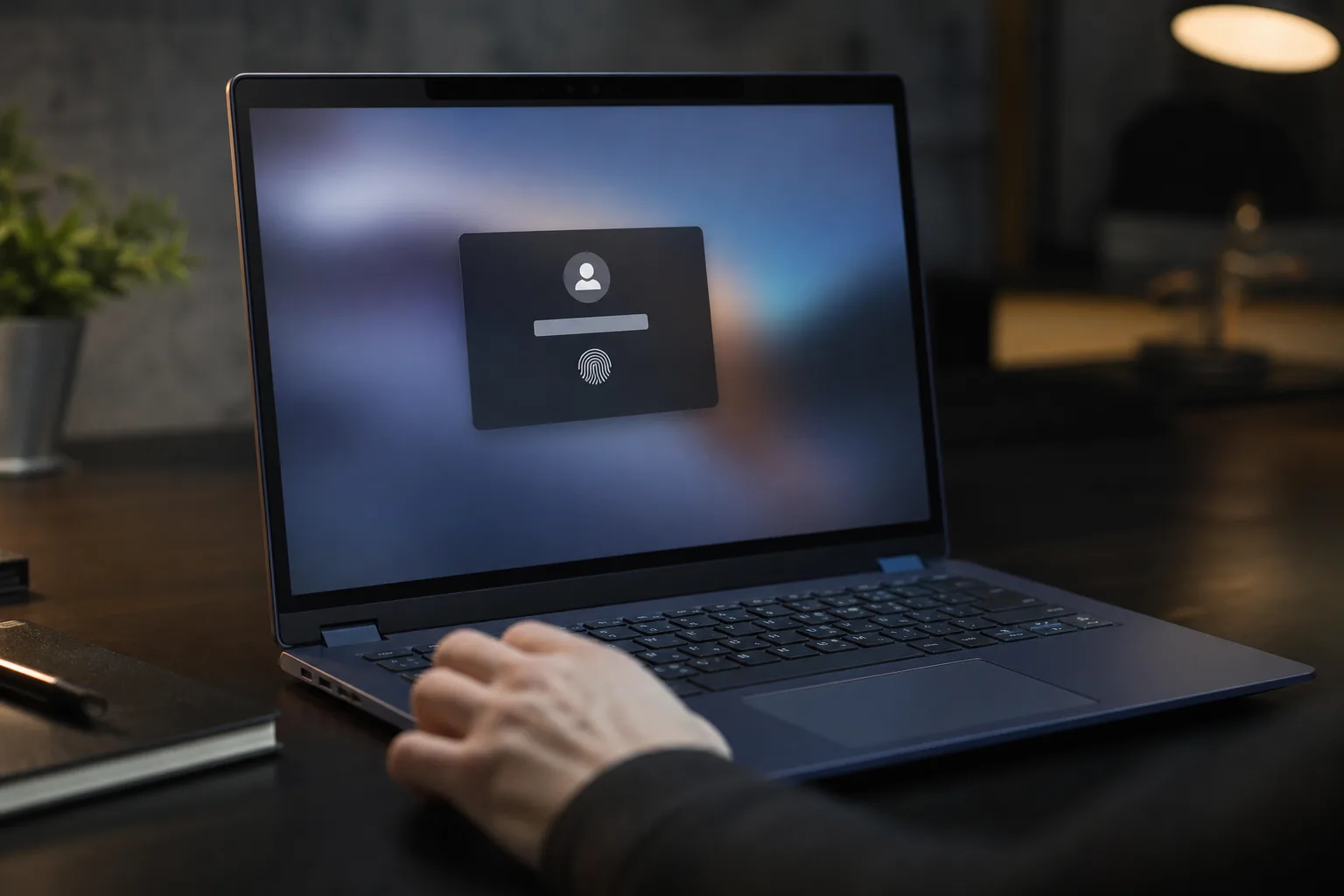
- Google Password Manager passkeys can be targeted after malware compromises a Windows PC, according to Unit 42’s Pass-ta-key research.
- The Google Password Manager findings focus on endpoint compromise, not a remote attack against users with clean and patched devices.
- Researchers describe silver and golden attack paths that could bypass verification and expose material tied to synced future passkeys.
- Passkeys still remove phishing and password reuse risks, but malware remains the hard problem no sign-in standard can fully solve.
Table of Contents
Google Password Manager has met passkeys’ hardest problem
Passkeys were supposed to make the familiar password mess feel a little less inevitable. With Google Password Manager, Chrome users can sign in through a device-bound cryptographic credential, typically unlocked with a fingerprint, face scan, or local PIN, rather than typing a secret that can be phished or reused. That basic idea remains sound. But new research from Unit 42 is a sharp reminder that a secure sign-in method can still be undermined when the computer doing the signing is already under an attacker’s control.
The researchers call their collection of techniques Pass-ta-key, a name that’s a bit too cute for what is a fairly serious endpoint-security story. Their work focuses on Windows systems infected with malware and on passkeys managed through Chrome’s Google ecosystem. This is not a broad remote break of passkeys, nor a reason to race back to memorized passwords. It is, however, an uncomfortable illustration of what happens when cloud-synced credentials meet a hostile device.
That caveat deserves to be printed in large type. A clean, updated machine is not reportedly vulnerable to these methods simply because it uses passkeys. An attacker first needs malware on the PC. Once that line has been crossed, though, the researchers say the malware can meddle at the authentication endpoint, where Chrome, Windows, Google Password Manager, Google’s services, and a relying website all have to agree that a real person approved a login.
How the Pass-ta-key techniques work
Passkeys rely on public-key cryptography. A website keeps a public key; your device holds the private half and produces a signature when you authenticate. The site never needs your private credential, which is why phishing pages can’t simply collect it the way they collect passwords. WebAuthn also sends user-verification signals, so a service can check whether somebody unlocked the authenticator locally. You can read Google’s own overview of how passkeys work; the model is genuinely a major improvement over passwords.
Unit 42’s first reported route is comparatively narrow. It involves malware taking over an account flow where an identity-related key is written to disk rather than protected by the Windows TPM, the hardware-backed security component designed to keep sensitive keys out of ordinary software reach. The researchers said one variation succeeded against eBay because the service did not validate whether the user-verification flag had actually been set. That’s a website implementation failure as much as an authenticator problem, and it’s a useful warning for every service rolling out passwordless login.
The more concerning paths are what Unit 42 labels the silver and golden attacks. In the silver scenario, malware allegedly manipulates the verification process so Google Password Manager treats the device as though biometric or PIN approval occurred. The system remains stuck in a pending state long enough for malicious software to register keys that may then be trusted in future authentication events. Put plainly: the burglar doesn’t pick the lock; they persuade the building’s front desk that the lock was already opened.
The golden path goes after data associated with Chrome’s sync and encryption machinery. Unit 42 says sensitive information could appear in Chrome logging and remain accessible in process memory even after it is removed from logs. Malware capable of dumping that memory could collect a database of synced passkeys and material the researchers describe as an SDS. If that material is retained, they say, future Google Password Manager passkeys created through the affected setup could also be decrypted until a new SDS is generated.
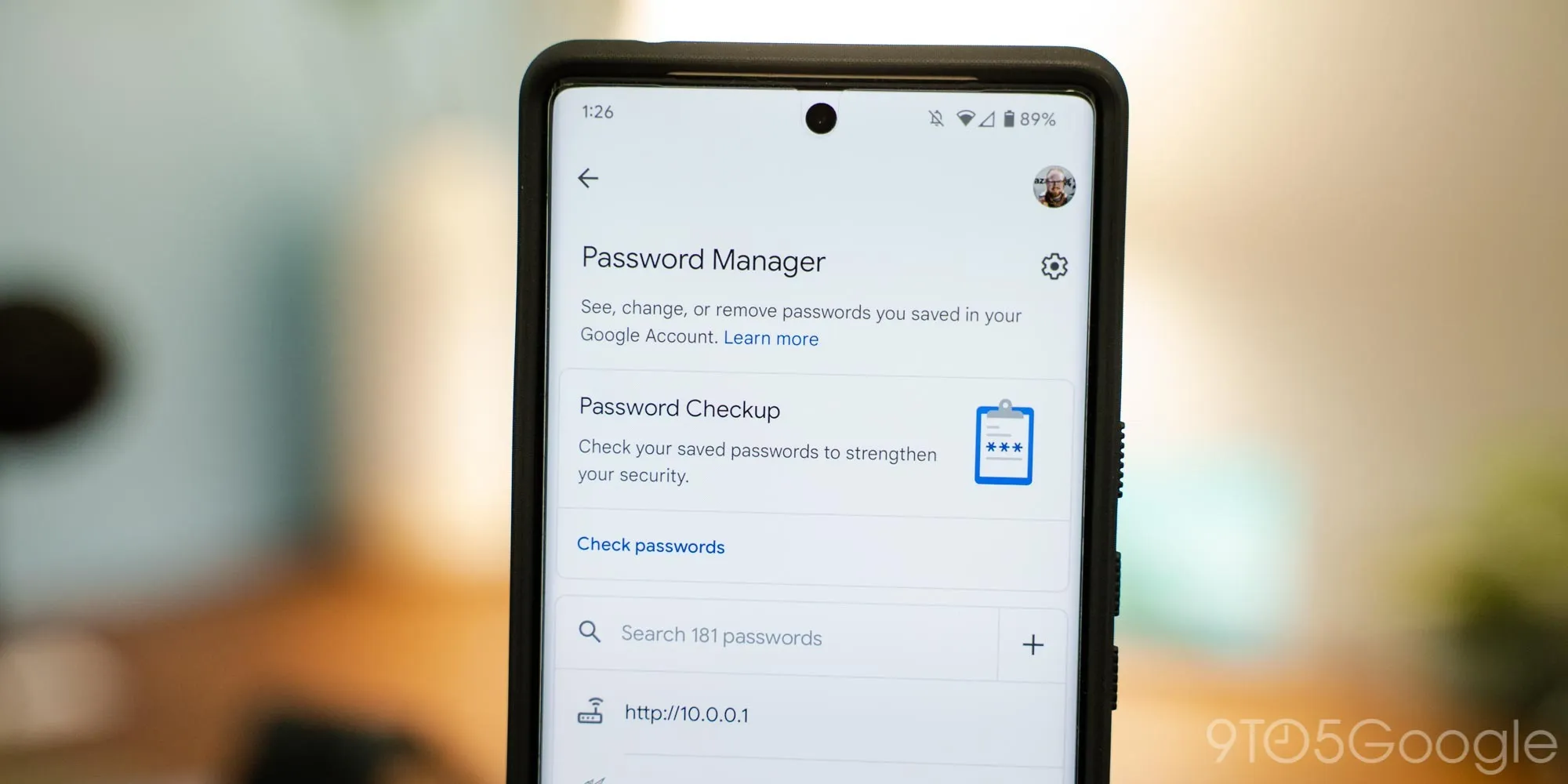
Why malware changes the security equation
Frankly, no authentication technology gets to wave away a fully compromised endpoint. A keylogger can capture passwords. Remote-access malware can approve push prompts, hijack browser sessions, or wait until you walk away from an unlocked laptop. Passkeys reduce several huge categories of risk, especially phishing and credential stuffing, but they cannot magically make malicious code on your computer harmless.
Still, the Google Password Manager research is more than a generic ‘malware is bad’ headline. It raises pointed questions about how credential managers handle user-verification state, where sync-related secrets are exposed during normal browser operation, and how readily a compromised local environment can enroll durable attacker-controlled credentials. Those are engineering questions Google and the broader FIDO ecosystem should answer with patches and clearer hardening guidance, not marketing language.
The cloud-sync angle is particularly awkward. Synced passkeys are convenient because a new phone or laptop doesn’t mean starting from scratch. But convenience also adds moving parts. Hardware security keys take a more deliberately constrained approach: the credential stays on a physical token, and an attacker generally needs that token plus an ability to satisfy its local protections. Synced credentials trade some of that isolation for recovery and cross-device usability. For most consumers, that trade remains sensible. It just isn’t free.
What users and websites should do now
There is no evidence in this report that everyday users should delete passkeys from Google Password Manager. Doing so would likely push people back toward weaker habits, which would be a spectacularly unhelpful own goal. Keep using passkeys where they are offered, maintain Windows and Chrome updates, and take malware prevention seriously: install software cautiously, avoid running unknown attachments, and do not give browser extensions permissions they plainly do not need.
If you suspect a PC has been compromised, treat saved credentials and active browser sessions as potentially exposed. Run a trusted security scan, change account recovery details from a known-clean device, review logged-in sessions, and remove unfamiliar passkeys or devices from important accounts. For particularly sensitive accounts, a hardware security key remains a worthwhile extra layer, especially when the service supports it.
Websites have homework too. They need to validate WebAuthn user-verification requirements correctly rather than assuming every successful-looking assertion represents a biometric check. They should also make credential enrollment visible to users, with useful alerts and straightforward revocation controls. The first reported attack working against a single service is enough to show why those boring implementation details matter.
My read is that Google Password Manager hasn’t been rendered unsafe; passkeys are still one of the best consumer security upgrades in years. But the industry has spent so much time celebrating the death of passwords that it has occasionally blurred the real lesson: identity security is a chain. Passkeys strengthen several links dramatically. A malware-infected PC can still go after the links around them, and that’s where the next round of fixes needs to land.
Frequently Asked Questions
What is the Pass-ta-key attack against Google Password Manager?
Pass-ta-key is Unit 42’s name for several malware-assisted techniques aimed at Chrome-based, synced passkeys. The methods require an attacker to have already compromised a Windows machine, then target authentication workflows, device-verification state, or credential-related data held in Chrome memory.
Are passkeys still safer than passwords?
Passkeys are not necessarily less safe because of these findings. They remove some vulnerabilities associated with traditional passwords, but malware on a device can still target weaknesses in passkey onboarding and endpoint processes.
Does this attack work on a clean computer?
The reported methods depend on malware already being present on the Windows endpoint. A clean PC is not vulnerable to these attacks when passkeys are used.

