

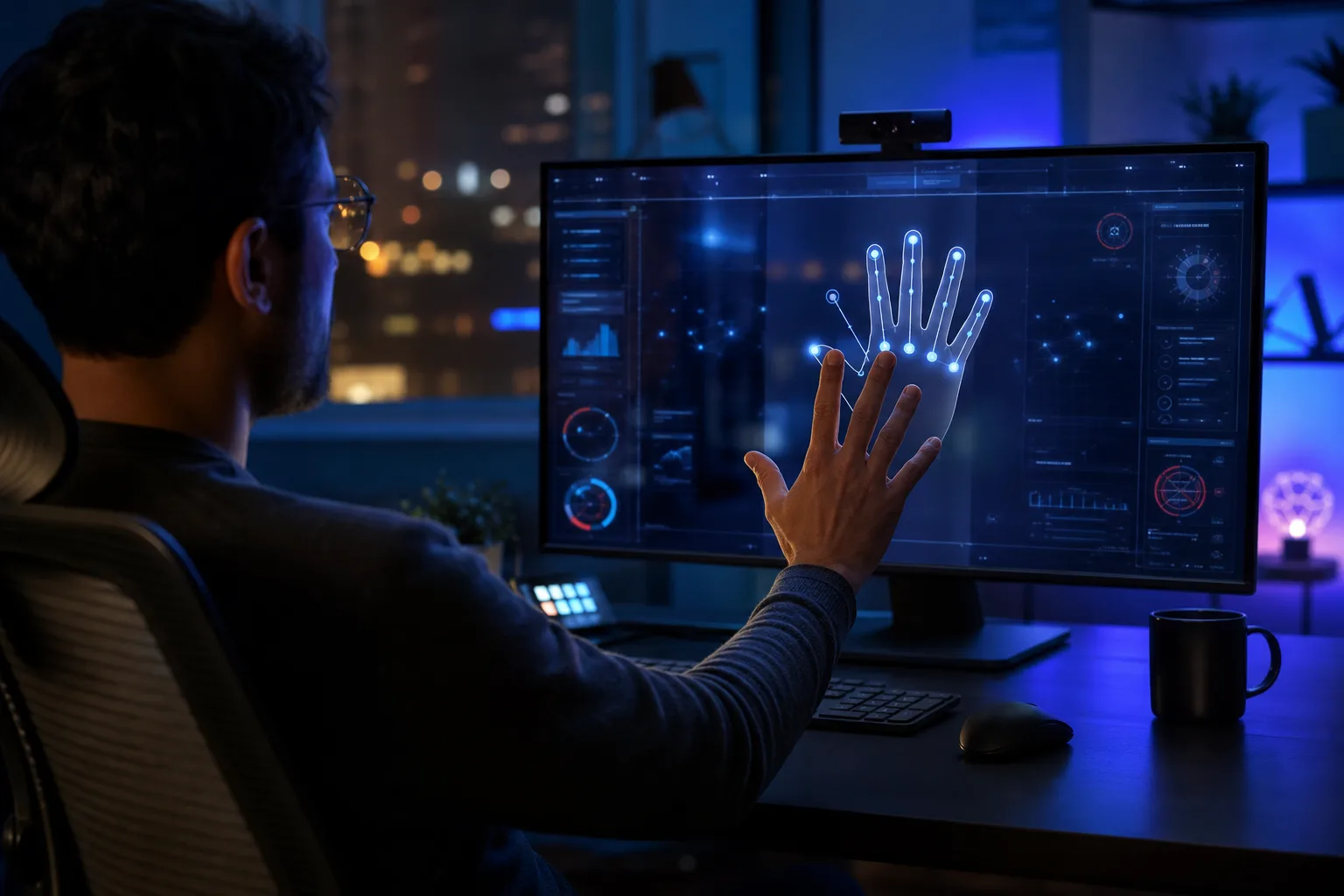
Most people’s idea of a powerful AI desktop assistant tops out at asking Cortana what the weather is. One developer got tired of that low bar and built something considerably more ambitious — MIA, short for My Intelligent Assistant, a multimodal desktop control system that blends voice recognition, real-time hand gesture tracking, on-screen HUD overlays, and a personality with more range than most customer service chatbots.

- MIA is an AI desktop assistant that combines voice commands, hand gestures, and live HUD overlays into one unified system.
- This AI desktop assistant uses MediaPipe and OpenCV to translate webcam-detected hand movements into real mouse and keyboard actions.
- A modular Python architecture keeps each feature — gesture recognition, TTS, command parsing — isolated and independently scalable.
- Planned features include AI memory, mood-aware responses, and AR interaction layers, pushing MIA toward a full digital companion.
Table of Contents
What Is MIA and Why Does It Exist?
MIA is an open-source AI desktop assistant created by developer TrojanMocX, and it’s aimed squarely at people who find the current state of desktop computing just a little too mundane. The pitch is simple: instead of clicking through nested menus or fumbling for keyboard shortcuts, you talk to your computer, wave your hand at a webcam, and watch things actually happen. Voice activation kicks off with a wake phrase — “Hey MIA” — after which the system listens for commands and acts on them in real time.
That might sound like every smart assistant demo you’ve seen since 2011, but what separates MIA from the pack is the genuine integration of multiple input modes working simultaneously rather than as clumsy fallbacks for each other. This is an AI desktop assistant designed around the idea that keyboards and mice are one option among several, not the only option.
Hand Gesture Control Is the Real Story Here
If the voice features are the headline, the gesture recognition is where things get genuinely interesting. MIA uses Google’s MediaPipe framework alongside OpenCV to track hand landmarks through an ordinary webcam feed, converting those movements into desktop interactions in real time. Cursor movement, mouse clicks, scrolling, and volume adjustment are all on the table — controlled entirely by what your hand does in front of the camera.
It’s worth being honest about the current state of this technology: gesture-based desktop control has a long history of looking impressive in demos and feeling awkward in daily use. The fatigue of holding your arm up, the precision required to avoid misfires, the latency between intent and action — these are real problems that even well-funded labs struggle with. MIA’s developer openly acknowledges stability and cursor smoothness as ongoing challenges, noting at one point that MediaPipe confidently identified a coffee mug as a human hand. Real-world gesture recognition is messy, and MIA doesn’t pretend otherwise.
That honesty is refreshing. The code is modular enough that improvements to the underlying gesture pipeline can be swapped in without rewriting the whole system, which means MediaPipe’s own rapid development cadence works in MIA’s favour as the framework matures. For anyone evaluating this as a practical AI desktop assistant, that extensibility is a meaningful long-term advantage.
Combo Mode and the Case for Multimodal Input
One of the more thoughtful design decisions in MIA is what the developer calls Combo Mode — a 30-second window during which voice commands and hand gestures can be used simultaneously rather than as competing input methods. On the surface, that sounds like a minor UX detail. It’s actually a meaningful architectural statement about what an AI desktop assistant can be.
The dominant model for multimodal AI interaction right now is sequential: you speak, it responds, you tap, it reacts. Very few consumer systems genuinely handle overlapping input channels gracefully. MIA’s attempt to synchronise voice and gesture workflows within a single interaction session puts it closer in spirit to research prototypes coming out of places like MIT CSAIL or Carnegie Mellon’s Human-Computer Interaction Institute than to anything shipping in a commercial product today. Whether it fully delivers on that promise in practice is a separate question — but the intent is architecturally sound.
The HUD Overlay: Making the Machine Legible
MIA includes a custom heads-up display built using PyQt5, rendering real-time visual feedback directly on screen. Gesture recognition status, command indicators, system responses, and animated interface elements all appear as a live overlay rather than burying information in a log file or a tucked-away status bar.
This is smarter than it initially seems. One of the persistent frustrations with background AI agents — think everything from Windows Copilot to macOS Shortcuts automations — is that they operate in near-total opacity. You trigger something, a spinner appears briefly, something happens (or doesn’t), and you’re left guessing about the state of the system. MIA’s HUD approach forces the AI desktop assistant to externalise its internal state constantly, which builds user trust and makes debugging dramatically less painful. It’s a design principle that more production-grade AI interfaces could stand to adopt.
Personality, TTS, and the Question of AI Character
MIA’s text-to-speech system is configured to deliver responses across a range of tones — calm, witty, sarcastic, futuristic — depending on context. The developer’s stated goal was an AI desktop assistant that has “better dialogue than a microwave,” which is a low bar, sure, but it gestures at something the broader AI assistant industry has genuinely struggled with: making synthetic voices feel like something other than a recitation service.
Pyttsx3 handles the TTS layer here, which is local and offline-capable rather than dependent on a cloud API. That’s a deliberate tradeoff — cloud-based synthesis from services like ElevenLabs or Google Cloud Text-to-Speech would produce noticeably more natural output — but keeping it local means MIA doesn’t phone home for every spoken response, which matters for users who care about privacy or offline reliability.
Under the Hood: Architecture and Tech Stack
MIA’s architecture is cleanly modular, with distinct Python files handling gesture recognition, voice activation, HUD rendering, command parsing, TTS response, and API communication separately. The core stack reads like a practical survey of Python’s AI and automation ecosystem: FastAPI for the backend server, OpenCV and MediaPipe for computer vision, PyAutoGUI for desktop automation, SpeechRecognition for audio input, and PyQt5 for the overlay UI. DeepFace is also listed as a component, suggesting emotion detection functionality either currently in place or in active development.
The modular split is genuinely well-considered. Real-time gesture processing, voice activation, and UI rendering all have different performance profiles and failure modes. Keeping them isolated means a crash in the gesture pipeline doesn’t take down voice activation, and improving the HUD doesn’t require touching the command parser. For a solo side project functioning as a fully featured AI desktop assistant, the structural discipline here is notable.
AI Desktop Assistant Development: Where MIA Fits in a Crowded Space
Commercial AI desktop assistants are having a moment right now. Microsoft is pushing Copilot deeper into Windows 11. Apple’s reworked Siri with Apple Intelligence features is rolling out across macOS and iOS. Google’s Gemini integration is spreading across the Workspace suite. All of them are well-funded, backed by enormous infrastructure, and still — by most accounts — only marginally more useful than what existed five years ago.
MIA isn’t competing with those products directly. What it represents is the growing sophistication of what a single developer can build by combining open-source computer vision tools, lightweight AI frameworks, and Python automation libraries into something that would have required a small research team just a few years ago. That’s the more interesting story: the accessibility of the underlying components has crossed a threshold where genuinely novel desktop interaction paradigms are within reach of individual developers on weekends and bad sleep schedules.
The roadmap for MIA includes AI memory systems, mood-aware dynamic personalities, context-aware automation, and AR interaction layers. Whether those features arrive depends entirely on how much time one developer can carve out. But the foundation that’s already there — a working AI desktop assistant with simultaneous voice and gesture input, a live HUD, and a modular architecture built for extension — is more than most “weekend projects” ever become. The bigger question is whether ideas like Combo Mode and persistent HUD feedback find their way into the commercial AI desktop assistant products that millions of people actually use every day.

