

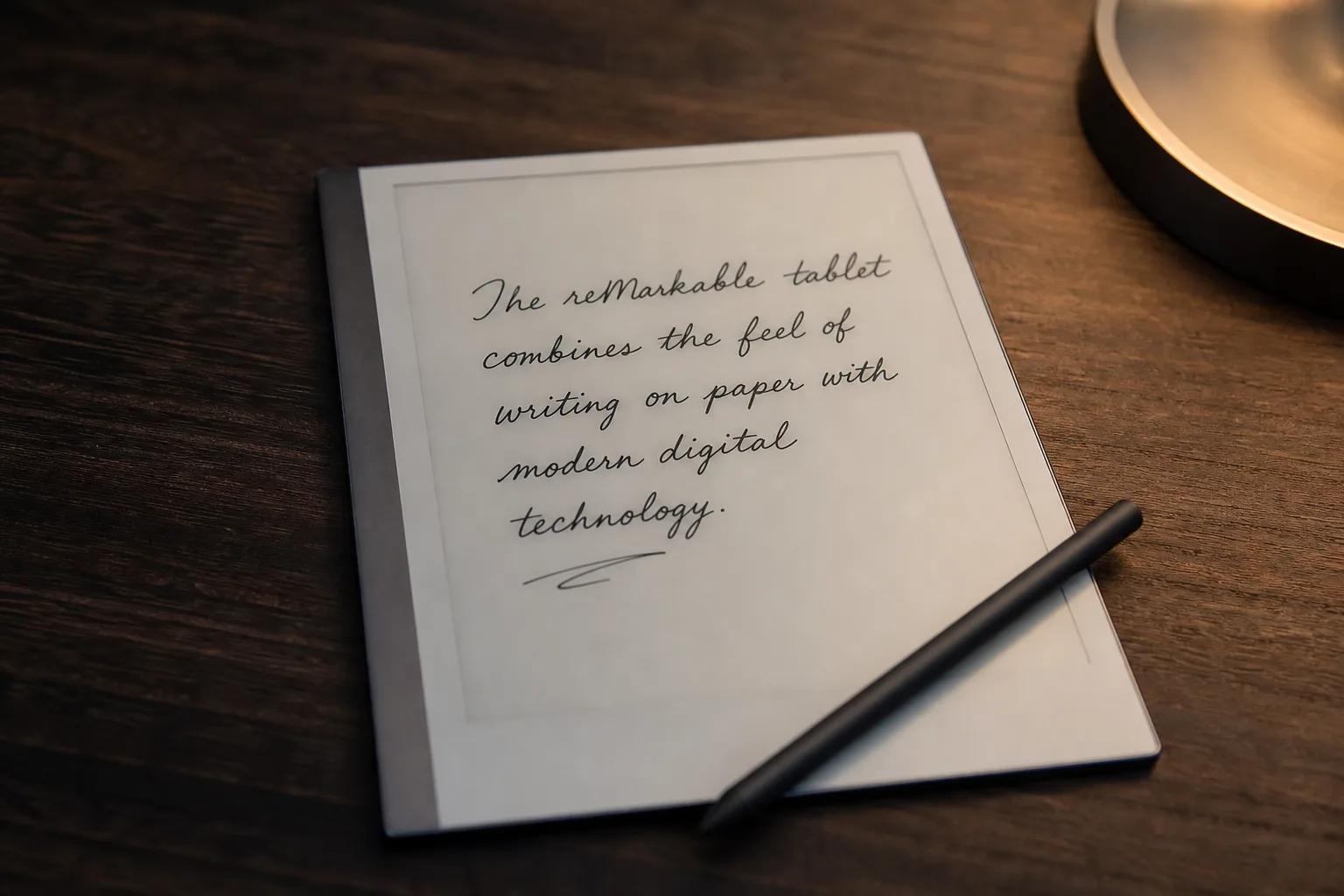
Every so often a side project lands on GitHub that makes you stop scrolling and actually read. Riddle — a new open-source app — turns the reMarkable Paper Pro into Tom Riddle’s enchanted diary from the Harry Potter universe. You write on the page with your pen. After a short pause, your words fade into the paper. Then, in a flowing cursive hand, stroke by stroke, a reply writes itself back — and fades away. No screen glow, no keyboard, no chat interface. Just ink appearing on paper.
- The reMarkable Paper Pro can now respond to handwritten notes using a vision LLM, mimicking Harry Potter’s enchanted diary.
- This reMarkable Paper Pro hack called Riddle is open source, built in Rust, and supports OpenAI-compatible APIs including OpenRouter and Groq.
- The project drives the e-ink display directly at the lowest possible latency, with first ink appearing on-device in roughly one second.
- Installation requires developer mode and the remagic toolchain, but the project walks users through setup with a single command.
Table of Contents
What the reMarkable Paper Pro Diary Hack Actually Does
The reMarkable Paper Pro is already the closest thing the consumer market has to a real paper experience on a digital device. Its e-ink display, near-zero latency stylus, and paper-like texture make it a favourite among note-takers and writers who’ve grown allergic to backlit screens. The developer saw that and went a step further: what if the device didn’t just record your handwriting, but responded to it?
That’s exactly what Riddle does. When you rest your pen after writing, the app waits roughly 2.8 seconds — an idle timeout that signals you’ve finished a thought — then commits the current page as a PNG and sends it to a vision-capable large language model. The LLM reads your handwriting from the image and streams a reply sentence by sentence. On the tablet side, that reply gets rendered in Dancing Script, run through a skeletonization process (rasterize, then Zhang-Suen thinning, then stroke tracing), and replayed as animated pen strokes directly onto the e-ink surface. The result looks, eerily, like something is writing back at you.
Measured first-ink latency on the reMarkable Paper Pro is roughly 0.9 to 1.1 seconds. That’s the gap between the model starting to respond and the first stroke appearing on the display. Because the reply streams sentence by sentence rather than arriving all at once, the diary starts writing before the model has even finished — which is the right design call. It makes the whole experience feel alive rather than transactional.
Under the Hood: Rust, Raw Evdev, and a Direct E-Ink Engine
The reMarkable Paper Pro‘s appeal to hardware hackers isn’t just aesthetic. The device runs Linux, exposes raw pen input via evdev at full 4096-level pressure sensitivity, and — with a bit of work — lets you drive the e-ink engine directly rather than going through the official xochitl UI. Riddle exploits all of that.
The core app is written in Rust. It handles pen input, manages the ink surface, runs the handwriting synthesis pipeline, and supervises the LLM oracle process. There are two display backends. The first, called qtfb, runs as a windowed app inside xochitl via AppLoad — the safer option, since it leaves the vendor UI intact. The second, called quill, is full takeover mode: xochitl is stopped, and Riddle drives the vendor e-ink engine directly via a C/C++ shim that interposes on libqsgepaper.so. Quill gives the lowest possible latency — at the cost of being the more aggressive intervention on the device.
The pen input pipeline is similarly thorough. Raw hardware events come in at the device’s native event rate. Strokes get processed, the page image gets committed as a PNG, and that PNG goes straight to the LLM as an inline image in the API call. The model doesn’t receive transcribed text — it sees a photograph of your handwriting, which means it handles messy handwriting, sketches, and mixed content without needing a separate OCR layer.
API Flexibility and the Two Oracle Backends
One of the smarter design choices in Riddle is that it doesn’t lock you into a single AI provider. The oracle — the term for the resident LLM process — supports any API endpoint that speaks the OpenAI /chat/completions format. That means OpenAI directly, OpenRouter, Groq, Google Gemini via a compatible proxy, or a locally hosted model. You set your key and base URL in an oracle.env file next to the binary, and the app handles the HTTPS itself — pure Rust, no extra networking libraries.
For users who already subscribe to pi (a separate AI service), Riddle can skip the API key entirely and use a resident pi –mode rpc process instead, kept warm so each conversation turn only pays model latency. Both paths stream the reply sentence by sentence, feeding the handwriting synthesis pipeline as each sentence arrives.
There are a few gotchas worth knowing if you’re planning to use thinking models on the reMarkable Paper Pro — Gemini 3.x or OpenAI’s o-series. You need to set RIDDLE_OPENAI_REASONING=low to get faster first ink, and you need to keep RIDDLE_OPENAI_MAX_TOKENS generous. Thinking models burn tokens on hidden reasoning chains that count against your cap before a single visible word reaches the display. A tight token limit doesn’t produce a shorter reply — it just starves the response mid-sentence.
Installation: Harder Than It Sounds, Easier Than It Looks
Running Riddle on your reMarkable Paper Pro requires developer mode, the xovi runtime, and the AppLoad launcher. The project’s own tooling — a CLI called remagic — handles the developer mode setup and installs everything with a single command. From there, you drop in the Riddle bundle, configure your API key via a browser-based settings form (there’s a QR code for your phone), and launch it from AppLoad.
The takeover build is more involved. It requires the reMarkable SDK toolchain and a copy of libqsgepaper.so pulled from your own device over SSH, since the vendor library is proprietary and can’t be distributed. The build scripts automate most of it, but you’re firmly in ‘developer who knows what they’re doing’ territory. The project is honest about the risks: it runs as root, it stops the official UI, and it’s only been tested on the reMarkable Paper Pro running firmware 3.26 and 3.27. Other models and OS versions are untested. The documentation is blunt: keep SSH access working before you install anything, because that’s your escape hatch if something goes wrong.
Why This Project Matters Beyond the Harry Potter Reference
The cultural hook is clever — the Tom Riddle diary is one of the more memorable magical objects in the franchise, and the parallel is genuinely apt. But the deeper significance of Riddle the app is what it demonstrates about where e-ink devices and local-or-cloud AI are heading together.
The reMarkable Paper Pro has always sold itself on the idea of distraction-free focus — a device that doesn’t try to be a general-purpose computer. Riddle pushes on that assumption in an interesting direction. What if a device with no browser, no notification centre, and no social feeds could still offer a conversational AI interface — but one that felt nothing like a chat app? One that felt, instead, like writing in a journal that writes back?
That’s a genuinely different interaction model from anything the major AI labs are currently shipping. OpenAI’s interfaces are browser or app-based. Apple Intelligence is baked into a general-purpose OS. Riddle strips all of that away and leaves just the pen, the paper texture, and a reply that fades after you’ve read it. Whether or not you’re interested in Harry Potter, that’s a compelling proof of concept for what patient, focused AI interaction could look like on purpose-built hardware like the reMarkable Paper Pro.
The full source has been published on GitHub. If you own a reMarkable Paper Pro and have a developer’s tolerance for running unsigned software as root, it’s worth a look. And if you don’t, watch this space — projects like this have a way of influencing what the more cautious players eventually ship.
Frequently Asked Questions
What do you need to run the Riddle diary on a reMarkable Paper Pro?
You need a reMarkable Paper Pro in developer mode with the xovi and AppLoad launcher installed. The remagic tool handles setup with a single command. You’ll also need an OpenAI-compatible API key, though a local pi setup can substitute if you have one.
Which AI models work with the Riddle diary project?
Any vision-capable model that speaks the OpenAI chat completions format will work — including models via OpenAI, OpenRouter, Groq, and Gemini. The model reads your handwriting from a PNG snapshot of the page and streams its reply sentence by sentence.
Is the Riddle project safe to install on a reMarkable tablet?
The project runs as root and stops the vendor UI in takeover mode, driving the e-ink engine directly. It’s only been tested on the reMarkable Paper Pro running OS 3.26–3.27. The developer strongly recommends keeping SSH access working before installing anything, as that’s your recovery route if something goes wrong.
How fast does the reMarkable Paper Pro respond in the Riddle diary app?
The project measures approximately 0.9 to 1.1 seconds to first ink on-device. Because the reply streams sentence by sentence, the diary begins writing its response before the model has even finished generating — which makes the interaction feel genuinely fluid and immediate.

