

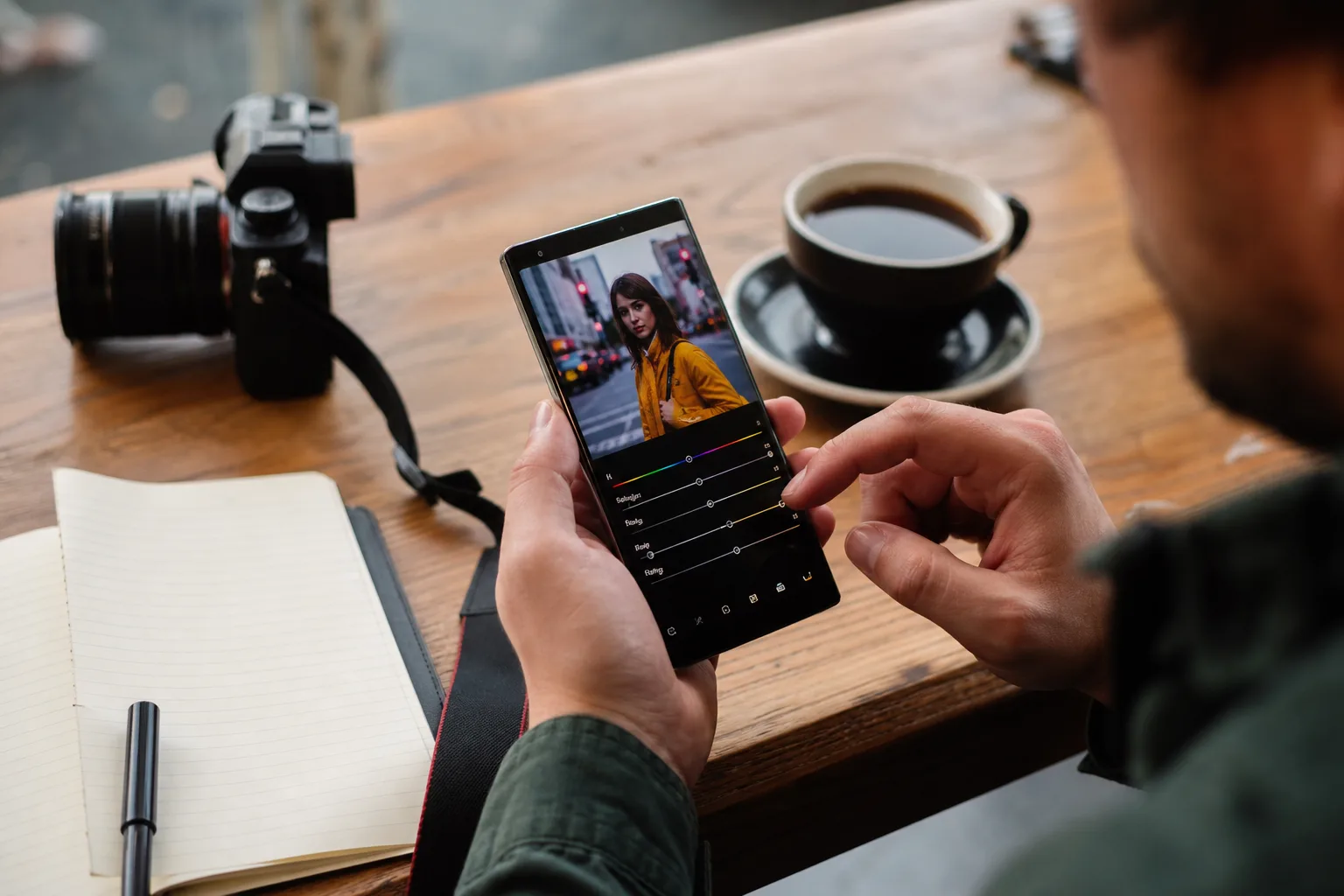
- Snapseed LUT support could let Android photographers import .cube files for repeatable, professional-looking color grades across their images.
- The apparent Snapseed LUT support implementation includes controls for color space and gamma, suggesting more than a simple preset importer.
- Google also appears to be bringing Motion Blur from Snapseed on iOS, though parts of the Android version remain unstable.
- Neither feature has been announced, so Android users should treat the tools as unfinished until Google enables them publicly.
Table of Contents
Snapseed LUT support points to a more serious Android editor
For years, Snapseed has occupied a slightly odd place in mobile photography: powerful enough to be useful, free enough to recommend without hesitation, but not quite built for the way serious creators actually work. Snapseed LUT support, apparently being prepared in the latest Android build, could change that calculation. If Google ships it properly, the app may finally offer a clean bridge between casual phone edits and the color workflows photographers use on desktop software.
Code in Snapseed version 4.1.4.966755460 for Android reportedly contains an unfinished tool for importing custom .cube Look-Up Tables, or LUTs. The same build also appears to include a Motion Blur tool that has already surfaced on iOS. Neither feature is publicly enabled or announced, and at least some of the Android blur controls reportedly crash when used. That matters: this is evidence of work in progress, not a release date.
Still, the direction is hard to miss. Google seems to be treating Snapseed as a living product again after a long stretch when it felt parked in the same quiet corner of Google’s software cupboard as too many promising apps. Remember when the company could let a beloved product drift for years, then abruptly kill it? Snapseed users have reason to be cautious.
The relevant build can be found through the app’s listing on Google Play, but the newly discovered editing tools are not available through normal use today.
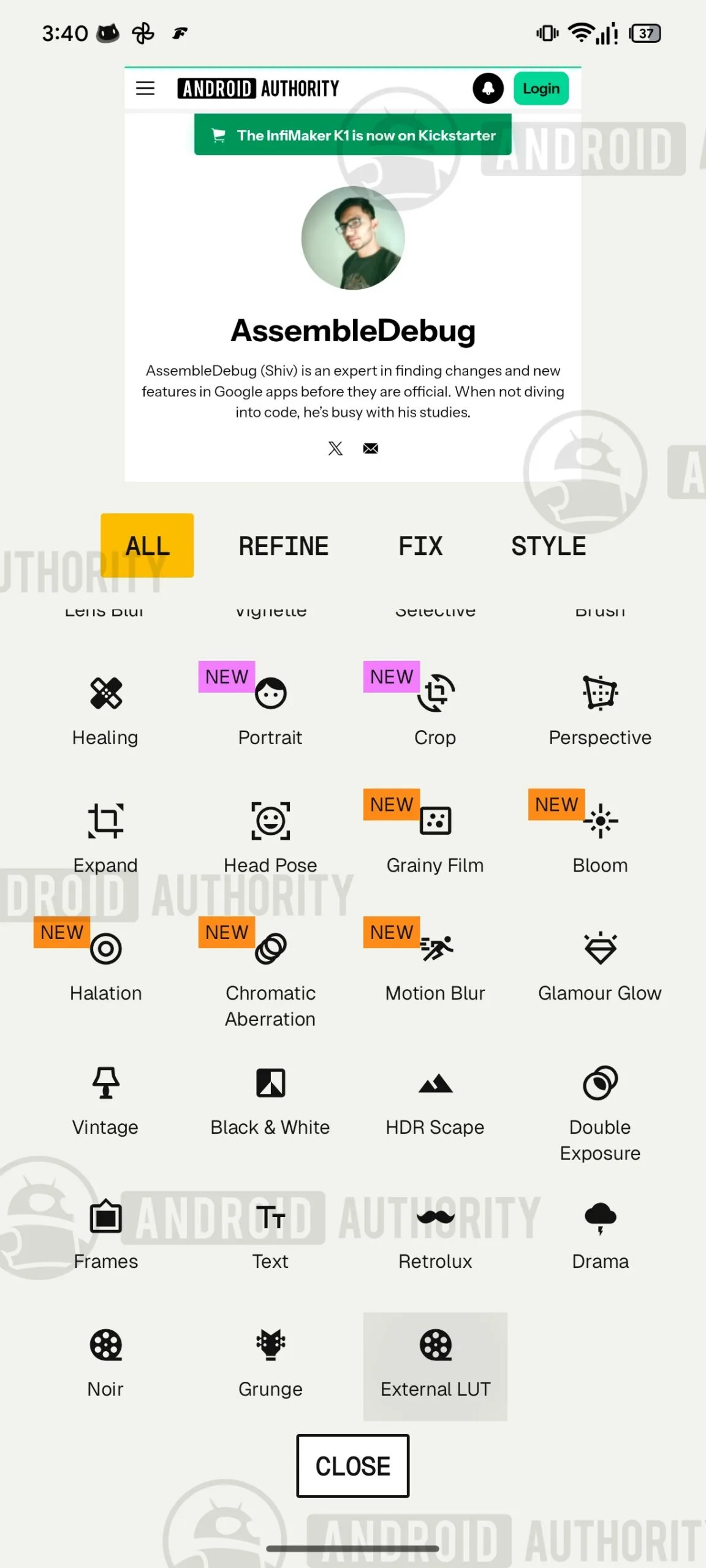
Why importing a .cube file is a bigger deal than another filter pack
A LUT is essentially a color translation table. Feed it a particular set of colors, tones, and brightness values, and it returns a defined new set. In practical terms, it can give a photo a particular film-like palette, mute bright greens, reshape warm skin tones, cool shadows, or apply a brand’s house look with considerably more discipline than tapping through a stack of generic filters.
That’s why Snapseed LUT support would matter to working photographers, social teams, and small video creators who also shoot stills. A creator can use the same .cube file across Lightroom, DaVinci Resolve, Photoshop-compatible tools, and—potentially—Snapseed. The photo taken on a Pixel at a coffee shop can match footage captured for a YouTube project without manually rebuilding an edit from scratch on a phone screen. Consistency is the commodity here, not novelty.
There is a caveat that gets lost whenever LUTs are discussed as if they are magic seasoning. A LUT made for log video footage can make a standard JPEG look dreadful; a grade designed around one camera’s color science may turn another camera’s skin tones orange or lifeless. The reported Snapseed LUT support controls for color space and gamma are therefore the most encouraging part of this discovery. Those settings suggest Google understands that importing a file is only half the job. The app needs to tell the LUT what kind of image it is receiving.
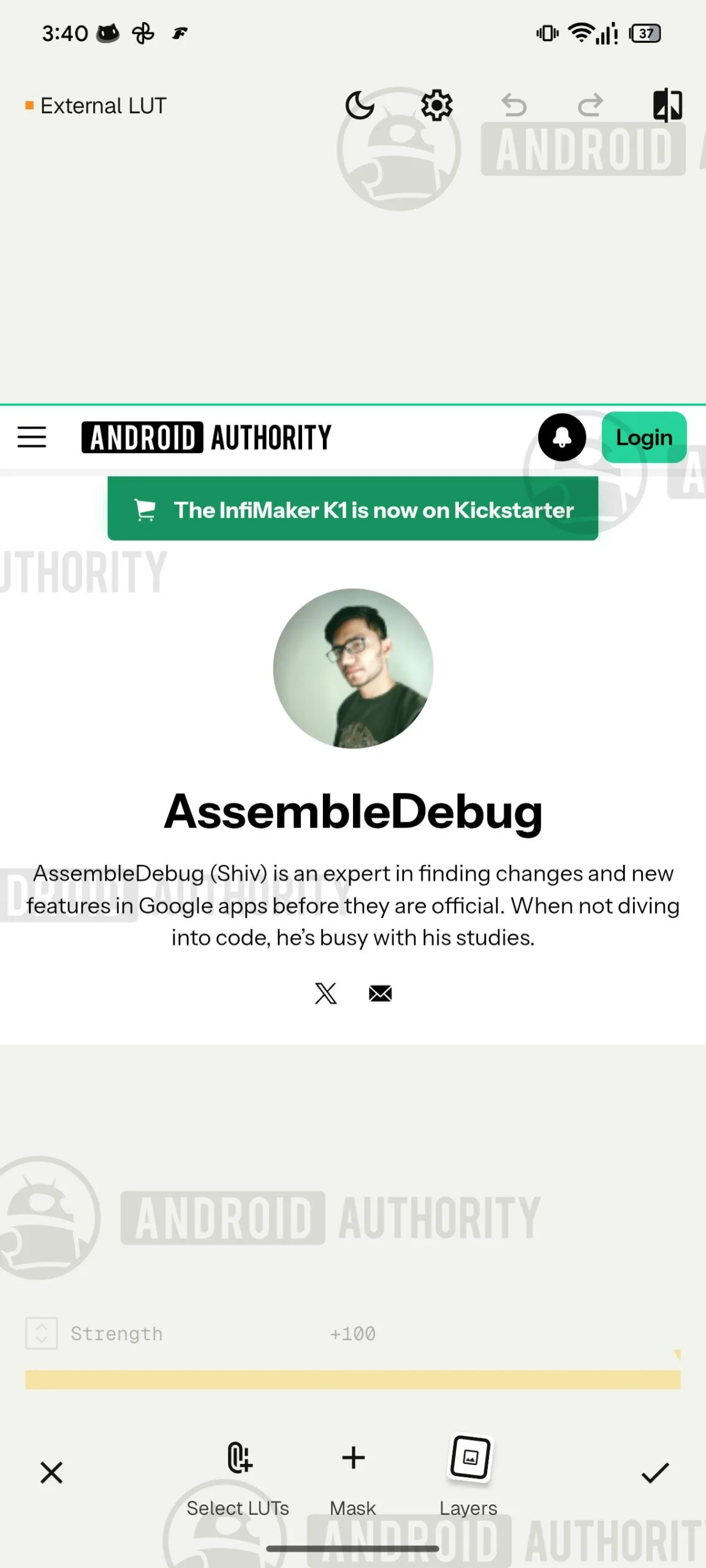
Before declaring Snapseed a mobile grading suite, we’ll need to see the final interface. Mobile editors such as Adobe Lightroom already offer mature preset ecosystems, while VSCO and Darkroom have attracted creators with polished workflows and dependable syncing. Snapseed’s advantage has always been its directness: open image, make precise edits, save image, leave. If LUT import becomes a fiddly technical panel with opaque settings, it could undercut that appeal fast.
Motion Blur is useful—if Google avoids the fake-speed trap
The other unreleased feature is Motion Blur, which has been seen in Snapseed’s iOS version and now appears to be making its way to Android. The tool is intended to create linear or radial motion in a still image. Think a cyclist whose background streaks outward, or a street scene given the impression of a slow shutter pan. Used with restraint, that can rescue an otherwise static frame or lend a product shot a little movement.
Android’s apparent implementation is not ready for public use. Basic directional blur reportedly functions, while other buttons can crash the app. That is normal enough for an unfinished tool, but it also explains why Google has not flipped the switch. Photo effects are unforgiving. A blur that places the focal point a few pixels wrong makes a person look as though they are melting into the pavement, and no one needs another app that confuses “motion” with “smear.”
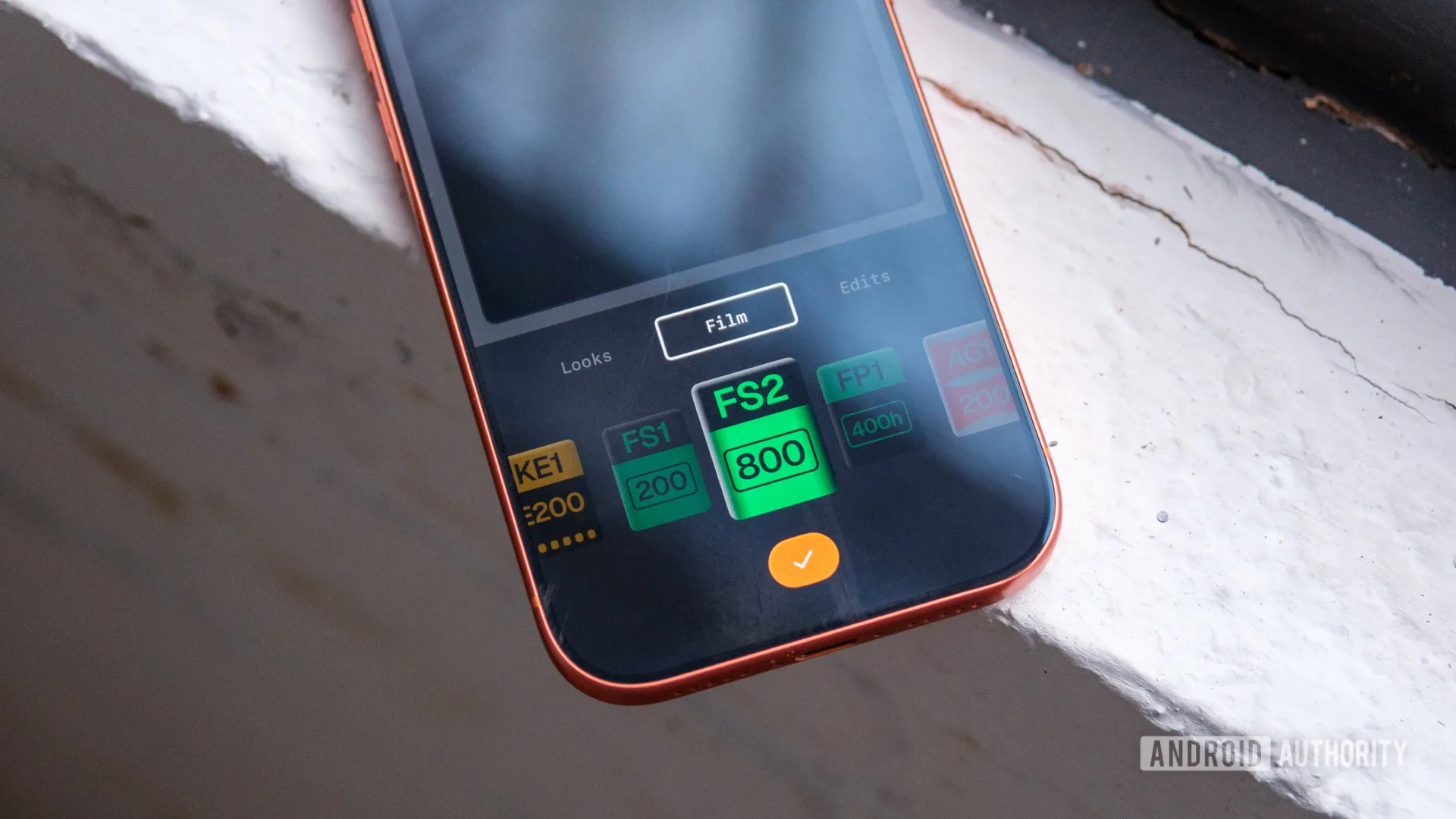
Adding the feature would close an unnecessary platform gap. Android users should not have to watch iPhone users receive a new Snapseed trick first, particularly when the Android app has historically been central to the product’s audience. The arrival of Motion Blur alongside Snapseed LUT support makes the update feel less like routine maintenance and more like a small rethink of what the app can be.
Google’s opportunity is simplicity, not a feature arms race
My read is that Google should resist the temptation to turn Snapseed into a miniature desktop editor. Phones are where many photographs now begin and end, but that does not mean every photographer wants timelines, asset catalogs, subscription prompts, or six layers of export menus. Snapseed remains appealing precisely because it feels like a good pocket knife: compact, capable, and easy to grab when you need it.
Snapseed LUT support can fit that philosophy if the flow stays simple: import a .cube file, preview it reliably, adjust strength, and make clear when color-space settings require attention. Save a few favorites locally. Let users edit selectively afterward. Done. For a creator trying to post images from an event before the train home, that is far more valuable than another AI button with uncertain results.
The broader signal is that mobile editing is splitting into two camps. One is automated, where software guesses what a photograph should look like. The other gives users a repeatable visual language they can control. LUTs belong firmly in the second camp. If Google gets this right, Snapseed LUT support will not make every Android owner a colorist. It will give the people who care about their images a credible reason to keep Snapseed installed—and perhaps make competitors pay attention again.

