

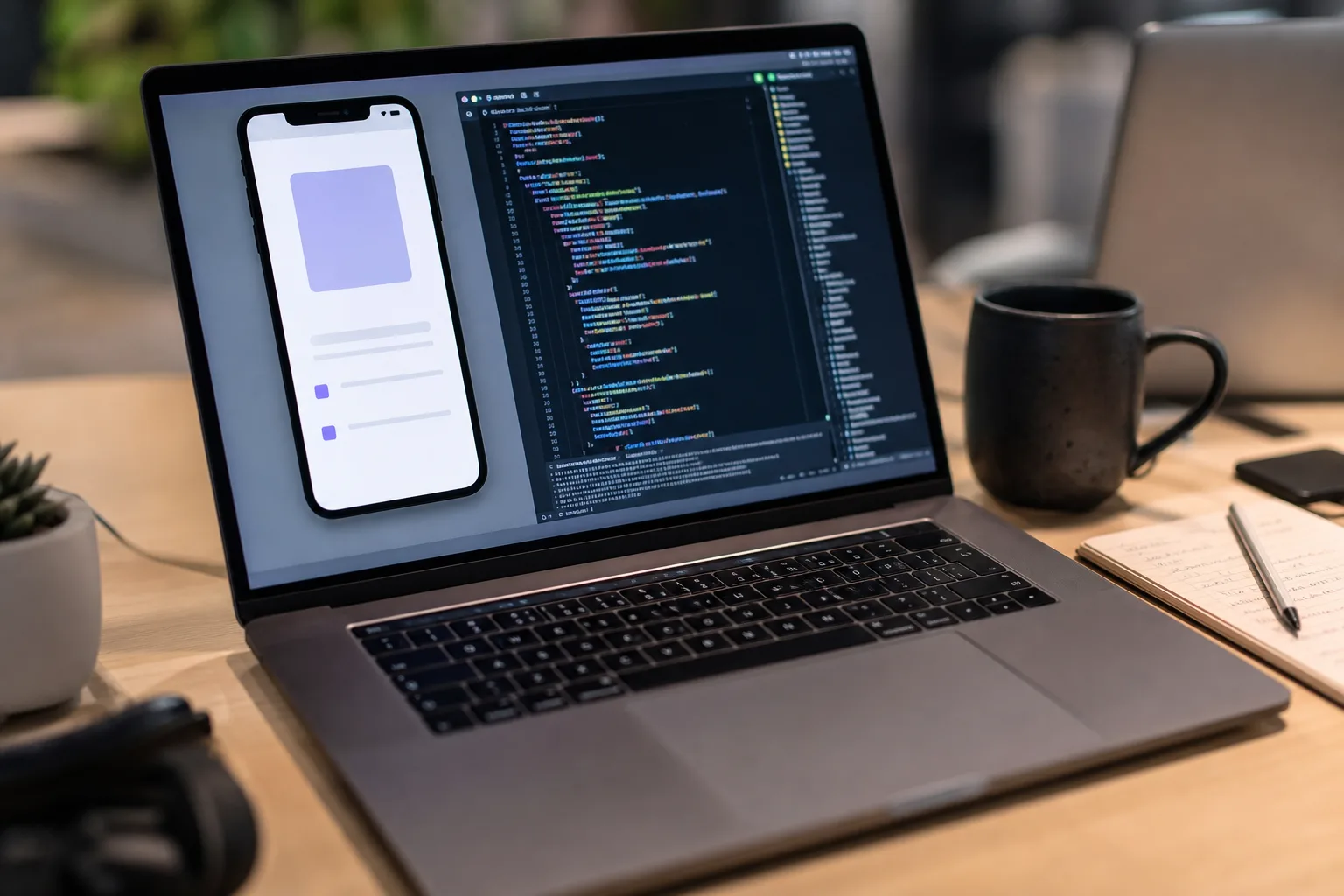
AI coding tools have become remarkably good at writing a screen full of Swift. The awkward part has been finding out whether that Swift actually works when a real interface appears. Claude Code iOS support is Anthropic’s attempt to close that gap by putting Apple’s iOS Simulator directly inside its desktop coding workflow.
- Claude Code iOS support gives Anthropic’s desktop coding tool direct control of Apple’s Simulator during local development sessions.
- With Claude Code iOS, developers can ask the assistant to build, run, inspect, and revise an app while watching its work.
- The beta requires macOS, Xcode, and Apple’s iOS platform files, limiting the feature to developers with a local Apple toolchain.
- Simulator screenshots are sent to Anthropic under normal retention rules, so users should avoid signing into personal accounts.
Table of Contents
Claude Code iOS puts the app in the loop
Anthropic has released the integration as a public beta for Claude Code Desktop on macOS. When a developer asks Claude to build, launch, or check an app, the assistant can open that work in an iOS Simulator pane, observe the live result, interact with the app, and make another pass at the code.
That sounds like a small UI addition. I’d argue it is one of the more meaningful changes an AI coding assistant can make. Writing code is only half the job; software development is a loop of building, seeing something break, figuring out why, and trying again. Giving the model a view into the running app means it has a chance to catch the sort of mistake that looks perfectly reasonable in a source file but is immediately obvious on a phone screen: a button hidden below the safe area, a navigation route that lands on a blank view, or text that vanishes against the chosen background.
Anthropic says the simulator pane controls Apple’s simulator directly rather than using its broader computer-use system. That distinction matters. Computer-use agents generally operate like a person moving a cursor across a desktop, which can be useful but also brittle. Direct simulator control should be more reliable for predictable actions such as tapping controls, entering test data, and moving between app screens. It also avoids the macOS Accessibility and Screen Recording permissions that Claude’s computer-use feature would otherwise need.
A useful tool, not an autonomous iPhone engineer
Claude Code iOS does not turn Claude into an iOS developer who can be left unsupervised for the afternoon. At least not yet. The feature is available only in local Claude Code sessions, requires Xcode and Apple’s iOS platform to be installed, and runs on a Mac. The setup sits on top of the normal Apple development stack rather than replacing it.
That is probably the right shape for this product. Apple’s Simulator is already a familiar part of the workflow for iOS teams, and developers can continue using it while Claude is working. The assistant is being added as an active collaborator inside a tool developers trust, not as a black box that sends an app somewhere else and returns with a vague claim that it has been tested.
The real benefit will likely land with small teams and solo developers. A seasoned iOS engineer knows to test dark mode, keyboard behavior, permission prompts, smaller devices, and the maddening collection of layout edge cases Apple devices produce. A founder building their first app may not. If Claude Code iOS can repeatedly run through basic flows and point out visible failures, it can serve as a decent second pair of eyes before a human gets involved.

The privacy caveat is not fine print
The convenience comes with a warning. Screenshots Claude takes from the simulated device are sent to Anthropic and retained under the company’s usual conversation-retention settings. Anthropic explicitly advises users not to sign in to real accounts on a simulated device that Claude is controlling.
That advice should be treated as a rule, not a polite suggestion. Developers routinely use staging environments that resemble production, sometimes too closely. An app screen can reveal an email address, account balance, health record, internal dashboard, API response, or customer information even when nobody intended to share it. The simulator may feel like a safe little sandbox on a laptop, but once screenshots leave the machine, the privacy model changes.
Teams considering Claude Code iOS should use dummy credentials, scrub test fixtures, and keep production-adjacent data out of those sessions. This is not unique to Anthropic; any cloud-connected AI assistant creates the same basic discipline problem. But visual testing makes it easier to forget because the sensitive detail may be in a screenshot rather than a pasted code block.
Why this matters in the AI coding race
Every major AI vendor wants to own more of the software-development loop. GitHub Copilot helped normalize inline code suggestions. Cursor pushed the idea of an AI-native editor. OpenAI, Google, and Anthropic have all been moving toward agents that can handle broader tasks across a repository. The next competitive line is obvious: can the tool verify its own work rather than merely generate it?
Claude Code iOS is especially interesting because mobile development has always been more visual and platform-constrained than a typical web project. You cannot fully validate an iPhone app by reading the code. You need to see it run, and Apple’s ecosystem makes that process dependent on Xcode, simulators, signing rules, device variants, and platform behaviors that are famously particular. Ask anyone who has spent an afternoon chasing an Auto Layout warning.
Anthropic’s official Claude Code documentation frames the product as an agentic developer tool, and simulator access gives that pitch a more concrete foundation. The company still has to prove that Claude can diagnose visual defects accurately rather than merely click through a happy path. A testing assistant that misses the tricky failures is like a smoke alarm that only works when nobody is cooking.
The test is whether developers trust the loop
For now, this is a beta feature, and caution is warranted. Simulator testing is not the same as testing on physical devices, where performance, cameras, sensors, notifications, network conditions, and hardware quirks can change the result. Nor does a successful automated run prove an app is pleasant to use. Humans remain annoyingly good at noticing when a product feels wrong.
Still, Claude Code iOS points toward a more practical version of AI-assisted programming: less theatrical code generation, more repetitive verification handled in the background while a developer focuses on product judgment. If Anthropic can make that loop dependable without turning every test session into a data-governance headache, Apple developers may soon wonder why their coding assistant ever worked with its eyes closed.

