

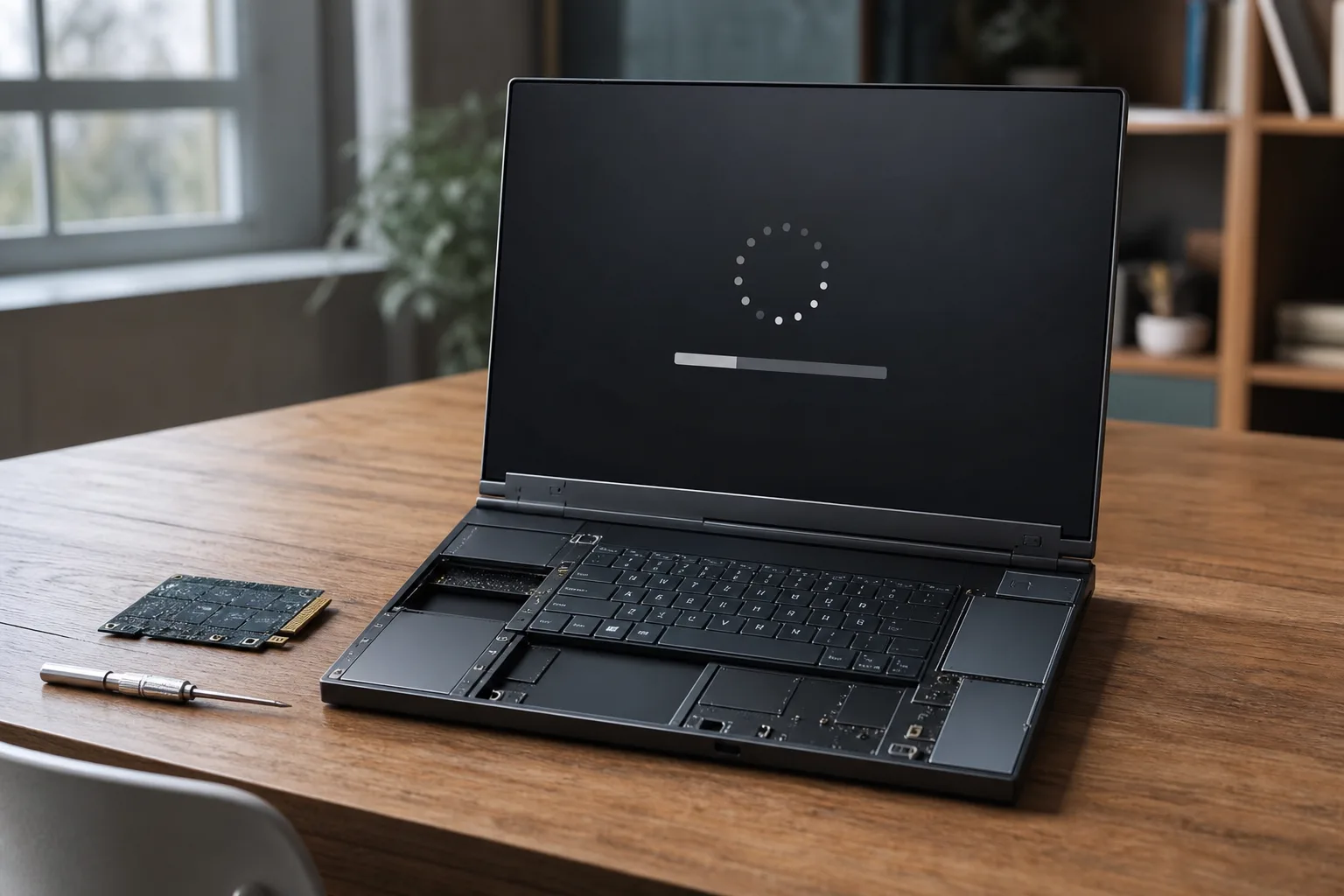
A laptop that can be repaired with a screwdriver is a lovely idea right up until the motherboard won’t start. That is the uncomfortable reality facing some owners after a Framework BIOS update for the Ryzen 7040 version of the Framework Laptop 13 reportedly stalled mid-installation and left their systems non-bootable.
Framework says the affected machines represent a “small percentage” of updates, and that it is investigating the root cause. But BIOS failures are the kind of issue where percentages can sound clinical. For the person staring at a black screen, an unresponsive power button, and a laptop that has suddenly become desk sculpture, the failure rate is 100 percent.
- A Framework BIOS update has reportedly left a small percentage of Ryzen 7040 Laptop 13 motherboards unable to boot.
- Framework says it is investigating why the Framework BIOS update can stall during installation and produce non-bootable boards.
- BIOS 3.20 adds hardware support and fixes battery reporting issues, making the failure reports especially frustrating for affected owners.
- The incident tests whether Framework’s repair-first reputation can hold up when a firmware problem reaches the motherboard itself.
Table of Contents
Framework BIOS update failures hit the worst possible component
The problem concerns BIOS 3.20, released in June for Framework Laptop 13 systems and mainboards built around AMD’s Ryzen 7040-series processors. Framework began shipping those AMD configurations in 2023, both as assembled laptops and as replacement or upgradeable motherboards for existing Framework owners.
On paper, this was a fairly routine firmware release. It brought mainboard support for components including a haptic touchpad and newer speakers intended for the higher-end Framework Laptop 13 Pro, while also addressing a bug in Battery Extender status reporting after a reboot, hibernation, or shutdown. Firmware release notes rarely inspire excitement, but that sort of maintenance work matters when a company’s entire pitch rests on keeping hardware useful for longer.
Instead, users on Framework’s forum have described a Framework BIOS update process that appears to freeze. One user, Sven, said the display showed a black screen, a progress bar with two dots, and the Framework logo for roughly three hours. “The progress bar is not moving,” he wrote, adding that holding the power button did not shut the laptop down.
That is a particularly grim failure mode because firmware sits below Windows, Linux, and everything else most people think of as the computer. A BIOS or UEFI update rewrites the low-level code that initializes the processor, memory, display, storage, and peripherals before an operating system gets a chance to load. Interrupt that process at the wrong moment, or hit a bug in the flashing workflow, and ordinary troubleshooting tools may be useless.
Why a stuck BIOS flash is more serious than a bad software patch
A failed browser update is irritating. You relaunch the browser. A botched operating-system patch can be painful, but recovery modes and installation media usually offer a way back. A Framework BIOS update that leaves a board unable to boot is a different class of problem: the machine may not reach the point where it can read a recovery drive or show a useful error message.
Modern laptops do have safeguards, including redundant firmware regions and embedded-controller recovery methods in some designs. The trouble is that the exact recovery path depends on the board architecture and the precise state of the failed flash. Framework has not publicly said which mechanism is implicated here, whether owners can reliably recover at home, or whether affected mainboards will need replacement.
The missing detail is understandable while an investigation is underway, but it is also where the company needs to move quickly. A repairable-laptop maker should be better positioned than most to publish clear diagnostics, recovery steps, and parts support. Framework’s community is unusually willing to open a chassis and follow technical instructions. Give those people a documented route back, and a nasty firmware bug becomes manageable. Leave them guessing, and the goodwill gets burned fast.
The feature list makes the timing awkward
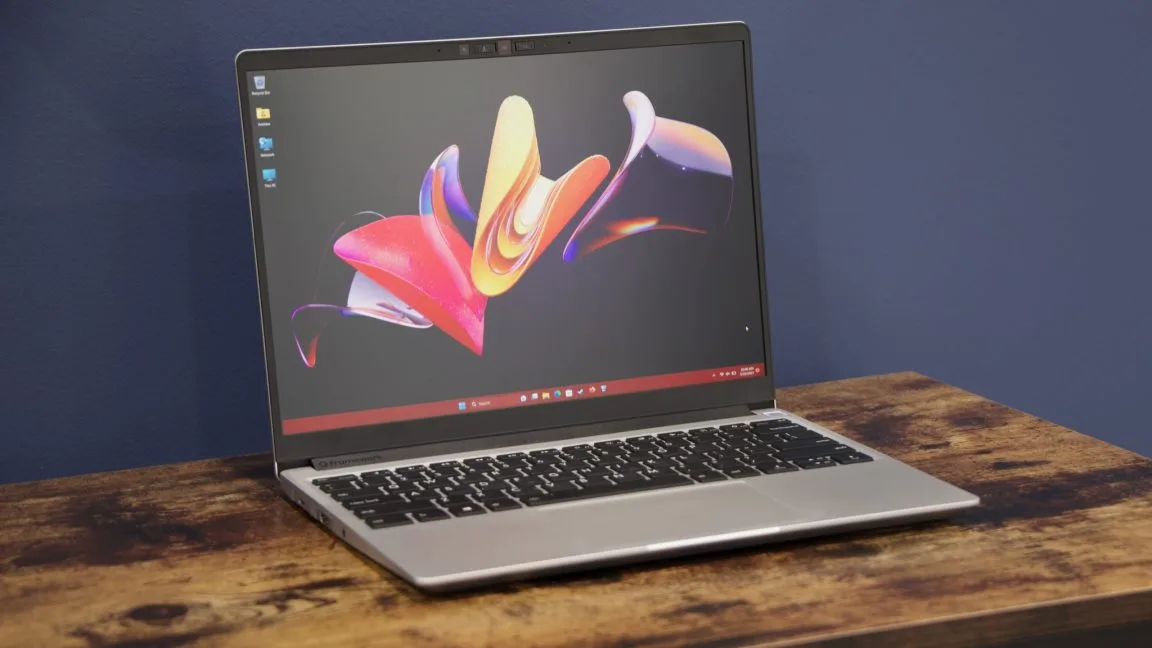
The awkward part of this particular Framework BIOS update is that it appears tied to Framework’s effort to broaden compatibility between generations of Laptop 13 hardware. Supporting a haptic touchpad and upgraded speakers on existing mainboards is exactly the kind of forward-looking engineering that makes Framework interesting. Most laptop makers would happily sell you another sealed machine instead.
But compatibility work also expands the number of hardware combinations that need testing. RAM configurations, expansion cards, battery condition, installed operating systems, prior firmware versions, and optional modules can all complicate a release that looked straightforward in a lab. I’d argue that this is the tax Framework pays for being more modular than the average ultrabook. That doesn’t excuse a bad release; it explains why the validation burden is heavier than it might be for a tightly locked-down laptop line.
Framework has directed users to its support ecosystem before through its official support site, and owners dealing with a frozen update should avoid improvising a fix unless Framework provides model-specific guidance. Repeatedly forcing power off during firmware activity, swapping parts at random, or following recovery advice written for another Framework generation can turn a recoverable board into a harder case.
Framework needs to show its repair promise works under pressure
The company’s statement is careful: it has “received reports of a small percentage of Framework Laptop 13 7040 Series BIOS updates resulting in non-bootable boards.” That wording confirms the issue without putting a number on it. We do not yet know how many machines are affected, whether a particular hardware configuration is overrepresented, or whether Framework has paused or revised the BIOS 3.20 distribution.
Some users have installed the Framework BIOS update successfully, which suggests this is not a universal failure. That is good news, but it also makes diagnosis more complicated. A failure that affects every machine is easier to reproduce. An intermittent one can hide in the gaps between firmware revisions, peripheral states, or a timing issue that only surfaces occasionally.
My read is that Framework’s response over the next few weeks matters more than the initial bug. Every PC maker has firmware mishaps; even giants with sprawling validation labs have shipped updates that caused boot loops, BitLocker recovery prompts, or worse. Remember when routine updates became a monthly source of Windows anxiety? The difference is whether the vendor tells customers what happened, provides a safe path out, and absorbs the cost when its update renders hardware unusable.
A Framework BIOS update failure is a sharp test of the company’s central claim: that laptops should be owned, understood, and repaired rather than discarded. If Framework can turn this into a transparent recovery program with clear technical answers, it may reinforce that claim. If affected owners are left with opaque support tickets and dead boards, the screwdriver-friendly philosophy will feel a lot less persuasive.

