

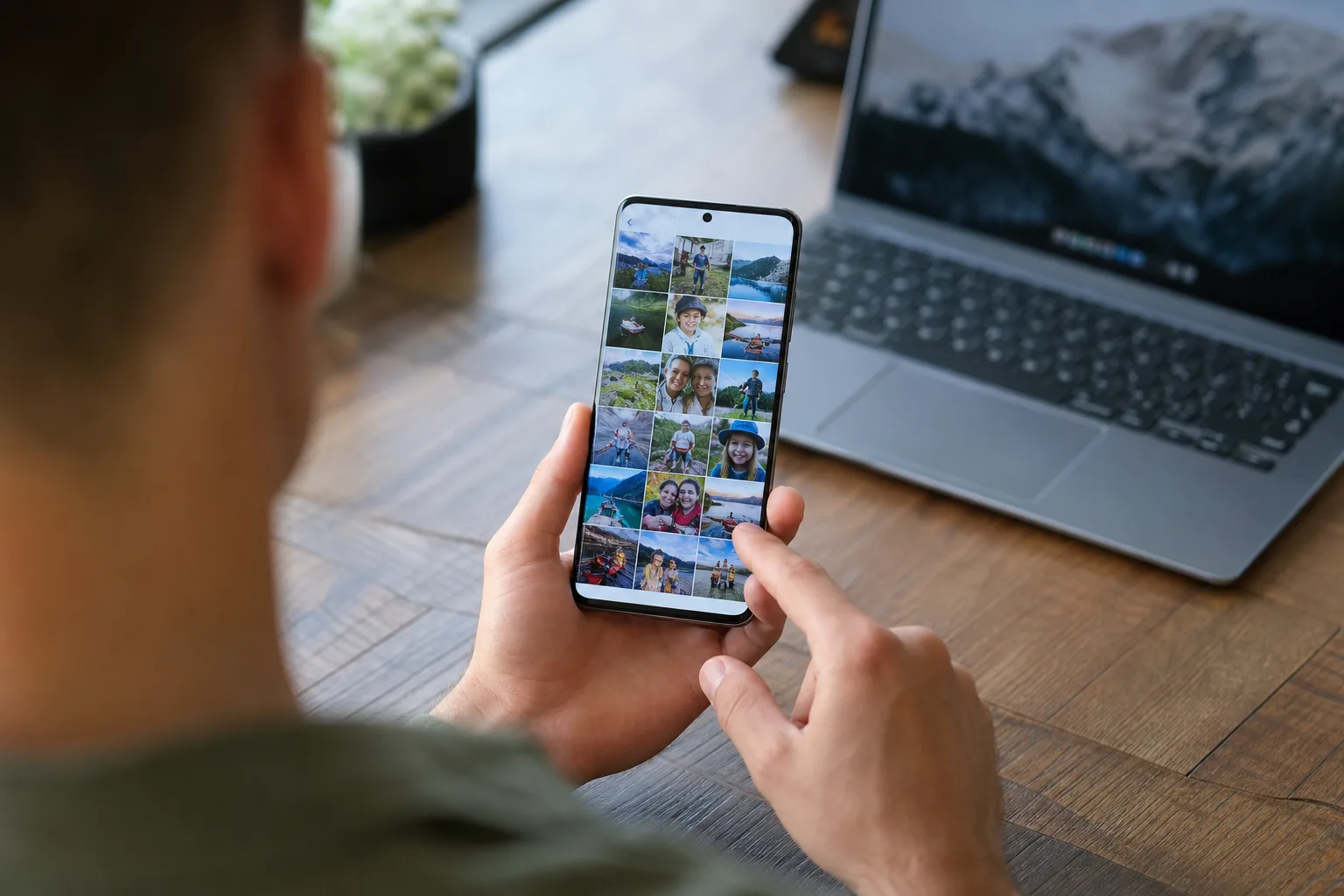
OneDrive’s quiet exit from Samsung Gallery leaves a hole, and Samsung Gallery Google Photos sync is Samsung’s answer. For most Galaxy owners, this is probably the more sensible destination anyway. Google Photos is already where Android’s broader photo ecosystem lives, works across phones and computers, and doesn’t tie your memories quite so tightly to a Microsoft subscription.
Still, the switch is not as simple as replacing one cloud logo with another. Samsung Gallery and Google Photos have long occupied overlapping territory: both can show images, make albums, edit shots, and back up a camera roll. Connecting them should make life less messy, but only if Samsung gets the handoff right and users understand which app is actually in charge of their library.
- Samsung Gallery Google Photos sync gives Galaxy owners a direct route to Google’s photo backup service after OneDrive’s exit.
- Setting up Samsung Gallery Google Photos sync requires an updated Gallery app, a Google account, and careful attention to backup settings.
- Google Photos brings better cross-platform access, but users should still check storage limits and avoid accidental duplicate uploads.
- Samsung’s move ends a long-running OneDrive partnership and makes Google’s photo service more central to the Galaxy experience.
Table of Contents
Why Samsung Gallery Google Photos sync matters
Samsung’s partnership with Microsoft dates back years. Galaxy Gallery could sync photos and videos to OneDrive, while Samsung’s own cloud features steadily retreated. It was a practical arrangement, particularly for people using Windows PCs. But it always felt slightly odd on an Android phone. Google Photos was sitting there from day one, often backing up the same images in parallel.
That overlap created a familiar modern-phone problem: take one photo of your dog, and it could end up stored locally, in Samsung Gallery, in OneDrive, in Google Photos, and perhaps copied again into a messaging app. Nobody needs four versions of the same slightly blurry dinner photo.
The new Samsung Gallery Google Photos sync option signals that Samsung has accepted where many of its customers already keep their pictures. Google Photos has become Android’s default visual archive, whether people love its algorithms, tolerate its storage pricing, or merely forget it is running in the background. The service is available on iPhones, Android handsets, tablets, and the web, which matters a lot more than a tie-in built around one PC operating system.
There is a business reality here, too. Samsung sells the hardware; Google owns Android’s services layer. Samsung can put its own polish on Gallery, but it cannot realistically outmatch Google Photos’ reach, search capabilities, and enormous installed base. A direct connection is less an act of surrender than a recognition of how Galaxy phones are used in the real world.
How to set up Samsung Gallery Google Photos sync
Availability can vary by Galaxy model, country, and app version, so start by updating both Samsung Gallery and Google Photos. Check the Galaxy Store for Gallery updates and the Play Store for Google Photos. Then open Samsung Gallery, tap the menu or settings area, and look for the Google Photos connection or sync setting. Samsung may tweak the wording as it rolls the feature out, because apparently even photo backups need branding meetings. In practice, Samsung Gallery Google Photos sync may not appear on every compatible phone at the same time.
- Open the Samsung Gallery app and go to its settings.
- Find the option that connects Gallery with Google Photos, if it has appeared on your device.
- Choose the Google account where you want your pictures stored.
- Review the permissions request and confirm the connection.
- Open Google Photos and verify that backup is enabled for the folders you actually want saved.
That final step matters. Samsung Gallery Google Photos sync is not a license to stop checking Google Photos’ own backup controls. In Google Photos, tap your profile image and inspect Backup settings. You can choose whether backups happen over mobile data, whether videos are included, and which device folders qualify. Screenshots, downloads, and WhatsApp images can fill an account far faster than people expect.
Also inspect the account itself. Google storage limits can disappear quickly if you shoot lots of video. Google One is the paid escape hatch, and Samsung’s new direction arguably makes that subscription more tempting for heavy Galaxy users.
Do not confuse connection with a perfect mirror
The phrase Samsung Gallery Google Photos sync sounds like a pristine two-way mirror. I would be cautious about assuming that. Gallery and Google Photos remain separate apps with separate databases, editing tools, sharing systems, and ideas about albums. A cloud backup is not automatically the same thing as a full metadata reconciliation service.
Google Photos, for example, can generate its own albums, memories, and AI-assisted organization. Samsung Gallery has its own album structure and on-device editing workflows. If you delete an image from one place, check what happens before assuming it disappears everywhere. The safest approach is to test with a few unimportant photos first: upload them, edit one, move one into an album, delete one, and see how each app behaves.
This is especially relevant for anyone who used OneDrive as a Windows photo pipeline. If your previous habit was opening the Windows Photos app and seeing Galaxy camera uploads land there automatically, Google Photos may require a changed routine. You can use the Google Photos web app from any desktop browser, or install its desktop tools where appropriate, but it is not a one-for-one recreation of the old OneDrive folder experience.
Frankly, that may be an improvement for some people. OneDrive works best when you think in files and folders. Google Photos works best when you search for a place, a date, a person, or a thing. Ask for photos from a beach trip and it feels almost magical; try to impose a meticulous folder taxonomy and it can feel like arguing with a very confident librarian.
What existing OneDrive users should do now
If OneDrive has been your sole backup, do not yank the cord until you confirm Google Photos contains the images you care about. Open a browser, check recent photos, search for older dates, and make sure videos have completed their uploads. Large clips are usually where a supposedly finished migration reveals its loose ends. That caution applies even after enabling Samsung Gallery Google Photos sync.
Then decide whether OneDrive still has a job. Microsoft 365 subscribers may want to keep it for documents, PC backups, and shared folders. There is no requirement to delete it from a Galaxy phone. But using both OneDrive and Google Photos for every camera shot means two cloud copies, two sets of notifications, and potentially two paid storage bills. That is a lot of infrastructure for selfies.
The transition also exposes a broader truth about Samsung’s software strategy. Samsung wants Galaxy phones to feel distinct, yet it increasingly relies on partnerships where Google provides the underlying service. The Samsung Gallery Google Photos sync feature is useful precisely because it removes friction, not because it makes Samsung Gallery a destination in its own right.
Google gets another foothold on Galaxy phones
Samsung is still the largest Android phone maker in many markets, so small default-service decisions can have outsized consequences. Google has spent years making Photos the place where people’s phone cameras ultimately end up. Replacing OneDrive in Samsung Gallery gives that effort another meaningful boost.
For users, the immediate upside is clear: fewer awkward handoffs and a photo library that travels more easily when they change devices. The downside is concentration. Photos, email, documents, and Android backups can all now compete for the same Google storage bucket. Samsung has made the convenient choice. Whether Google keeps that convenience feeling like a good deal once your storage runs low is the more interesting question.
Frequently Asked Questions
How do I turn on Samsung Gallery Google Photos sync?
The source does not provide instructions for Samsung Gallery and Google Photos sync.
Does Samsung Gallery Google Photos sync delete photos from my phone?
The source does not address whether Samsung Gallery Google Photos sync deletes photos from a phone.
Is Google Photos storage free on a Samsung phone?
The source does not provide information about Google Photos storage on Samsung phones.

