

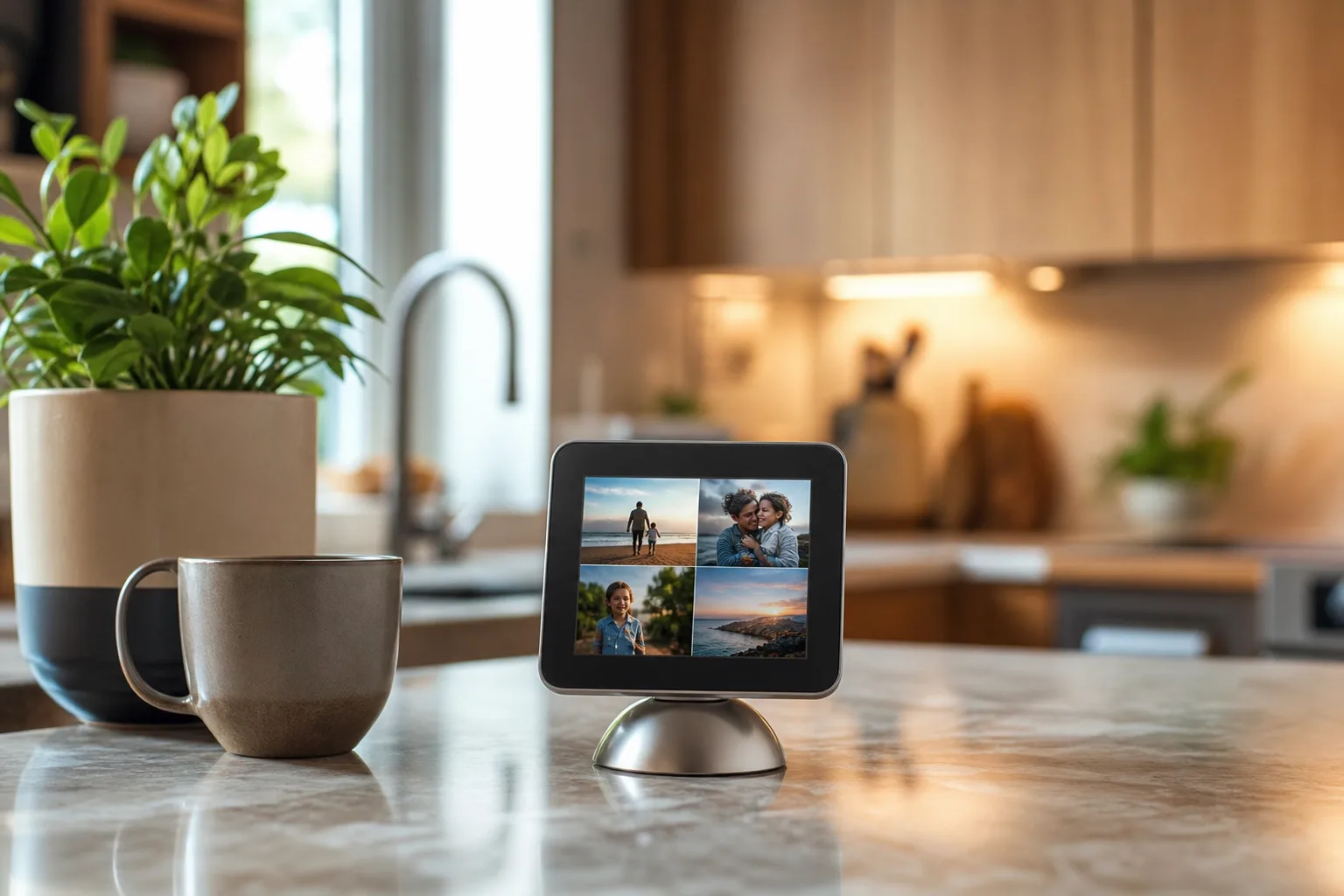
- The Apple home hub reportedly uses a Photo Face that pulls albums, memories and shared images from a user’s iCloud Photos library.
- Apple home hub software may share visual foundations with the forthcoming iPhone Duo StandBy interface, suggesting one design system across devices.
- A six-inch display, proximity sensing and household recognition could make Apple’s rumored product more personal than a typical smart speaker.
- Apple appears to be betting that an idle screen is a feature, not wasted space, with clocks and photographs leading the experience.
Table of Contents
Apple home hub software appears designed for the moments between commands
Apple has spent years trying to make the smart home feel less like a rack of blinking routers and more like part of the furniture. The rumored Apple home hub may finally show what that strategy looks like on a screen: a compact household display that defaults to your photos, your clock and your day rather than a grid of apps begging to be opened.
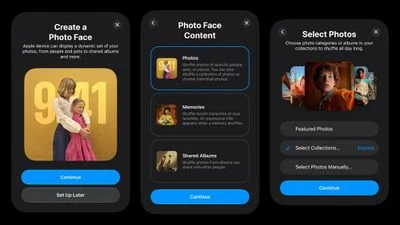
Images shared by leaker pdfu appear to show setup screens for a feature called Photo Face. The interface reportedly lets owners pick photo collections, Memories or shared albums, then draws those images from iCloud Photos. That sounds familiar because it is. Apple already turns an idle iPhone into a small bedside display through StandBy, and it has long used Photos as ambient décor on Apple TV and the discontinued iMac-era digital-photo products that came before it.
The interesting part is not that Apple wants to show vacation pictures on a screen. Every smart display on the market does some version of that. It is that the company seems to be treating the idle state as the product’s central experience. Bloomberg similarly reported that Apple’s interface is built heavily around clocks and photo slideshows. Frankly, that is the right instinct for an Apple home hub likely to sit in a kitchen, entryway or living room all day.
The Photo Face could tie the Apple home hub to iPhone Duo
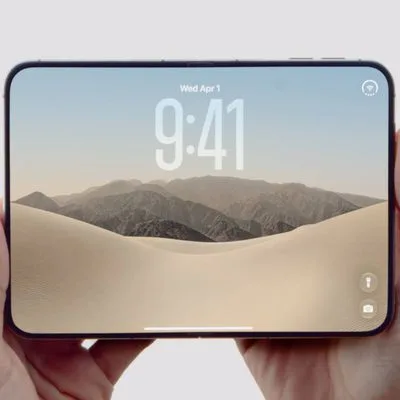
According to pdfu’s report, the hub’s Photo Face is the same interface planned for the so-called iPhone Duo’s StandBy mode. If that claim holds, it explains a small but telling oddity: developers have apparently not been able to test the iPhone Duo StandBy experience in Xcode’s simulator. Apple may be holding that software back because it is part of a wider product reveal, rather than a phone-only trick.
That would fit Apple’s habits. The company is at its best when one software idea travels cleanly across devices. Widgets began on the iPhone, spread to the iPad and Mac, and eventually became a key part of StandBy. A shared Photo Face would let Apple establish a recognizable visual language across a personal phone and a shared household device. Your iPhone could become the private version on a nightstand; the Apple home hub could become the communal version on the counter.
There is also a practical reason to borrow from StandBy. A smart display needs to be useful without demanding attention. Google’s Nest Hub has leaned on ambient information and photo frames for years, while Amazon’s Echo Show range tends to feel more like a rotating billboard unless you spend time taming its settings. Apple has an opportunity to be more restrained. A big clock, an excellent photograph and a calendar event are often enough. Nobody wants their kitchen screen yelling at them about an audiobook subscription before coffee.
Personal recognition is the real test
The reported hardware is a roughly six-inch square display mounted on a metal half-dome base, connected by an arm that evokes the old iMac G4. That is a charming reference, but the more consequential rumor is that the device can sense someone approaching and distinguish among people in the home. In theory, the Apple home hub could surface different widgets depending on who walks up: one person’s appointments, another person’s reminders, perhaps shared controls when everyone is in the room.
That is where Apple could separate itself from the smart-display pack. Shared screens have always struggled with the fact that households are not single users. Your music tastes are not your partner’s. Your work calendar should not become family-room wallpaper. A display that can recognize context without requiring everybody to tap through account menus would solve a deeply ordinary annoyance, which is usually where good consumer technology earns its keep.
But it also creates the obvious privacy question. Face recognition or presence detection inside the home is not a casual feature, even if Apple processes the data locally. Apple has built a powerful brand around privacy, and its privacy commitments will be tested by any product that knows who is standing in front of it. The company will need to explain what sensors are involved, what data stays on-device, how guest recognition works and how easily the feature can be disabled. Vague assurances will not cut it.
A limited app strategy may be a feature, not a flaw
Reports indicate the Apple home hub will not launch with a conventional full App Store. Instead, it may offer Apple apps and widgets for essentials including Calendar, Weather, Music, Messages and Reminders. That looks limiting until you picture the device in a real home.
Apple’s past attempts to force a general-purpose computing model into every screen have produced mixed results. The original HomePod was too narrow, while the iPad has spent years caught between laptop ambitions and tablet constraints. A six-inch household display does not need Final Cut Pro, Slack channels or a thousand dubious games. It needs to control lights reliably, show who is at the door, display a timer, play music, handle a family reminder and fade into the room when nothing is happening.
There is a risk, though. A tightly controlled widget catalog can make a product feel unfinished if Apple’s own services do not cover someone’s home. Plenty of households use Spotify, Todoist, Google Calendar, Ring or other ecosystems. HomeKit support has improved, especially through Matter, but Apple cannot assume that every buyer lives entirely inside its services. The difference between curated and closed is whether the device accommodates the apps people already depend on.
Why photos may be Apple’s smartest opening move
Photo Face requires iCloud Photos to be enabled, which is both a sensible technical dependency and a quiet nudge toward Apple’s subscription ecosystem. The company gets another reason for families to keep their libraries in iCloud; users get a display that feels personal within minutes of setup. It is a trade many Apple customers will accept, though it leaves Android-using family members and people with libraries parked elsewhere in a less comfortable position.
The rumored October 13 debut date leaves plenty of room for details to change. But the basic idea is easy to understand. The Apple home hub does not need to beat an iPad at apps or an Echo at answering random questions. It needs to be the screen people are happy to leave on. If Apple can make that ambient experience genuinely useful, rather than merely pretty, it may have found the most convincing reason yet to put another display in the home.

