

Table of Contents
Google Maps brings a long-missing driving aid to iPhone
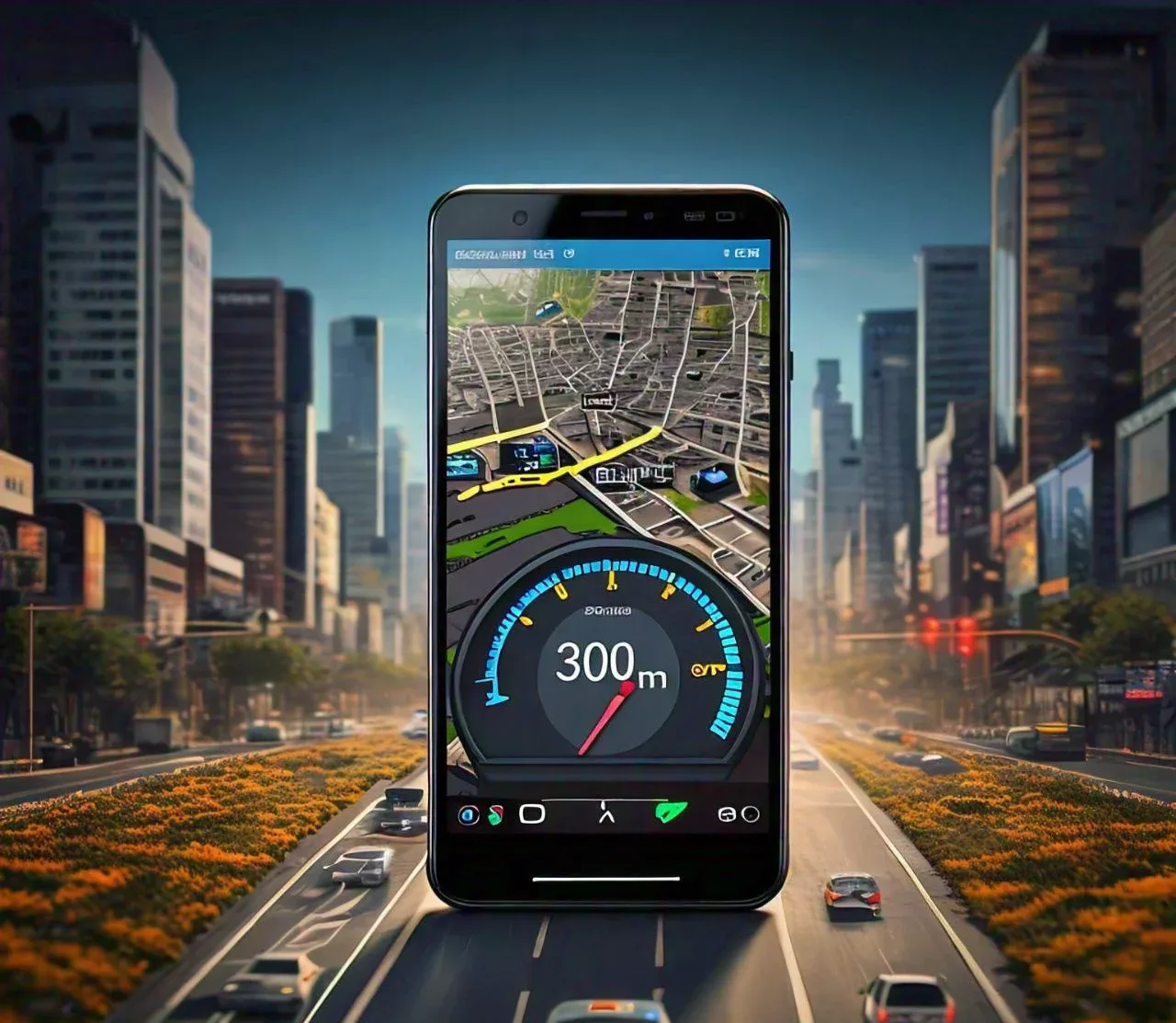
Google Maps is rolling out its speedometer and speed limits features to iPhone users worldwide, bringing iOS closer to the driving experience Android users have had since 2019. The tools are also part of Google Maps’ expanding functionality on iOS and Apple CarPlay, and they address a conspicuous gap that had lasted for years.
For people who use Google Maps as their primary navigation app, this is not a flashy new layer of automation. It is a practical piece of information placed where drivers are already looking for turns, traffic and arrival times. The app can now show a vehicle’s current speed and present the applicable speed limit, with the speed indicator changing colour as a reminder when a driver is over the limit.
That sounds modest, but it matters. Navigation apps are most useful when they reduce the number of places a driver has to look and the number of decisions they have to make while moving. A speed readout in the same interface as route guidance can help a driver regain awareness after joining an unfamiliar road, passing through a changing limit or simply losing track of speed in traffic.
The feature had previously been spotted in India, and Google has now confirmed the broader worldwide rollout for iPhone users. Its arrival follows a familiar pattern for Google Maps features: Android received the speedometer and speed limits tools first, with the initial launch taking place in 2019. The feature then expanded from select markets to more than 40 countries within a year. iPhone users, meanwhile, waited over five years for the same option.
How to turn on the speedometer and speed limits
The controls are found within the Google Maps app rather than in an iPhone-wide setting. To enable them, open Google Maps, tap the profile picture, then go to Settings > Navigation > Driving options.
Once switched on, the speedometer displays the vehicle’s current speed in miles or kilometres per hour, depending on the region. The speed limits setting works alongside it by changing the colour of the speed indicator to remind drivers to remain within the legal limit.
The design choice is sensible. Google Maps does not need to turn driving into a stream of warnings to make the information useful. A colour change is a quieter prompt than an intrusive alert, and it lets the navigation screen remain focused on its main job: getting the driver to the destination. For drivers who prefer less on-screen information, the fact that the tools sit in settings also means they can choose whether the display earns a permanent place on the map.
A useful reminder, not a replacement for the dashboard
There is an important qualification attached to the new feature. Google says its speedometer is for informational purposes only, and drivers should rely on their vehicle’s built-in speedometer for precise speed readings while driving.
That warning is not mere legal boilerplate. A car’s speedometer is the instrument intended for that task, positioned directly in front of the driver and integrated into the vehicle itself. Google Maps is a navigation service operating through a phone or an in-car display. Its speed reading can be helpful context, but it should not displace the dashboard as the driver’s primary reference.
The same common-sense boundary applies to speed limits. The feature can offer a useful at-a-glance prompt, particularly on local roads or unfamiliar highways, but drivers remain responsible for observing the road, signs and local traffic laws. A navigation app can assist attention; it cannot assume responsibility for it.
This is especially relevant because a displayed number can create a false sense of certainty. Good driving tools should encourage better decisions without inviting drivers to treat a screen as the final authority in every circumstance. Google’s own advice points users back to the vehicle’s built-in speedometer, which is the right hierarchy.
Why the iPhone rollout is more than feature parity
The addition closes a notable platform divide. Google Maps has long been a widely used navigation service, and iPhone users have had access to its route planning and navigation features. Yet a driver using the same app on Android could receive speedometer and speed limit information that was unavailable on iOS. That distinction was difficult to justify from a user’s perspective, particularly when the feature is tied to basic road awareness rather than a niche preference.
Bringing it to iOS and Apple CarPlay also reflects how navigation has changed. Drivers do not always use a phone mounted on a dashboard; many now rely on the screen built into their vehicle through CarPlay. In that setting, having current speed and speed-limit guidance within Google Maps can make the navigation display feel more complete without requiring the driver to switch apps or hunt through menus.
The safety case should be understood realistically. No app feature makes a drive safe by itself. What it can do is support safer habits: checking speed more often, noticing a limit before it becomes an issue and avoiding the kind of unintentional speeding that can lead to a ticket. The benefit is less about technology taking over and more about technology making a useful piece of information harder to miss.
A global feature with local responsibility
Google frames the rollout as part of a broader push to support safe driving practices around the world. The global availability is significant because the usefulness of speed-related information is not confined to one market. Drivers encounter unfamiliar limits when travelling, navigating new neighbourhoods or taking a route they do not normally use.
Still, global access does not mean a single driving environment. Laws, road conditions and signage differ by region, which is why Google’s direction to follow local traffic laws remains central. The app can provide information at a glance, but drivers need to interpret that information in the context of the road in front of them.
For iPhone users, the practical outcome is straightforward: Google Maps now offers a feature that Android users have had since 2019, after an extended wait of more than five years. It is a welcome improvement, not because it transforms navigation, but because it fills a basic gap. Used responsibly, alongside the vehicle’s built-in speedometer and attention to road signs, the new speedometer and speed limits tools can make Google Maps a more useful companion on the road.
More News: Mobile

