

Table of Contents
AI Coding Agents Are a Mess — Here Is Why It Matters
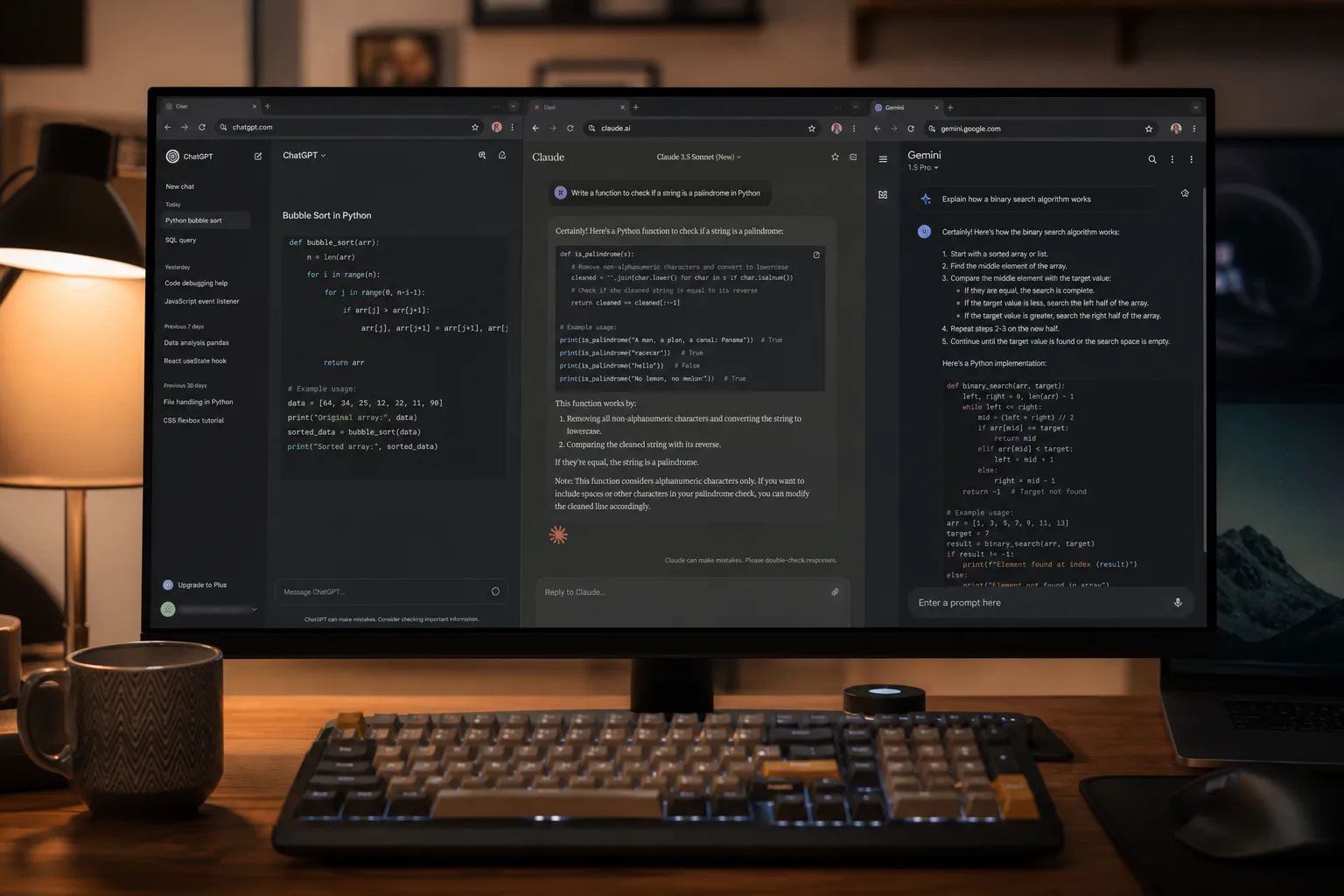
AI coding agents are a mess — and if your team is using more than one of today’s tools, you’ve already hit this wall. Claude wants a CLAUDE.md file. GitHub Copilot reads from .github/copilot-instructions.md. Gemini CLI looks for .gemini/GEMINI.md. Aider uses CONVENTIONS.md. And then there’s AGENTS.md, which is emerging as an informal open standard that Codex, Cursor, Amp, OpenCode, and Goose all support natively. The result? AI coding agents pulling project instructions from five different files, each maintained separately, each quietly diverging the moment someone updates one and forgets the others.
This isn’t a trivial inconvenience. When your agents disagree about your own project’s conventions, you get inconsistent code suggestions, conflicting style choices, and developers who stop trusting the tools entirely. The promise of AI-assisted development quietly collapses under its own coordination overhead.
How AI Coding Agents Became a Config Nightmare
The broader AI coding assistant space has exploded fast. GitHub Copilot now has over 1.8 million paid subscribers. Anthropic’s Claude Code, Google’s Gemini CLI, Cursor, Codex, Aider — the list of serious contenders keeps growing. Each launched with its own conventions, its own file expectations, its own opinion about where project-level instructions should live. Nobody sat down and agreed on a standard early enough, and now we’re living with the fallout.
AGENTS.md has a reasonable shot at becoming the de facto open standard — it’s already natively supported by a growing list of AI coding agents including Codex, Cursor, Amp, OpenCode, and Goose. But the holdouts aren’t going away. Claude, Gemini, Copilot, and Aider each still expect their own file at their own path. So the practical reality for any multi-agent team is: you’re copying the same instructions into multiple files and hoping they stay synchronized.
What agent-kit Actually Does to Fix AI Coding Agents
A new open-source tool called @mongez/agent-kit takes a clean, opinionated swing at this problem. The premise is simple: you write your project instructions once, in AGENTS.md, and agent-kit automatically derives every per-agent configuration file from that single source. CLAUDE.md, .gemini/GEMINI.md, .github/copilot-instructions.md, CONVENTIONS.md — all generated, all kept in sync.
Setup takes about thirty seconds. Install it as a dev dependency with npm install -D @mongez/agent-kit, then run npx agent-kit init. The tool scaffolds a starter AGENTS.md if you don’t have one, then immediately derives all four target files. The real magic comes when you wire it into your project’s postinstall script — from that point on, every npm install re-derives the per-agent files automatically. Edit AGENTS.md, run npx agent-kit sync, and every agent on your team picks up the change simultaneously.
The design is deliberately stateless. Every sync reads directly from disk, with no lockfile or cache layer that could introduce its own drift. That’s a smart call — the whole point of the tool is eliminating inconsistency, and adding a stateful sync mechanism would undermine that goal almost immediately.
AI Coding Agents and the Skills Distribution Problem
The instructions-sync story is useful on its own, but the more interesting piece is what agent-kit does with skills. Most of the major AI coding agents support some form of reusable instruction modules — SKILL.md files that teach an agent how to handle a specific task, like authentication flows, job queues, or form validation. The problem is the same as with config files: you end up manually copying skill folders into .claude/skills/, .cursor/skills/, .codex/skills/, and hoping nothing collides or gets out of date.
agent-kit automates that too. On sync, it walks your project’s node_modules directory looking for any installed package that ships a skills/ folder, then mirrors those skills into each agent’s expected directory. The naming is handled automatically — paths are flattened into collision-proof top-level folder names, so a skill at backend/auth becomes backend-auth in Claude’s flat layout. A sentinel marker file ensures that package-managed skills never overwrite skills you’ve written yourself.
This is where the tool starts to feel less like a convenience utility and more like infrastructure. The implication is that library authors can now bundle agent skills directly with their npm packages. Install a dependency, and your AI coding agents immediately understand how to use it — no documentation spelunking required, no copy-paste into your project. Several packages in the @mongez ecosystem already ship skills this way today.
Solving Claude’s Nested Skills Problem
There’s one more fix in here that’s worth calling out separately, because it’s the kind of thing that causes real frustration until you figure out what’s happening. Claude Code only discovers skills at the top level of its .claude/skills/ directory — it doesn’t recurse into subdirectories. So as your skill library grows, you’re forced to dump everything into one flat, unsorted pile. People have assumed for months that nested skill organization simply isn’t possible in Claude.
agent-kit removes that assumption. You keep a single skills/ folder at your project root, organized however makes sense — category folders, subcategories, as deep as you need. When you run agent-kit sync, it walks the whole tree and flattens each path into a unique top-level name that Claude can discover. You organize for humans; Claude gets the flat layout it requires. No manifest, no registration step — a folder containing a SKILL.md file is a skill, full stop.
Targeting Specific Agents
The sync command accepts a –target flag that lets you specify exactly which agents you’re syncing skills to: claude, cursor, codex, copilot, kiro, opencode, amp, goose, and others. The default is Claude only, which is a sensible choice — writing into every possible agent’s skills directory on a project that uses none of them would just clutter your tree. Teams using multiple AI coding agents can specify them explicitly, or pin the targets in package.json so contributors don’t have to remember the flags.
One distinction worth understanding: the derive step always generates all four per-agent instruction files regardless of which targets you specify. The targets flag only controls where skills get exported. So even a project running derive-only mode — for agents like Gemini and Aider that don’t use the skills system — still gets fully synchronized instruction files across all supported tools.
What This Points To
The existence of agent-kit says something uncomfortable about the current state of AI developer tooling: the tools have scaled faster than their interoperability. We’re in a period that feels a lot like the early days of package managers or CI/CD systems — lots of competing approaches, no agreed conventions, and a growing tax on the developers stuck in the middle. In short, AI coding agents are a mess precisely because no single vendor had the incentive to solve coordination problems that only hurt their users.
The AGENTS.md-as-standard movement is a genuine attempt to fix this at the source, and tools like agent-kit are the pragmatic bridge for teams that can’t wait for every vendor to fall in line. If package authors start shipping agent skills alongside their code — and the early signs suggest some already are — that could meaningfully change how AI coding agents learn about new libraries.
The question isn’t whether AI assistants will become a standard part of development workflows. They already are. The question is whether the ecosystem around them will mature fast enough to stop making developers do redundant busywork just to keep their tools talking to each other. Until that day arrives, tools like agent-kit are essential for any team running more than one AI coding agent in production.

