

- Bixby voice commands are producing text-only replies for a small number of Samsung Galaxy phone owners.
- Reports suggest Bixby voice commands may work again after updates for some users, but the evidence remains inconsistent.
- Samsung support has reportedly requested diagnostic logs from at least one affected Galaxy Z Fold 7 owner.
- The glitch matters most for users who rely on Bixby to control SmartThings-connected appliances hands-free.
Table of Contents
Bixby voice commands are answering, but not speaking
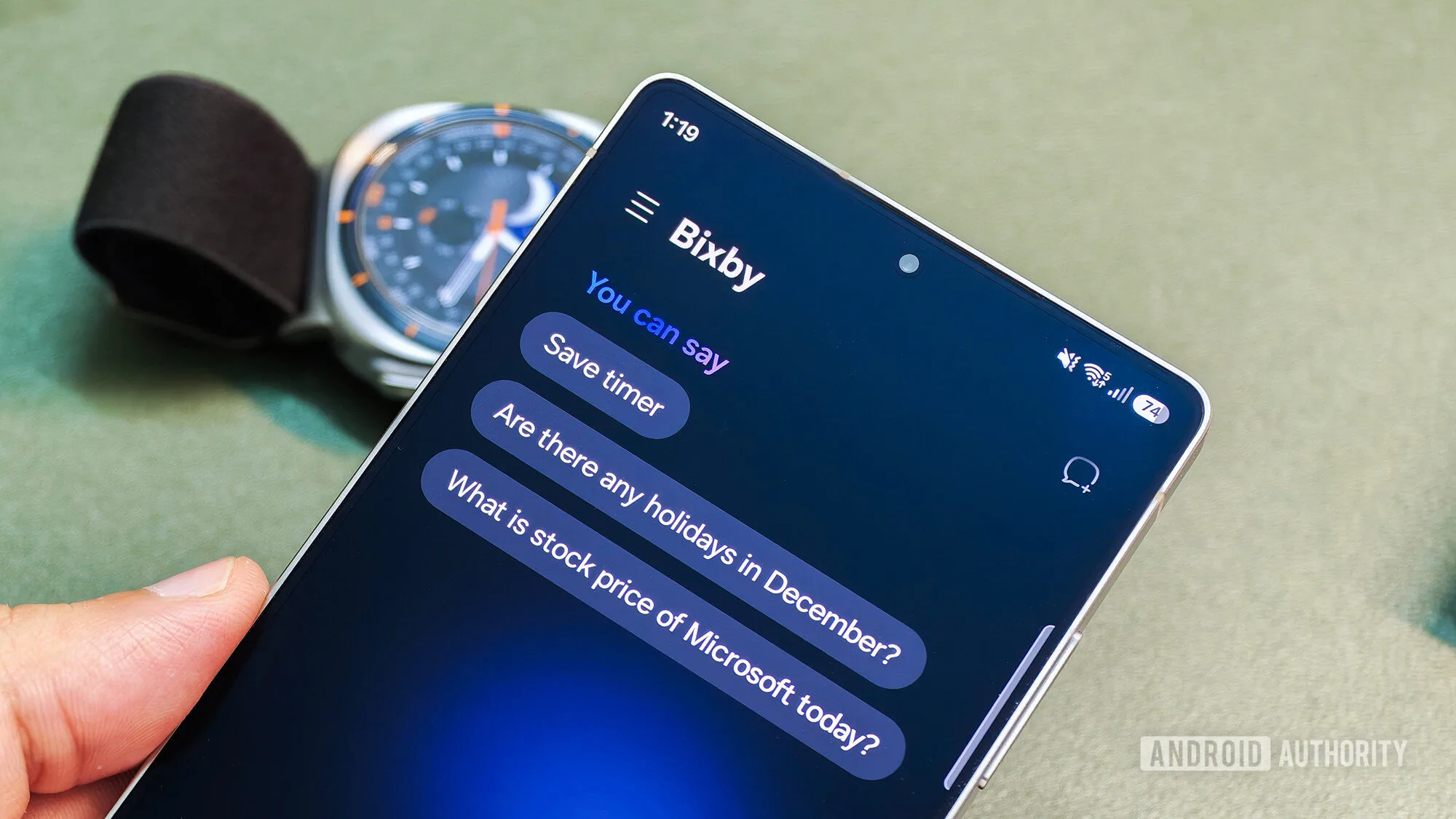
For a small group of Galaxy owners, Bixby voice commands have developed a distinctly unhelpful habit: they still answer questions, but only on the screen. Speak to Samsung’s assistant and it may return a written response in its chat interface while its voice remains completely silent. That sounds minor until you consider the point of a voice assistant. If you have to pick up the phone and read the reply, the hands-free bit has already fallen apart.
On Samsung’s community forums, a small number of users describe the same text-only behavior across several devices. The scope looks small, and that’s probably why there is no clean diagnosis yet. Some users say the problem disappeared after installing the latest One UI 8.5 update. Others say their phones work normally, including at least one Galaxy S26 Ultra running the third One UI 9 beta. Yet an owner of Samsung’s Galaxy Z Fold 7 reportedly remains stuck after updating both the handset software and Bixby itself.
Samsung support has not publicly identified a cause. It has reportedly asked an affected user to submit logs, which is the sensible first move but also a sign that this is not a known, easily reproducible bug with a ready-made fix. For affected owners, Bixby voice commands are still delivering only part of the assistant experience.
Why a silent assistant is more than a cosmetic bug
Samsung has spent years trying to answer an awkward question: why does Bixby still exist when most Android buyers have Google’s assistant services, and increasingly Gemini, sitting a swipe or button press away? The company’s answer has never really been general knowledge. Bixby has been strongest when it is doing Samsung-specific jobs: changing device settings, running routines, controlling TVs, and interacting with SmartThings hardware.
That makes the failure of Bixby voice commands more consequential than a missing bit of personality. A user asking for a weather update can read the weather. A user cooking dinner who asks Bixby to start a connected appliance timer, turn off compatible lights, or check a SmartThings routine is relying on audible confirmation. Silence creates uncertainty: did the command run, did it fail, or is the response sitting unseen on a folded phone across the kitchen?
Samsung has been positioning Bixby more closely alongside its connected-home ambitions, rather than trying to win a direct popularity contest with Google. Bixby still emphasizes device control and voice interaction, which is telling. Frankly, that is Bixby’s most defensible role. Google and Samsung don’t need to build identical assistants, especially now that AI chatbots have made the old assistant market feel like yesterday’s smart-speaker war.
But a specialized assistant has less room for basic reliability problems. People will forgive a chatbot for a weird answer. They are much less forgiving when the light controls or accessibility features stop providing feedback.
What affected Galaxy users can try now
Because Samsung has not confirmed a root cause, there is no official repair sequence to recommend. Still, the reports point to a few sensible checks for anyone whose Bixby voice commands have gone quiet. First, install pending Galaxy system updates and check for updates to Bixby and related Samsung apps through the Galaxy Store. A handful of users have said a newer One UI 8.5 build resolved the behavior, although that is anecdotal rather than proof of a universal fix.
- Confirm that media volume is turned up and that Bluetooth headphones, speakers, or a car system are not receiving the audio instead.
- Check Bixby’s voice and language settings, then test a simple request such as asking for the time.
- Restart the phone after updating, particularly if Bixby was updated separately through the Galaxy Store.
- Use Samsung Members or support channels to submit an error report with logs if the issue persists.
Those are basic troubleshooting steps, not a magic incantation. The fact that one Fold 7 owner reportedly saw no change after updates suggests this may involve a more particular mix of firmware, Bixby configuration, audio routing, or server-side behavior. Small bugs are often the annoying ones: they don’t hit enough people to trigger a fast public response, but they can linger for the people who do get hit.
The real test for Samsung’s assistant strategy
Samsung seems to be preparing additional improvements to how quickly users can reach Bixby, and it has continued to give the assistant a role in newer One UI releases. That makes this a bad time for an unexplained silence. If Samsung wants users to treat Bixby as the household control layer for SmartThings, Bixby voice commands need to be boringly dependable. No one buys a smart-home setup hoping to troubleshoot whether their phone has decided spoken replies are optional.
There is also a broader credibility problem. Google’s Gemini has its own rough edges, especially where generative AI meets practical phone controls, but users generally expect its voice layer to speak. Apple has learned the same lesson with Siri: ambition gets headlines, while dependable execution determines whether anyone actually uses the feature after the first week.
My read is that this is probably a contained software issue rather than evidence that Samsung is quietly abandoning Bixby. The mixed reports matter. Still, Samsung should identify the affected configuration quickly and say so plainly. Bixby does not need to beat Gemini at everything. It does need to answer out loud when someone asks it to. That is the minimum expectation for Bixby voice commands.

