

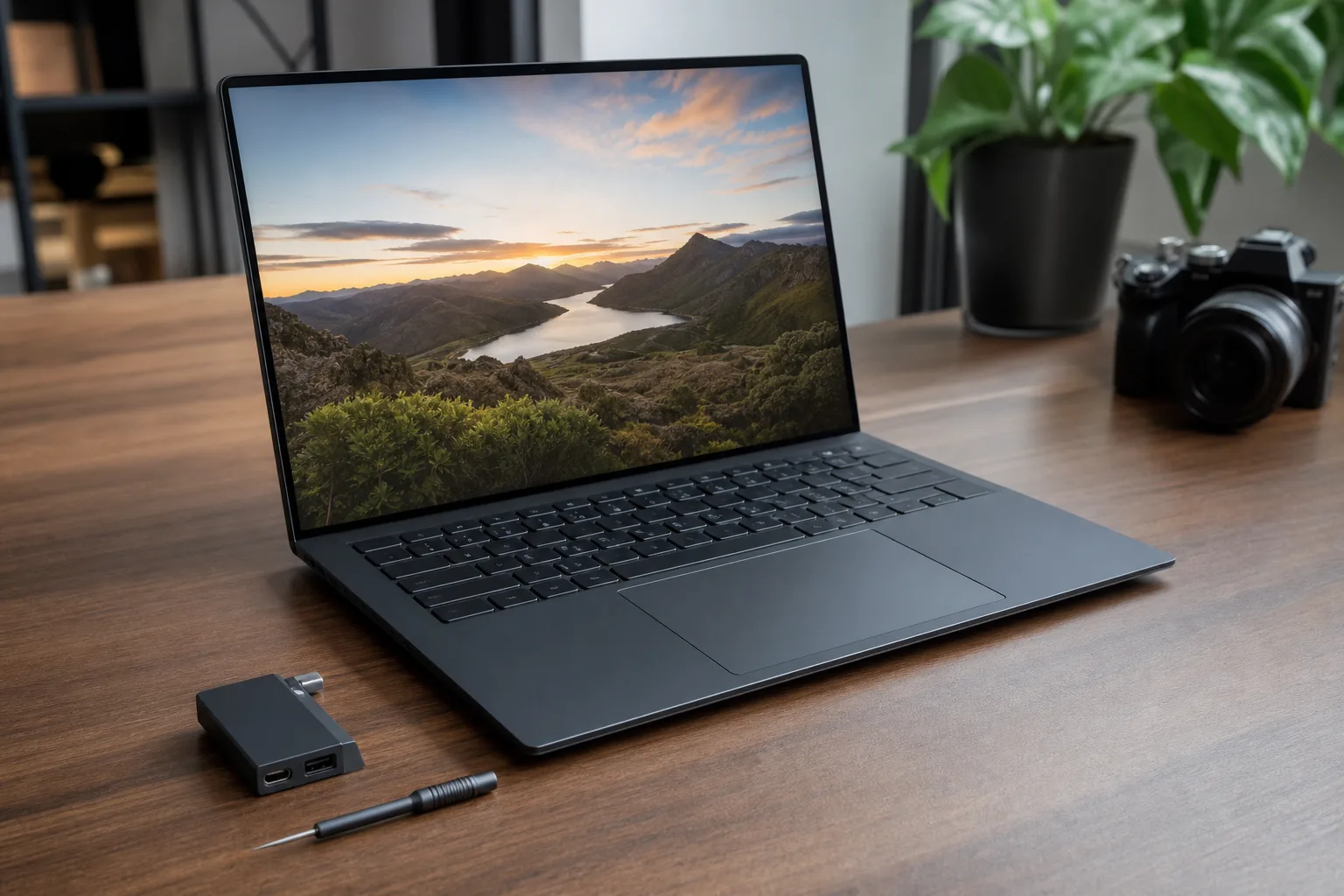
- The Framework Laptop 13 Pro finally gives modular computing the premium materials, display and touchpad it has long needed.
- A Framework Laptop 13 Pro with Intel Panther Lake is unusually expensive because removable LPCAMM2 memory remains scarce and costly.
- Existing Framework 13 owners can reuse much of their hardware, though the larger battery requires a revised bottom cover and input deck.
- Framework’s four interchangeable expansion-card ports remain a practical answer to the ports buyers actually need each day.
Table of Contents
Framework Laptop 13 Pro: the modular laptop grows up
For years, buying a repairable laptop meant accepting a bit of roughness around the edges. You got the good feeling of being able to replace a port or upgrade a mainboard, but not necessarily the sort of machine you’d want to put beside a MacBook Pro in a client meeting. The Framework Laptop 13 Pro is Framework’s clearest attempt to end that trade-off.
On the hardware front, it succeeds. The company’s familiar 13-inch notebook has received the kind of industrial-design cleanup that usually arrives when a young hardware maker decides it’s tired of being graded on a curve. The new graphite finish, machined aluminum body, softened edges and tighter seams sound cosmetic. They aren’t. They change the entire pitch.
Framework CEO Nirav Patel has been unusually direct about the ambition. “The benchmark for us is the MacBook Pro,” he said earlier this year. That’s a dangerously high bar, but it’s also the right one. Dell, HP and Lenovo already make plenty of competent Windows laptops. Framework needs to prove that repairability can sit in the premium tier, rather than occupy a well-meaning side aisle.
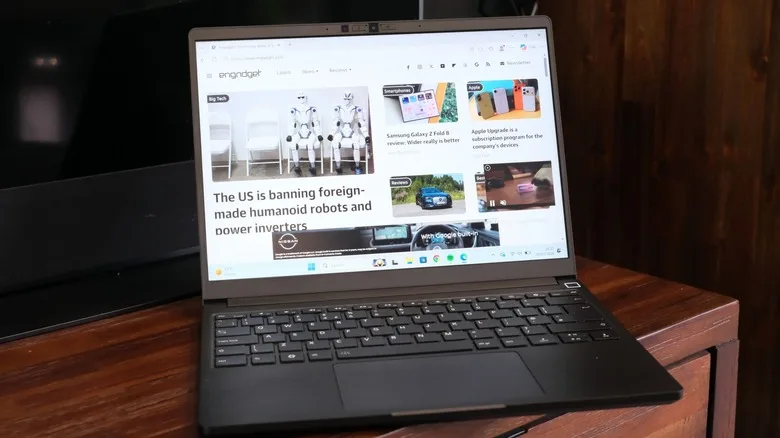
The bad news is timing. A reasonably loaded Intel version of this machine is reportedly landing around $3,100, largely because the memory it uses is expensive. That number turns a persuasive product into a difficult recommendation. At that price, buyers are entitled to ask whether a future upgrade is worth paying a very real premium for today.
A better chassis, without abandoning the old promise
The Framework Laptop 13 Pro appears to preserve what made the original appealing: access. Its captive Torx screws remain, and components are still intended to be removed by regular people with a screwdriver rather than an authorized service badge. Framework’s own Marketplace remains the central piece of that strategy, selling parts and upgrade kits rather than treating a laptop’s internals as a sealed private matter.
That matters more than the usual sustainability talking points suggest. A laptop is like a kitchen with one broken drawer: most people don’t replace the whole kitchen. Yet conventional notebooks routinely turn a bad keyboard, an aging battery or insufficient memory into a reason to replace an otherwise capable computer. Framework has spent six years arguing that this is a design choice, not a law of physics.
The new model does introduce some compatibility wrinkles. Its 74Wh battery is larger than earlier Framework 13 packs, which means owners pursuing that upgrade will also need a new bottom cover and input cover. That’s less elegant than a simple battery swap, though I’d argue it’s still vastly preferable to discovering that a manufacturer glued your battery into a chassis and called the result “thin.”
Framework also replaces the old expansion-card release arrangement with a latch system similar to the one used on the bigger Framework Laptop 16. It’s a minor mechanical change with an outsized day-to-day benefit. The old press-and-hope approach was functional; the latch sounds like the kind of refinement that tells you the company has actually listened to owners.
Those four expansion bays remain Framework’s signature trick. A buyer can configure USB-C, USB-A, HDMI, DisplayPort, Ethernet or storage modules according to their life, not a product manager’s guess. On the Intel configuration, all four support Thunderbolt 4, avoiding the annoying port hierarchy found on some laptops where only one USB-C socket gets the good stuff.
The Framework Laptop 13 Pro has the right upgrades
The Framework Laptop 13 Pro adds a 13.5-inch, 2,880-by-1,920 touchscreen, and it can be fitted to prior non-Chromebook Framework 13 models. That is Framework at its best: a genuine hardware improvement that does not arbitrarily exile yesterday’s customers. Most laptop makers would call the new panel a reason to announce a whole new generation, then quietly stop stocking the old one.
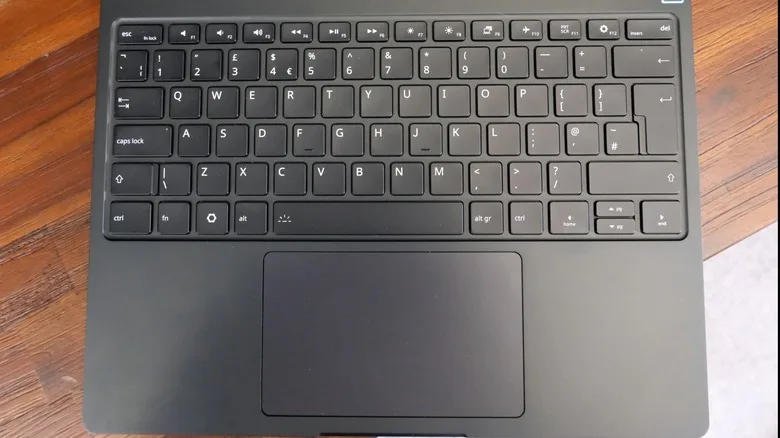
The input hardware is also getting overdue attention. Framework sticks with its 1.5mm-travel chiclet keyboard, while adding a haptic touchpad intended to compete more credibly with Apple’s excellent Force Touch pad. Windows laptops have made enormous progress on trackpads over the past decade, but there’s still a gulf between “fine” and the kind of precise, confidence-building surface that makes you stop reaching for a mouse. If Framework has narrowed it, that’s a major quality-of-life win.
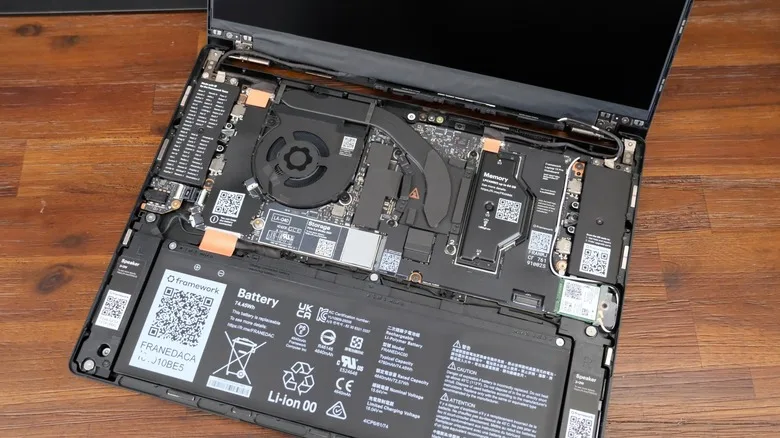
Underneath, buyers face a fork. AMD configurations use Ryzen AI 300-series chips and conventional DDR5 memory. Intel versions move to Panther Lake-era Core Ultra parts and LPCAMM2, a removable LPDDR5x memory module format. The appeal is obvious: LPDDR-class memory usually comes soldered, so its efficiency benefits are bought at the cost of any upgrade path. LPCAMM2 tries to split the difference.
That idea deserves applause. The present economics do not.
A reviewed mid-range Intel configuration with a Core Ultra X7 358H, Intel Arc B390 graphics, 32GB of memory and a 1TB SSD would normally sit around the $1,500 neighborhood in the broader PC market. At roughly twice that, the Framework Laptop 13 Pro asks buyers to finance an early stage of an emerging component standard. That may eventually pay off, but a laptop purchase isn’t a venture-capital round.
The price problem is real, even if the mission is right
Framework deserves credit for refusing the easy route. It could have placed soldered memory on the board, sold a cheaper premium-looking machine and called the modular story finished. Instead, the Framework Laptop 13 Pro is trying to make a new memory format viable while maintaining the company’s unusual commitment to backwards-compatible upgrades.
But good intentions don’t erase the comparison shoppers will make. At $3,100, a buyer can consider high-end ThinkPads, beautifully built HP Spectre models, Dell’s XPS line, or Apple’s MacBook Pro lineup depending on operating-system needs. Those competitors may be harder or impossible to repair, but they also offer mature supply chains, established support networks and, often, a lot more machine for each dollar.
My read is that Framework should not apologize for the cost of LPCAMM2. It should explain it plainly, keep offering an AMD path with ordinary DDR5, and drive hard for broader adoption that brings module prices down. The company’s entire case rests on ownership over time. If its most forward-looking configuration is priced like a collector’s item, too few people will get the chance to test that case.
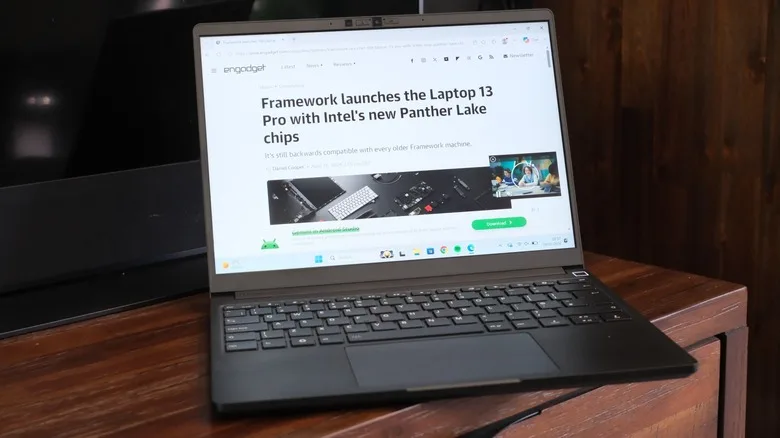
Still, the Framework Laptop 13 Pro may be the first Framework 13 that a buyer can choose purely because it looks and feels desirable, then discover the repairability as a serious bonus. That reversal is crucial. Repairable technology wins when it is not a sacrifice. The question now is whether the industry can make removable high-efficiency memory ordinary before Framework’s best idea becomes too expensive for the people most likely to believe in it.
Frequently Asked Questions
What makes the Framework Laptop 13 Pro repairable?
Framework designs the laptop around replaceable modules, including its mainboard, storage, wireless hardware, display and expansion ports. The Intel model also uses removable LPCAMM2 memory rather than permanently soldered RAM, so owners have a path to upgrade memory later.
Why is the Intel Framework Laptop 13 Pro so expensive?
The tested Intel configuration combines a Core Ultra X7 358H processor, 32GB of LPCAMM2 memory and a 1TB SSD. The newer LPCAMM2 memory format has contributed to the machine’s unusually high price.
Can older Framework Laptop 13 owners upgrade to the new hardware?
In many cases, yes. Framework has kept its 13-inch ecosystem unusually compatible, allowing owners of early models to install newer mainboards and the new 13.5-inch touchscreen. The larger 74Wh battery needs the newer bottom cover and input cover because it occupies more physical space.

