

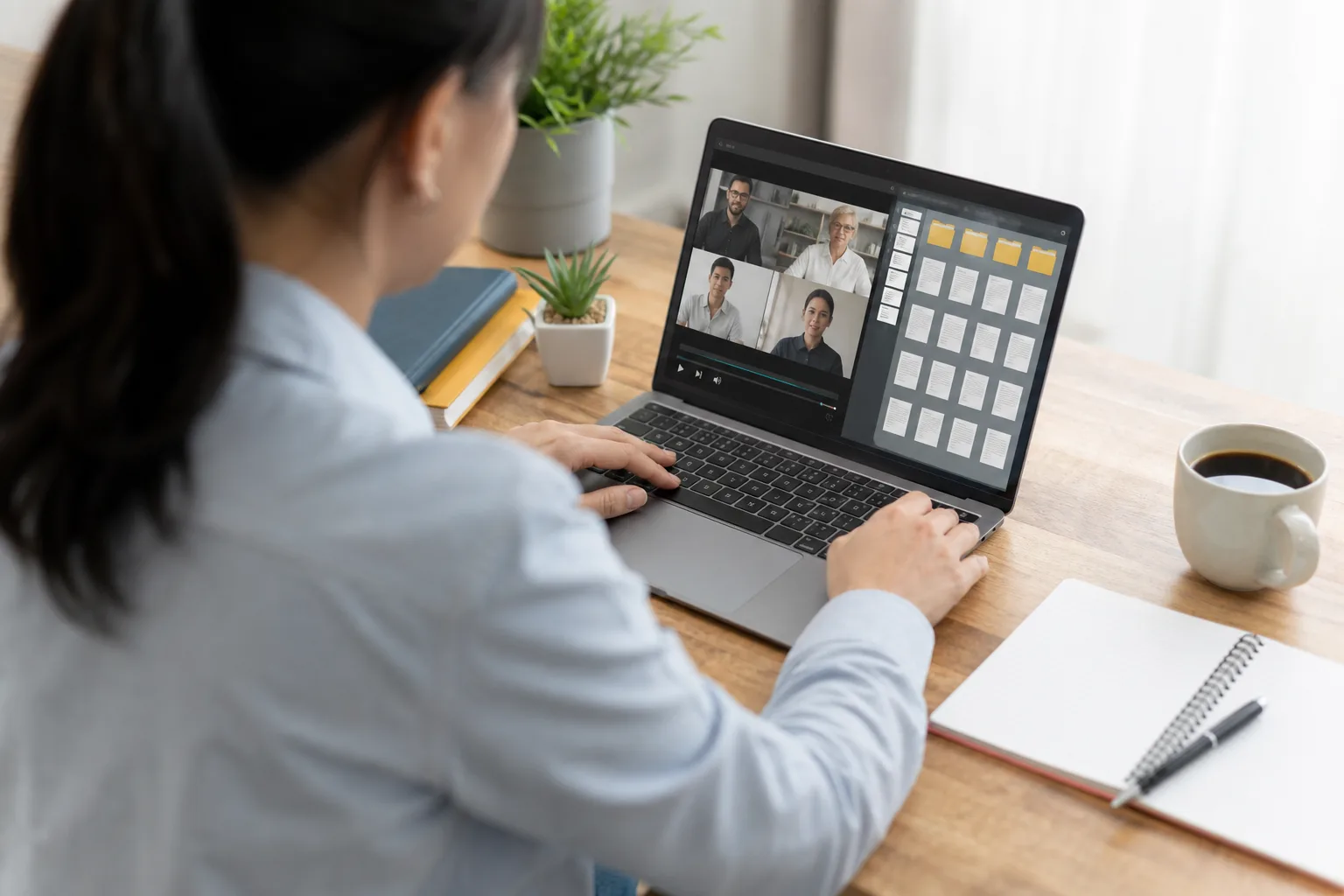
- Google Meet files will now be sorted automatically into dedicated Google Drive folders after each eligible meeting ends.
- Recurring calls will keep Google Meet files together, making it far easier to locate a recording from an older session.
- Attendees with permission will receive Drive shortcuts rather than duplicate copies of recordings, transcripts, and meeting notes.
- Workspace administrators should check scripts that rely on older Meet Recordings folder names or fixed Drive IDs.
Table of Contents
The Drive mess that Google Meet files created
Anyone who has tried to find a three-week-old call recording in a crowded Drive knows the particular irritation at the heart of this update. Google Meet files — recordings, transcripts, and meeting notes — have often landed in the organizer’s storage with far too little context around them. The file existed. Finding it was another matter.
Google is finally changing that. Under a new Google Workspace rollout, material generated by Meet will be placed inside a dedicated Google Meet folder in the meeting host’s My Drive. Individual meetings receive their own subfolders, while sessions from the same recurring meeting will be collected together.
That may sound like basic housekeeping, because frankly, it is. But basic housekeeping is exactly what Meet has needed. Video calls are now the paper trail of modern work: the place where decisions get made, explanations are repeated, and somebody inevitably says they will send the deck later. Leaving the evidence scattered across Drive was a strange omission for a company that sells Workspace as an integrated productivity suite.
Google detailed the change through its Google Workspace Updates channel, with Rapid Release domains beginning to receive it on July 22, 2026. Scheduled Release domains are set to follow on July 30.
Google Meet files will be grouped by the meeting that made them
The useful part is the structure. Rather than making one giant catch-all bucket for every recording ever made, Google will create subfolders for distinct meetings. For recurring events, it will group the related instances in one place. If your team has a Monday planning call that has been running since January, that’s the difference between a usable archive and a digital junk drawer.
The new approach applies to meeting notes, transcripts, and recordings. Those Google Meet files will be uploaded after the meeting into the host’s new parent folder, giving organizers a predictable place to start. Participants who are allowed to access the materials will see shortcuts in their own Google Meet folders.
That shortcut-based approach is sensible. It avoids spraying duplicate video files across every attendee’s Drive, which would be costly and confusing, while still giving permitted participants a direct route back to the relevant meeting material. An employee should no longer have to hunt through an old Calendar event, scroll through a chat thread, or ask the host to resend a recording link.
Google has also said existing Meet Recordings folders will be moved under the new Google Meet folder and renamed Legacy Meet Recordings. There may be a short overlap where users see both old and new folder arrangements during migration. That is a minor wrinkle, but it is better than pretending old data does not exist — a move plenty of software migrations have botched over the years.
A small change with real consequences for hybrid work
I’d argue this is more consequential than it first appears. The hard part of remote and hybrid work is not joining a call; we solved that years ago. The hard part is retrieving the useful thing that happened on a call after everyone has moved on. A transcript is only valuable if people can locate it. A recording cannot settle an argument if it is buried under a vague filename in someone else’s Drive.
Google Meet files have been especially awkward in organizations where meeting hosts change regularly or where someone schedules a call on behalf of an executive. Access rules still matter, of course, and this update does not magically make every attendee an owner of every artifact. But placing shortcuts in the folders of people who already have access reduces the familiar friction of knowing a file exists but having no sensible path to it.
Microsoft has long made Teams meeting artifacts relatively visible through the meeting chat, calendar event, SharePoint, and OneDrive ecosystem, even if that ecosystem can feel like a maze of its own. Zoom similarly treats cloud recordings as an administrative and organizational concern. Google’s strength has always been that Drive feels familiar. Its weakness has been assuming a familiar file system will organize itself.
It will not. Ask anyone with 40,000 files in Drive.
Admins should not treat this as invisible plumbing
There is one practical catch. Google warns Workspace administrators to review any scripts, automations, or internal workflows that depend on specific folder names or Drive folder IDs. A company that automatically copies recordings into a compliance archive, for example, may have pointed its process at the old Meet Recordings folder. Moving those files into a new parent directory can break brittle automation even when the user-facing experience looks cleaner.
That concern is hardly unique to this release. SaaS platforms regularly improve interfaces while quietly rearranging the plumbing beneath them, and IT teams then spend a Friday afternoon discovering that a supposedly simple naming change interrupted a retention policy. Organizations using Drive APIs, backup tools, or custom workflows around Google Meet files should test the transition instead of assuming it is cosmetic.
The update will be available to Google Workspace customers broadly, rather than limited to a premium tier, according to Google. That matters because the people most likely to benefit may not be large enterprises with dedicated knowledge-management systems. Smaller teams tend to rely on Drive as their shared filing cabinet, their internal archive, and occasionally their collective memory.
Google is fixing the boring part, at last
There is no new AI assistant here, no dramatic redesign, and no attempt to turn a meeting recording into a cinematic product launch. Google is simply making Google Meet files behave like they belong to the meetings that generated them. That is the right call.
My read is that this also reflects a broader shift in how Google sees Meet. The service is no longer merely a video window attached to Calendar. It is becoming a source of durable workplace records, particularly as transcription and AI-generated notes make every call more searchable and more consequential.
If Google follows through by making these folders easier to browse from Meet itself, and keeps permissions understandable rather than mysterious, this cleanup could save people a surprising amount of time. The next test is whether Google can bring the same discipline to the rest of Workspace, where too many useful documents still disappear the moment a meeting ends.

