

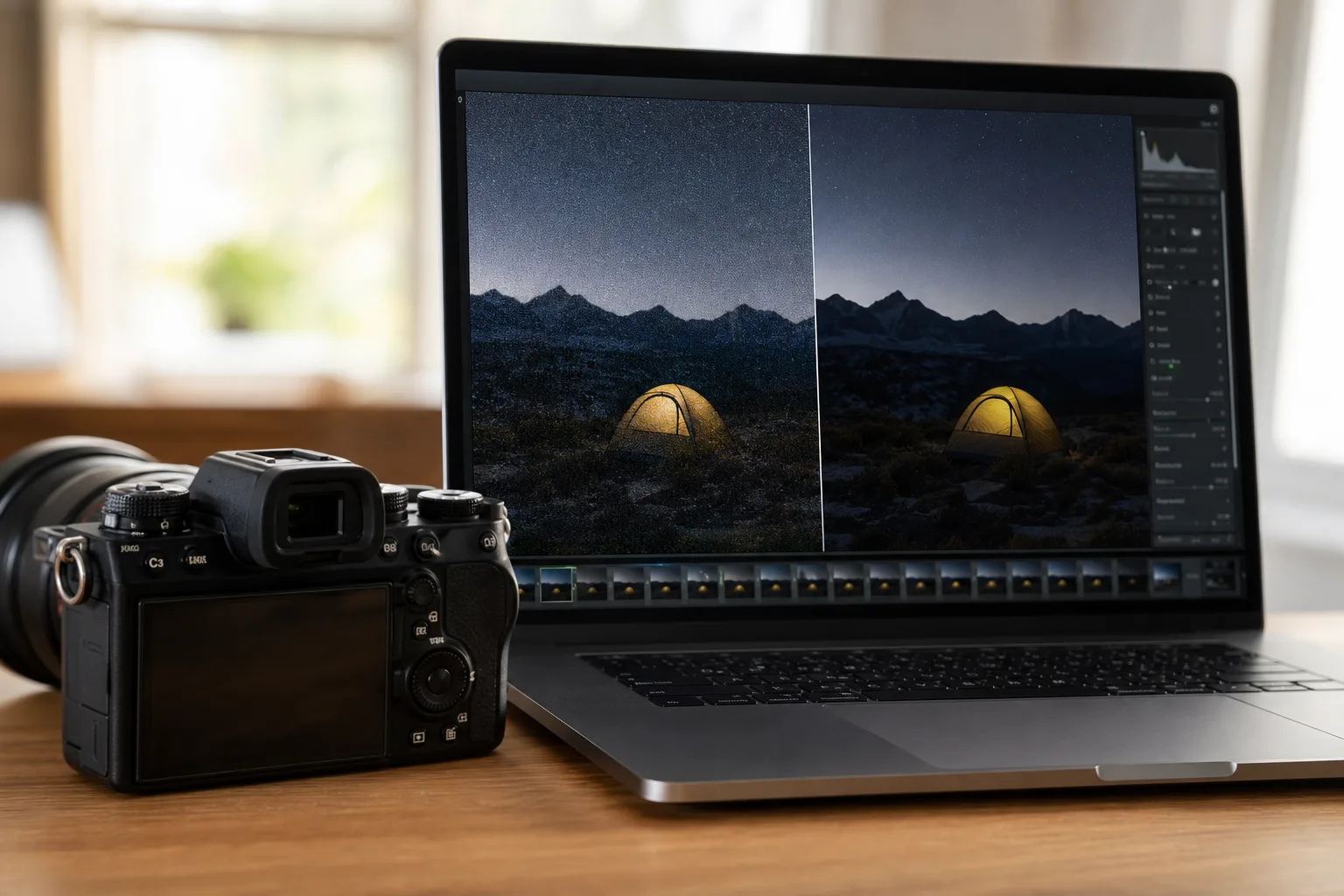
Apple has quietly built one of the most capable RAW photo processing systems in the industry — and with iOS 27, it’s taking another significant leap forward. The company is rolling out RAW 9, the ninth generation of its system-level RAW engine inside Core Image, and by Apple’s own description it’s ‘its biggest update yet.’ For photographers who rely on iPhones, iPads, or Macs as part of their editing workflow, that’s a statement worth paying attention to.
- Apple’s RAW photo processing gets its biggest overhaul yet in iOS 27 with the introduction of RAW 9.
- RAW 9 uses a tiled CoreML model running on the Apple Neural Engine to combine demosaicing and denoising in one pass.
- The new engine handles even extreme high-ISO images — like ISO 51,200 shots — with noticeably more accurate color and detail.
- RAW photo processing improvements also apply retroactively, so older RAW files benefit without any re-shooting.
Table of Contents
What RAW Photo Processing Actually Does — and Why It’s Hard
Before getting into what’s new, it helps to understand what RAW photo processing is actually solving. A RAW file isn’t a finished image — it’s raw sensor data, a grid of light intensity readings captured before any in-camera processing has touched it. That gives photographers enormous flexibility to adjust exposure, white balance, and color after the fact. But it also means that to display or export the image, software has to interpret that raw data through a process called demosaicing, essentially reconstructing full-color pixels from a mosaic of red, green, and blue sensor sites.
Demosaicing is genuinely difficult. Camera sensors don’t capture all three color channels at every pixel — they use a color filter array (most commonly a Bayer pattern) and interpolate the missing data. Do it badly and you get color artifacts, false detail, or mushy textures. Do it well and the image looks like it came straight from an ideal sensor. Add high-ISO noise into the mix — where random electrical interference corrupts individual pixel readings — and the challenge of RAW photo processing compounds quickly.
Apple has been iterating on this problem since the original RAW pipeline shipped, updating the underlying algorithm eight times over the years. Its Core Image framework exposes that pipeline to third-party apps, meaning photo editing software on Apple platforms can all draw on the same continuously improving engine. The system currently carries camera-specific calibrations for nearly 800 camera models, covering gear from Sony, Canon, Nikon, Fujifilm, and a long tail of others.
RAW 9: Machine Learning Takes the Wheel
What makes RAW photo processing under RAW 9 fundamentally different from its predecessors isn’t incremental tuning — it’s architecture. Previous versions handled demosaicing and denoising as sequential steps: reconstruct the image first, then clean up the noise. RAW 9 collapses those two steps into a single tiled CoreML model that does both simultaneously.
That matters because noise and demosaicing decisions are deeply intertwined. When you separate them, the demosaicing step has no idea which pixel values are genuine signal and which are noise — so it can make mistakes that the denoising step then has to work around. Running them together means the model can make smarter trade-offs, preserving genuine fine detail while suppressing noise that would otherwise masquerade as texture.
David Hayward, a Core Image Engineer at Apple, walked through the technical details at WWDC26. In his session, he explained that RAW photo processing in RAW 9 ‘dramatically improves the rendering of RAW files’ and that the CoreML model runs on-device using the Apple Neural Engine — Apple’s dedicated machine-learning silicon — for what he described as ‘optimal performance.’ That’s a meaningful detail: offloading the heavy lifting to the Neural Engine keeps the CPU and GPU free for the rest of an editing workflow and keeps battery impact manageable.
The Results: RAW Photo Processing Put to the Test
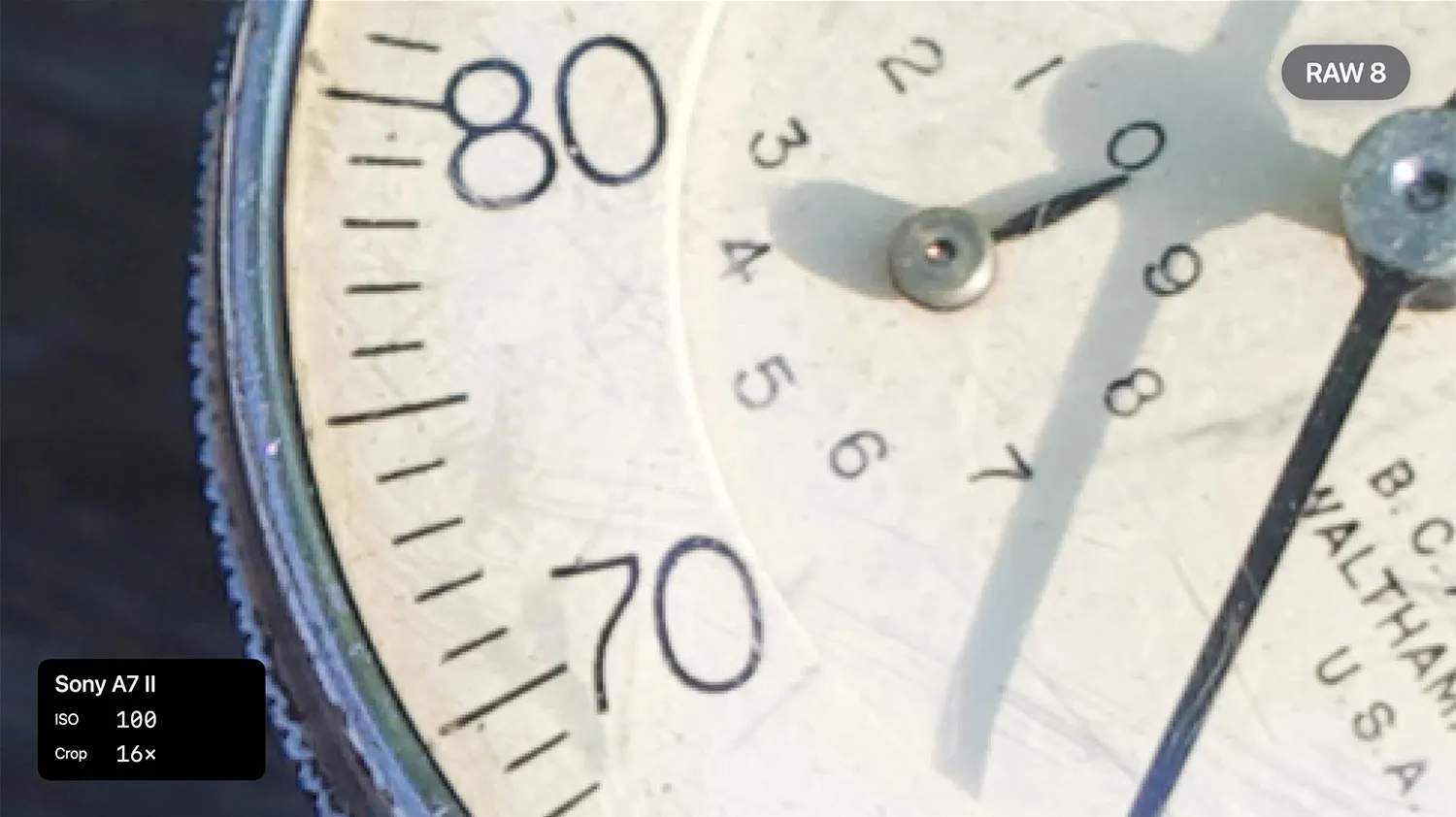
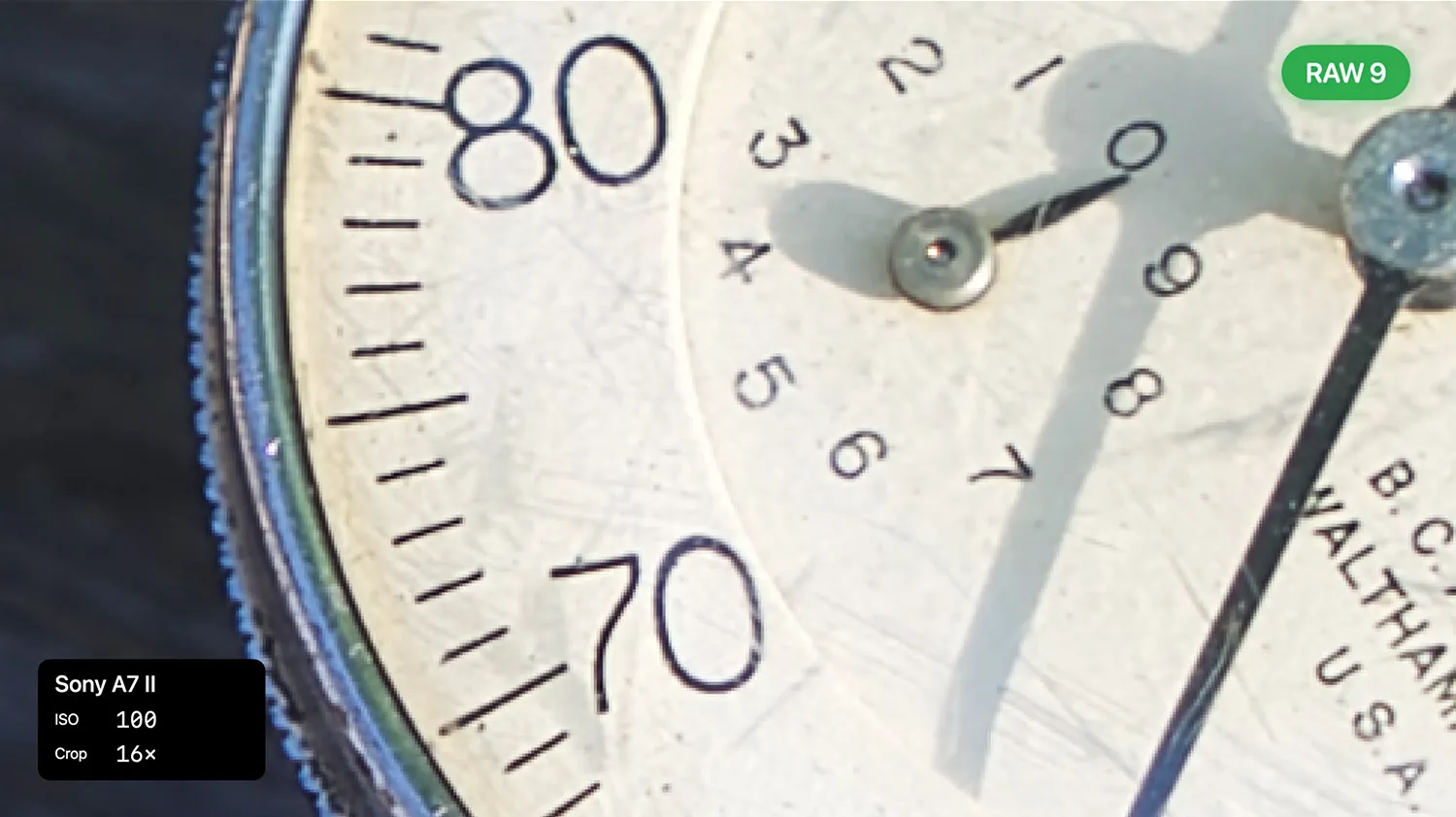
Apple’s WWDC demonstrations are carefully chosen, but the examples Hayward showed are genuinely instructive. The first comparison used a Sony Alpha 7 II image of a vintage dial indicator — a relatively low-noise shot where RAW 8 already produced a respectable result. Under RAW 9, the same image is sharper, with finer text more legible. A modest but visible improvement in RAW photo processing quality.
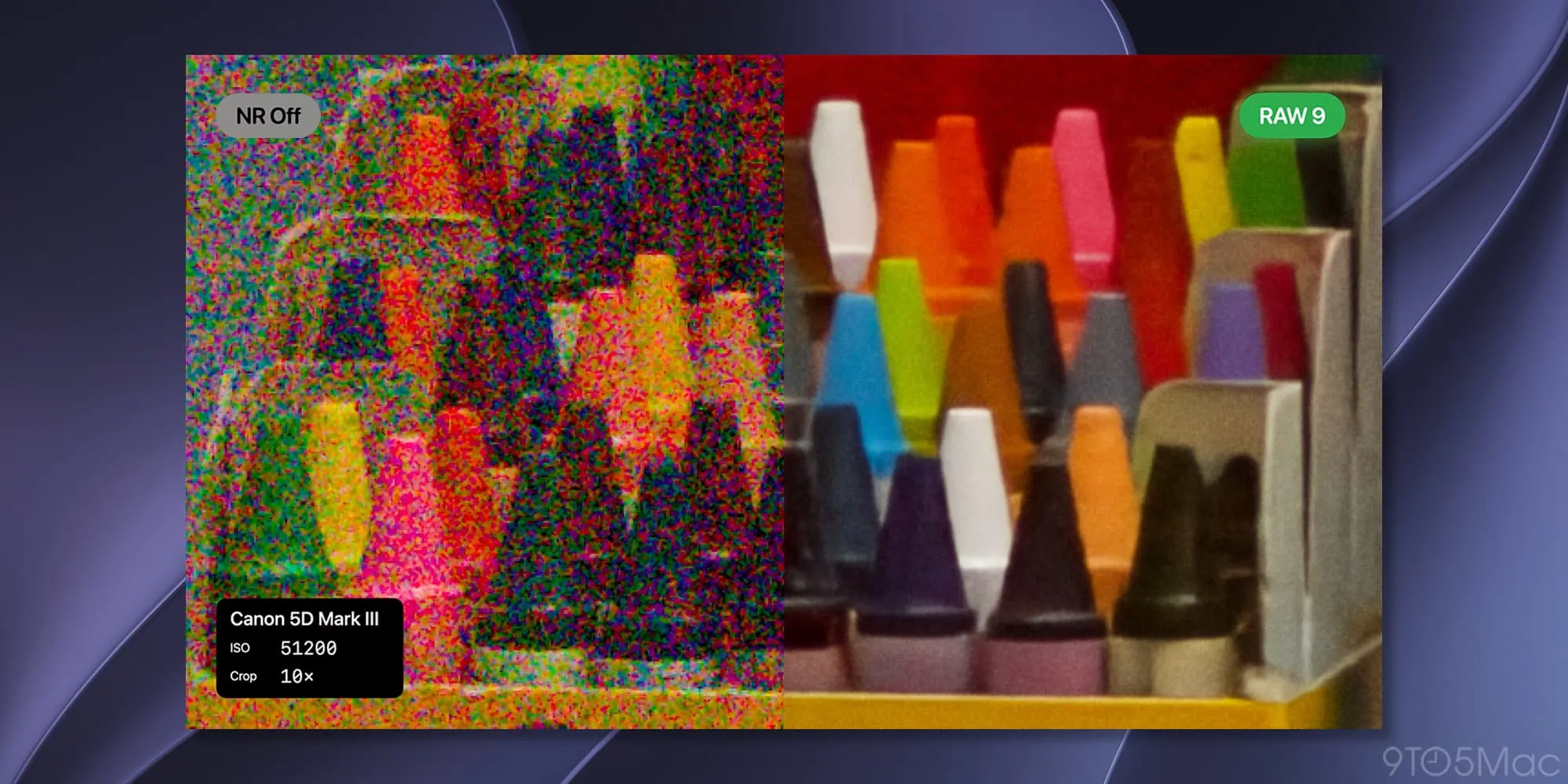
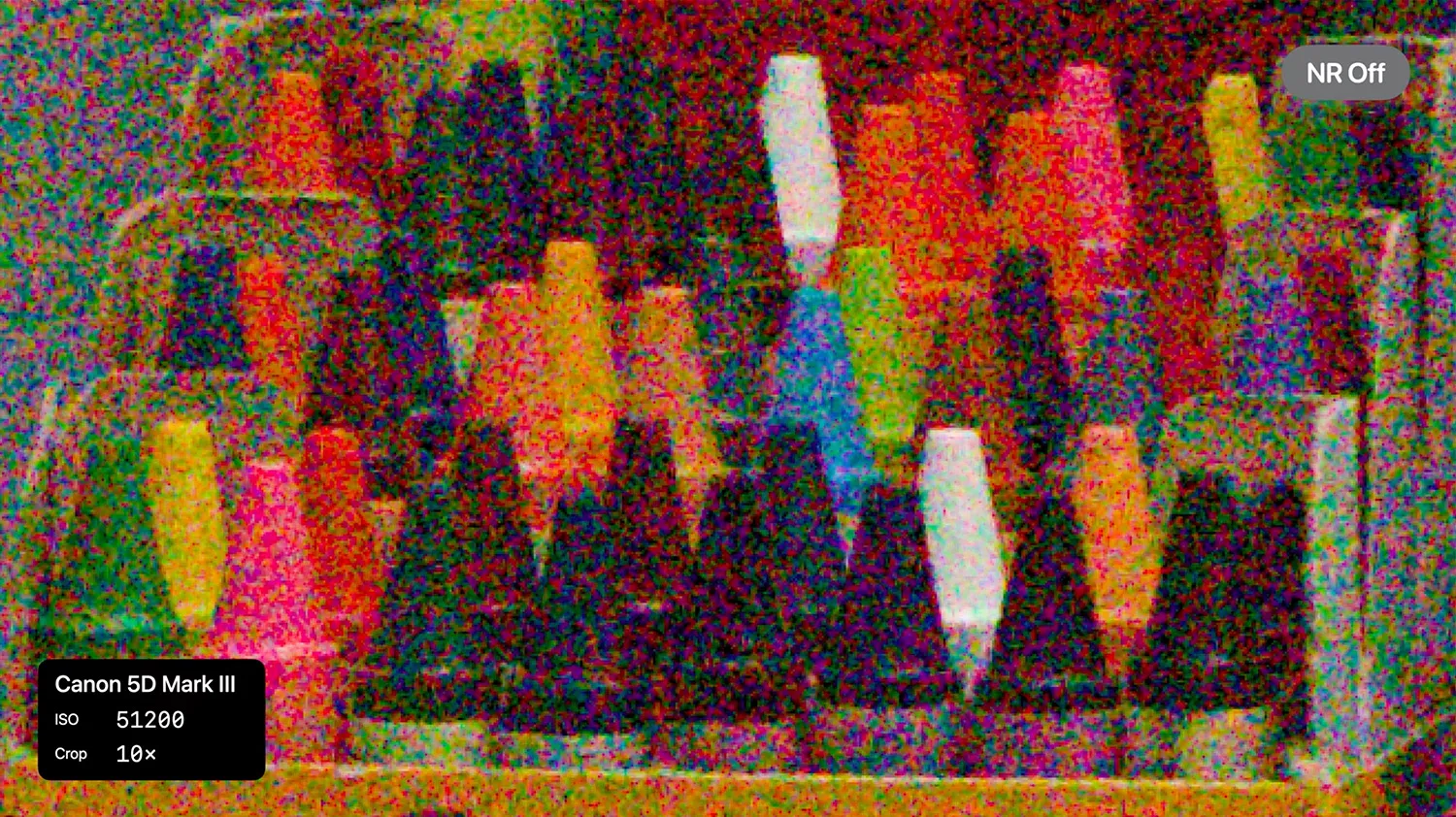
The high-ISO examples are where the gap becomes hard to ignore. Hayward showed a Canon 5D Mark III shot at ISO 51,200 — a setting where most cameras produce images that look more like watercolor than photography. The RAW data itself, he noted, was so saturated with both luminance and chroma noise that ‘it’s impossible to discern the unique color of each crayon’ in the frame. RAW 8 recovered something usable. RAW 9 produced ‘accurate and well-defined’ colors, with specular highlights on the crayons actually visible. That’s a remarkable difference at an exposure setting most photographers would consider unusable.
The third example is particularly interesting from an engineering standpoint. A Fujifilm X-T5 image shot at ISO 12,800 — the X-T5 uses Fujifilm’s X-Trans sensor, which has a non-standard color filter array rather than the conventional Bayer pattern. Non-Bayer sensors have historically been a headache for third-party RAW photo processing tools, often producing color casts or false detail in fine textures. Under RAW 8, Hayward pointed out color artifacts and lost texture detail in embroidery yarn. Under RAW 9, both problems are measurably reduced. The small text in the frame is more legible, the yarn texture is clearly rendered. It’s a meaningful sign that the new model generalizes across sensor architectures rather than being tuned narrowly for the most common cases.
What This Means for Developers and the Broader Ecosystem
For app developers, RAW 9 arrives as part of the Core Image framework update in iOS 27, macOS 27, and iPadOS 27. Apple’s WWDC26 session covers how to enable RAW 9 explicitly, optimize performance for editing and batch export workflows, and handle the tiled processing model’s behavior when cropping or previewing images at different resolutions. The tiled approach — processing the image in sections rather than all at once — is what allows the CoreML model to run efficiently on large RAW files without memory pressure becoming a bottleneck.
The ecosystem angle matters here. Apps like Darkroom, Halide, and Lightroom on iOS all draw on Core Image for RAW photo processing, meaning RAW 9’s improvements flow through to those apps without their developers having to build or train their own models. That’s the compounding value of Apple’s system-level approach: one improvement benefits the entire third-party photo ecosystem simultaneously.
It’s also worth considering what RAW 9 signals about Apple’s broader strategy for computational photography. The company has spent years embedding machine learning deeper into every layer of the camera stack — from the iPhone’s own Night mode and Photonic Engine to, now, the system-level RAW photo processing pipeline for third-party cameras. The direction is consistent: traditional algorithmic image processing is giving way to neural models wherever the hardware can support it efficiently, and Apple’s Neural Engine gives it the on-device horsepower to make that economically viable without cloud round-trips.
Older Photos Get Better Too
One aspect of RAW photo processing improvements that often goes overlooked is retroactive benefit. Because Apple’s RAW engine is system-level and processes files on demand, existing RAW files in a photographer’s library can be reprocessed using RAW 9 automatically after an iOS 27 update — no re-shooting required. If you’ve been sitting on a library of high-ISO RAW files that looked too noisy to use, it’s genuinely worth revisiting them after the update ships.
That’s a rare case in consumer software where a system update doesn’t just improve future captures — it makes past work look better. For professional photographers who archive RAW files as a matter of course, that’s a concrete, immediate payoff from upgrading, not just an abstract improvement to future shoots.
RAW 9 won’t change how photographers shoot, but it will change what they can rescue in post. As Apple continues threading machine learning through every corner of its platforms, the gap between what’s technically possible in RAW photo processing and what’s accessible to everyday users keeps narrowing — and that trajectory shows no sign of slowing.
Frequently Asked Questions
What makes RAW photo processing in iOS 27 different from previous versions?
RAW 9 is the ninth iteration of Apple’s RAW photo processing engine and uses a tiled CoreML model that combines demosaicing and denoising for best quality. Apple describes it as its biggest update yet, with particularly notable improvements at high ISO settings where noise can obscure color and detail.
Does RAW 9 work with older RAW photos already on my device?
Yes. Apple’s RAW photo processing pipeline is system-level, so existing RAW files can be reprocessed using RAW 9 without any re-shooting. This means photos already in your library may look noticeably better after updating to iOS 27.
Which camera models does Apple’s RAW processing support?
Apple’s Core Image RAW pipeline currently supports nearly 800 camera models with camera-specific calibrations. The list is regularly updated and covers cameras from major manufacturers including Sony, Canon, Fujifilm, and many others.
Does RAW 9 work on iPhone cameras or only third-party cameras?
Apple’s system-level RAW processing pipeline is designed for RAW files from third-party cameras, exposed to apps through Core Image. It’s separate from the iPhone’s own computational photography pipeline, though the CoreML model runs on device using the Apple Neural Engine.

