

Table of Contents
M5 Max MacBook Pro Hierarchy Powers Every Creative Level
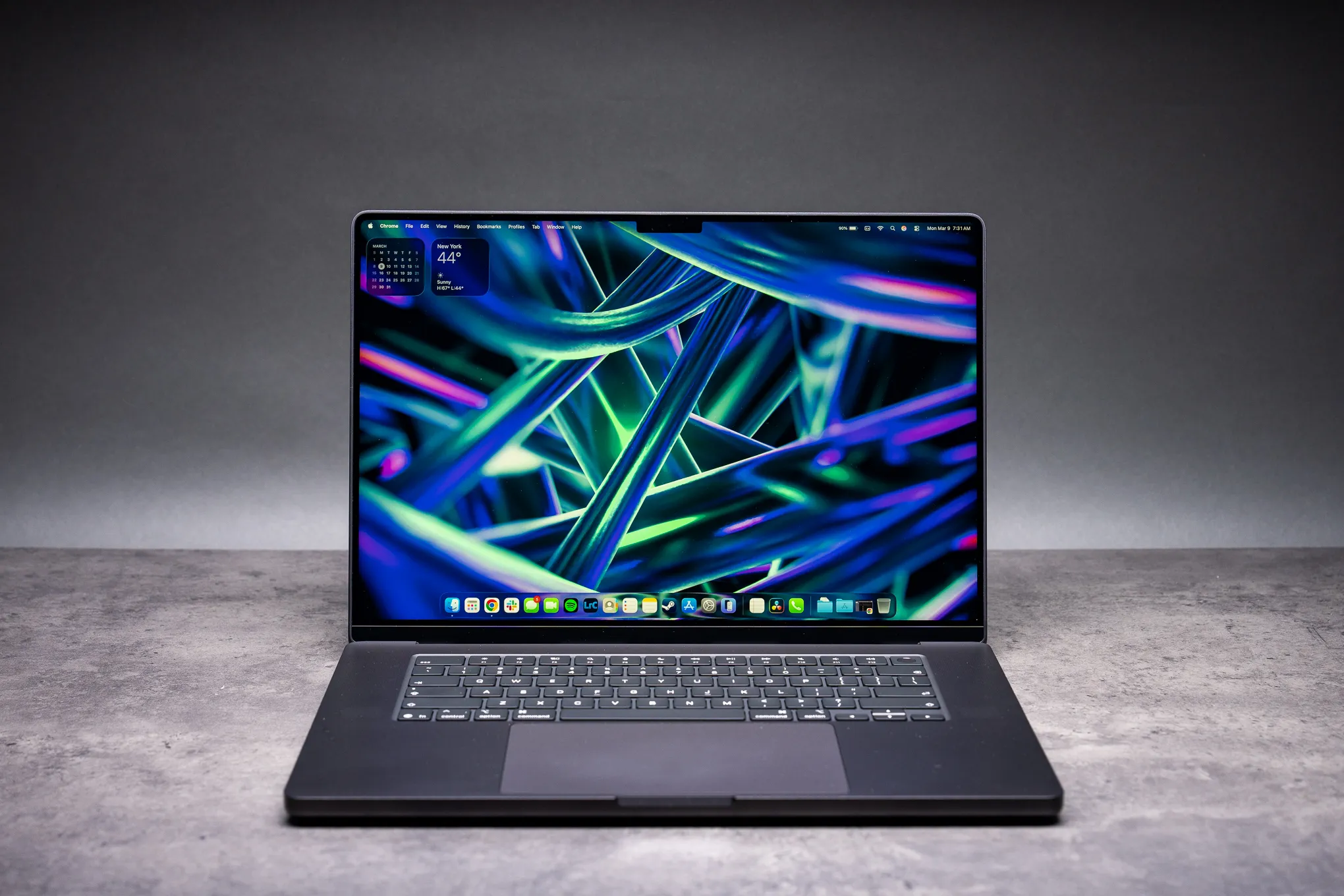
Apple’s MacBook range has become less about choosing a screen size and more about choosing where work starts to become expensive in time. The M5 Max MacBook Pro sits at the top of that ladder, aimed at people whose projects are constrained by rendering, exports, large asset libraries, compiling, or local AI work rather than ordinary office tasks. For creative professionals, that distinction matters: a faster laptop is nice, but a machine that removes a recurring wait from the workday can change how much revision is practical.
The lineup spans MacBook Neo for budgets, Airs for mid-range users, and Pros for heavy tasks. M5 chips debuted in October 2025 on 14-inch models, while M5 Pro and M5 Max now fill both 14- and 16-inch sizes. Doug Brooks describes the structure as a clear progression rather than a collection of loosely related configurations. M5 steps up to M5 Pro with double GPU cores and memory bandwidth; M5 Pro advances to M5 Max with a 40-core GPU and doubled bandwidth again.
That hierarchy is useful because the “Pro” label alone no longer explains much. A writer, developer, photographer, editor, or 3D artist can all use a MacBook Pro, but they do not place the same demands on it. The M5 Max is not simply the option for someone who wants the best specification on paper. It is the tier intended for work that keeps many CPU, GPU, and memory resources active at once: a video export while assets are being managed, a 3D scene whose viewport is crowded with geometry, or a local model running beside Maya or Resolve.
The M5 Max MacBook Pro configures up to 128GB unified memory. Storage starts at 2TB, while SSD read speeds double prior generations to 14.5GB/s. Those figures matter less as isolated specifications than as part of a workflow. Large Lightroom libraries are not unusual for working photographers, and imports are one of those routine chores that can quietly eat into a day. Faster storage can also make a difference before editing begins, when footage, caches, project files, and assets have to move around quickly.
Apple builds M5 on a 3nm process with super cores: 6 at 4.6GHz and 12 performance cores at 4.4GHz. The GPU adds neural accelerators per core for AI acceleration. Apple’s pitch here is not that every creative task has suddenly become AI-driven. It is that AI processing no longer has to be treated as a separate, remote service that interrupts the rest of the job. That is a more meaningful proposition for professionals who want to experiment with generative tools without handing every source file to a cloud workflow.
The reported benchmark results explain why Apple is framing this as its highest-performance portable. Geekbench 6 multicore reaches 29,233 on M5 Max, topping M3 Ultra’s 27,726, while single-core scores 4,268. This beats M4 Max by 15%. Benchmarks are not a substitute for production testing, and no single score can tell a buyer how a specific plug-in, codec, or project will behave. But the comparison with M3 Ultra is a useful signal: Apple is positioning a laptop chip against a machine class traditionally associated with desktop-first performance.
Aaron Coday’s point is more persuasive than a chart: faster hardware creates room for more iterations before a deadline. An editor who can export over lunch, receive feedback, and refine several times is not merely saving minutes. They are making a different editorial choice from someone who has to commit early because every export is a penalty. Apple says 3D artists render 1.3-1.7x faster and can place more assets through improved vertex processing.
The M5 Max MacBook Pro also enables workflows once treated as desktop-only. Anand Shimpi says 4-6x speed unlocks AI on laptops. ComfyUI demos run local models with the 40-core GPU, while sports photographers can cull thousands of shots offline using AI. Blender layout can automate tree placement for 400-500 assets, leaving the artist free to work in Houdini or DaVinci Resolve. These examples are specific, but the broader point is straightforward: local performance is most valuable when the work cannot wait for an upload, a connection, or a queue.
M5 Max MacBook Pro Enables AI and Speeds Daily Tasks
Neural accelerators drive the M5 Max MacBook Pro’s 4x AI performance over M4 and 8x over M1. Each GPU core processes models locally, avoiding cloud risks. Privacy is only part of that argument. Local processing can also make creative tools feel less conditional: a model can run when the user needs it, alongside the applications that make up the rest of the production environment.
For that reason, Apple’s AI story is most credible when it is attached to conventional professional software rather than presented as a novelty. Creatives can run generative AI alongside Maya or Resolve, and LM Studio can guide scene layouts while work continues elsewhere. The laptop is not replacing creative judgment; it is taking on repetitive preparation, sorting, layout, and generation tasks that can otherwise pull attention away from the actual craft.
CPU cores deliver 30% faster performance than M4 Pro/Max. Super cores handle video encoding, while performance cores manage compiles. Lightroom imports double in speed from SSD gains, and PugetBench scores crush rivals. Anand recalls that M1 Max felt fast, but an M3 upgrade felt snappier; M5 Max doubles that leap. That framing is particularly relevant to owners of older Apple silicon. People moving from M1 Pro or M1 Max are likely to notice the improvement in small interactions as well as in long-running jobs.
Connectivity remains easy to overlook in performance discussions, yet it is central to whether a workstation laptop can genuinely replace a desk setup. Thunderbolt 5 daisy-chains two Studio Display XDRs. One cable links peripherals and drives, making it easier to move from a desk to the field without rebuilding the workspace each time. The M5 Max MacBook Pro battery sustains all-day renders, an important claim because portable performance is of limited value if it only appears briefly when plugged into a wall.
There is, however, a legitimate reason some buyers may hesitate. Rumors of an M6 MacBook Pro with OLED touchscreens and Dynamic Island point to a potentially more visible hardware redesign. Apple plans iPhone-style OLED for 14/16-inch models with touch UI. For users who have waited years for a touchscreen Mac, or who care most about display technology and a changed interface, the M6 question is not trivial.
Still, rumored future hardware is not a current product, and it should not erase the practical gains already described. Apple executives emphasize CPU, GPU, and AI jumps, Thunderbolt 5, larger storage, and 2x SSD speed. Doug Brooks sees these as workflow game-changers. The language is promotional, but the underlying buying argument is sound: a redesign is only more valuable than available performance if the redesign addresses the bottleneck a buyer actually has.
M5 Max MacBook Pro Transforms Pros – Buy or Hold for M6?
Users coming from M1 Pro or M1 Max should notice speed immediately. Apps launch quicker, exports finish sooner, and the M5 Max MacBook Pro handles 3DMark graphics better than non-discrete GPU laptops. It outperforms desktops in portability. That last point deserves careful reading: a laptop does not make every desktop obsolete, especially for buyers whose work demands a fixed studio environment. But it can narrow the old trade-off between mobility and serious throughput enough that many professionals no longer need separate machines for travel and production.
Apple fills the range’s gaps with Neo for entry-level buyers, Airs for value, and the M5 Max MacBook Pro for peaks such as batch exports and AI. Competition such as Qualcomm lags in sustained power, while Windows arms match single tasks but drain batteries. The sustained-performance question is often more relevant than short burst results for creators, because renders, exports, compiles, and large AI jobs are rarely finished in a few seconds.
Squaredtech.co sees the M5 Max MacBook Pro as revolutionary despite iterative looks. The better word for its design may be familiar, but the performance proposition is not merely cosmetic. It shifts creative work away from waiting and back toward making decisions. Upgrade if AI or renders bottleneck you; wait if touch matters most. M6 promises redesign, but today’s power delivers now.
Stay Upadted: Gadgets

