

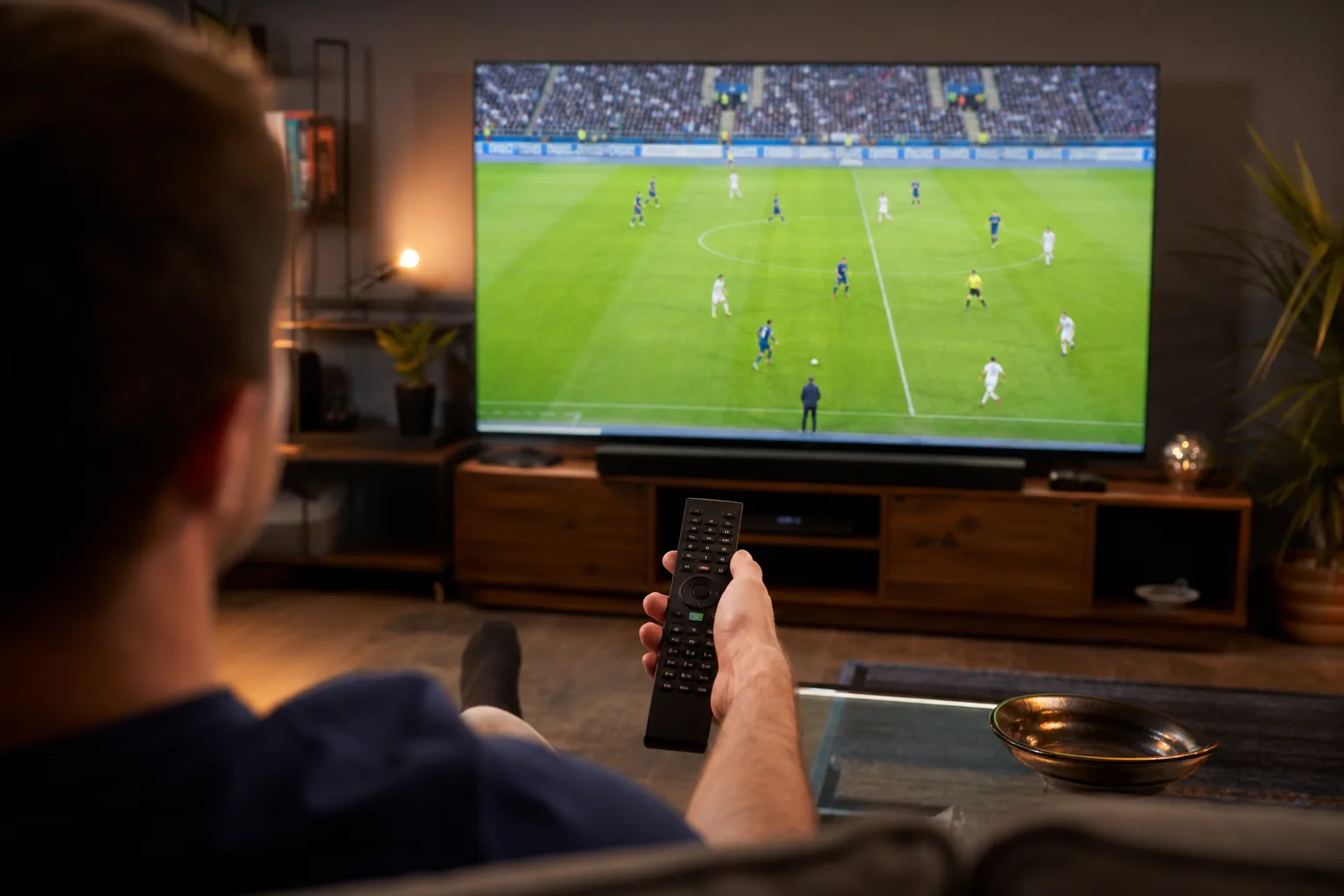
- To watch 2026 World Cup in 4K, Fox One is your best and cheapest option at just $20 per month.
- You can watch 2026 World Cup for free in 4K by signing into Fox One with an existing streaming provider’s credentials.
- YouTube TV‘s new Sports Plan at $64.99 per month is a strong all-around cable alternative covering Fox, ESPN, and NBC Sports.
- Fubo offers the lowest entry price at $45.99 for the first month but charges an extra $5 add-on for 4K streams.
Table of Contents
How to Watch 2026 World Cup: Your Streaming Options Explained
The 2026 FIFA World Cup is here, spread across the US, Canada, and Mexico in the biggest expansion of the tournament in its history — with a schedule that runs from June 11 all the way through July 19. If you want to watch 2026 World Cup action without scrambling for a cable subscription, you’ve got more choices than ever. The catch? Not all of them are equal, especially when it comes to picture quality.
Fox Sports holds the US broadcasting rights again, just as it did for Russia 2018 and Qatar 2022. That continuity means the setup is familiar — but familiar isn’t always smooth. Local broadcast bottlenecks, compression artifacts, and service-level quality caps mean that 4K is promised more often than it’s actually delivered. Here’s a clear-eyed look at every option, what it costs, and where the 4K experience actually holds up.
Every Service That Lets You Watch 2026 World Cup
YouTube TV Sports Plan
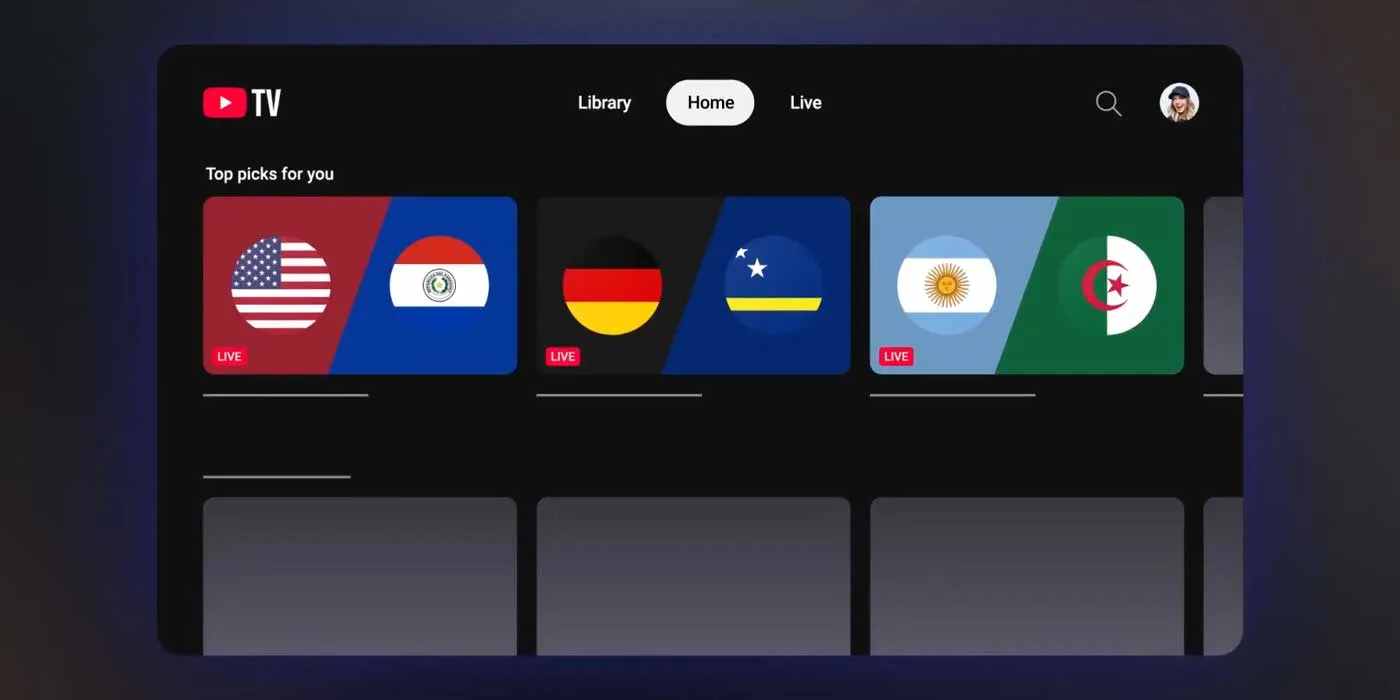
YouTube TV has been quietly repositioning itself as a more flexible cable alternative, and its new Sports Plan — launched earlier this year — is the most interesting development here. At $64.99 per month (or $54.99 for new subscribers locking in a year), it sits below the standard $82.99 base plan while still bundling Fox, FS1, ESPN networks, and NBC Sports Network. That’s a genuinely useful lineup if you want to watch 2026 World Cup matches across a month-long tournament.
One practical consideration: because the World Cup runs across roughly five weeks, most subscribers will need to pay for two billing cycles. Even so, the Sports Plan is cheaper than the base tier. It’s the kind of thing Google has been nudging YouTube TV toward for a while — carving out sports-focused tiers to retain cord-cutters who’d otherwise bail on the full package.
Fubo
Fubo pitches itself as the sports-first streaming service, and for most of the year that’s a reasonable claim. If you want to watch 2026 World Cup matches on Fubo, its base plan at $45.99 for the first month (rising to $55.99 after that) gets you Fox and FS1, which covers all the games. The entry price is the lowest of any full-service option listed here. The 4K caveat, though, is real — you’ll need to add a $5 4K add-on. Over two months, that adds up faster than the Fox One route.
Hulu + Live TV
Hulu doesn’t offer a standalone sports package, which is a meaningful disadvantage in this context. To watch 2026 World Cup games on Hulu and access Fox and FS1, you’re looking at the $89.99 per month plan. That’s the highest recurring cost on this list for a single sporting event. New subscribers do get a three-day free trial — enough to cover the opening weekend if you time it right — but beyond that it’s a hard sell purely for World Cup coverage.
Sling TV
Sling’s Select Plan at $19.99 per month includes Fox channels, making it technically the cheapest monthly subscription option here. The trade-off is coverage gaps. Sling’s local channel availability is patchier than its competitors’, and Fox availability specifically varies by market. Worth checking before you commit — the price is right, but only if the channel actually shows up in your area.
Fox One
Fox launched its own standalone streaming app, Fox One, specifically to give viewers a direct-to-consumer option. At $20 for the month, it covers every single World Cup match. For someone who just wants to watch 2026 World Cup action and nothing else, it’s clean and straightforward. Fox Corporation has confirmed that every match will be available in 4K through Fox One and most major Pay TV providers — and crucially, that’s not a marketing asterisk. It’s the most reliable path to a full-resolution stream.
The 4K Problem Nobody Talks About Enough
Here’s the thing about 4K streaming in sports: the signal chain matters as much as the source. Fox is transmitting a 4K signal for World Cup matches, but what your TV actually receives depends on what your streaming service does with it between Fox’s servers and your screen. YouTube TV, for instance, streams ESPN content at 720p even when the underlying broadcast is 1080p — a well-documented compression issue that frustrates subscribers every time a major event rolls around. The same dynamic applies when you want to watch 2026 World Cup games in 4K through a third-party service.
Fox Corporation has stated that every match will be available in 4K via Fox One and most major Pay TV providers. They’ve also highlighted that an unprecedented 40 matches — more than a third of the tournament — will air in primetime across Fox (21 matches) and FS1 (19 matches). That’s a bigger prime-time commitment than any previous World Cup broadcast in the US.
The resolution question is where streaming services consistently disappoint, and it’s a structural issue rather than a one-off technical glitch. Most services prioritise bandwidth efficiency over quality ceiling, which means they cap or transcode streams in ways that degrade the source material. Until services start competing seriously on picture quality rather than just price and content library, this gap will persist.
How to Actually Watch 2026 World Cup in 4K
The cleanest solution is also the most direct one: use the Fox One app. You have two ways to watch 2026 World Cup matches in 4K through it.
- Pay directly: $20 for the month, full access to every match in 4K. No other subscription required.
- Use existing credentials: If you already subscribe to YouTube TV, Fubo, Hulu, or Sling, you can sign into Fox One using that provider’s login. This grants full access to all matches in 4K without paying the Fox One fee separately.
That second option is the one most people will overlook, and it’s genuinely useful. It’s the same authentication model that ESPN uses — if you’re a YouTube TV subscriber who wants 4K Stanley Cup coverage, for example, you’d sign into the ESPN app with your YouTube TV credentials to bypass the 720p cap on YouTube TV’s own stream. The same logic applies when you watch 2026 World Cup matches: your existing subscription unlocks a better version of the same content through a different front door.
Fubo’s 4K add-on ($5/month) is another legitimate route, but given that Fox One solves the problem for free if you already have a subscription — or for $20 if you don’t — it’s hard to make a case for paying Fubo’s base rate plus the extra fee.
When Does the 2026 World Cup Start?
The opening Group A match kicks off at 3 p.m. ET on June 11, with Mexico taking on South Africa. South Korea and Czechia follow on June 12 at 10 p.m. ET. The tournament runs through July 19, when the final is played at 3 p.m. ET. With all matches spread across five-plus weeks, there will be stretches where multiple games are played simultaneously — exactly the kind of scheduling that puts streaming infrastructure under pressure and makes it harder to watch 2026 World Cup games in reliable 4K.
Which Service Should You Actually Pick?
It depends on what you already have. If you’re a cord-cutter with no active sports subscription, Fox One at $20 is the obvious move — lower cost than any alternative, and the best guaranteed picture quality. If you’re already paying for YouTube TV, Fubo, or Hulu, don’t pay Fox One separately — just sign into the Fox One app with your current credentials and watch 2026 World Cup matches in 4K for nothing extra. If you want a full cable replacement that covers the World Cup and keeps working after July 19, YouTube TV’s Sports Plan at $64.99 is the most complete offering, though you’ll need to decide whether the price jump from Sling or Fox One is worth the broader channel lineup.
The broader takeaway here is one the streaming industry hasn’t fully reckoned with yet: sports rights are increasingly the anchor holding pay-TV bundles together, and the fragmentation of those rights across apps, tiers, and add-ons is quietly making the experience worse for ordinary viewers. Fox One’s credential-sharing workaround is a band-aid, not a solution. What fans actually want is simple, consistent 4K access without a scavenger hunt through authentication menus. Until the industry figures that out, knowing the workarounds is the only real advantage a viewer has.
Frequently Asked Questions
What is the cheapest way to watch 2026 World Cup in 4K?
The Fox One app is the most affordable path to 4K coverage at $20 for the month. Alternatively, if you already subscribe to a compatible streaming service, you can sign into Fox One with those credentials and access all matches in 4K at no extra charge.
Does YouTube TV stream the World Cup in 4K?
Not directly. YouTube TV typically downscales broadcasts — similar to how it streams ESPN at 720p instead of the native 1080p. To get a true 4K feed, the recommended workaround is to use the Fox One app and authenticate with your YouTube TV credentials.
When does the 2026 FIFA World Cup start and end?
The tournament kicks off on June 11 with Mexico vs South Africa at 3 p.m. ET. The final match is scheduled for July 19 at 3 p.m. ET, meaning the tournament runs for just over five weeks.
Does Fubo offer 4K World Cup streams?
Fubo does appear to support 4K streaming for the World Cup, but it requires a $5 add-on on top of your base subscription. The first month costs $45.99, rising to $55.99 for subsequent months, making it pricier than Fox One for 4K-only viewers.

