


Google has spent years making Gemini answer questions. Gemini Spark is the more consequential bet: an assistant that is supposed to go off, use your Google data and tools, and actually finish work. That feature is now rolling out to Google AI Pro subscribers in the US, after arriving for the pricier AI Ultra tier in May.
That sounds like a familiar AI promise, because it is. Every major platform company wants an agent that can turn a vague request into a completed chain of actions. But Google has one advantage that rivals would dearly like to have: a huge number of people already live inside Gmail, Calendar, Drive, Docs and Search. If Spark works reliably, it could turn that bundle into a fairly formidable personal operating system.
- Gemini Spark is now rolling out to Google AI Pro subscribers in the US after its earlier AI Ultra debut.
- Gemini Spark can run up to 15 tasks, combining schedules, reusable skills, Connected Apps, browser control, and code execution.
- Google has expanded Workspace actions to cover Gmail, Calendar, Drive, Docs, Sheets, Slides, Keep, and Google Tasks.
- The real test is whether users trust an AI agent with calendar changes, email drafts, file edits, and bulk task management.
Table of Contents
Gemini Spark moves beyond the chatbot window
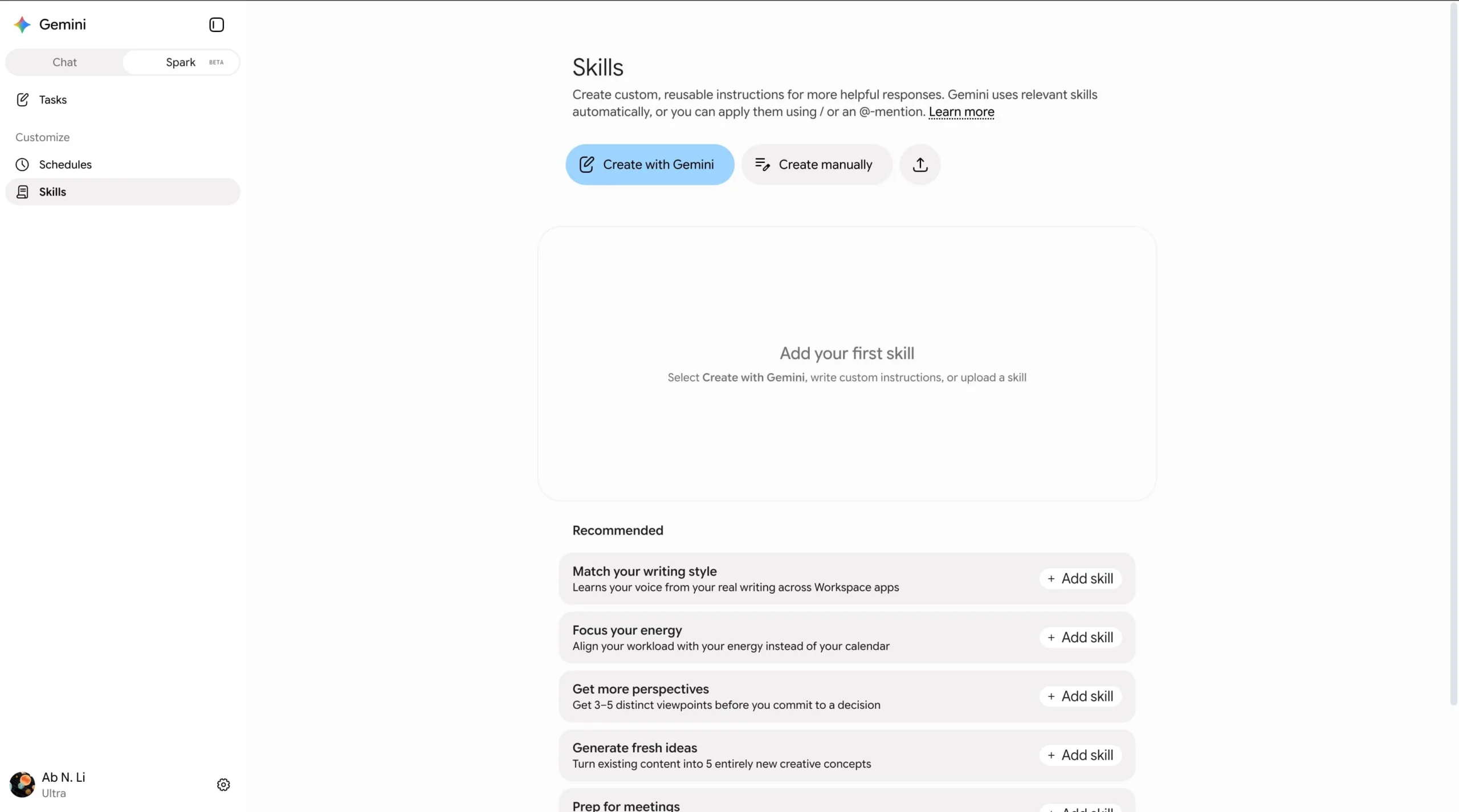
On the web, Gemini Spark appears as a new tab in Gemini’s navigation drawer. Android and iOS users get a dedicated page. The product is built around a simple hierarchy: a Task is the outcome you want; a Schedule tells it when to act; and a Skill is a reusable set of instructions and context that can be brought into a task.
Google’s own travel example makes the pitch clear. A user could ask the system to plan and manage a London business trip. If a flight delay occurs, a schedule could trigger a notification and request an itinerary update. Relevant travel-booking and Gmail-writing skills could then help rebook a hotel room and prepare a confirmation email.
It’s a more useful framing than asking a chatbot to ‘help with travel,’ which usually produces an eloquent list and leaves you to do every annoying bit yourself. The ambition behind Gemini Spark is to handle the annoying bits. It can draw on Connected Apps, Personal Intelligence, chats, Canvas, location, a remote web browser, computer control and code execution.
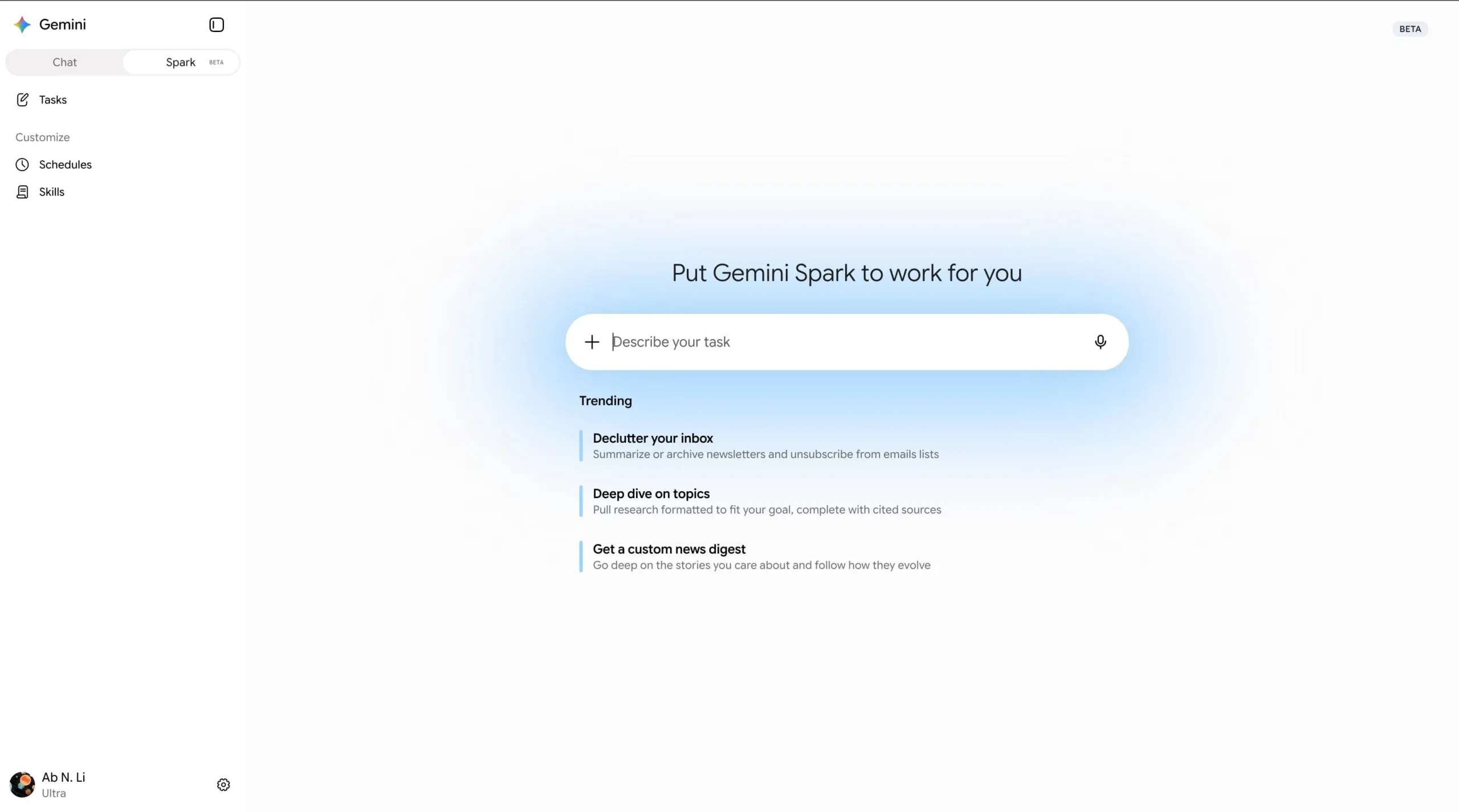
Google says users can have as many as 15 tasks running at once. Those tasks share the same compute-based limits that apply across Gemini, so this is not a blank check for handing your digital life to an autonomous intern. Still, 15 concurrent jobs is enough to make the product feel less like an occasional novelty and more like something people might build routines around.
Google Workspace is where the agent gets serious
The initial appeal of Gemini Spark will probably be strongest for people whose work already flows through Google Workspace. That makes sense: an agent is far more useful when the files, messages and meetings it needs are already sitting in one place. Google has been steadily broadening the connected actions available to it, and the list now reads like a map of modern desk work.
In Calendar, Spark can inspect schedules, RSVP to invitations, create events, change times and locations, cancel meetings, and suggest openings that suit attendees’ availability. Gmail support covers searching threads, summarizing conversations, drafting messages, forwarding email, replying to existing threads and applying labels. Anyone who has spent twenty minutes reconstructing a decision from a six-month-old email chain can see the appeal.
- Drive actions include searching files, reading contents, checking metadata, viewing recent documents, renaming files and deleting them.
- Docs, Sheets and Slides support creation and editing, comment reading, spreadsheet formulas and presentation changes.
- Keep support lets the agent retrieve or create private notes and lists.
- Google Tasks support includes finding, adding, updating and deleting reminders and tasks.
There are guardrails, though they are uneven. For shared documents, spreadsheets and presentations, Google says users must review and confirm Spark’s planned edits. That is the right instinct. A badly placed edit in a shared quarterly plan can create the sort of low-grade workplace chaos that no one remembers to blame on the software.
The more eyebrow-raising exception is Google Tasks. Google warns that the agent can carry out bulk actions on private tasks without asking for confirmation, and tells users to review requests before submitting them. Fair warning, but I’d argue that deletion or broad modification should default to a clear approval step everywhere. Agents are most dangerous when they are confidently wrong at scale.
The trust problem is bigger than the feature list
Gemini Spark joins a busy field. Microsoft has been pushing Copilot agents through Microsoft 365, while OpenAI and Anthropic have each been moving their models closer to browser-based and computer-use workflows. The direction of travel is obvious: the industry is trying to graduate AI from text generator to software operator.
Google’s version has an especially intimate set of permissions. Calendar entries reveal where you’ll be and with whom. Gmail contains contracts, receipts, family conversations and the occasional regrettable draft. Drive can hold everything from payroll data to medical paperwork. An agent that can connect those dots is useful precisely because it has access to the things you would not hand to a random website.
That puts pressure on Google to make the limits legible. Users need to know which app Spark is reading, what it intends to change, whether a task is still running, and how to stop it. The company’s Gemini support documentation is a sensible place to spell out those controls, but the best safety interface is one that appears at the moment a user is about to delegate something consequential.
This also explains why the travel example is more complicated than it first appears. Recommending an alternative flight is one thing. Booking it, changing a hotel reservation, informing colleagues, updating a calendar and accounting for a traveler’s preferences is an entirely different category of responsibility. A human assistant is trusted not because they never make mistakes, but because they understand which mistakes need a phone call before they happen.
What the rollout means for Google AI Pro users
For now, the expansion is limited to Google AI Pro members in the US, with availability in other countries promised ‘soon.’ The staged release is unsurprising. Gemini Spark combines a language model with permission systems, browser automation and account-management tools. That is a lot of machinery to wrap around one assistant, and each layer can fail in a different way.
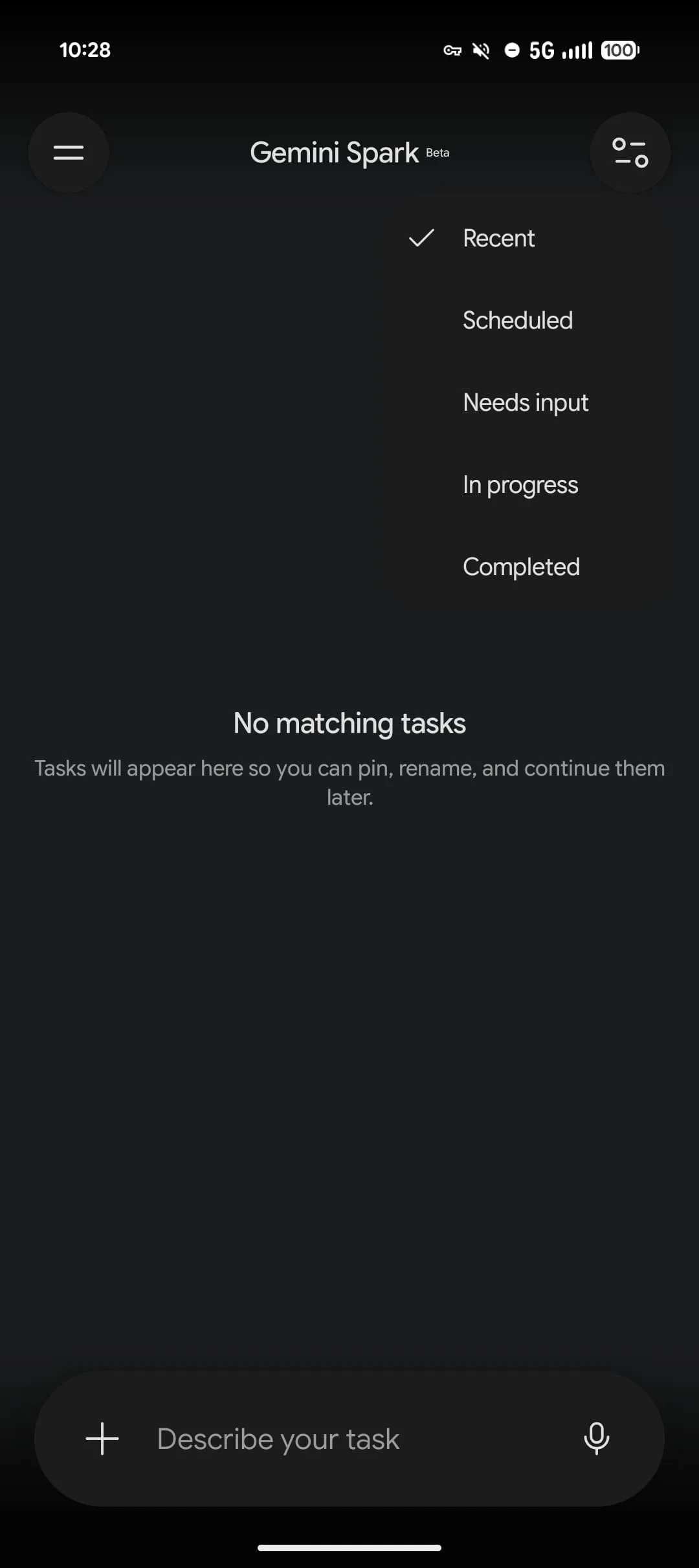
Google has also linked Spark to its macOS Gemini app, allowing users to start tasks such as browsing files from their phone. That small detail hints at the broader goal. Google does not want Gemini to be a destination you visit when you have a question. It wants it to follow the thread of your work across screens and pick up jobs where you left them.
Frankly, this is where the AI race gets real. Better prose generation is useful, but it is becoming a commodity. An assistant that can reliably find the relevant email, cross-check a calendar, update a spreadsheet and ask before making an irreversible choice could earn a recurring place in people’s working lives. If Gemini Spark gets that balance of initiative and restraint right, Google AI Pro may start to look less like a chatbot subscription and more like rent for a digital assistant. That is a much stickier proposition — and a much harder one to get right.

