

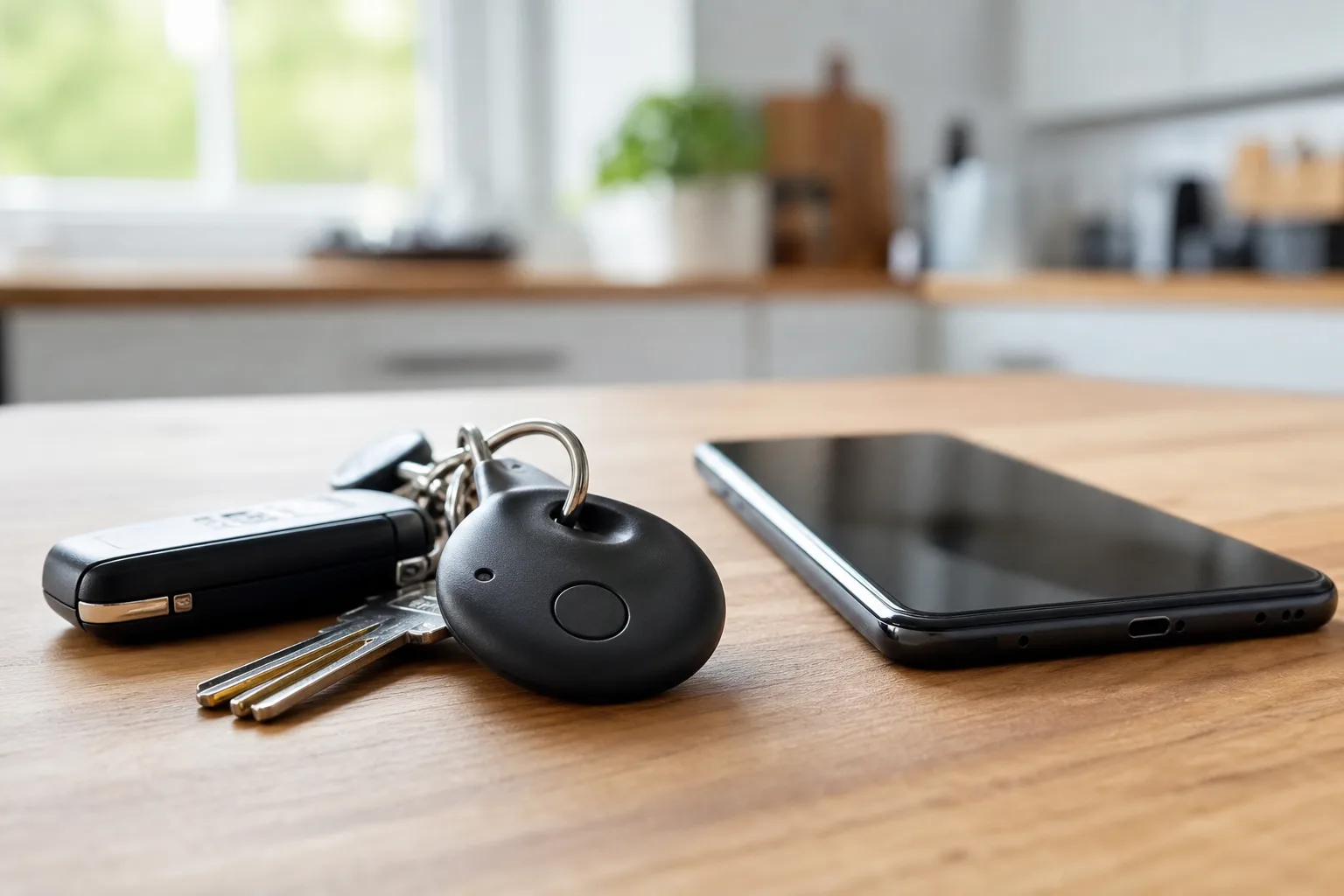
A tracker is one of those gadgets that sounds frivolous right up until your keys vanish five minutes before you need to leave. That is why a rumored Pixel Tag matters more than its tiny form factor suggests. Google doesn’t merely need an Android answer to Apple’s AirTag; it needs to fix one of the remaining moments when even committed Pixel owners may still reach for an iPhone.
Apple made the category feel boring in the best possible way. An AirTag sits on a key ring, in a bag, or tucked into luggage and mostly asks nothing of its owner. Then chaos arrives: a missed train, a misplaced backpack, an airport baggage carousel that suddenly looks like a bad betting market. The tracker earns its keep.
Google has already laid some groundwork with Find Hub, its updated branding for the Android device-finding system. But hardware is easy compared with trust. My read is that Google can make a perfectly decent tag; the harder question is whether it can make Android’s sprawling device base behave like one dependable locating network.
- A Pixel Tag needs ultra-wideband guidance, not merely Bluetooth alerts, to match the practical usefulness of Apple’s Precision Finding.
- The Pixel Tag will live or die on whether Google Find Hub can reliably locate items beyond their owner’s immediate Bluetooth range.
- A replaceable coin-cell battery would make a Google tracker more practical than another accessory users need to remember to charge.
- Google has the Android scale to compete with AirTag, but default privacy settings and network participation remain the hard part.
Table of Contents
Pixel Tag needs to solve the last few feet
The non-negotiable feature is ultra-wideband, or UWB. Bluetooth can tell a phone that a tracker is close. It cannot reliably tell you whether the tracker is behind the sofa, inside a coat pocket, or sitting in the kitchen drawer you already opened twice. That final search is where Apple’s Precision Finding has earned its reputation.
On compatible iPhones, an AirTag can show an arrow, an approximate distance, and haptic feedback as the owner gets closer. It sounds modest until you use it. Finding keys becomes less like a household scavenger hunt and more like following a sat-nav instruction for ten seconds.
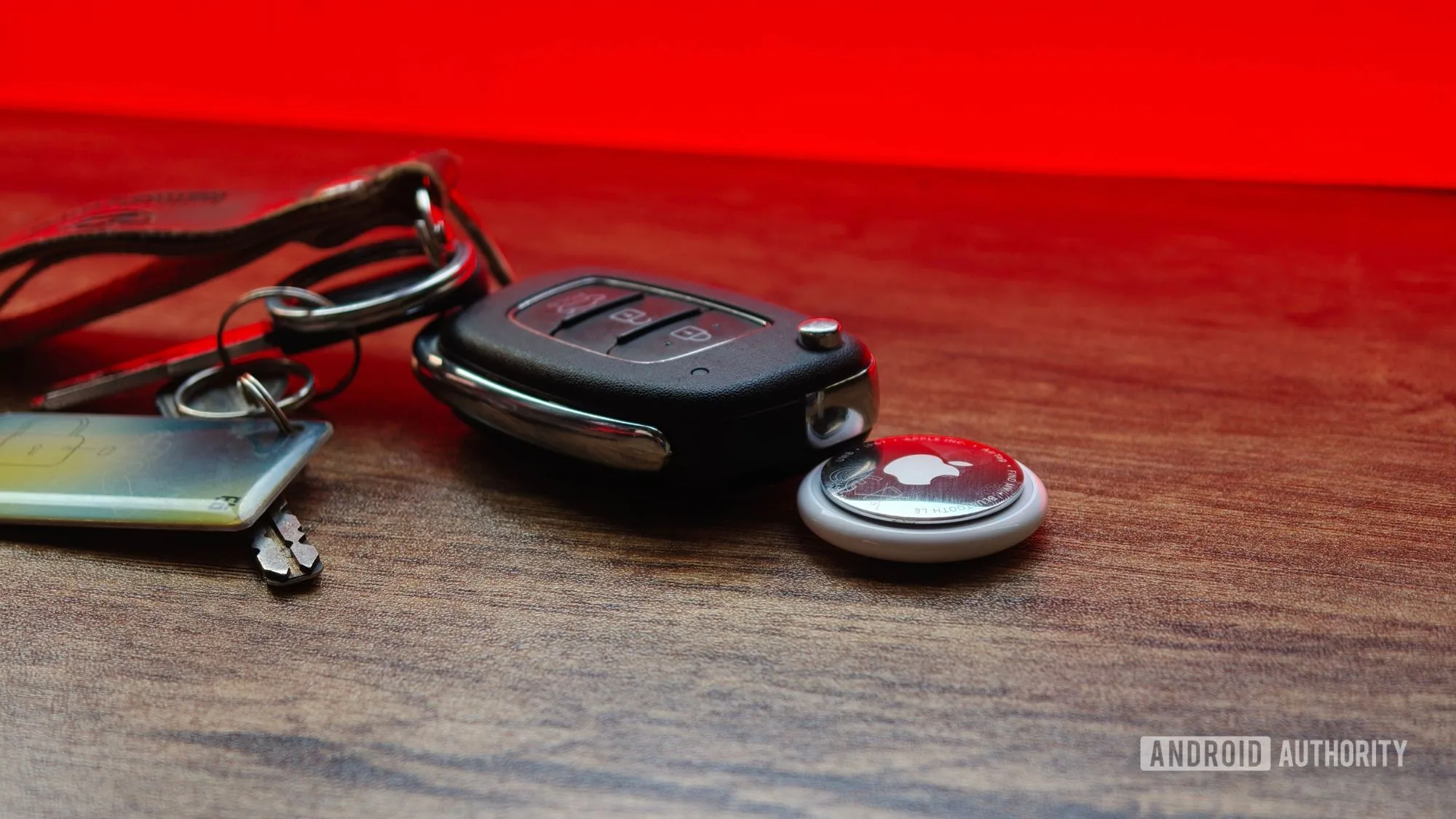
A Pixel Tag has to offer that same basic experience on Google hardware. This is well within reach: Google has included UWB radios in recent Pixel Pro phones, and Android supports the underlying technology. The company has already demonstrated UWB-based ranging in its ecosystem through compatible tracker partners.
There is one catch. Google cannot reserve useful precision finding for a narrow sliver of expensive phones and call it a win. Apple’s own support has limits, but Android is far more fragmented. If only flagship Pixel owners get the arrow while everyone else gets a vague proximity indicator, the category will feel unnecessarily tiered. Google should make UWB standard across more Pixels and be blunt about which Android models support it.
The network matters more than the tag
Every Bluetooth tracker has a slightly awkward secret: it is not really finding anything by itself once the owner is far away. It needs passing phones. An AirTag without Apple’s Find My network is a beeper with good industrial design.
Apple’s approach is powerful because it is nearly invisible. A nearby iPhone, iPad, or Mac can detect a lost AirTag and relay an encrypted location update. Neither the passer-by nor, Apple says, Apple itself needs to know whose tracker was involved. Apple details the privacy model in its Find My network security documentation, and that quiet background participation is the entire point.
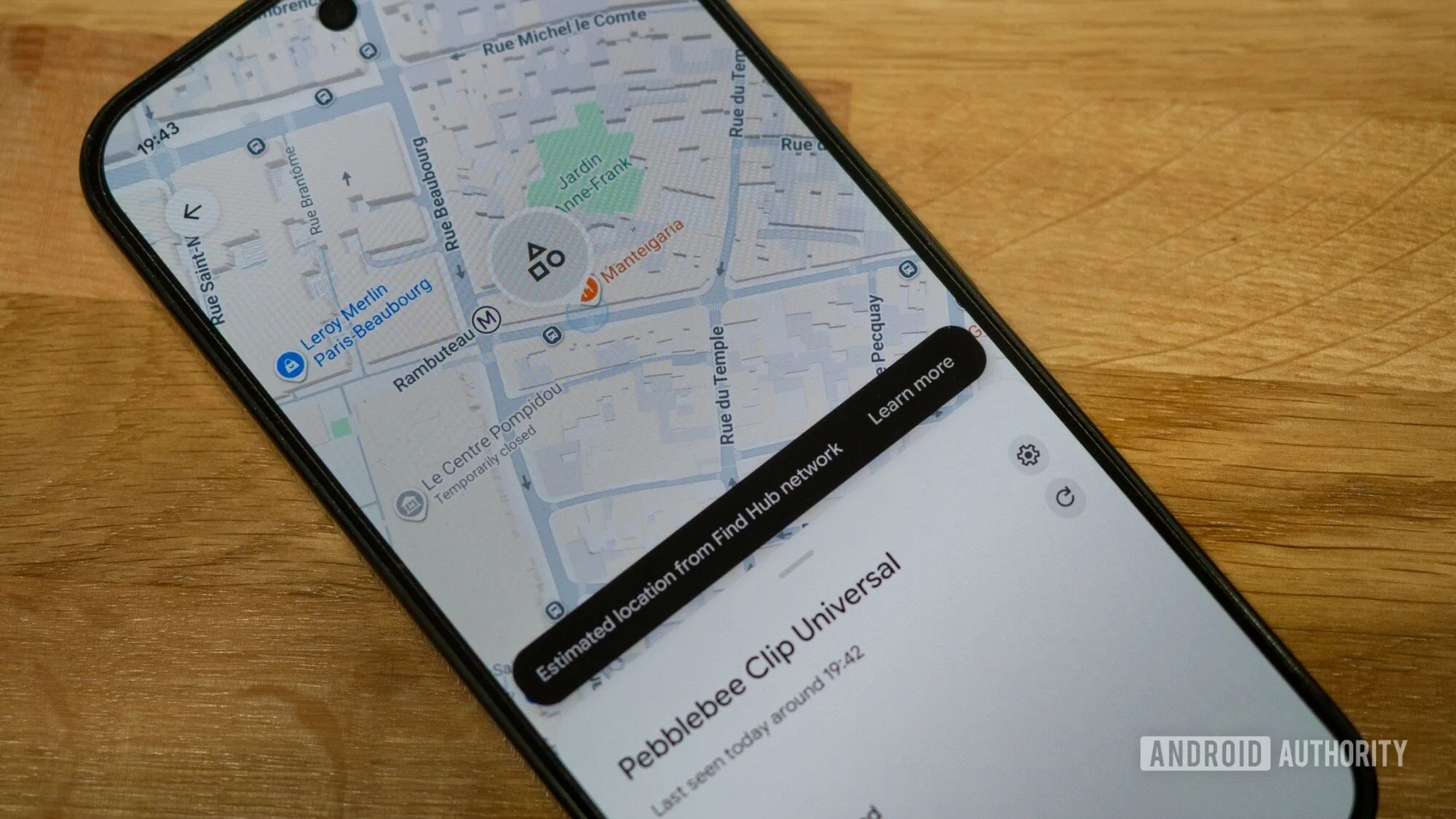
Google Find Hub has a comparable ambition, and Android’s global footprint gives it enormous potential. On paper, there are vastly more Android phones in circulation than iPhones. But on paper is where platform advantages often go to die. Android’s tracker network has faced a classic trade-off: wider detection coverage can make people uneasy about privacy, while stricter participation settings can leave a lost item stranded in a low-traffic area.
For the Pixel Tag, Google should make the strongest privacy-preserving network option clear, prominent, and easy to enable during phone setup. Better yet, it should explain the trade-off in plain English rather than bury it in a settings screen. People are willing to help locate a stranger’s lost suitcase if the process is anonymous and battery-friendly. They are less willing when the prompt reads like it was drafted by a legal department at 2 a.m.
Apple’s advantage is not that its trackers have magical radio hardware. It is that millions of people participate without having to think about it. Google needs that same boring reliability. If these networks are only useful in dense city centers, they are not replacing the experience of finding luggage at the wrong airport or a bag left at a roadside stop.
Google should not turn battery life into homework
Frankly, rechargeable trackers are a trap for this product category. A Pixel Tag should use a replaceable coin-cell battery, ideally a common cell like Apple’s AirTag. Those batteries are cheap, widely available, and long-lasting in typical use. When the tracker warns that power is low, the owner should twist open the back, swap the cell, and forget about it again.
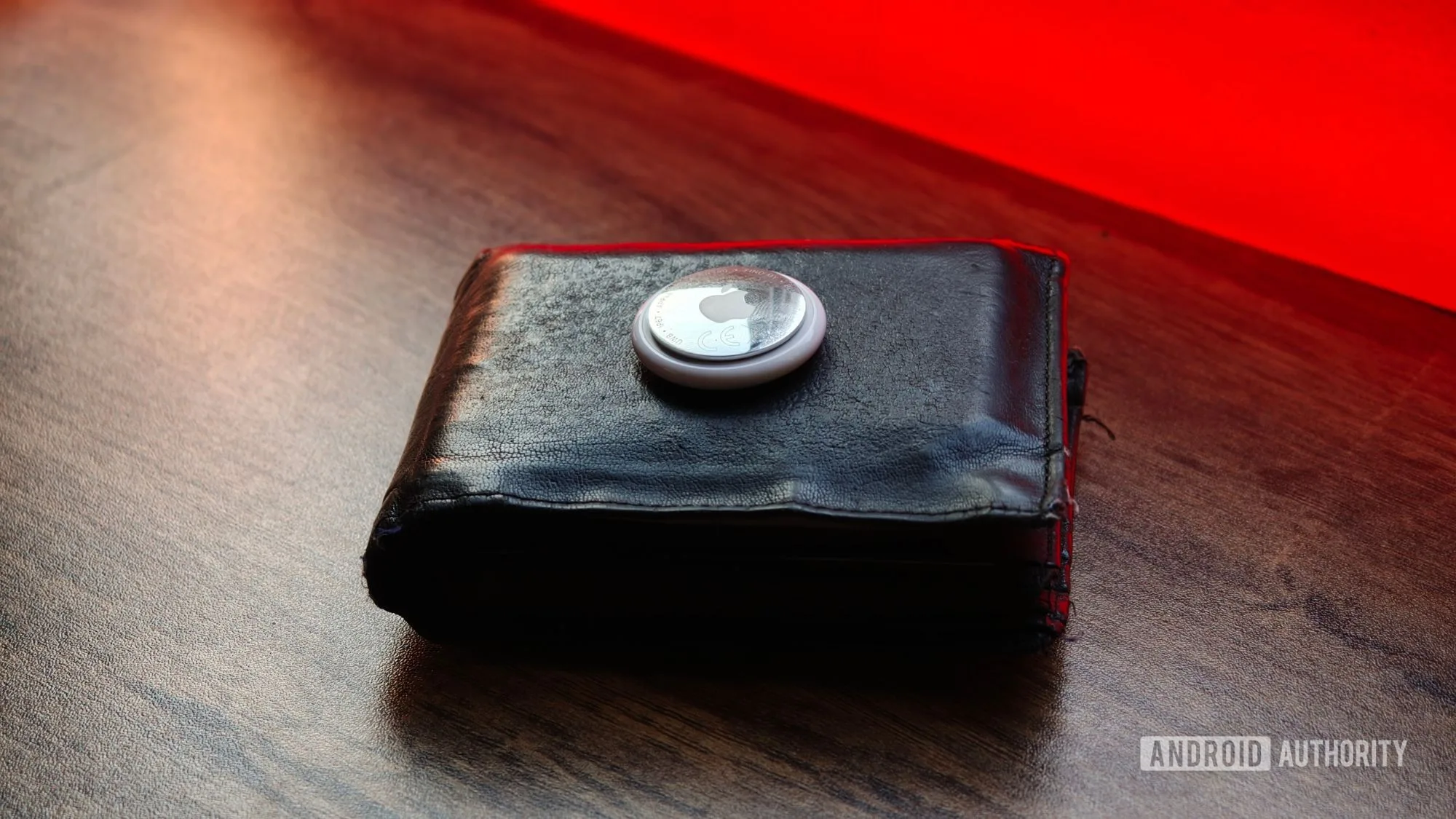
That is not glamorous, which is exactly why it works. Nobody wants a charging cable for a tracker attached to a suitcase used four times a year. A dead tracker is worse than no tracker because it creates false confidence. Google has occasionally been tempted by cleverness in hardware design, but this is a place to copy the dull, proven solution.
Google also needs to treat the physical object seriously. The Pixel Tag should be water-resistant, loud enough to hear under clothes or cushions, and thin enough to fit common accessory holders without forcing everyone into a proprietary case ecosystem. Apple’s AirTag gets criticized, fairly, for requiring accessories to attach it to many items. Google has a chance to include a hole or a practical mounting option from day one.
Anti-stalking protections are part of the product
A tracker that helps recover a lost bag can also be abused to follow a person. There is no way around that unpleasant reality, and a Pixel Tag cannot be judged solely by how often it finds keys. Cross-platform unwanted-tracker alerts need to keep improving.
Owners should receive clear alerts when an unknown tracker appears to be traveling with them, and the tag itself should make a detectable sound after appropriate safeguards. At the same time, protections cannot be so aggressive that a thief is effectively handed an alert that tells them precisely when to ditch a stolen bag. This is a hard balance, not a problem solved by one settings toggle.
Google has a real opening here. A well-executed Pixel Tag would give Pixel users an accessory they have been conspicuously missing, while putting competitive pressure on Apple and tracker makers such as Chipolo and Pebblebee. But Google should resist launching just because the spec sheet looks complete. A tracker is a promise that, on the day something important goes missing, the system will show up. We will see whether Find Hub is ready to make that promise credible.
Frequently Asked Questions
What would a Pixel Tag need to compete with Apple AirTag?
It would need precise nearby finding through ultra-wideband, loud alerts, durable hardware, and broad crowdsourced location coverage through Google Find Hub. A low-cost, replaceable battery would also matter because trackers are meant to disappear into daily life for months at a time.
Does Google Find Hub work like Apple Find My?
The basic idea is similar: nearby devices can anonymously help report a lost accessory’s location. Apple benefits from a large, default-on ecosystem, while Android’s participation settings and the real-world density of Find Hub devices will determine how dependable Google’s network becomes.
Why does a Pixel Tag need ultra-wideband?
Ultra-wideband can provide direction and distance when a lost item is nearby, rather than only indicating that it is somewhere in Bluetooth range. That turns the final search from wandering around a room while a tracker chirps into following an on-screen arrow.

