

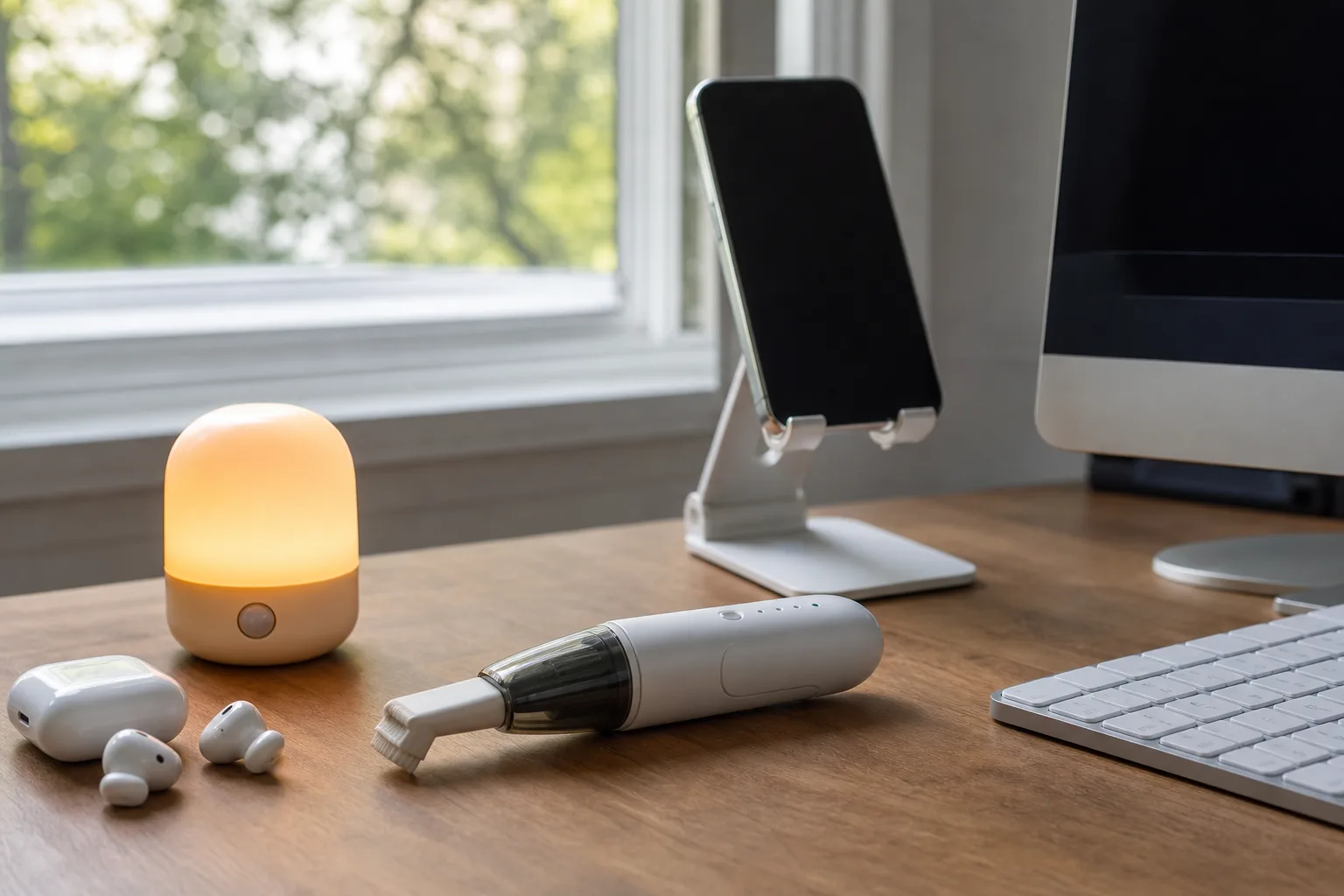
- Cheap tech accessories work best when they remove a recurring annoyance without creating another charging, setup, or clutter problem.
- The most useful cheap tech accessories include motion lights, stable phone stands, keyboard vacuums, and purpose-built earbud cleaning pens.
- Magnetic car mounts are convenient, but drivers should place phones carefully and avoid treating a dashboard as a second screen.
- A low price should invite scrutiny, not impulse buying: check battery replacement, adhesive quality, and return policies before purchasing.
Table of Contents
The case for cheap tech accessories
The best cheap tech accessories are rarely glamorous. They’re the little bits of plastic, magnets and LEDs that stop an ordinary annoyance from happening for the hundredth time: getting blasted by a bathroom light at 3 a.m., balancing a phone against a coffee mug, or discovering that your keyboard has quietly become a granola bar graveyard.
That sounds trivial until you add up how people actually use technology. We spend all day buying expensive devices designed to do everything, then discover that an inexpensive stand or a tiny night light makes the device less irritating to live with. Frankly, that’s a better value proposition than plenty of flashy consumer tech launches.
The caveat is that the under-$10 marketplace is a minefield. Amazon, Temu and their many third-party sellers have made it absurdly easy to buy a clever-looking object at midnight and receive something that feels like it was assembled during a bus ride. So the point isn’t to stockpile random gadgets. It’s to find tools with simple jobs, few failure points and no fake-smart-app nonsense attached.
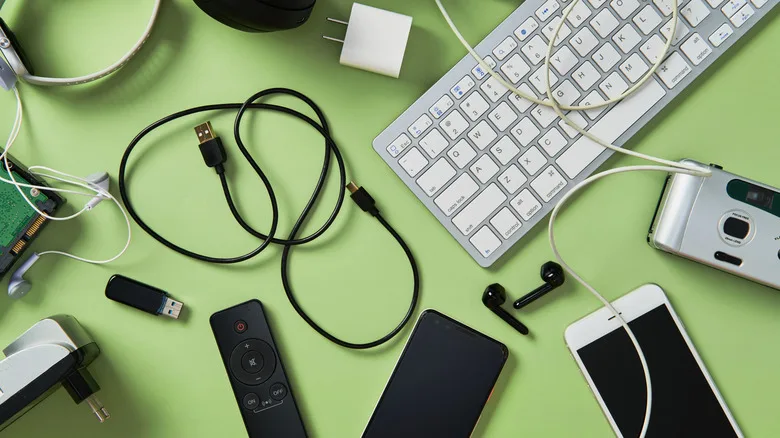
The five categories below pass that test, with a few practical warnings before you turn your junk drawer into a startup accelerator.
Cheap tech accessories for the small problems that repeat
1. Motion-sensor lighting beats the midnight light switch
A motion-activated bathroom light is one of those purchases that seems silly right up until the first time it saves you from turning on an overhead light bright enough to interrogate a suspect. Battery-powered LED puck lights can stick under a vanity, beside a toilet or near a hallway floor. Plug-in sensor lights are even less fuss if there’s an outlet in the right place.
Among cheap tech accessories, the real advantage is social, not technical: you can get a little light without waking the person next to you. Look for a warm color temperature, an automatic shutoff, and a mounting system that doesn’t involve drilling into rental-apartment drywall. LEDs sip power, but battery models still need accessible battery compartments; a cheap light that requires demolition to replace its cells is not a bargain.

2. A phone stand is embarrassingly useful
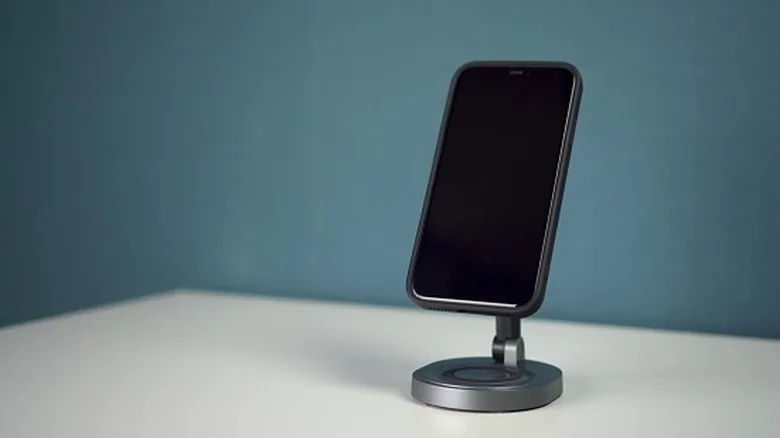
Phone stands are the closest thing on this list to office stationery, and I mean that as praise. A basic adjustable stand can hold a phone upright for a video call, a recipe, a transit app or a makeshift webcam setup. It also gives an old phone a credible second life as a desk clock, security camera monitor or music controller.
For cheap tech accessories, stability matters more than adjustability. Buy one with a broad base, a lip that leaves room for a charging cable, and enough width to hold a phone in a case. Portrait and landscape support are useful, but don’t get hypnotized by product listings that promise twelve angles and aerospace aluminum. You need it to avoid toppling over when you tap the screen. That’s the whole assignment.
3. Desktop vacuums make keyboard cleaning less gross
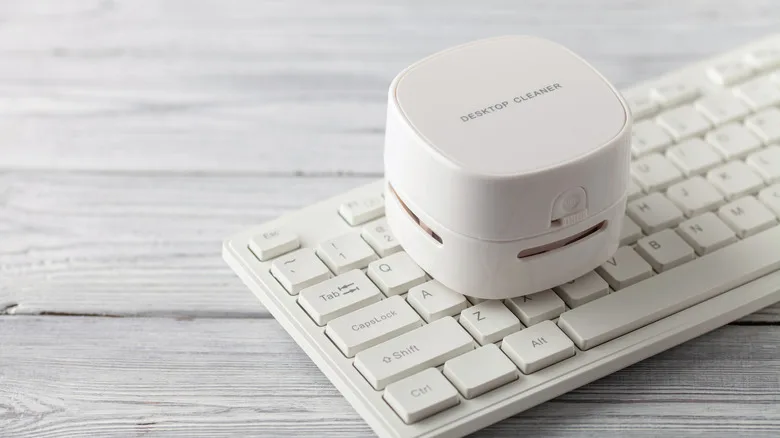
There are two kinds of keyboard owners: people who clean between the keys, and people who have chosen peace through denial. A small rechargeable desktop vacuum won’t replace a full-size vacuum or compressed air for a serious cleanup, but it can deal with crumbs, dust and pet hair before they settle into permanent residency.
As cheap tech accessories go, these gadgets are particularly handy around mechanical keyboards, where a brush alone tends to relocate debris rather than remove it. Shut down a laptop or disconnect an external keyboard first, then use a low-power setting and a soft brush attachment where possible. Don’t jam a nozzle under keycaps with the confidence of a surgeon. The goal is maintenance, not an accidental key-switch extraction.
Where a bargain needs a little caution
4. Magnetic car mounts are convenient, not consequence-free
Peel-and-stick magnetic mounts remain one of the more dependable answers for cars without built-in navigation screens. Compared with vent clips and aging suction cups, a properly attached dashboard magnet has fewer moving parts and generally holds a phone securely enough for maps or hands-free calls.
But this is where cheap tech accessories can become a bad decision if convenience outruns common sense. Put the phone where you can glance at directions without blocking the road, keep it away from airbags, and resist using it as an entertainment screen. A mount makes a phone easier to see; it does not make distracted driving less dangerous.
There’s a hardware wrinkle, too. Apple reports that magnets can influence photo quality in certain cases. Its support guidance on magnets and iPhone cameras is worth reading before you stick a metal plate close to the camera module. If your photos start looking oddly soft after adding a mount, you have a suspect.
5. Earbud cleaning pens are more sensible than they sound
Wireless earbuds live in pockets, bags and ears. Their tiny speaker grilles collect the evidence. A dedicated cleaning pen, usually with a soft brush, narrow tip and small flocked sponge, is a much more controlled option than attacking your AirPods or Galaxy Buds with a pin, a toothpick or whatever is within reach.
These cheap tech accessories don’t perform magic, and they cannot revive a damaged battery or repair a failed speaker. What they can do is remove wax and debris that muffle sound or interfere with charging contacts. Use gentle pressure, skip soaking the buds in cleaning fluid, and make the habit routine. It’s the dental floss of personal audio: unexciting, mildly unpleasant, worthwhile.

Buy fewer gadgets, but make the small ones count
The trick to buying cheap tech accessories well is avoiding the familiar trap of buying a solution before identifying the problem. A motion light makes sense if you regularly stumble through a dark hall. A desktop vacuum makes sense if you eat at your desk. If neither describes you, leave them in the algorithmic bargain bin.
I’d also look past the star rating. Read the newest one-star reviews for clues about weak adhesive, misleading battery claims or products that arrive dead. Inexpensive accessories are often produced by sellers that vanish as quickly as they appear, which makes warranty promises mostly decorative. A known brand isn’t automatically better, but replacement parts, clear instructions and a real return process are worth something.
The pattern is hard to miss. The next useful piece of personal technology may not be a headset, an AI pin or another subscription connected to an app. It may be a humble object that makes the gear you already own behave a little more like it was supposed to in the first place.
Frequently Asked Questions
What cheap tech accessories are actually worth buying?
The best low-cost accessories solve a frequent, specific irritation. Motion-activated night lights, a stable phone stand, a keyboard vacuum, and an earbud cleaning pen all address routine problems without requiring an app, subscription, or complicated installation.
Do magnetic phone mounts affect smartphone cameras?
They can. Apple says magnets and magnetic accessories may interfere with optical image stabilization and autofocus systems on some iPhone models. A mount may still be practical, but users should avoid positioning magnetic hardware directly around the camera area and check for image issues.
How should I clean earbuds safely?
Use a dry, soft brush or a dedicated cleaning pen to remove debris from speaker grilles and charging contacts. Avoid pushing wax deeper into openings or using enough liquid to seep inside. Regular light cleaning is safer than waiting until audio becomes muffled.