

Table of Contents
A turtle makes agency visible
“AI agents” has become one of those phrases that can mean almost anything depending on who is using it. In product pitches, it often describes software that can take a goal, decide what to do next, use outside tools, and keep going until it reaches an answer. In practice, the explanation tends to arrive wrapped in dense diagrams: vector databases, orchestration layers, API chains, memory systems. Those pieces can matter, but they can also hide the basic idea.
Turtle-Gemma, a small open-source project, strips the concept down to something a person can watch. A user speaks a drawing request. Google’s Gemma open-weights model interprets it. Then it selects from a limited set of actions—move, turn, and pen-color functions—to build an image one step at a time.
That is an agent in miniature. It is not magic, and it is not an all-purpose digital employee. It is a language model working inside a defined environment, translating an instruction into tool calls and responding through the consequences of those calls. The turtle is useful precisely because it turns an abstract process into a visible one.
The old Logo idea still has something to teach
The concept borrows from Logo, the educational programming language developed at MIT in the late 1960s. Logo gave beginners a simple way to learn programming: steer a virtual turtle around a screen with commands such as FORWARD 100 or RIGHT 90. The appeal was immediate. A command was not merely text; it had a visible result. Move too far and the turtle overshoots. Turn incorrectly and the shape no longer closes.
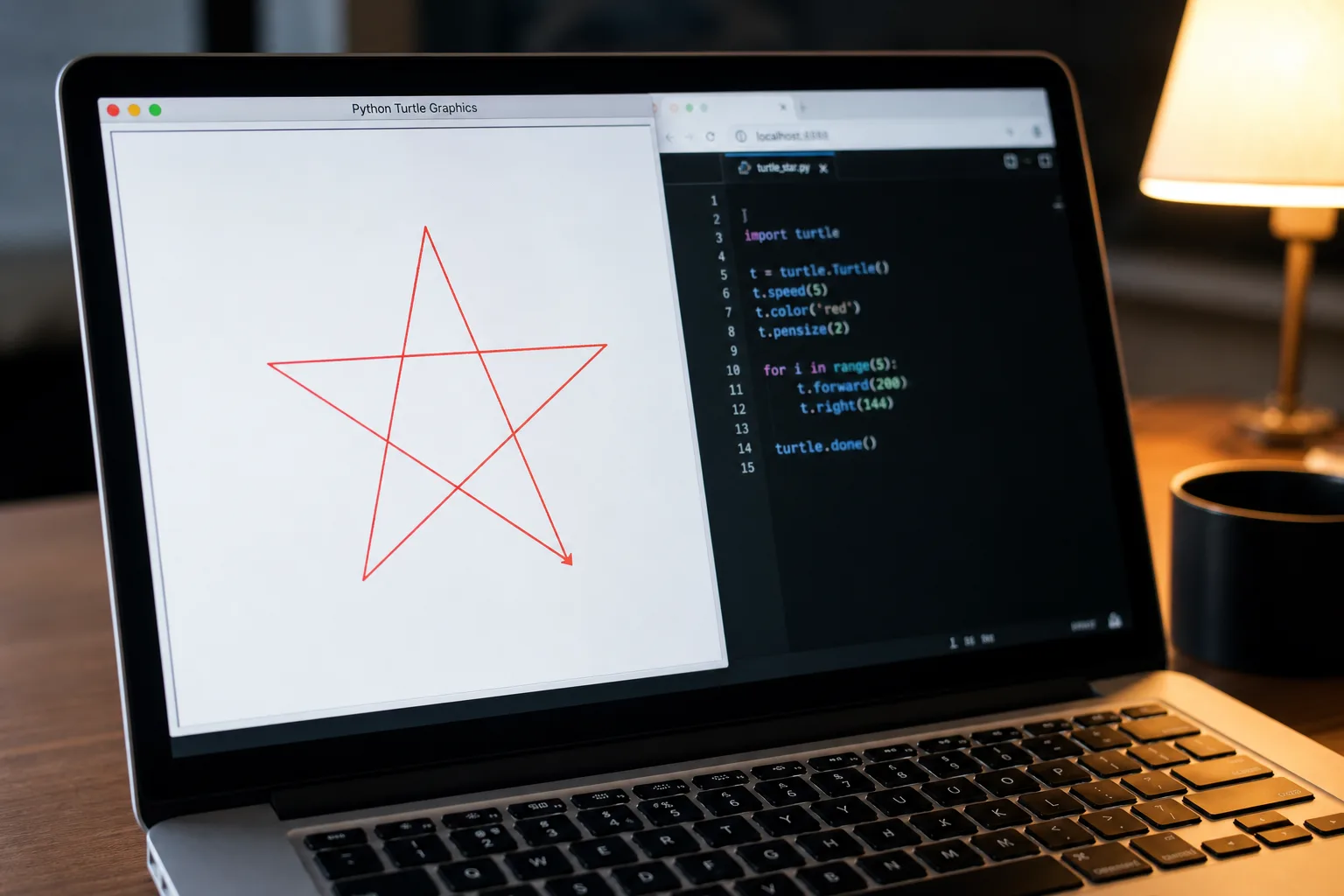
Turtle-Gemma puts a large language model in the driver’s seat. Open a browser, click a microphone button, and say something like “draw me a red star,” and the model has to convert the request into a sequence of basic operations. A star is not a single action available in the tool set. It must emerge from repeated movement, turns, and a choice of pen color.
That limitation is the point. Many demonstrations of AI agents conceal the intermediate work behind a polished final response. A model appears to research, plan, call a service, write a file, or complete a task, but the user sees mostly the beginning and end. Turtle-Gemma makes the middle legible. The drawing is the trace of the model’s decisions.
It also separates language ability from execution. The model may understand what a red star is in conversational terms, but understanding the phrase does not automatically produce a geometrically convincing star. It still has to select useful actions in an order that works. That gap between intent and execution is where much of the real work of agent design lives.
Tool calling is less mysterious when every action leaves a line
Tool calling is often presented as an advanced capability: a model decides when it needs a calculator, a search system, a database, or another external function, then passes the right inputs. The underlying pattern is simpler than the jargon suggests. The model is choosing from available actions instead of only generating prose.
In Turtle-Gemma, the available actions are concrete: move, turn, and pen-color. There is no need to imagine what happened inside an opaque workflow. If the model turns at the wrong moment, the viewer can see it. If it chooses an unhelpful sequence, the final picture reflects that sequence. The agent’s “reasoning,” at least in operational terms, is exposed as behavior.
This is a useful corrective to the tendency to treat agentic systems as if they were autonomous in a broad human sense. An agent is only as capable as the tools it can access, the constraints placed around those tools, and the feedback it receives while acting. Give a model a turtle and it can make marks. Give it a different tool set and it may perform a different kind of work. In both cases, the important question is not whether the model sounds confident. It is whether its actions are bounded, observable, and appropriate to the task.
That is why visual projects can teach more than an elaborate architecture diagram. The essential loop is right there: interpret a request, choose an action, observe the result, choose again. The turtle makes each stage physical enough to inspect.
A small stack is part of the lesson
The project is built from just Python, a Gradio UI, and a PIL canvas—no enterprise infrastructure required. That does not mean larger agent systems are simple, or that production software can ignore security, reliability, permissions, and cost. It does mean the core agent pattern does not inherently require a tower of specialized services before it can be understood.
There is a practical lesson here for developers and teams evaluating AI claims. Before adding layers of tooling, it is worth asking what the model actually needs to do. What actions are available? What is the model allowed to change? How will a person know when it has gone wrong? A small environment with a small tool set can answer those questions more honestly than a sprawling demo whose internal decisions are difficult to inspect.
The modest technical setup also makes Turtle-Gemma feel closer to an educational experiment than a corporate showcase. That is a strength. It invites people to focus on the mechanism rather than the branding around it. The model receives a request, operates a browser-based drawing environment, and produces a result on a PIL canvas. The story is easy to follow because the system has not buried its core behavior under enterprise language.
A wonky star is better feedback than a crash
Perhaps the most revealing part of the project is what happens when the AI makes mistakes. Instead of a crash, users may get a wonky star. That is not merely charming. It is a much healthier failure mode for learning about agentic software.
A crash says something failed, but often gives little sense of where the process went off course. A visibly imperfect drawing offers a more direct diagnosis. The request may have been interpreted imperfectly. The sequence of turns may not have matched the intended shape. The model may have selected plausible actions that did not add up to the desired result. Whatever the cause, the failure remains inspectable.
That kind of feedback is especially valuable as companies push agents into less playful settings. When an AI is using tools, the risk is not only that it returns a bad sentence. It can take a bad action. A constrained turtle environment keeps the stakes low while making the principle clear: systems should fail in ways that people can see, understand, and correct.
Trust in AI is not built by pretending errors will disappear. It is built when the system gives users a usable view of what it did and what it could not do. Turtle-Gemma’s imperfect drawings offer exactly that. The project does not make AI agents seem less complicated by denying the complexity. It makes them easier to grasp by putting that complexity on the canvas, one move and one turn at a time.

