


Every AI tool ships with some variation of the same caveat: ‘This AI can make mistakes.’ After years of watching confident chatbots fabricate citations, invent statistics, and cheerfully misremember facts, most of us have learned to treat that disclaimer as an understatement. So when a NotebookLM update genuinely shifts the needle on reliability and usefulness, it’s worth paying attention — not just as a product story, but as a signal about where AI-assisted research is actually heading.

- The latest NotebookLM update lets Gemini surface relevant sources mid-conversation, cutting early research time significantly.
- This NotebookLM update handles large documents with surprising accuracy, finding specific insights without the usual manual scrolling.
- New presentation tools let users feed raw data and receive structured, exportable slide decks in minutes.
- Expanded export options — Word, PDF, spreadsheets — finally let your work leave the notebook and travel with you.
Table of Contents
What This NotebookLM Update Actually Changes
Google has been quietly building NotebookLM into something more serious than most people give it credit for. Where earlier versions required you to arrive fully prepared — sources gathered, context explained, conversation carefully steered — the updated tool meets you much earlier in the process. You can show up with nothing more than a rough idea, talk it through, and watch Gemini pull in relevant sources in real time that can be imported directly into your notebook.
That might sound like a small quality-of-life improvement, but it fundamentally changes the research workflow. The exploratory, messy early phase of a project — the part where you’re not even sure what you’re looking for yet — used to happen entirely outside any AI tool. Now it can happen inside one. This NotebookLM update makes that a meaningful shift for anyone who spends serious time on research, whether that’s a student, a journalist, a strategist, or an analyst.
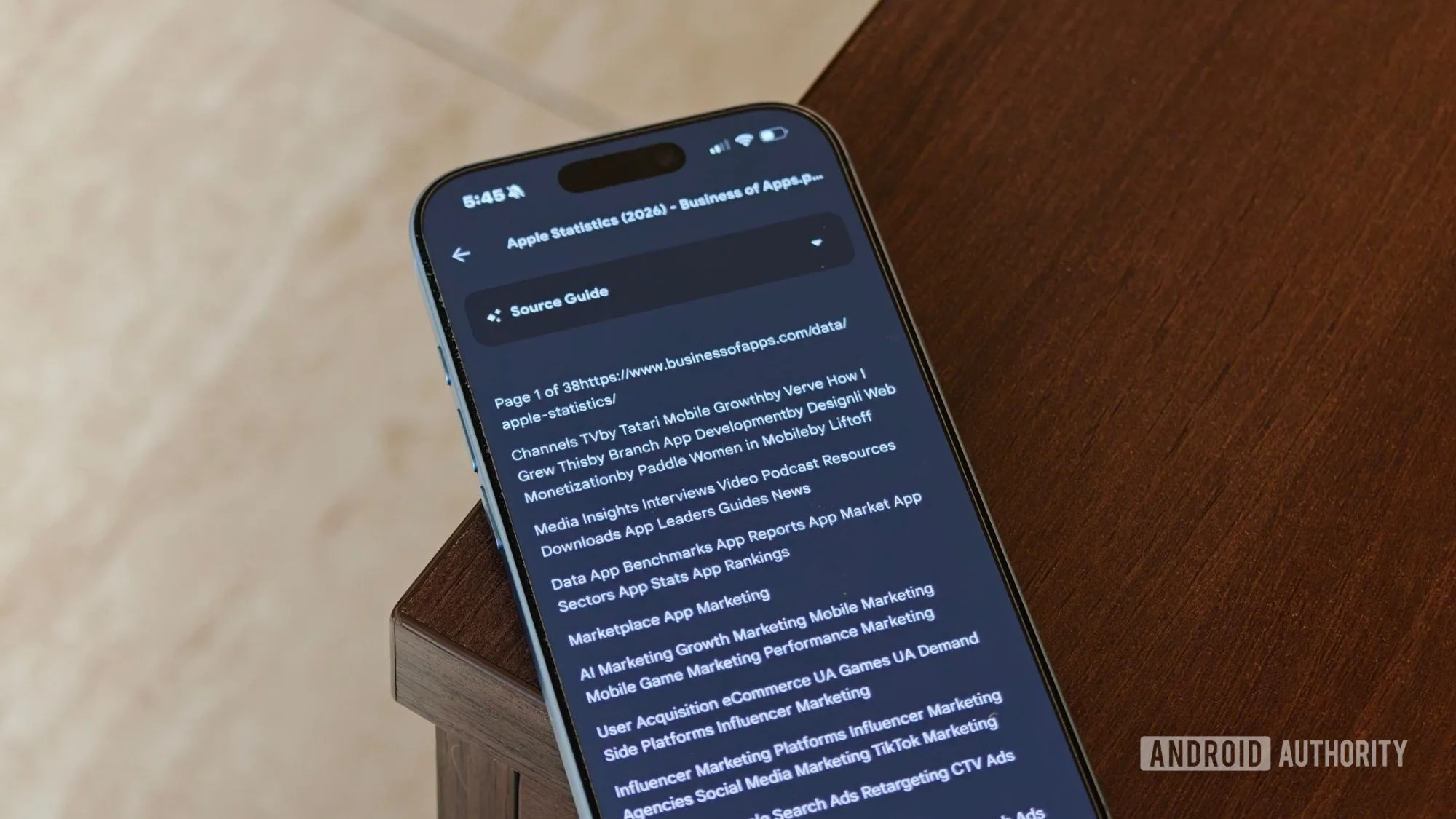
The source-surfacing feature works alongside Gemini’s existing strengths in document comprehension. Upload a lengthy PDF — a psychology thesis, a dense industry report, a contract — and the tool doesn’t just acknowledge its existence. It navigates it. Ask about a specific theory, a particular argument, or where a certain finding appears, and NotebookLM surfaces the relevant passage and synthesises a clear answer. No scrolling through dozens of pages. No trying to remember which section mentioned something three drafts ago.
Anyone who has ever tried to extract a specific insight from a massive document knows what a time sink that process is. The NotebookLM update addresses this directly — tools like Google NotebookLM are starting to make that problem feel genuinely optional rather than inevitable.
The Hallucination Problem — and Why This NotebookLM Update Addresses It Differently
Here’s the thing about AI accuracy that often gets lost in the broader conversation: general-purpose chatbots hallucinate partly because they’re synthesising from a vast, unverified training corpus. Ask ChatGPT or even Gemini a question in open chat and it draws on everything it’s ever been trained on, with no anchoring to a specific, verified source. NotebookLM operates on a different principle — it reasons over documents you provide, not the open web.
That architectural difference matters enormously for trust. When you upload your own research, your own data, your own documents, the model’s job is navigation and synthesis rather than open-ended generation. The blast radius of a hallucination shrinks considerably when the AI is working from a defined, controllable source set.
That’s not to say the tool is infallible. Early testing of this NotebookLM update still warrants careful verification — a habit that should stick regardless of how impressive any AI tool looks. But the pattern of accuracy observed across large documents has been notably more consistent than what most general AI assistants deliver on complex, source-dependent queries.
NotebookLM Update Turns Raw Data Into Presentations
Beyond document analysis, one of the more practically useful additions in this NotebookLM update is the presentation layer. Feed NotebookLM a spreadsheet full of social media metrics — engagement rates, follower growth, reach, impressions, month-over-month comparisons — describe the narrative you want the data to support, and it generates a structured slide deck. Not a random scatter of numbers across slides, but something that actually identifies trends, surfaces key takeaways, and organises information the way a thoughtful analyst would.
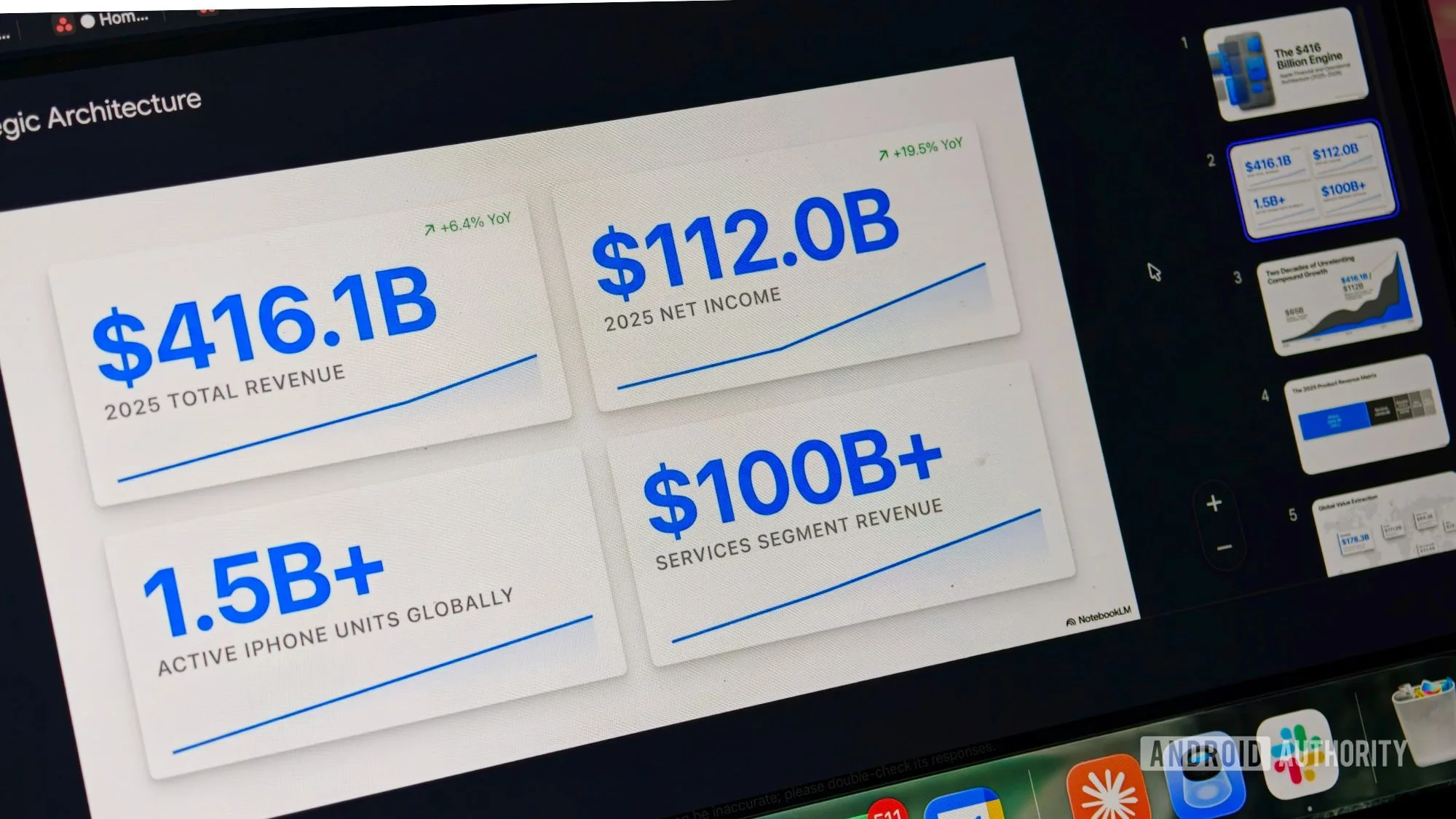
For anyone who works with clients and regularly produces performance reports, this is the kind of feature that quietly saves hours. The export options — presentation files, PDFs — mean the final output looks like something you assembled yourself, which matters in professional contexts where clients don’t necessarily need to know (or want to know) how the sausage was made.
There’s a broader trend here worth flagging. Tools like Canva, Notion, and Microsoft Copilot have all been racing to add AI-assisted presentation and reporting features. What differentiates the NotebookLM update’s approach is the tight integration with your own uploaded source material — the AI isn’t reaching for generic insights, it’s working directly from the data you gave it. That specificity is exactly what makes the output feel polished rather than generic.
Getting Your Work Out of the Notebook
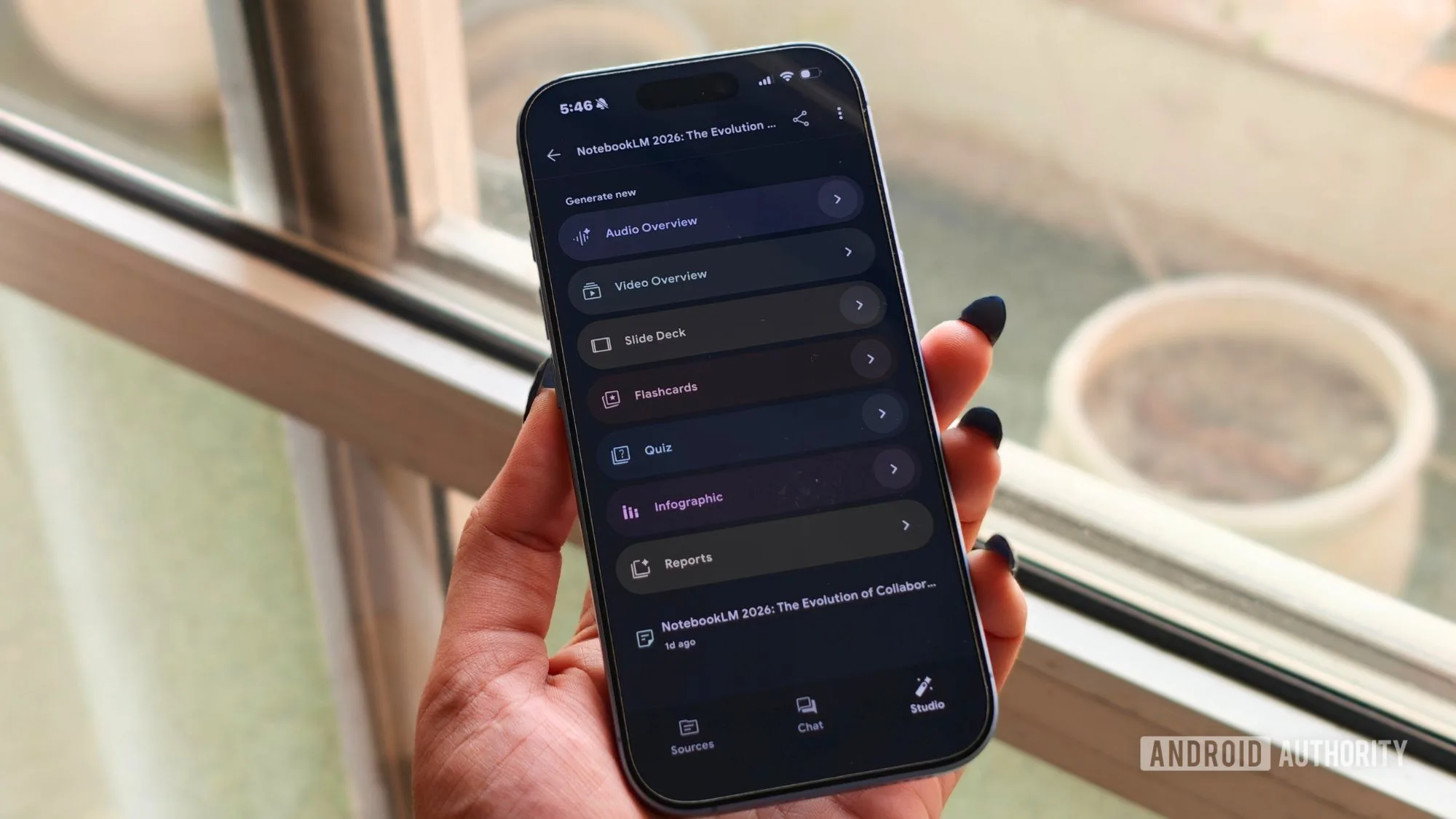
One of the persistent frustrations with earlier versions of NotebookLM was the sense of being trapped inside it. Research is rarely a single-tool activity. Writers want a Word document. Analysts want a spreadsheet. Anyone presenting to a client wants a proper slide deck. The previous export limitations meant a lot of manual copying and reformatting — exactly the kind of friction that discourages adoption for serious professional use.
The NotebookLM update addresses this directly with expanded export options. Word documents, spreadsheets, PDFs, presentation files — your work can now move with you. It sounds basic, and honestly, it should have been there earlier. But the fact that it’s here now matters, because it removes the last significant practical barrier to using NotebookLM as a genuine centrepiece of a research or content workflow rather than an interesting side tool you occasionally check in on.
What This Means for AI Research Tools Broadly
Google has been in an unusual position with NotebookLM. The product has a genuinely devoted user base — researchers, students, journalists, and knowledge workers who rely on it heavily — but it has never quite broken through to mainstream visibility the way ChatGPT or even Google’s own Gemini app have. This NotebookLM update feels like a deliberate push to change that.
The direction is clear: away from the generic AI assistant model and toward a specialised research and knowledge-management tool that earns trust through accuracy and tight source-grounding rather than broad capability claims. That’s a defensible and increasingly important niche. As AI fatigue grows and users become more discerning about when and why they trust a model’s output, tools that can demonstrate they’re working from verified, user-supplied sources will have a real advantage over those that can’t.
The AI research tool space is crowding up fast — Perplexity, Microsoft Copilot, and a dozen well-funded startups are all competing for the same professional users. Google’s bet with NotebookLM seems to be that specificity beats breadth. If this latest NotebookLM update is any indication, that bet is looking smarter than it did a year ago.
Frequently Asked Questions
What’s new in the latest NotebookLM update?
The latest NotebookLM update adds Gemini-powered source discovery mid-conversation, improved large-document navigation that surfaces specific passages on demand, new presentation generation tools, and broader export options including Word, PDF, and spreadsheet formats.
How accurate is NotebookLM when analysing uploaded documents?
Based on hands-on testing with lengthy documents like full psychology theses, NotebookLM consistently returned accurate, well-sourced answers. Users still recommend spot-checking responses, but the tool showed notably fewer hallucinations than general-purpose AI chatbots.
Can NotebookLM create presentations from data?
Yes. You can upload spreadsheets or paste raw metrics, give NotebookLM a prompt describing the story you want the data to tell, and it generates a structured slide deck. Finished decks can be exported as a presentation or PDF, ready to share or lightly edited.
Does NotebookLM work well for professional research?
It’s increasingly capable for professional use. The updated tool can handle dense source material, identify trends in data, and synthesise findings across multiple documents — making it useful for marketers, researchers, and writers who regularly process large volumes of information.

