

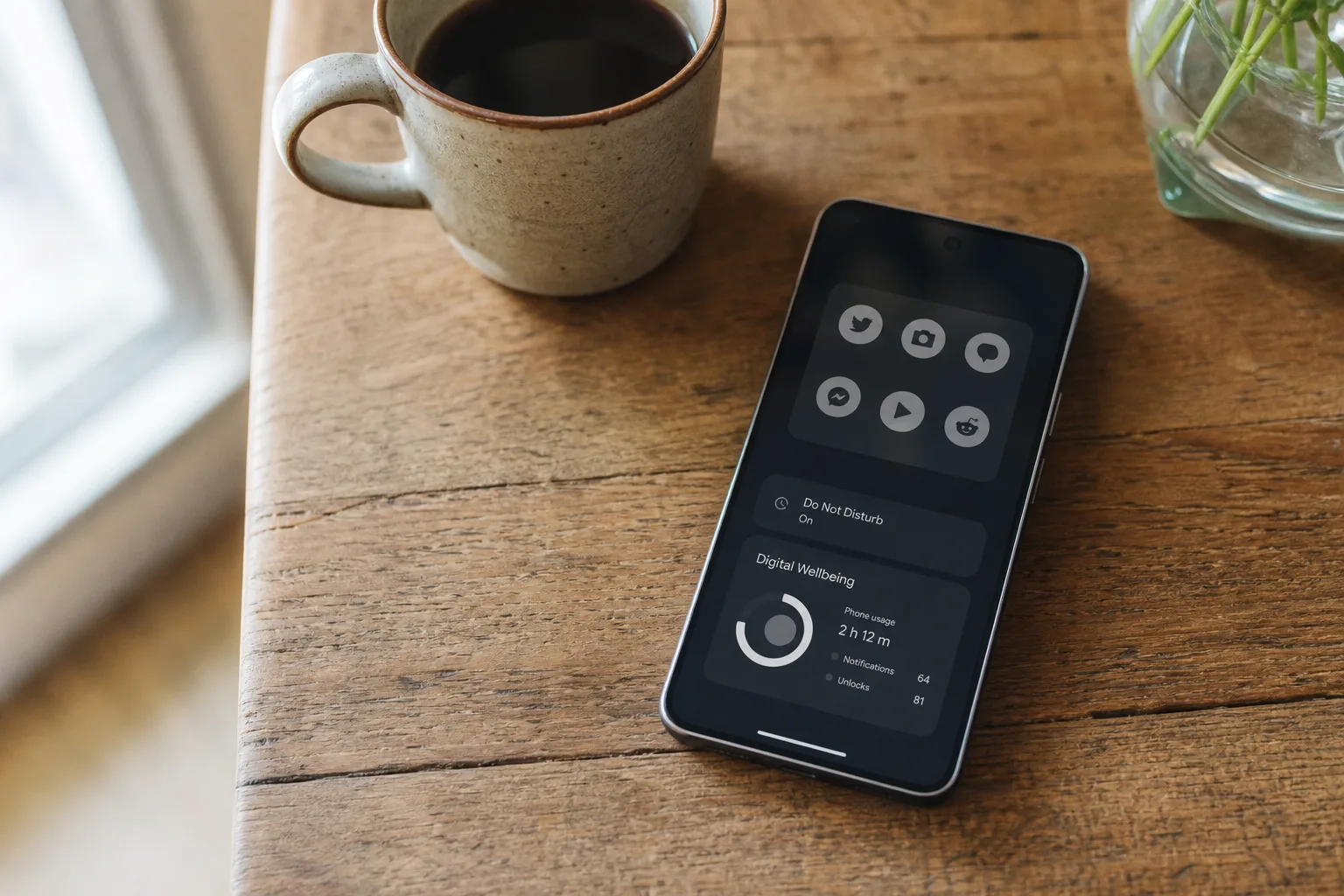
- Android Pause Point will add a deliberate delay before distracting apps open, though Google says it is arriving later this year.
- You can approximate Android Pause Point now by hiding app shortcuts, silencing alerts, and scheduling Android Focus mode.
- Third-party apps such as One Sec and ScrollGuard add stronger obstacles for compulsive opening and endless short-video feeds.
- The best screen-time controls create small inconveniences before a habit starts rather than relying on willpower after scrolling begins.
Table of Contents
Android Pause Point targets the moment habits begin
The useful part of Android Pause Point isn’t the timer. Android already has timers. It’s the interruption placed before the feed loads and your thumb starts doing what it has apparently decided is a full-time job. Google’s upcoming Digital Wellbeing tool is built around a 10-second pause that asks users to consider why they opened an app in the first place.
That sounds almost comically modest. Ten seconds? But that is the point. Most compulsive checking isn’t a considered choice; it is muscle memory dressed up as a break. You unlock the phone to answer a message, then Instagram is open, then a Reel is playing, then 25 minutes have disappeared into the same digital sofa cushions where all our time seems to go.
Android Pause Point will arrive “later this year,” following Android 17’s June release for Pixel phones. The feature is expected to offer app-use limits and recommend other apps or activities during idle moments. Its toughest design choice may be the most sensible one: turning it off reportedly requires restarting the phone. That is a meaningful speed bump, not another warning you can dismiss while half-asleep.
Frankly, Google has needed to get more serious about this. Digital Wellbeing has long had the right intentions but often behaves like a polite museum guard asking a determined teenager not to touch the exhibit. A system that inserts friction before the habit takes hold is closer to how behavior-change research says these tools should work.
Until the feature lands, though, you do not need to wait for Android Pause Point to make your phone a little less eager to steal your attention.
Start by making distraction mildly inconvenient
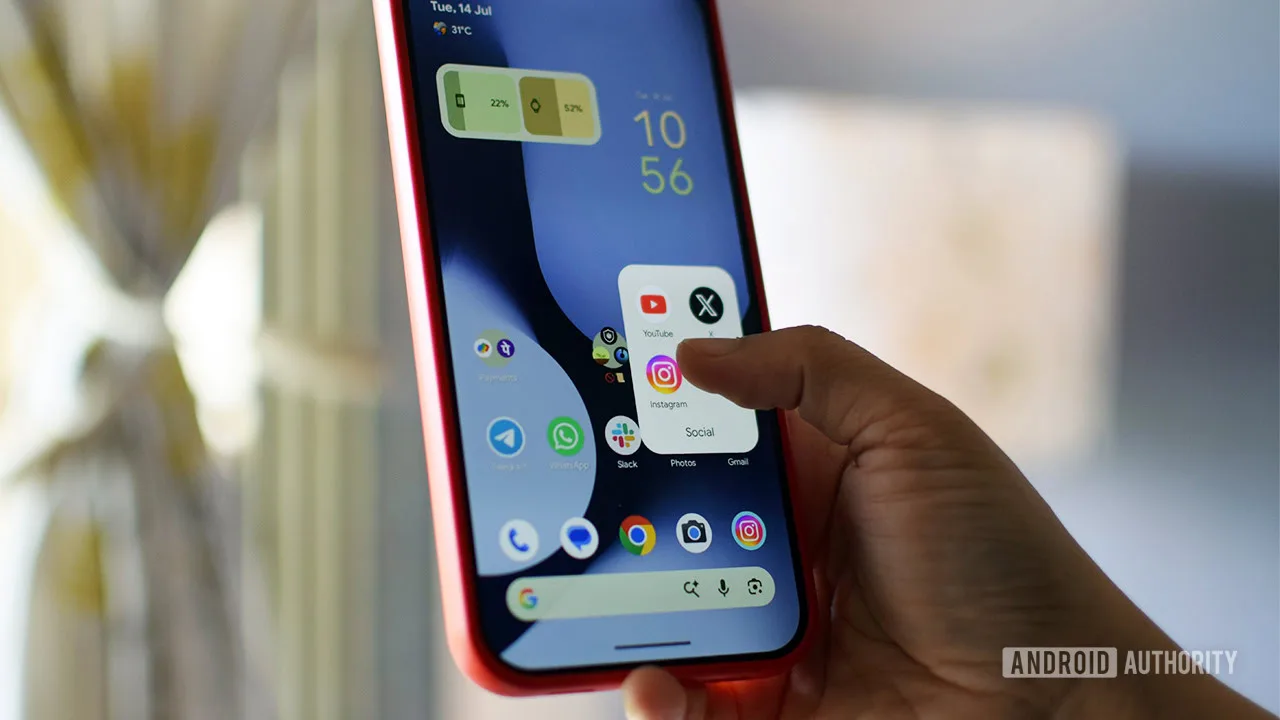
The simplest replacement for Android Pause Point is to stop putting the worst offenders directly under your thumb. Remove TikTok, Instagram, YouTube, X, Reddit, shopping apps, or whatever your personal time sink happens to be from the home screen. Do not uninstall them if you still genuinely use them; move them into a folder on a secondary page.
This is not a productivity influencer trick involving a color-coded life dashboard. It is basic friction. When an app is visible every time you unlock the phone, opening it requires virtually no decision. When it is buried in a folder, you have to perform a few extra deliberate actions. That tiny gap gives your original intention a chance to catch up.
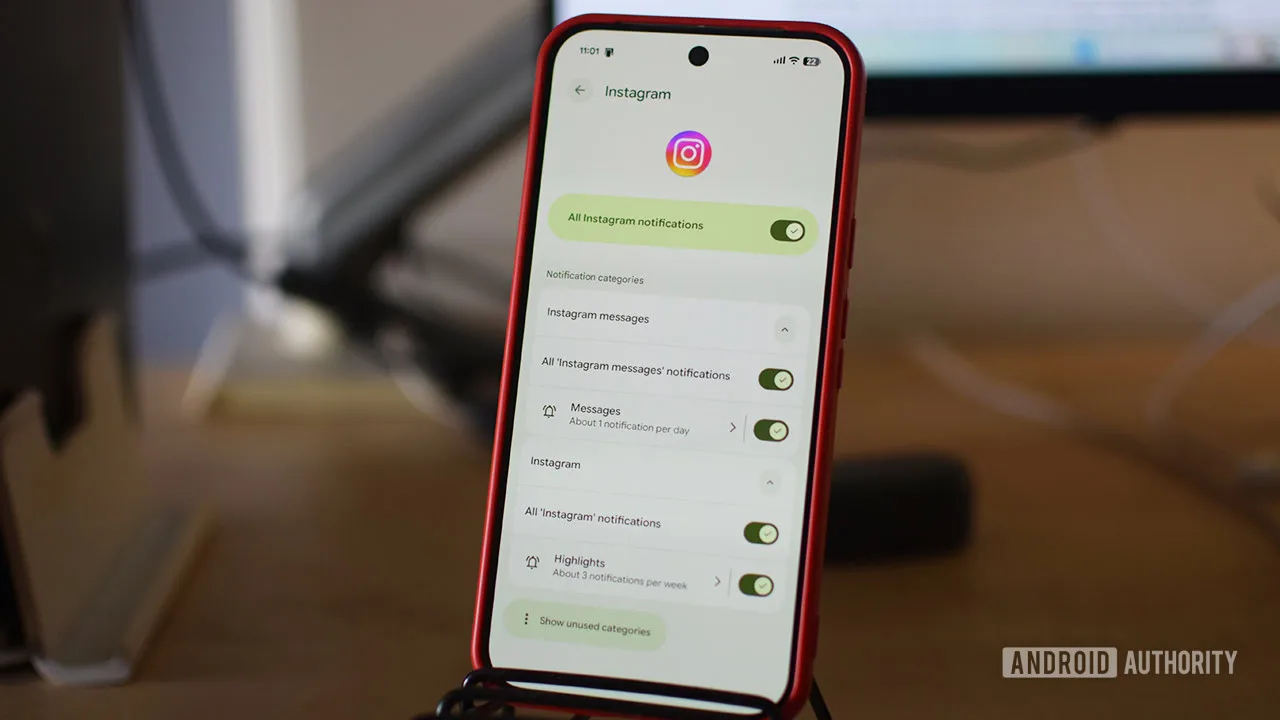
Notifications deserve the same treatment. Social apps train people to return with alerts that are rarely urgent: someone liked a post, a creator uploaded a clip, a stranger replied to a thread. Long-press an app icon, tap the information button, then open Notifications. Android lets you shut off every alert or selectively disable categories while keeping messages that matter.
Keep notifications for a partner, your child’s school, a work on-call system, or a delivery that actually needs a response. The rest can wait. No one has ever missed a life-changing opportunity because they learned about a new Reel 40 minutes late.
Use Digital Wellbeing before Android Pause Point arrives
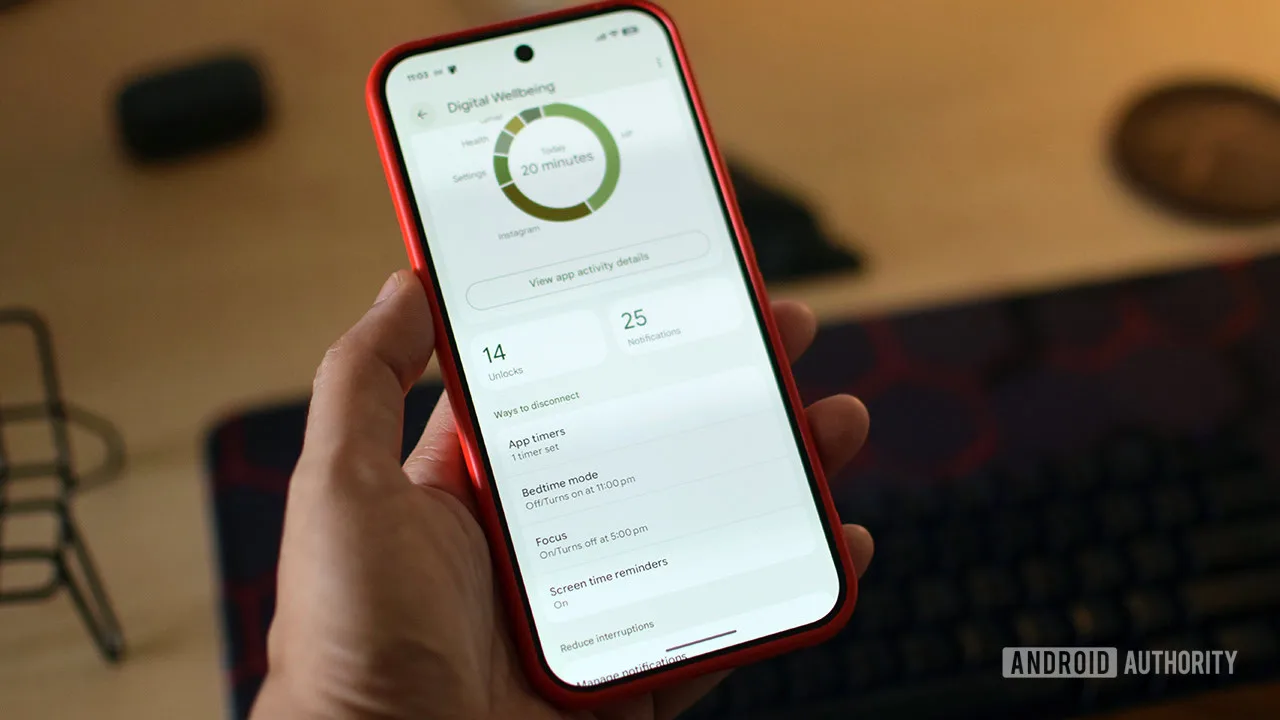
Android’s built-in Digital Wellbeing suite can already cover much of the practical ground around Android Pause Point, even if its guardrails are easier to bypass. Open Settings and search for Digital Wellbeing to find app timers, Focus mode, and screen-time reminders.
App timers are the blunt instrument. Set a daily limit for a chosen app and Android will gray it out once the time expires. The catch is obvious: the warning can be overridden. For someone who is honestly trying to cut a 90-minute scrolling habit to 30 minutes, that may be enough. For someone who reflexively hits “Unpause app,” it is more like putting a speed-limit sign in front of a race car.
Focus mode is better. It lets you pause a group of distracting apps at once and schedule the restriction around work hours, bedtime, school pickup, or whatever part of the day tends to dissolve into scrolling. You can leave weekends open if that suits your life. Android permits a five-minute temporary break, but permanently ending Focus mode requires going back to its settings.
Then there are screen-time reminders, the least forceful option but a decent first step. These show how long you have been in an app without blocking access. For many people, seeing that number is enough to puncture the illusion that they have merely been “checking something.”
The Digital Wellbeing hub lays out the basics. My read is that the company has historically put too much faith in users choosing restraint at exactly the moment the product is designed to suppress it. Android Pause Point appears to recognize the problem more directly.
When built-in limits are too easy to ignore
If Android’s controls feel too negotiable, third-party software can make the intervention more immediate. One Sec is the closest conceptual match to Android Pause Point: before a selected app opens, it asks you to breathe and choose whether to continue. It also tracks how often you tried to launch an app, which can be a bracing little reality check.
One Sec’s free tier monitors one app. Its Pro subscription, priced at $20 per year, expands monitoring and tracking features. That cost will not appeal to everyone, but a paid tool can be worthwhile if it changes a behavior that is genuinely bothering you. Think of it less as buying an app and more as paying for a lock on the snack cupboard.
For people stuck specifically on Instagram Reels or YouTube Shorts, ScrollGuard takes a more surgical approach. The app can block access to those short-video sections and place a black overlay over infinite-scroll areas. It is free, and it does not pretend the underlying platforms will suddenly act in your interest. That alone is refreshing.
None of these measures makes a phone dull, nor should they. The goal is to put choice back into the first few seconds of use. If Android Pause Point works as described, Google may finally have a Digital Wellbeing feature that understands the enemy is not screen time itself. It is the automatic handoff from intention to impulse. The real question is whether Google will make it available widely, or leave the best version of this idea as another Pixel privilege.
Frequently Asked Questions
What is Android Pause Point?
Android Pause Point is a forthcoming Digital Wellbeing feature that places a 10-second reflection period before selected apps open. It is intended to interrupt automatic app launches, can include usage limits and alternative activity suggestions, and reportedly requires a phone restart to disable.
When will Android Pause Point be available?
Pause Point is said to arrive later in 2026. It could arrive in an upcoming Pixel Drop or closer to the end of the year, but there is no confirmed public release date yet.
Does Focus mode block apps on Android?
Focus mode pauses the apps you select during a schedule or whenever you turn it on manually. Android offers a temporary five-minute break when you need access, while fully disabling the restriction requires returning to Digital Wellbeing settings.

