

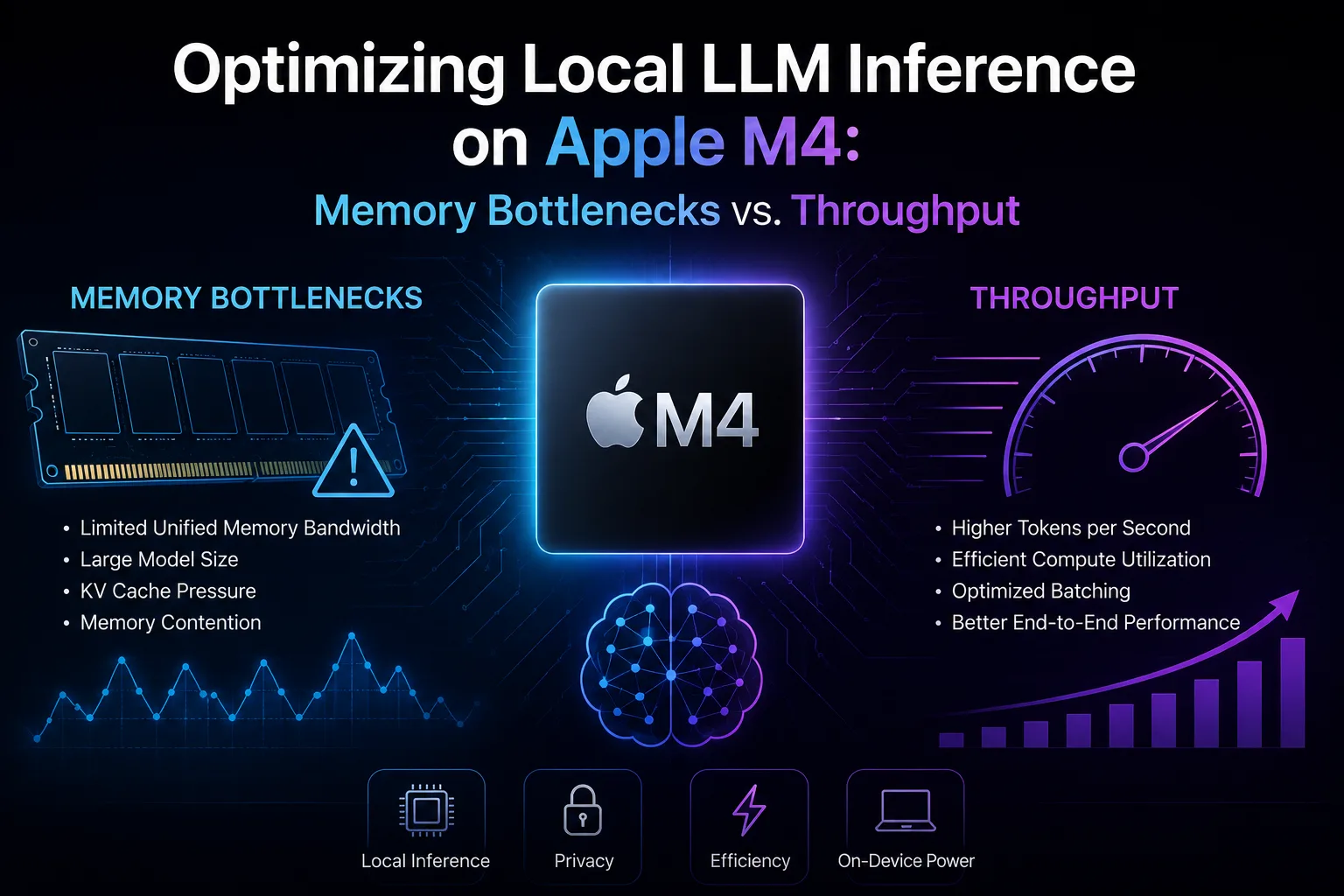
A Developer’s Guide to Memory Mapping, Quantization, and the Unified Memory Architecture while using local LLM inference on Apple M4.
This guide reflects the state of Apple Silicon local LLM inference tooling as of mid-2026. The MLX project and llama.cpp both evolve rapidly; check release notes for any feature flags mentioned above before relying on them in production. Benchmark numbers are representative ranges; your hardware, thermal environment, and workload will produce different absolute values, but the relative ordering should hold.
Table of Contents
Introduction
The promise of running enterprise-grade language models on a laptop has shifted from science fiction to engineering reality, and Apple’s M4 family of chips is at the center of that shift. With unified memory configurations reaching 128 GB on the M4 Max and a redesigned Neural Engine pushing 38 TOPS, the M4 is — on paper — capable of serving 70B-parameter models locally without a discrete GPU.
In practice, developers hit a wall. Token generation stalls. Memory pressure spikes. Quantized local LLM models that “should fit” page to swap. The bottleneck is rarely raw compute — it’s memory bandwidth, allocation strategy, and how well your inference stack cooperates with Apple’s unified memory architecture (UMA).
This guide is a deep technical reference for engineers serving local LLM‘s on M4 hardware. We will cover the architectural realities of the chip, the math behind memory bottlenecks, the practical trade-offs between quantized and unquantized models, and concrete strategies — including memory-mapped weights — for squeezing maximum throughput out of consumer silicon.
Part 1: The M4 Architecture — What Actually Matters for Inference
1.1 Unified Memory Architecture (UMA), Briefly
On traditional discrete-GPU systems, model weights must be copied from system RAM across PCIe into VRAM before inference can begin. The PCIe bus becomes a hard ceiling: PCIe 4.0 x16 tops out around 32 GB/s, and every weight transfer competes with other traffic.
The M4’s UMA eliminates that copy. CPU cores, GPU cores, and the Neural Engine share a single pool of LPDDR5X memory through a high-bandwidth fabric. For local LLM inference, this has three direct consequences:
- No host-to-device transfer cost. Weights loaded into RAM are immediately addressable by the GPU.
- Memory is the system’s most contested resource. When inference starts pulling tens of gigabytes per second, every other process on the machine feels it.
- Bandwidth, not capacity, is the typical bottleneck. A 70B model may fit in 128 GB, but whether it generates 5 tokens/second or 25 depends almost entirely on memory bandwidth.
1.2 The Bandwidth Numbers That Matter
The M4 family ships with substantially different bandwidth tiers:
| Chip | Max Unified Memory | Memory Bandwidth | Typical Workload Ceiling |
|---|---|---|---|
| M4 | 32 GB | ~120 GB/s | 7B–13B quantized |
| M4 Pro | 64 GB | ~273 GB/s | 30B quantized, 13B FP16 |
| M4 Max | 128 GB | ~546 GB/s | 70B quantized, 30B FP16 |
Note the spread: a base M4 has roughly one-fifth the memory bandwidth of an M4 Max. This is not a marketing gradient — it is the single most predictive number for inference throughput. The reason is the fundamental math of autoregressive generation, which we’ll cover next.
1.3 GPU Cores and the Neural Engine
The M4’s GPU implements hardware ray tracing and a redesigned shader core, but for LLM inference what matters is its ability to perform dense matrix-vector multiplications efficiently and its access to the unified memory fabric. Apple’s MLX framework and Metal Performance Shaders (MPS) are the primary paths to using it.
The Neural Engine (ANE) is more nuanced. It delivers high TOPS on INT8 and FP16 workloads, but it is optimized for small-batch, low-latency inference of CoreML-converted models — not for the general-purpose tensor operations that frameworks like llama.cpp or MLX perform. For most local LLM workloads, the GPU is where inference actually runs; the ANE is largely idle.
Part 2: Why Memory Bandwidth Dominates Token Generation
2.1 The Math of Autoregressive Inference
LLM inference has two distinct phases with very different performance profiles:
Prefill (prompt processing). The model processes the entire input prompt in parallel. This phase is compute-bound on most hardware — it’s a large batched matrix multiplication, and the GPU has work to keep its execution units busy.
Decode (token-by-token generation). Each new token requires reading the entire model’s weights from memory to compute one forward pass for a single token. This is overwhelmingly memory-bound. The GPU is mostly waiting on memory.
For decode, throughput in tokens per second is approximately:
tokens/sec ≈ memory_bandwidth / model_size_in_bytes
Worked example for a 13B parameter model at FP16 (roughly 26 GB of weights):
- On a base M4 (120 GB/s): 120 / 26 ≈ 4.6 tokens/sec ceiling
- On an M4 Pro (273 GB/s): 273 / 26 ≈ 10.5 tokens/sec ceiling
- On an M4 Max (546 GB/s): 546 / 26 ≈ 21 tokens/sec ceiling
These are theoretical ceilings; real-world numbers land at roughly 70–85% of this due to attention overhead, KV-cache reads, and framework inefficiency. The point is simple: throughput scales linearly with bandwidth, and the only way to break out of this scaling is to make the model smaller in memory.
2.2 The KV-Cache Surcharge
The formula above assumes you only read model weights. In reality, every generated token also reads from the KV-cache — the stored keys and values from all previous tokens in the context window. At long context lengths, KV-cache reads become a significant fraction of memory traffic.
For a 13B model at 8K context, the KV-cache can occupy 4–8 GB on its own, and reading it consumes bandwidth that competes directly with weight reads. This is why throughput drops noticeably as context fills — and why long-context workloads benefit disproportionately from KV-cache quantization (more on this later).
Part 3: Quantized vs. Unquantized — The Core Trade-Off
3.1 What Quantization Actually Does
Quantization reduces the numerical precision of model weights. A weight stored in FP16 occupies 2 bytes; the same weight in Q4 occupies roughly 0.5 bytes — a 4× reduction in memory footprint and a 4× reduction in bytes-per-token that need to flow through the memory subsystem.
Because decode throughput is bandwidth-limited, that 4× reduction translates almost directly into a 4× throughput increase. This is the single most important lever available to a developer on M4 hardware.
3.2 Common Quantization Schemes
| Scheme | Bits/Weight | Footprint vs FP16 | Quality Impact | Typical Use |
|---|---|---|---|---|
| FP16 | 16 | 1.0× | Baseline | Reference / research |
| Q8_0 | 8 | 0.5× | Negligible | Quality-sensitive prod |
| Q6_K | ~6.5 | ~0.4× | Very small | Balanced default |
| Q5_K_M | ~5.5 | ~0.34× | Small | Most users |
| Q4_K_M | ~4.5 | ~0.28× | Small-moderate | Memory-constrained |
| Q3_K_M | ~3.5 | ~0.22× | Noticeable | Tight memory only |
| Q2_K | ~2.6 | ~0.16× | Significant degradation | Last resort |
The _K variants use k-quants, a block-wise scheme developed for llama.cpp that allocates more bits to perceptually important weights. _M (medium) is the standard balance; _S (small) and _L (large) trade quality against size.
3.3 Benchmark: Llama 3.1 70B Across Quantization Levels on M4 Max
The following numbers reflect typical observed performance running Llama 3.1 70B on an M4 Max with 128 GB unified memory under llama.cpp. They are representative ranges drawn from community benchmarks rather than a single controlled run; treat them as orientation, not precise measurements.
| Quantization | Footprint | Decode tok/s | Quality (MMLU rough) | Fits in RAM? |
|---|---|---|---|---|
| FP16 | ~140 GB | N/A | 86.0 | No (swap) |
| Q8_0 | ~75 GB | 6–8 | 85.9 | Yes, tight |
| Q6_K | ~58 GB | 8–10 | 85.7 | Yes |
| Q5_K_M | ~50 GB | 10–12 | 85.3 | Yes |
| Q4_K_M | ~42 GB | 12–15 | 84.5 | Comfortably |
| Q3_K_M | ~34 GB | 15–18 | 82.1 | Yes |
The pattern is consistent: each step down in precision yields a near-proportional throughput gain, with quality holding remarkably well down to Q4_K_M. Below Q4, quality degradation accelerates and the trade-off stops being favorable for most production workloads.
3.4 When Unquantized Models Still Win
There are workloads where FP16 (or BF16) is genuinely worth its footprint:
- Fine-tuning and LoRA training. Quantized weights are not generally trainable without specialized techniques (QLoRA, etc.), and even then the base must be dequantized at compute time.
- Embedding models and re-rankers. These often run at small enough sizes (1–7B) that bandwidth pressure is minimal, and even small quality differences matter.
- Research reproducibility. When you need to match a paper’s numbers exactly.
- Speculative decoding draft models. A small FP16 draft model can sometimes outperform a quantized equivalent in the speculative-decoding pipeline.
For everything else — and especially for chat, code generation, and agentic workloads on consumer hardware — Q4_K_M to Q6_K is the practical sweet spot.
Part 4: Memory Mapping — The Underdiscussed Lever
4.1 What mmap Does and Why It Matters on UMA
Memory-mapped I/O (mmap) tells the kernel to map a file directly into the process’s virtual address space without first reading it into a buffer. Pages are loaded on demand as the process touches them, and the kernel manages eviction under memory pressure.
For local LLM inference, mmap’d weights have three practical advantages on M4 systems:
- Lazy loading. The model file does not need to be fully read into RAM before inference begins. Startup is near-instant, and only weights actually used by the first forward pass are paged in.
- Cross-process sharing. Multiple inference processes mmapping the same model file share physical pages. This is a real win if you’re running, say, an embedding server and a chat model simultaneously.
- OS-managed pressure relief. Under memory pressure, the kernel can evict mmap’d pages back to the file without writing to swap, because the file is the backing store.
4.2 The Catch on Apple Silicon
There are two important caveats specific to Apple Silicon and macOS:
Swap behavior. macOS aggressively compresses memory and uses SSD-backed swap. If your mmap’d model exceeds available physical memory, page faults during decode become catastrophic — every forward pass requires re-reading evicted weights from disk. A model that “just barely fits” with mmap will run dramatically slower than one that comfortably fits. The rule of thumb: keep total local LLM model footprint plus KV-cache plus working set under 70% of physical RAM.
Wired vs. file-backed memory. Some frameworks (notably MLX in certain configurations) prefer to mark model weights as wired memory — pinned to physical RAM and ineligible for eviction. This guarantees no page faults but eliminates the cross-process sharing benefit and starves other applications of RAM. llama.cpp’s --mlock flag is the equivalent. Use it only when you know the model fits comfortably.
4.3 Practical mmap Configuration
For llama.cpp on M4:
# Default: mmap on, mlock off — best general-purpose choice
./llama-server -m model.gguf

# Memory-constrained: explicitly enable mmap, allow eviction
./llama-server -m model.gguf --mmap

# Performance-critical: lock weights in RAM (use only if model fits comfortably)
./llama-server -m model.gguf --mlock

# Disable mmap (rarely useful; mostly for debugging or specific edge cases)
./llama-server -m model.gguf --no-mmap
For MLX:
import mlx.core as mx
from mlx_lm import load

# MLX's load() uses mmap-style lazy loading by default for safetensors
model, tokenizer = load("mlx-community/Llama-3.1-8B-Instruct-4bit")

# Force materialization if you want to avoid mid-inference page faults
mx.eval(model.parameters())
Part 5: Framework Selection — llama.cpp vs. MLX vs. Ollama
The three dominant local LLM inference stacks on M4 each make different trade-offs.
llama.cpp is the most mature, supports the widest range of quantization formats (GGUF), and has the best low-level controls (mmap, mlock, NUMA hints, thread pinning). It uses Metal for GPU acceleration on Apple Silicon. Throughput is competitive and often best-in-class for quantized inference. The downside is that the API surface is C/C++ and the Python bindings (llama-cpp-python) lag the core project.
MLX is Apple’s own array framework, designed specifically for Apple Silicon. It has tight integration with the unified memory model, excellent Python ergonomics, and is the right choice for research workloads, fine-tuning, and anything where you want to write custom model code for local LLM. For pure inference of standard architectures, it’s roughly on par with llama.cpp in throughput; for novel architectures or training, it’s the clear winner.
Ollama wraps llama.cpp with a server, a model registry, and a simpler UX. Performance is essentially identical to llama.cpp because it is llama.cpp under the hood. Use it when you want zero configuration; use llama.cpp directly when you want to tune.
A simple decision tree: prototyping or research → MLX. Production inference of standard models → llama.cpp. Quick local demos and switching between many models → Ollama.
Part 6: Practical Optimization Checklist for Local LLM
If you are trying to maximize tokens/sec on M4 hardware, work through this list in order. The early items have the largest impact.
- Pick the right quantization. Start at Q4_K_M for chat, Q6_K for code generation, Q8_0 only if you have specific quality requirements. Never run FP16 for inference unless you have a research reason.
- Match model size to bandwidth tier. On a base M4, 7B is the sweet spot. On M4 Pro, 13B–30B. On M4 Max, up to 70B. Trying to run an oversized model with swap will always lose to a smaller model that fits comfortably.
- Keep total memory pressure under 70% of physical RAM. Account for model weights, KV-cache, framework overhead, and the rest of your system. Use
vm_statand Activity Monitor to verify. - Quantize the KV-cache for long contexts. llama.cpp supports
--cache-type-k q8_0 --cache-type-v q8_0, which halves KV-cache bandwidth at minimal quality cost — significant for 8K+ contexts. - Enable flash attention (
--flash-attn). It reduces KV-cache memory traffic and improves long-context throughput on Metal. - Tune thread count. For llama.cpp,
-tshould typically match performance core count, not total core count. On an M4 Max with 12 P-cores,-t 12. More threads cause contention on the memory fabric. - Use mmap by default; use mlock only when the model comfortably fits. Don’t reflexively enable
--mlock; it can hurt more than it helps. - Consider speculative decoding for production workloads where a small draft model can predict tokens that the large model verifies in parallel. Done well, this delivers 1.5–2.5× throughput gains essentially for free.
- Disable Spotlight indexing on model directories. macOS will happily try to index multi-gigabyte GGUF files, evicting them from page cache repeatedly.
- Close memory-hungry applications. Browsers, especially. A single Chrome window with thirty tabs can consume 8 GB of memory you’d rather give to the model.
Part 7: A Worked Example — Serving Llama 3.1 8B on an M4 with 16 GB
Consider a developer with a base M4 MacBook Air, 16 GB unified memory, 120 GB/s bandwidth, wanting to serve Llama 3.1 8B for a local coding assistant.
Footprint math:
- Q4_K_M weights: ~4.9 GB
- KV-cache at 8K context, Q8 quantized: ~1 GB
- Framework overhead: ~0.5 GB
- Total inference footprint: ~6.4 GB
That leaves nearly 10 GB for the OS and other applications — comfortable.
Throughput estimate:
- 120 GB/s ÷ 4.9 GB ≈ 24.5 tok/s ceiling
- Realistic decode rate: 18–22 tok/s
Configuration:
./llama-server \
  -m llama-3.1-8b-instruct-q4_k_m.gguf \
  -c 8192 \
  -t 4 \
  --flash-attn \
  --cache-type-k q8_0 \
  --cache-type-v q8_0 \
  --mmap \
  --port 8080
This is a configuration that runs comfortably on a four-year-old budget Apple laptop, delivers near-instant first-token latency, and generates code at a rate that genuinely keeps up with reading speed. That is the practical promise of M4 inference, and it’s reachable with disciplined configuration.
Conclusion
The M4 is not a magic chip that ignores the laws of memory bandwidth — it’s a chip that gives you direct, uncontested access to bandwidth that was previously locked behind PCIe transfers and discrete-GPU VRAM. The engineering question is no longer whether you can run a 70B model on a laptop. It’s how efficiently you can match model footprint, quantization scheme, and memory configuration to the bandwidth you actually have.
The developers who get the most out of this hardware treat it as a memory-systems problem first and a compute problem second. They pick quantization aggressively, respect the 70% memory rule, use mmap by default, and reserve mlock and FP16 for the specific cases where they’re justified. Do that, and you get production-quality inference on consumer silicon. Skip it, and you get a very expensive space heater running at 4 tokens per second.

