

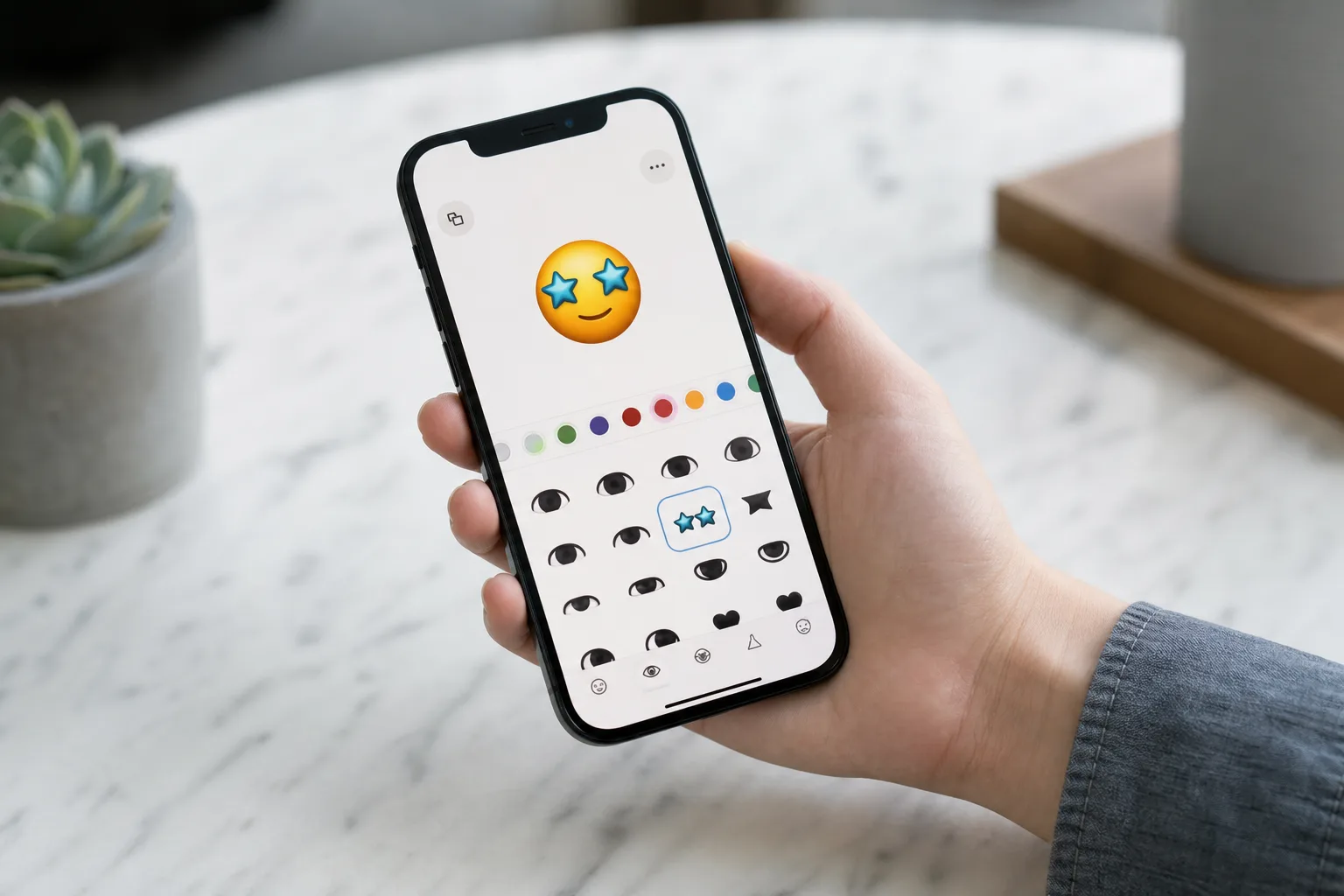
- Genmoji iOS 27 introduces an iterative editing interface so users can refine results without starting from scratch.
- The Genmoji iOS 27 update was spotted in developer builds by MacRumors, not officially detailed at WWDC.
- New style options include sketch and drawing modes alongside the default 3D cartoon look.
- Apple says improved Genmoji quality is coming this fall as part of its broader Apple Intelligence rollout.
Table of Contents
Genmoji iOS 27 Quietly Gets One of Its Best Upgrades
Apple’s WWDC presentations tend to be a showcase for the big-ticket items — new OS names, AI integrations, hardware teasers. But sometimes the most genuinely useful improvements slip through in the fine print. Genmoji iOS 27 is exactly that kind of upgrade: low-key in Apple’s announcements, but meaningful for anyone who’s spent time wrestling with the current emoji generator and its frustrating lack of control.
The update was surfaced by MacRumors, which dug into the iOS 27 developer build and found a substantially reworked Genmoji creation experience that Apple barely mentioned on stage. The single acknowledgment Apple did give it? A line tucked into its Apple Intelligence reveal: “Genmoji quality is even better and allows users to describe the changes they want to make.” That’s it. No demo reel, no slide, no Craig Federighi holding up a cartoon corgi.

The Problem With the Current Genmoji Creator
To understand why the Genmoji iOS 27 changes matter, it helps to know what’s broken about the existing tool. Right now, if you type a prompt and the output isn’t quite right — wrong color, missing detail, slightly off vibe — your only option is to start completely over with a new prompt and hope for the better. It’s a blunt instrument for something that’s supposed to feel personal and expressive.
That’s a real usability gap. Generative image tools across the industry — from Adobe Firefly to Midjourney to DALL-E — have spent the last two years building out iterative refinement workflows precisely because users don’t always nail their vision in one shot. Apple was notably behind on this front, and it shows in how often Genmoji results feel close but not quite right.
What’s Actually Changing: The ‘Describe a Change’ Interface
The headline addition in Genmoji iOS 27 is a new ‘Describe a change’ interface. After generating an initial emoji, you can type a follow-up prompt to modify specific elements — without scrapping the whole thing and beginning again. MacRumors demonstrated this with a practical example: a user generated a kitten holding an umbrella, then asked the system to make it a calico cat instead of an orange one. The creator made the adjustment while keeping everything else intact.
That sounds simple, but it’s a fundamentally different mental model for using the tool. Instead of treating each Genmoji as a lottery ticket — generate and hope — you’re now working collaboratively with the system, nudging it toward what you actually want. It’s the same shift that made tools like ChatGPT feel more useful than earlier AI interfaces: the ability to iterate rather than restart.

The starting points for creation are also expanding. You’ll be able to kick off a new Genmoji from an existing standard emoji, a photo from your library, a person you’ve tagged in your gallery, or a written text prompt. That last option was already available, but the addition of photo and person-based generation gives the tool a much stronger use case — personalised emoji based on real faces or real images feel more tied to your actual life than a generic cartoon generated from scratch.
New Art Styles and More Consistent Output
Beyond the editing workflow, the Genmoji iOS 27 update also takes aim at output quality and visual variety. The default style is described as a cute 3D cartoon — broadly similar to what Apple’s been producing since Genmoji launched — but the new creator generates that style more consistently, which addresses a common complaint that results could feel wildly variable even for similar prompts.
More interesting are the new style options. Users will reportedly be able to switch to styles that look like drawings or sketches, which opens up different aesthetic territory. Whether Apple expands that list further by the time iOS 27 ships publicly remains to be seen, but offering even a handful of visual styles makes Genmoji considerably more flexible as a creative tool. Someone who wants something that looks hand-drawn for a message is very different from someone who wants a polished 3D cartoon — and it’s good that Apple is starting to acknowledge that distinction.
What This Tells Us About Apple Intelligence’s Direction
Apple announced a wave of Apple Intelligence improvements at WWDC 2025, but the Genmoji iOS 27 changes are a useful lens for understanding how the company approaches on-device generative AI features differently from competitors. Apple isn’t racing to ship the most powerful model — it’s trying to make AI tools feel natural and integrated into the workflows people already use on their iPhones.
Genmoji is a relatively low-stakes feature in the grand scheme of Apple Intelligence, but it’s one that a huge number of iPhone users actually interact with. Getting it right — making it feel less like a slot machine and more like a real creative tool — matters more than it might appear on a spec sheet. The iterative editing approach Apple is building here echoes what it’s doing across other Apple Intelligence features: keeping the human in the loop rather than treating AI output as final.
The full iOS 27 rollout, including the improved Genmoji creator, is expected this fall. Apple has a habit of refining features between developer previews and public release, so the exact interface may shift before it reaches your iPhone. But the direction is clear — and it’s a meaningful step forward for a feature that, until now, felt like it was just getting started.

